
 By Bogdan Rancea
HubSpot Service Hub is the best service software for small businesses that need CRM, marketing, and support in one platform. Zendesk leads for high-volume pure support, while Gorgias is the strongest choice for ecommerce stores.
Every business owner remembers the moment they realize their support stack is actually costing them sales. Usually, it’s not even just because of angry customers, but because replies took too long, agents couldn’t see order history, and nothing talked to our CRM software. So instead of solving tickets, you spend all your time solving tool breakdowns.
That’s why, I started testing platforms with the mindset of a merchant, not a marketer. Could it pull an order ID into a ticket without copy-paste?
Can it trigger a refund tag, auto-detect a delivery complaint, or surface past purchases mid-chat? Most tools claim they can. Few actually deliver without duct tape.
HubSpot was the first system I tested that gives support agents the same structured data the marketing team gets, but I found a few other great systems worth mentioning too. Here’s how they all stack up.
Best Service Software for Small Businesses Quick Comparison
Best Service Software for Small Businesses Quick Comparison
| Software | Best For | 2026 Standout Update / Edge | Price From |
|---|---|---|---|
| HubSpot Service Hub | All-in-one service + CRM | 200+ Spring ‘25 upgrades, Breeze AI, Data Hub, Smart CRM improvements | Free |
| Zendesk | High-volume support teams | Expanded AI + voice, 1,000+ marketplace integrations | ~$19/user |
| Freshdesk | Fast AI help desks | UI refinements, structured data upgrades, expanded Freddy AI | Free |
| Zoho Desk | Value + automation | Zia + Asha AI, social DM ticketing, multi-brand SLAs | Free |
| Hiver | Gmail-native support | Tighter Google Workspace integration, smarter shared inbox tools | ~$19/user |
| Help Scout | Human-first support | More conversational UX, less “ticket-like” messaging | ~$20/user |
| Gorgias | Ecommerce support + support revenue | AI Agent 2.0, cart-aware replies, product recommendations, revenue tracking | $10–$900 |
| Pipedrive | Sales-led support | Upgraded Cases view for service inside CRM, smoother pipelines | ~$14/user |
The Best Service Software for Small Companies: Hands-On Tests
Every tool below was tested like a system we’d actually deploy in a lean ecommerce operation. I pushed live chat, triggered automations, stressed SLAs, routed refunds, and checked whether support actually felt smarter.
1. HubSpot Service Hub: Unified Support, CRM & Automation
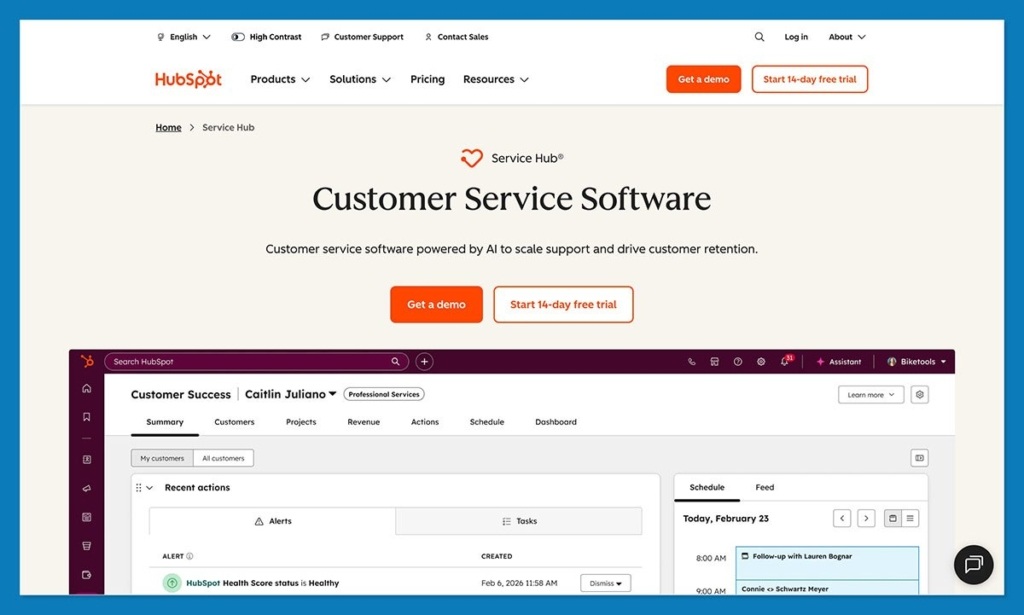
You know when support feels like an air-traffic control problem? Too many messages, not enough runways, zero context, planes landing wherever they want. That’s basically what HubSpot fixes.
Most help desks bolt onto your business like an afterthought. HubSpot tries the opposite. It assumes support should know things like who the customer is, what they bought, when they last complained, whether they’re a churn risk, and which campaign got them there in the first place. It’s built on the same skeleton as HubSpot CRM, so service isn’t an information island.
Does it do the basic stuff? Of course. Tickets, live chat, a shared inbox. But the actual unlock is context. A refund request doesn’t show up as a cry for help from a stranger. It shows up with an order history, a value score, past comms, and a timeline that makes sense. That alone cuts reply time more than most automation ever will.
Key Features
- Shared inbox that ties to customer records in HubSpot CRM
- Tickets + pipelines to track resolution stages
- Live chat + chatbots
- SLAs and SLA breach warnings
- Help center/knowledge base
- Breeze AI for summaries and response scaffolding
- Data Hub for dedupe and data cleanup
- Reporting dashboards that pull service + CRM insight
- Native hooks into inbound marketing and sales automation
Note: Some features listed require a paid Service Hub plan.
Pros
- Support sees customer + order + marketing history in one place
- Less hopping between tools, tabs, and browser archaeology
- Grows with you instead of forcing a replatform at 12 months
- Automation feels practical, not theoretical
- Actually useful and customizable AI tools
Cons
- If you want a tiny, stand-alone help desk, it’s bigger than that
- Some genuinely great service features sit in paid tiers
2. Zendesk: The Ticketing Powerhouse
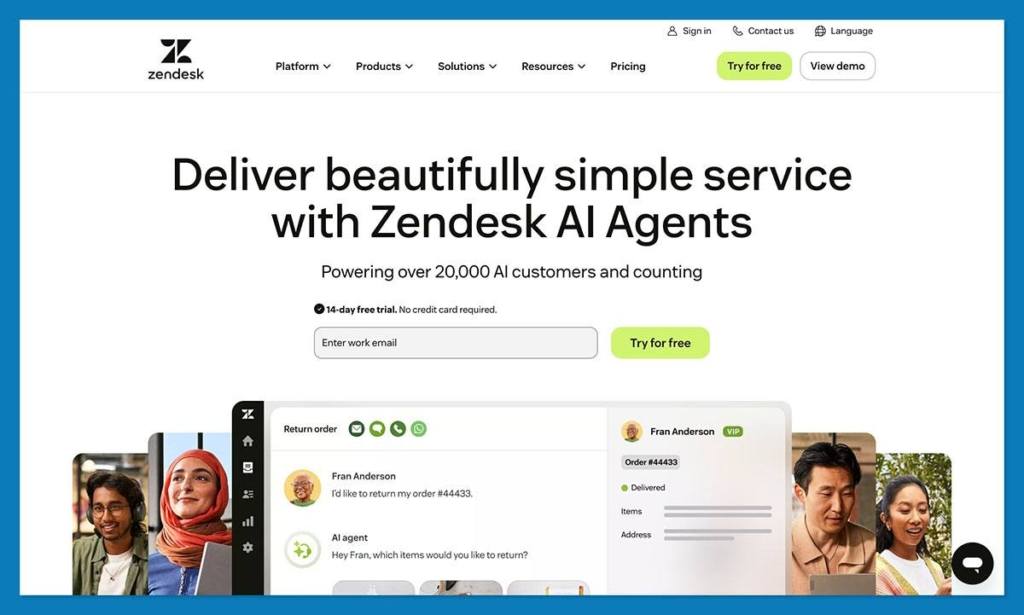
Zendesk feels like the tool you graduate into when your support inbox becomes a full-time job and a part-time villain. It’s built for scale, queues, and escalation paths. It assumes you’re not just answering customers, you’re orchestrating them.
Where HubSpot tries to connect the business, Zendesk tries to tame the madness. It’s unapologetically a help desk first. It loves tickets, rules, routing, triggers, automations, SLAs, queue views, and every possible lever for controlling volume. If support is your entire world, Zendesk is your command center.
Where it gets tricky is customization. You can bend it into almost any workflow. The trade-off? You will spend time bending it.
Key Features
- Ticketing across email, chat, voice, and socials
- Macros, triggers, automations, and routing rules
- SLA policies with breach alerts
- 1,000+ app marketplace connections
- AI-powered ticket triage and summaries
- Deep analytics and performance dashboards
Pros
- Built for high-volume support
- Insanely customizable
- Best-in-class SLA and queue tooling
Cons
- Setup isn’t “fast,” it’s “strategic”
- Costs climb with agents and add-ons
- Overkill if your queue isn’t chaotic yet
3. Freshdesk: Fast Setup + Smart AI
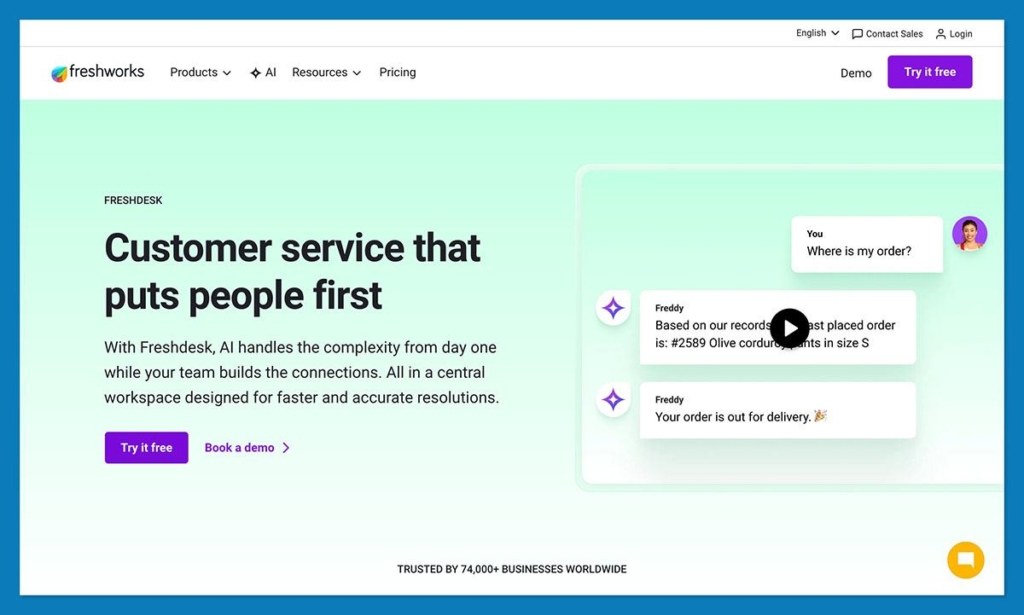
Freshdesk feels like it was made for small businesses that just want to keep things simple. It’s quick to get going, easy for small teams to understand, and doesn’t bury functionality in admin mazes.
It does tickets, routing, and SLAs without friction, but the real draw is how fast you get value. Freddy AI steps in for summarizing, suggesting replies, and spotting intent. It’s not perfect, but it’s useful in that “saves 12 seconds every ticket” way that quietly becomes hours every month.
Also unlike a lot of tools in this category, it doesn’t guilt-trip you with complexity. You can add channels, automations, collision detection, and canned replies without feeling like you need an IT course.
Key Features
- Multi-channel support (email, chat, social, voice)
- Freddy AI for intent detection + suggested responses
- Collision detection to stop double replies
- Automation for routing and escalation
- SLA policies and analytics dashboards
Pros
- Fastest setup in this weight class
- AI is genuinely helpful, not ornamental
- Strong feature set without steep learning curve
Cons
- Depth is good, but not “enterprise deep”
- Some analytics and automations need higher plans
4. Zoho Desk: Best Value with Context-Aware AI
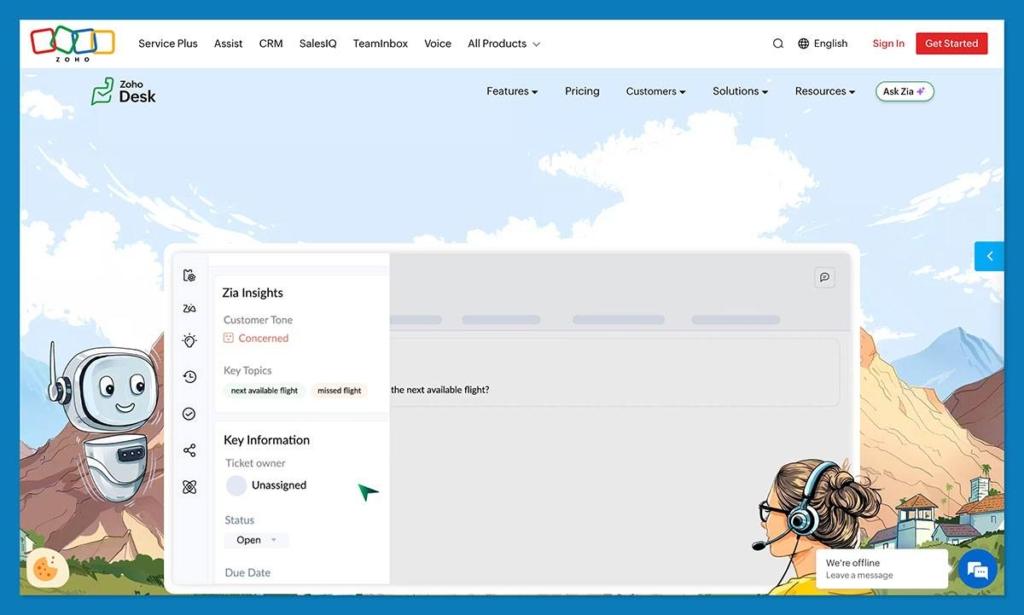
Zoho Desk is one of the few tools that manages to be cheap, smart, and genuinely useful without feeling basic. It doesn’t try to win on flash. It wins on value, automation, and random little moments where you say, “Oh, that was easier than expected.”
The real ace here is context. Zia and the newer Asha AI upgrades do more than summarize. They suggest fields, tag sentiment, detect intent, and quietly help reps make fewer dumb mistakes. You also now get social DM support as tickets, which is a lifesaver if your customers treat Instagram like a help desk and TikTok like a complaints hotline.
It’s not the slickest interface. But it is one of the smartest in terms of “how much does this actually reduce work per ticket.”
Key Features
- Multi-channel support including social DM ticketing
- Zia AI + Asha suggestions for fields, tags, and sentiment
- Multi-brand help desks with brand-level SLAs
- Automated workflows, routing, and escalation rules
- Knowledge base + agent collision detection
Pros
- Stupidly good value for money
- AI that does real work, not marketing demos
- Strong SLA and automation even on lower tiers
Cons
- UI can feel a bit “functional, not inspirational”
- Some deeper customization needs higher plans
5. Hiver: Gmail-Native Support
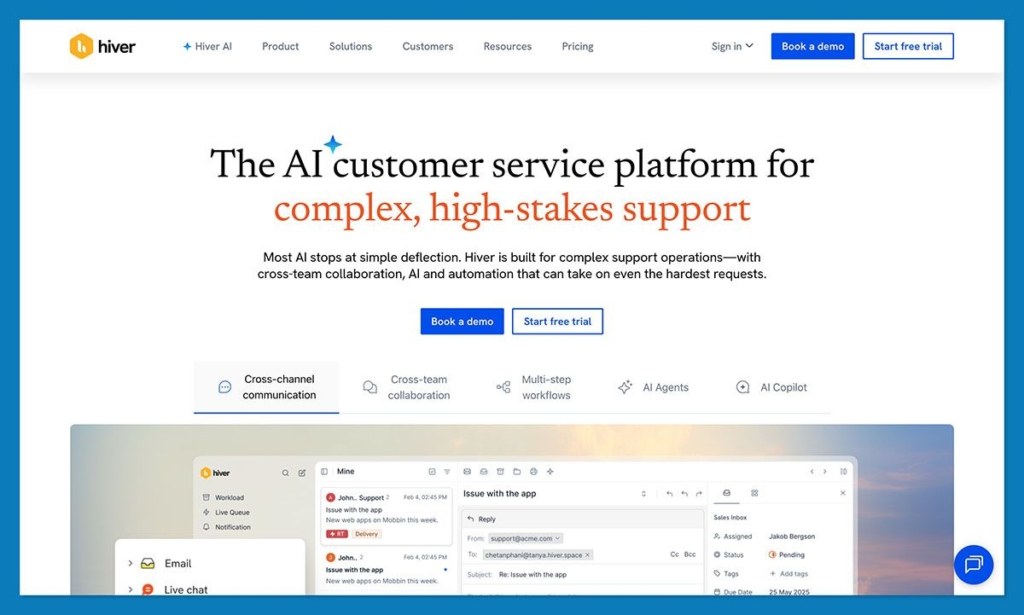
Hiver isn’t really a traditional help desk. It’s more of a tool that excels at trying to stop Gmail from becoming a crime scene. If your support team lives in inbox threads, forwards, CC chaos, and “who replied to this?” uncertainty, Hiver is the adult supervision Gmail never had.
There’s something refreshing about staying in the same window all day. No portals, no dashboards, no new interface to learn. Just Gmail, but with structure. You assign ownership, detect collisions, tag conversations, set SLAs, and track response times without leaving your inbox. It’s not glamorous, but it deletes the exact kind of internal friction that eats small teams alive.
The catch? This only works if you want to stay in Gmail. If you’re ready for real ticket pipelines, analytics, or multi-channel queues, you will hit the ceiling.
Key Features
- Shared inbox inside Gmail
- Collision detection (no more double replies)
- Tags, assignments, and simple automations
- SLA timers and response tracking
- Notes and message templates
Pros
- Zero learning curve
- Fastest setup in this category
- Perfect for 2–6 person support teams
Cons
- Not a real help-desk replacement
- No deep reporting or workflow chains
6. Help Scout: Human-First Support UX
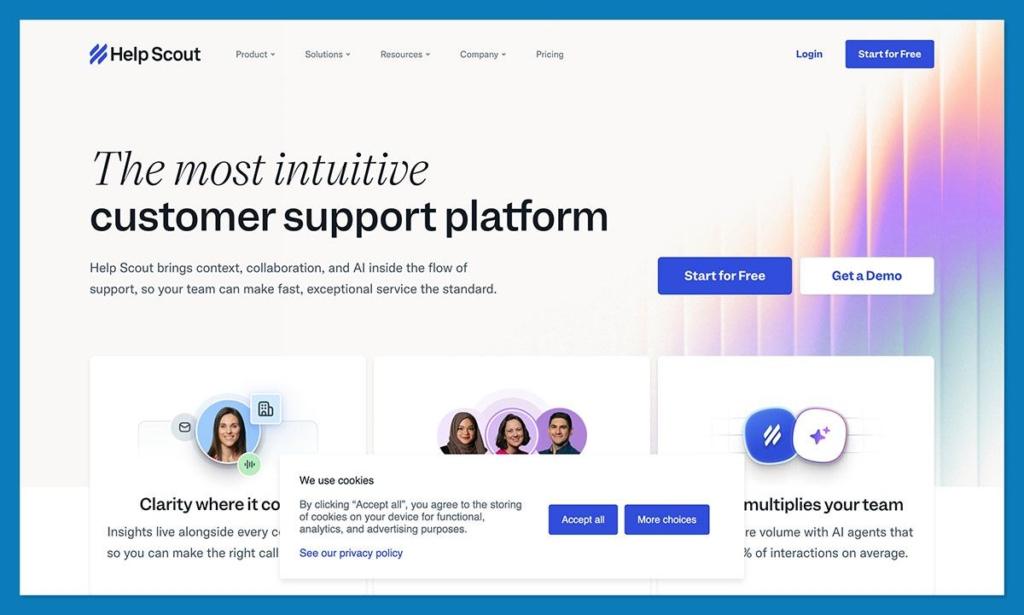
Help Scout wears its personality on its sleeve: customers don’t want tickets, they want conversations. And the platform is built accordingly. It feels less like a support system and more like a shared inbox designed by someone who actually reads customer replies.
You won’t find robotic ticket screens or sterile service language here. You’ll find a clean timeline, crisp conversation threads, internal notes, saved replies, and a knowledge base your customers might actually use without wanting to scream. It’s built for teams who believe support is a brand touchpoint, not a cost center.
It’s not the most hardcore automation engine, but it’s one of the best at delivering a calm, competent support experience that feels human.
Key Features
- Collaborative inbox with threaded context
- Docs knowledge base + live chat widget
- Saved replies, internal notes, tagging
- Customer profiles and history
- Light automation and routing
Pros
- Customer-facing experience is excellent
- Super clean, easy to train on
- Great for tone-sensitive support teams
Cons
- Not built for heavy automation or deep SLAs
- Limited if support volume spikes hard
7. Gorgias: Ecommerce Support That Prints Revenue
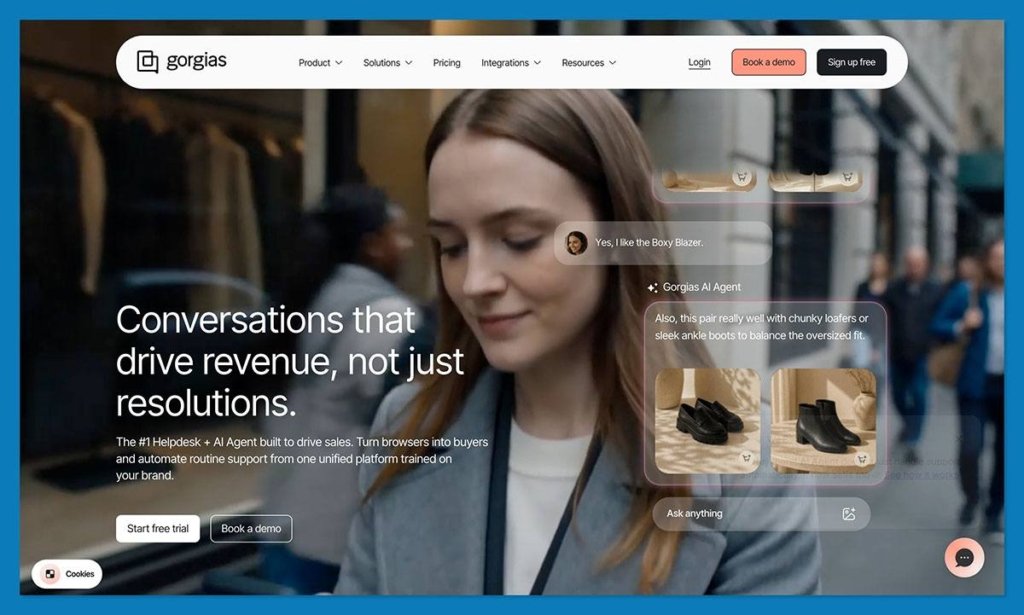
Gorgias isn’t general support software. It knows exactly what it is: a help desk for ecommerce stores that want support to make money, not just cost it.
If you run Shopify, BigCommerce, or Magento, this thing plugs in like it was poured into your tech stack. It pulls in orders, products, shipping status, refunds, subscriptions, customer value, and browsing behavior directly inside the ticket. No context scavenger hunt. No asking customers for order numbers they don’t want to dig up.
The big 2025 swing is AI Agent 2.0. It doesn’t just draft replies. It suggests products, detects abandoned carts, proposes discount codes, and can turn “where’s my order” into a conversation that still sells.
Key Features
- Deep Shopify, Magento, BigCommerce integrations
- Order + customer data inside every ticket
- AI Agent 2.0 with cart/product awareness
- Macros, rules, and self-service automations
- Support revenue tracking
Pros
- Best ecommerce context in a help desk
- Turns support into sales
- Automations hit harder than most competitors
Cons
- Price spikes when volume spikes
- Not intended for non-ecommerce businesses
8. Pipedrive: Sales-First, Support by Extension
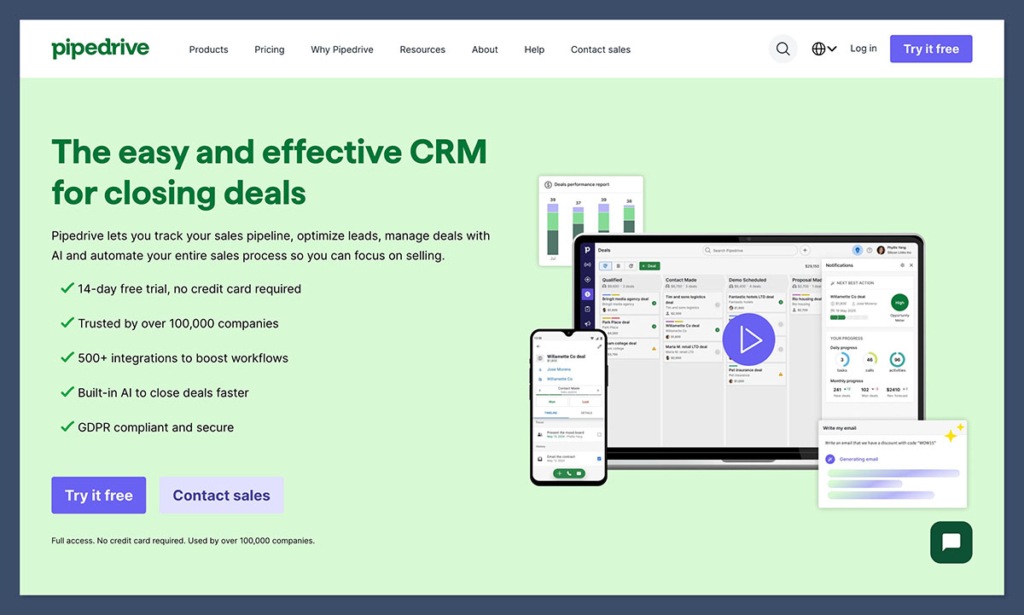
Pipedrive is, unapologetically, a sales tool first. Leads, pipelines, and deals are where it really shines. But support teams kept using it too, so Pipedrive eventually built a room for them too: Cases.
Is it a help desk? No. Can a small team that already lives in Pipedrive handle support there without adding a new tool? Surprisingly, yes.
The appeal here is proximity. Sales and support aren’t neighbors. They’re at the same dinner table. A customer complaint can become a renewal save, an upsell, or a churn save without anyone exporting a CSV or opening a second platform.
Key Features
- Cases view for support inside the CRM
- Deal + contact context in one place
- Simple workflow automations
- Email sync and tracking
- Sales pipeline + support proximity
Pros
- Great for sales teams doing support on the side
- No platform switching if you already live in Pipedrive
- Simple, clear, visual
Cons
- Not a real ticketing system
- Weak SLA, routing, and queue tooling
- Support features trail dedicated help desks by a mile
Why HubSpot is the Clear Winner
Every tool here solves a real problem. The trick is matching the problem to the product, not the abstract features list.
If you want depth of support operations and nothing else, Zendesk is still the strongest pure play.
If you want fast time-to-value without stress, Freshdesk is probably the easiest to launch, and if you want Gmail but organized, Hiver wins by default.
But for small businesses that need support to connect to customer data, marketing insight, and sales motion, the field narrows fast. Most help desks solve response management. Few solve customer understanding. That’s the split.
HubSpot isn’t the cheapest single-purpose ticketing tool. It’s the least fragmented path to tying together support, CRM software, inbound marketing, and sales automation without five separate data bills, broken automations, and a customer profile that looks like a ransom note. HubSpot reports that businesses on Starter experience up to 28% more closed tickets, and Enterprise users saw a 48% drop in ticket resolution time when using AI.
If you want a help desk, pick a help desk. If you want support that grows into a business system instead of a cost center, HubSpot is the most appealing long-term bet right now.
FAQs
What should small businesses look for in service software in 2026?
Context, not just tickets. You need to see who the customer is, what they ordered, history, sentiment, and risk, without opening seven tabs. AI should save time, not invent work.
Is help desk software the same as CRM software?
No. A help desk manages conversations. A CRM manages the customer. The magic happens when the two actually talk to each other instead of co-existing like roommates who never interact.
How is AI changing customer support for small teams?
It’s shifting from reply faster to understand faster. The best AI today summarizes, adds context, spots intent, suggests replies, and sometimes recommends products without sounding like a robot.
Can small businesses automate support without losing the human touch?
Absolutely. Automation should run the repetitive playbook (routing, tagging, updates, templates) so humans can handle tone, nuance, and decisions. Cold automation breaks trust. Smart automation protects it.
Why is HubSpot Service Hub the best choice for small businesses?
Because it stops support from being an island. Most help desks just manage tickets, but HubSpot ties service to your CRM, marketing, and sales data, so agents see the full customer picture without tab-hopping. You also get a free starting tier, Breeze AI baked in, and a system that scales with you instead of forcing a replatform when you hit growth. For small businesses that want support to feel connected rather than bolted on, it’s the least fragmented bet.


