
 By Bogdan Rancea
Best Overall
Xero
See pricing Visit Xero →Three pricing tiers
90% off for the first 6 months
- Fantastic Shopify integration
- Specialist ecommerce analytics included
- Unlimited users on every plan
Best runner-up

QuickBooks
See pricing Visit QuickBooks →Priced above Xero
Shopify Connector included
- Familiar to accountants and bookkeepers
- Shopify Connector included in your plan
- Advanced reporting and inventory insights
Best payout add-on
A2X
See pricing Visit A2X →From $29 per month
Entry plan covers 200 orders
- Fantastic bank reconciliation features
- Strong accrual accounting capabilities
- Works with most popular accounting systems
After looking at quite a few different accounting tools that integrate or work with Shopify, I ended up with this list of the top recommendations I’d give to an ecommerce merchant.
I’m a huge fan of Shopify, and ecommerce in general, for that matter, but that doesn’t mean I’m blind to how complicated parts of running an online store can be. The worst part for me, and many of the would-be leaders I talk to isn’t really designing the store or choosing products. It’s usually handling the financial side behind everything else.
Shopify can give you the basic reports you need to keep track of sales, fees, taxes, and so on, but it’s not a full bookkeeping system. You still have to handle all the tricky parts yourself, and one mistake can land you in big trouble quite quickly.
That’s why most of us end up plugging something else into Shopify, rather than pretending we can manage everything with a calculator and a spreadsheet. The question is which accounting tools for Shopify are really worth using?
The Best Accounting Software for Shopify: Five Picks
I had to go a bit deeper with this list than just looking for “accounting” on Shopify’s app marketplace. If you haven’t tried that yourself, you end up with about 2,000 recommendations.
What I needed to see was something that’s easy to use, capable of covering all of the basic reports ecommerce businesses really need, and ready to scale as quickly as a global ecommerce business actually can. I did keep an eye out for extra things too, like how affordable the plans were, whether the AI and automation tools every vendor is experimenting with are useful, and how much background support you actually get.
After testing about 20 tools in total, not including the ones I’ve already used myself, or with clients, this is the shortlist I ended up with.
| Tool | Best for | Shopify fit | Best benefit |
|---|---|---|---|
| Xero | Best overall | Free Shopify integration in the US, daily summaries or individual sales | Best mix of price, collaboration, ecommerce apps, and multi-currency |
| QuickBooks Online | Best for accountant input | Shopify Connector included with QuickBooks | Familiar to US bookkeepers and strong on tax and reporting |
| A2X | Best reconciliation add-on | Sends payout-ready Shopify summaries into Xero or QuickBooks | Fixes the payout mess better than a basic sync |
| Finaloop | Best software plus specialist service | Ecommerce accounting, inventory, COGS, and expert support | Handles more of the finance workload for you |
| Zoho Books | Most affordable option | Shopify support on higher-tier plans, or through Zoho Flow | Low-cost accounting with surprisingly deep features |
1. Xero: Best Overall Accounting Software for Shopify
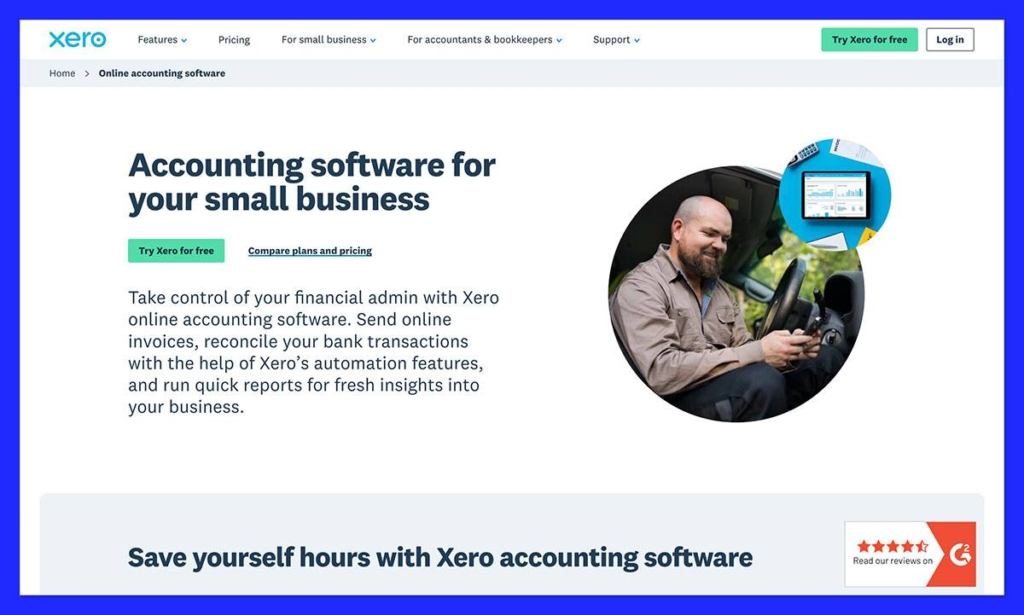
I know some people still dismiss Xero as the more “beginner” directed option for accounting in ecommerce, but in my opinion, it’s just what most Shopify sellers need.
The first impressive thing about it is the actual Shopify integration, which lets you sync Shopify sales as daily summaries or individual payments, filtered by payment gateway. You can also view Shopify Payments and PayPal transaction fees.
There are genuinely useful AI and automation tools that can help with automatic document capture, bank reconciliation, or chasing up invoices, and XeroForce even lets you build your own AI agents if you want to go that far.
Plus, all the basics are covered, from sales tax and 1099 or W-9 management, to custom dashboards on higher plans, cashflow forecasting, and multicurrency management. The pricing is reasonable with three pricing tiers available and unlimited users on every plan. And if you’re just starting out, there’s a bit of a golden ticket right now: Xero is offering 90% off for the first 6 months.
The biggest downsides are that the native inventory management is a bit limited, and you do need to pay extra for syncing complex tax and fee data. Still, it’s the best streamlined option here.
Pros
- Fantastic Shopify integration (and thousands of other apps available)
- Specialist ecommerce analytics included
- Unlimited users on every plan
- Automation and AI tools that actually help store owners
- Helpful cloud accessibility when you’re on the go
Cons
- Some users will grow out of the low-tier plan fast
- Inventory features are quite lightweight
- There’s still a bit of a learning curve
2. QuickBooks Online: Best for Working with Accountants
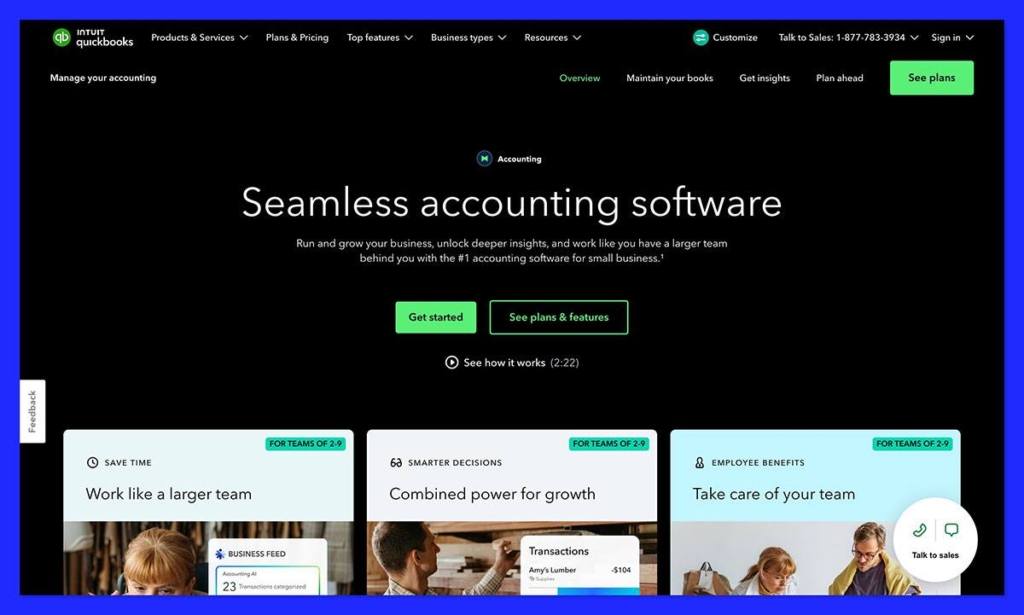
QuickBooks is one of the safer choices for Shopify store owners in the US, since plenty of accountants and bookkeepers already prefer it. Plus, the app ecosystem is massive, so it’s easy to get everything in your ecosystem connected, including Shopify.
QuickBooks’ Shopify Connector pulls sales activity, customer data, payments, plus product details into your accounting system. Plus, it’s already included with a QuickBooks subscription.
Another big benefit is the multi-channel visibility, if you’re selling on Amazon or in-person while also building a Shopify brand, QuickBooks consolidates all of that confusion into one place. It also gives you more advanced reporting than a lot of the other tools I’ve tried, with really strong balance sheet statements, and profit and loss reports.
It’s a bit more expensive than Xero, but still good value for money, provided that you care more about accountant access and analytics than unlimited users. It’s also a good call for AI, since you can take advantage of all of Intuit’s AI features spread across the full network of payment, project, business insight, and tax tools.
Pros
- One of the most familiar options for accountants and bookkeepers
- Shopify Connector included as part of your plan
- Advanced reporting and inventory insights
- Excellent multi-channel visibility
- Large ecosystem of app connections
Cons
- User limits on every plan (harder to scale)
- More expensive when you want advanced features
- Syncing thousands of orders can slow things down
3. A2X: Best Add-On to Fix Shopify Payout Reconciliation
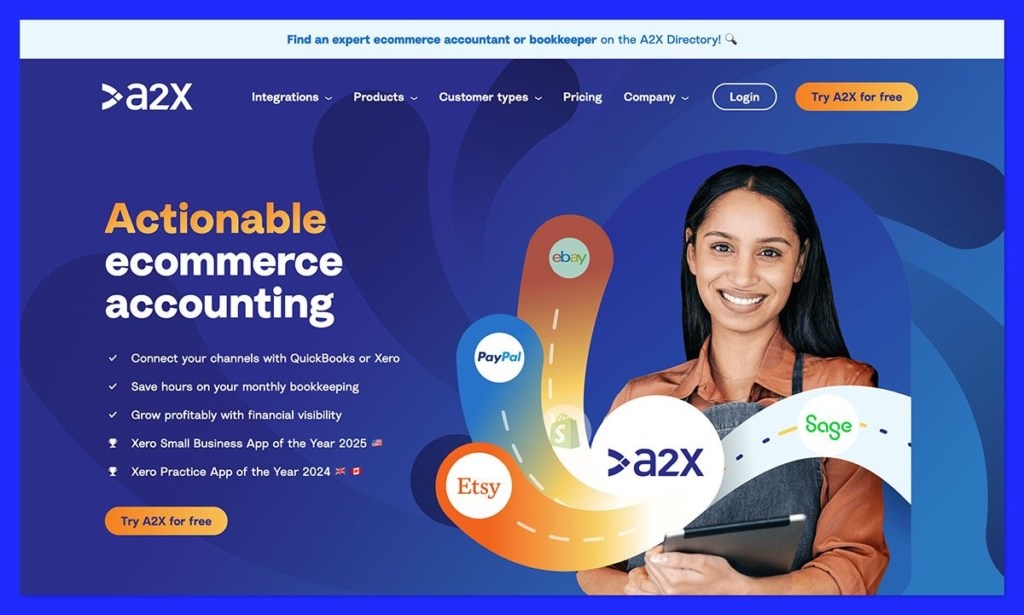
A2X lives in a bit of a different space to tools like Xero and QuickBooks. It’s there to automate accounting headaches by breaking down lump-sum payouts into more manageable journal entries, before they’re synced into your actual bookkeeping tool.
What’s great is how good it is at doing the paperwork for you. It can group sales into settlement batches that match the deposits arriving in your bank account, and the data processing is fully automated too, so you save a lot of time.
A2X can also handle multiple currencies and tax rules, so it could be a better pick if you’re worried about scaling into new countries. The pricing is a little tricky, because you can start off with a plan that only costs $29 per month, but that limits you to 200 orders. The more orders you manage every day, the more you pay.
It’s also worth remembering that A2X is a connector app, not an accounting app on its own, so it only really works if you already have something like Xero, or Sage. That doesn’t mean it’s not useful, but it does mean you’re going to have to link some different tools together.
Pros
- Fantastic bank reconciliation features
- Strong accrual accounting capabilities
- Works with most popular accounting systems
- Adds COGS and gift card reporting on some plans
- Genuinely saves a lot of time and stress with automation
Cons
- Pricing is based on volume, so fees can grow quickly
- You still need a bookkeeping or accounting tool
- Can be complicated for smaller stores
4. Finaloop: Best Done-for-You Software Plus Service
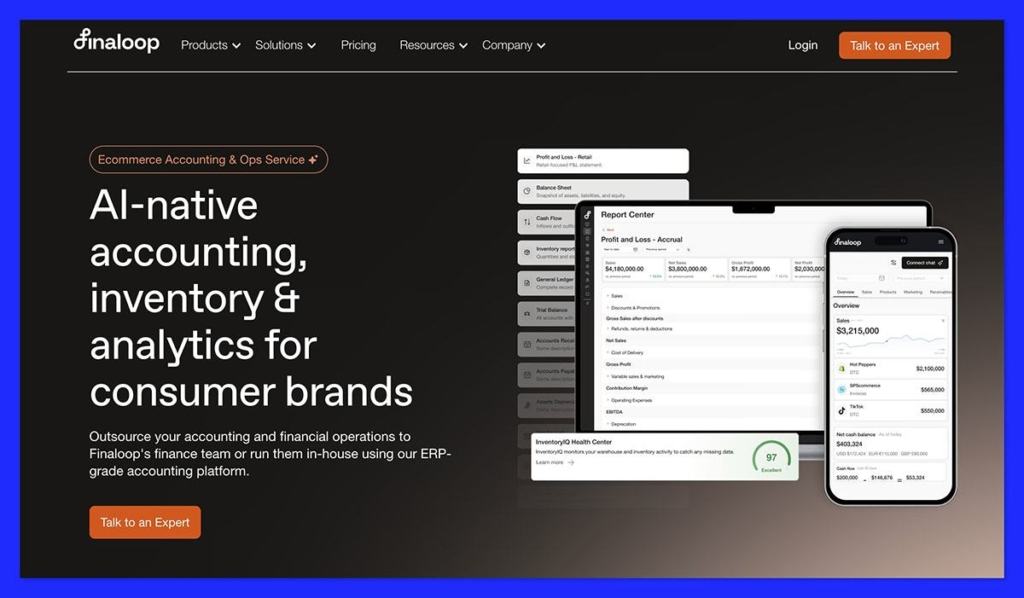
Finaloop is interesting because it doesn’t just give you software, it gives you tools, and the people who can probably use them a lot better than you in one package. It’s a tool that works with Shopify, Amazon, Stripe, and PayPal to reconcile all of your payouts, fees and refunds, plus give you constant insights into real-time data.
There’s automatic COGS and inventory tracking included, and you get AI-first transaction categorization too, which can be truly useful for beginners. There’s also InventoryIQ for real-time stock tracking by warehouse, vendor, or purchase order. Then, for anything you’re stuck with, there are specialists available in the background to help you every step of the way.
The best thing about Finaloop is you don’t have to buy software then hire a bookkeeper separately, everything’s included at once. Unfortunately, that also means that this is a much pricier tool, usually starting at around $245 per month for brands getting up to $1.5 million in revenue. The more you earn, the more the price increases.
Also, it’s worth pointing out that there are a few limitations here. The reports aren’t as advanced as you’d find on other tools, and there aren’t extra add-on features you’d get from other accountant firms, like payroll processing.
Pros
- Combines both useful software and specialist support
- Excellent integrations with Shopify and other ecommerce platforms
- Fantastic COGS, margin, and inventory features
- Growth-aligned pricing so it scales with your business
- Full insights into real-time data on every plan
Cons
- More expensive than paying for software on its own
- Limited control over your chart of accounts
- Fewer reporting options than some alternatives
5. Zoho Books: Best Budget Pick
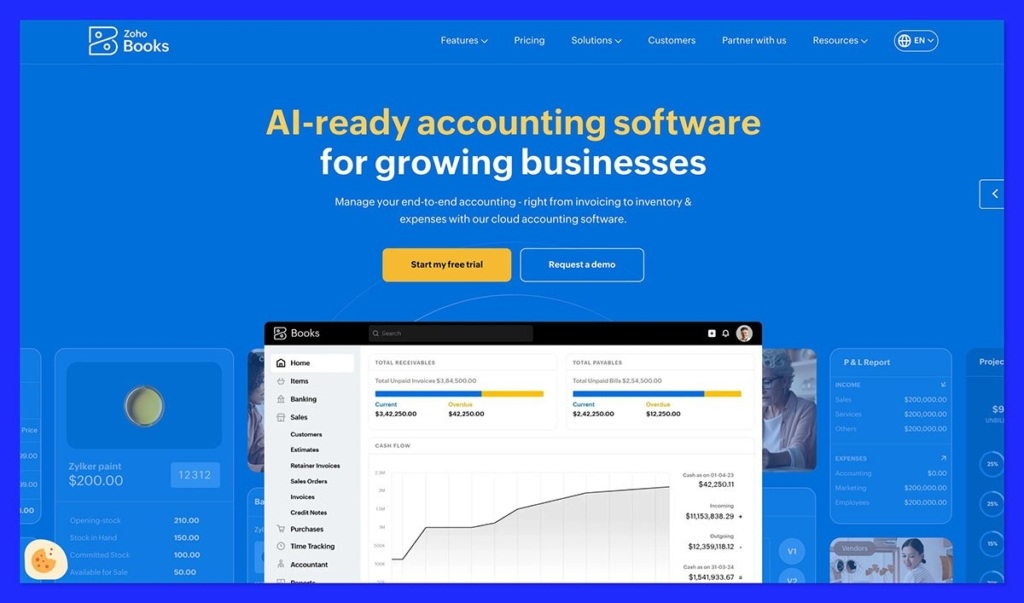
Zoho Books is the option I’d usually suggest to the smallest companies who just want a quick and convenient way to handle the more complicated parts of accounting. It’s very well known for its generous free tier, which includes invoices, quotes, expenses, auto scanning for receipts, online payments, payment reminders, reconciliation, and just about everything else you need.
You can stick to that plan for as long as you like as long as your annual revenue is less than $50,000. You also get some brilliant automation tools for invoices and payment reminders. Then there’s the interface, which is one of the easiest to get your head around if you’re new to ecommerce bookkeeping and don’t want to spend hours staring at tabs.
On top of that, Zoho Books also works with a full ecosystem of other Zoho tools, so if you’re using the inventory or CRM options, it just makes sense as an extra add-on, particularly on the free plan.
Still, there are restrictions. There aren’t as many third-party apps and connectors as you’d get from something like Xero, since Zoho expects you to stay mostly within its suite. Plus, even on higher premium tiers, running from $20 to $275 per month, there are caps on the number of users, invoices, and expenses you can track.
Pros
- Generous free plan and affordable early tiers
- Useful automation for payment reminders, invoices, and reconciliation
- Full connections with all of the Zoho ecosystem
- Easy to use, even if you don’t know anything about accounting
- Zia AI assistant also included
Cons
- Restrictions and caps, even on higher plans
- Not as many third party connectors
- Less common as an accountant or bookkeeper default
The Best Accounting Software for Shopify: My Verdict
Hopefully, you’ve noticed that all of these tools are probably more valuable to different kinds of ecommerce store owners. QuickBooks is great if you want something your accounting and bookkeeping team are already familiar with, plus great inventory and reporting tools.
Zoho Books is definitely the cheapest and most generous option for smaller brands, and the AI and automation tools come in useful. A2X is the connector you use to make your life a bit simpler if you already have a bookkeeping tool. Finaloop is the obvious choice if you want a combination of accounting services and software in one place.
Still, overall, I’d still pick Xero first. It’s ideal for ecommerce sellers, with a fantastic Shopify integration, plus plenty of connections with other useful online selling, inventory management, payroll, and similar tools. The plans are affordable, and they all include unlimited users, so you don’t have to be picky about who you get help from.
Plus, the features on Xero just keep getting better, whether you’re interested in AI agents you can customize to handle more work for you, or you just want more intelligent reporting.
It might not be the ideal option for every company, but Xero is the one I’d recommend starting with if you’re sick of accounting headaches getting in the way of actual growth.


