
 By Bogdan Rancea
Your logo is the first piece of design a shopper sees, and it follows them everywhere after that: your store header, your checkout, your packaging, your emails. If it looks like the same template everyone else is using, the rest of your brand has to work harder to earn trust.
At ecomm.design, we’ve reviewed over 20,000 ecommerce websites and handpicked 4,000+ of the best-designed stores for our gallery. That means we’ve seen a lot of logos, from the instantly forgettable to the ones that carry an entire brand. We also test logo makers ourselves, and the gap between the old tools that recycled the same templates and what’s available now is significant. Some are good enough to carry a new store for several years before you need a designer, and most now build a full brand kit around the logo.
After testing six of them, Design.com is our top pick because it combines 444,000+ logo designs, conversational AI editing, and exports in every format a store needs (SVG, EPS, PDF), with paid plans from $3 per month billed annually. In this guide, we’ll walk you through the key features, pricing, and drawbacks of each tool so you can pick the right one for your store.
How I Judged the Best Logo Makers
Since the logo makers available to new businesses have improved a lot, I had to get a bit stricter with how I ranked them for this particular guide. A large number of designs is still important, but I’m looking for quality more than quantity. For instance, where there several ideas I actually liked straight away, or just dozens of versions of the same symbol?
Beyond that, I was looking at things like typography choices, as well as how much control you actually get over changing fonts and positions. Then I started evaluating how much the editor actually let you play with, since a lot of these tools used to restrict beginners to making basic tweaks to colors and not much else.
After that, the focus went to export quality, since today’s brands need more than just PNG and JPG options, if you’re planning on launching branded merch for instance, you’re going to need SVG and EPS options too, maybe even occasional PDFs.
Finally, since I’m particularly impressed by the number of companies offering complete brand toolkits these days, I looked at how many assets you can create besides the logo itself, and how easy it was to make sure all of those assets looked like they belonged to the same family.
Here’s the shortlist I got:
| Logo maker | Best for | What impressed me | Files / output |
|---|---|---|---|
| Design.com | Best logo maker overall | 444,000+ logos, 62,000+ vector shapes, AI editing, and 50+ design tools | PNG, JPG, SVG, EPS, PDF, as well as alternate versions |
| BrandCrowd | Best range of designer-made options | Biggest professionally-designed template library with lots of text customization | PNG, JPG, SVG, EPS, PDF, plus transparent options |
| Adobe Express | Best for design control | Full access to the Express editor with extensive customization capabilities | PNG/JPG from the quick logo option, plus animated MP4 |
| LogoAI | Best for AI identity generation | Exciting Brand DNA toolkit with full AI support and automatic brand guidelines | PNG, SVG, plus additional options on some plans |
| LOGO.com | Best modern styles | Free logo creation and AI-generated icons, plus full brand plans | Free PNG, and paid plans include SVG and other options |
| Zarla | Best for speed and free downlaods | Free vectors, social icons and brand guide, plus an AI website builder | Free vector files, various paid high-quality files |
1. Design.com Logo Maker: Best Overall
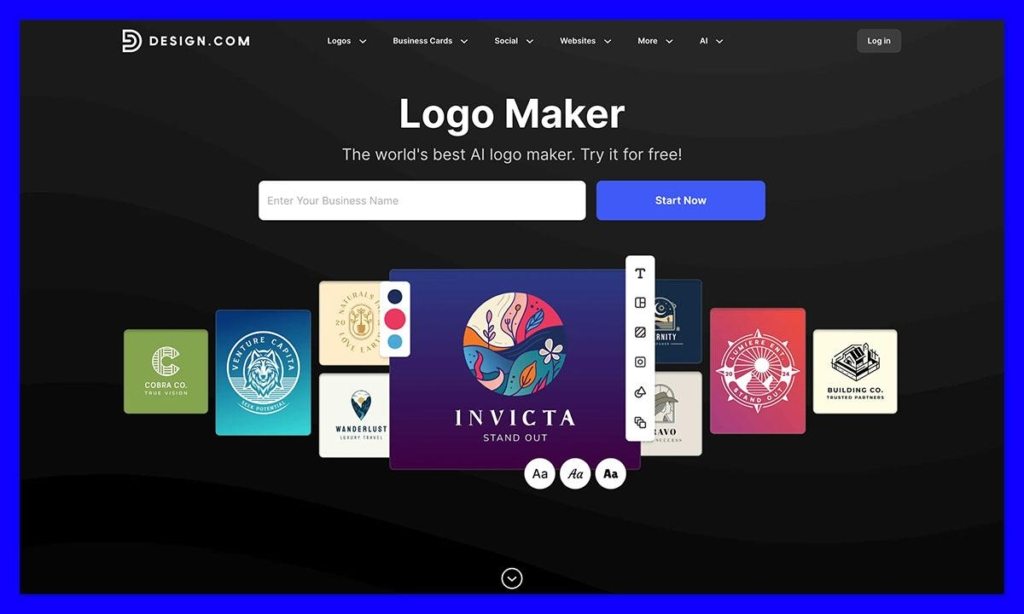
Pricing: Free option, with paid plans starting at $3 per month paid annually.
I like Design.com because it makes the sometimes overwhelming task of creating an entire brand identity, right down to the business cards, feel incredibly simple. You sign up for an account, add your business name and some keywords, and the AI tool will suggest thousands of options, there are already 444,000 logo designs in the library.
Once you’ve chosen the logo you like, you move into the editor where you can either make basic changes yourself, or you can prompt the AI assistant to edit things for you. There’s a surprisingly large amount of things you can adjust, including vector shapes, fonts, or colors.
Some of the designs are generic, but the majority are incredibly good, and you can download them in just about any file format you can imagine, including SVG, EPS, PDF, or MP4 or GIF for animated options. On top of that, you can use your logo to produce a full range of brand assets, from social media posts, to business cards, or printed products.
Just about everything I’ve created with Design.com comes with the same high level of quality, and I definitely appreciate the fact that you can create mock-ups to preview your logo on website headers or apparel, too.
Pros:
- More than 440,000 templates for a massive amount of choice
- More file types supported for downloads than most alternatives
- Very intuitive for conversational AI editing
- Comprehensive brand kits available even on the initial plans
- Consistently good quality for everything you can create
Cons:
- One subscription is tied to a single logo only
- Full exclusive licences can be expensive
2. BrandCrowd Logo Maker: Best for Designer-Made Variety
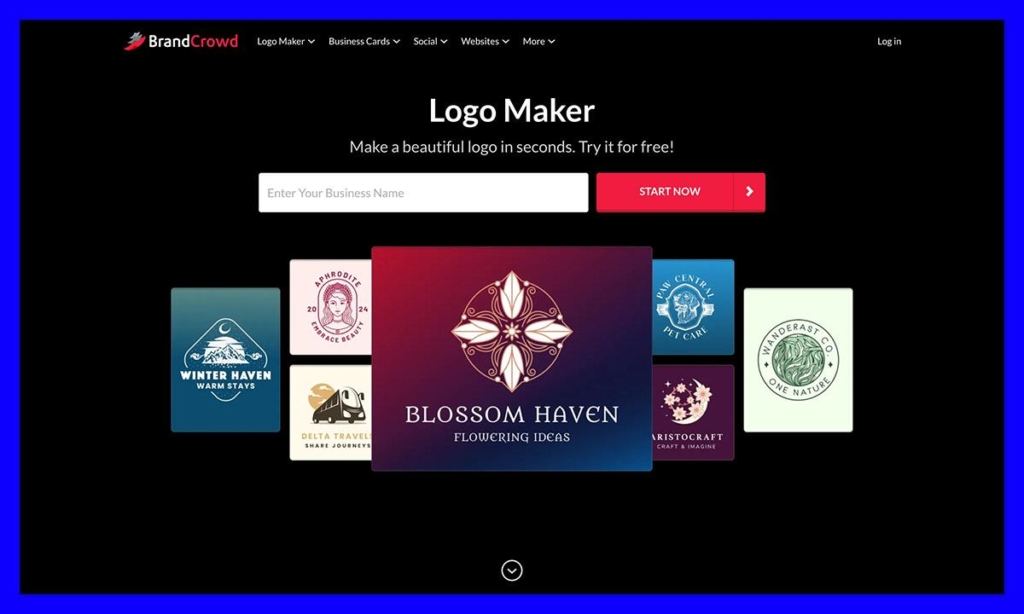
Pricing: Free to start designing with paid plans starting at $3
BrandCrowd is the less AI-focused sibling to Design.com, with a lot of similar features. It gives you almost the exact same range of file download options, the same basic pricing structure, as well as a huge range of brandable assets you can customize in the same place.
What it lacks in terms of AI chat-based editing, it makes up for in a professional template library. The logo designer includes 236,000 designs made by the designer community, so you know you’re not just getting the same basic assets as everyone else. Plus, you can pay for exclusive access to the designs you use, so nobody can copy them afterward.
The editing tools are better than I expected too, you can adjust fonts and layouts, change the spacing, move icons, add shapes, use gradients, or even curve text. Once you’ve found a logo you like, you can add it to your brand kit, and then use that to inspire every future asset you make, from branded merchandise, to a simple website.
There are a few free bonuses on Design.com too, like the AI background removal tool that lives inside the editing suite, and a handful of assets you can download without paying anything.
Pros:
- Huge range of professionally-designed logo assets
- Plenty of control over text and font customization
- Lots of download options including EPS, PDF, and SVG
- Free downloads include various vector files, which is unusual
- Hundreds of additional assets to create alongside your logo
Cons:
- The AI tools aren’t as useful as the ones on Design.com
- Buying exclusive access to a design only stops future sales
- Not the best for in-depth vector editing
3. Adobe Express: Best for Designers Who Want More Control
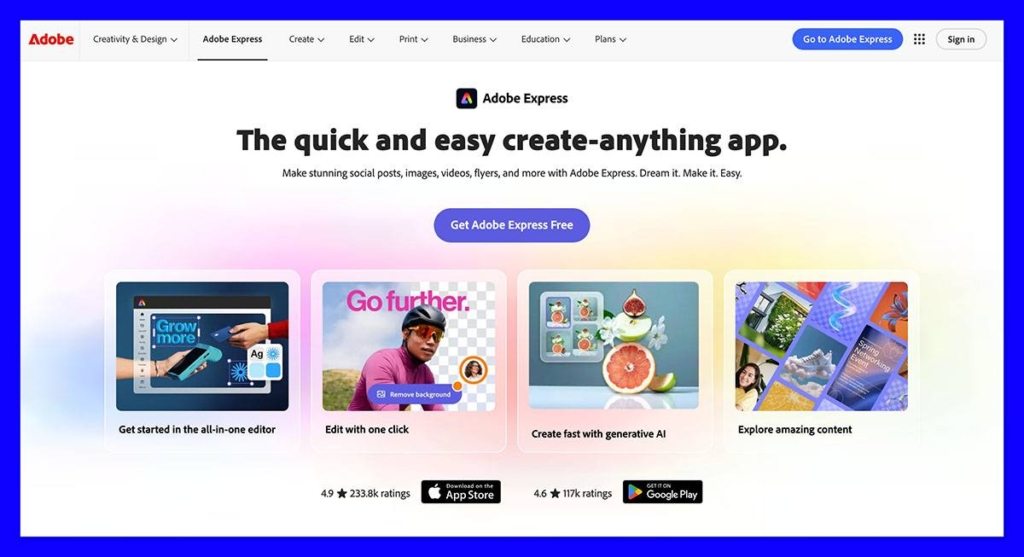
Pricing: Free tier for basic features, or premium plans starting at $9.99 per month.
If you think that Adobe tools are just for serious or professional designers, you might be surprised at just how straightforward the Express logo maker is. It’s actually quite a lot like the other tools on this list, letting you share your business name with an AI tool, add a slogan, and pick from a range of icons and styles. Then the system produces a handful of options for you to choose from.
Once you choose one you like, it gets sent into the Express editor to start making as many little changes as you like. Obviously, Adobe gives you a lot more freedom here than most alternatives, as well as bunch of assets you won’t find elsewhere. There are hundreds of thousands of templates even on the free plan, and more than 4,000 fonts.
Everything about your design can be adjusted in the Express tool, and the system also integrates with the rest of the Adobe ecosystem, so it’s easy to pull in extra stock assets or fonts. Although it takes a bit more work to get your logo ready with this tool, I think it’s worth the extra effort if you want a logo you can imagine using for years.
Pros:
- The AI-first initial logo generator is easy to use
- You have more freedom to customize designs than you would with other tools
- Works with the complete Adobe ecosystem including Adobe fonts
- Automatically offers transparent backgrounds for downloads
- Supports brand kits and tools for marketing content
Cons:
- Takes more manual editing work than other tools
- You will have to pay more for premium features and brand kits
- SVG exports aren’t supported
4. LogoAI: Best for AI Logo Generation Overall
Pricing: Basic plan starts at $29. You only pay once for the purchase.
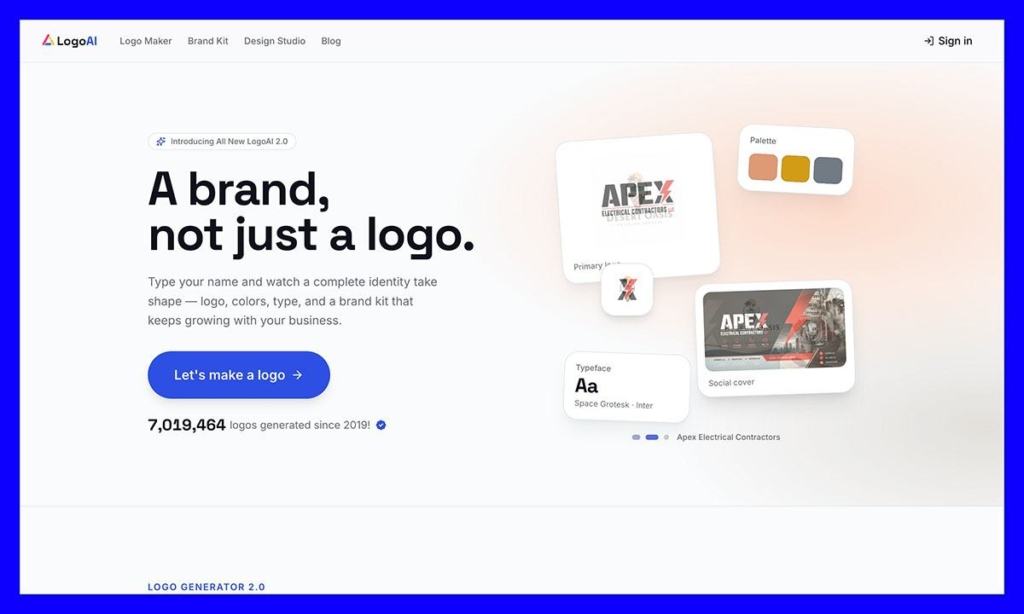
While a lot of logo generation tools use AI these days, LogoAI is the one that I think has the best approach overall, because it starts by creating your brand guidelines first. The Brand DNA feature, which is new to the platform, creates an entire profile for your company based on your name, industry, and the questions you answer about your company’s personality.
Various different AI models work together to inspect the concepts, then build assets based on that input and your additional directions. You end up with a massive kit, with a logo, social media banners, as well as business card templates.
All of those assets get stored in the same dynamic library so you can adjust them whenever you want, and the results are impressively unique. The wide range of AI models working together seems to mean you end up with something that seems a lot less “boiler plate” than you’d expect from other similar sites.
You won’t be able to make highly specific changes to your brand elements here, and although you can test and preview designs for free, you need to pay to download them. I still like how efficient and intuitive the experience feels overall.
Pros:
- Brand DNA creates a whole range of brand assets for you at once
- Living brand kits let you dynamically add to your resources
- SVG output is available on higher tier plans
- One-time pricing means you don’t have to worry about monthly costs
- The designs are less generic than those you’d see on other sites
Cons:
- You can’t download anything for free
- There are limits to how much you can customize the design
- Certain design elements won’t be exclusive to your brand
5. LOGO.com: Best for Clean Modern Styles
Pricing: Free tier with a PNG logo, paid tiers starting at $12 per month.
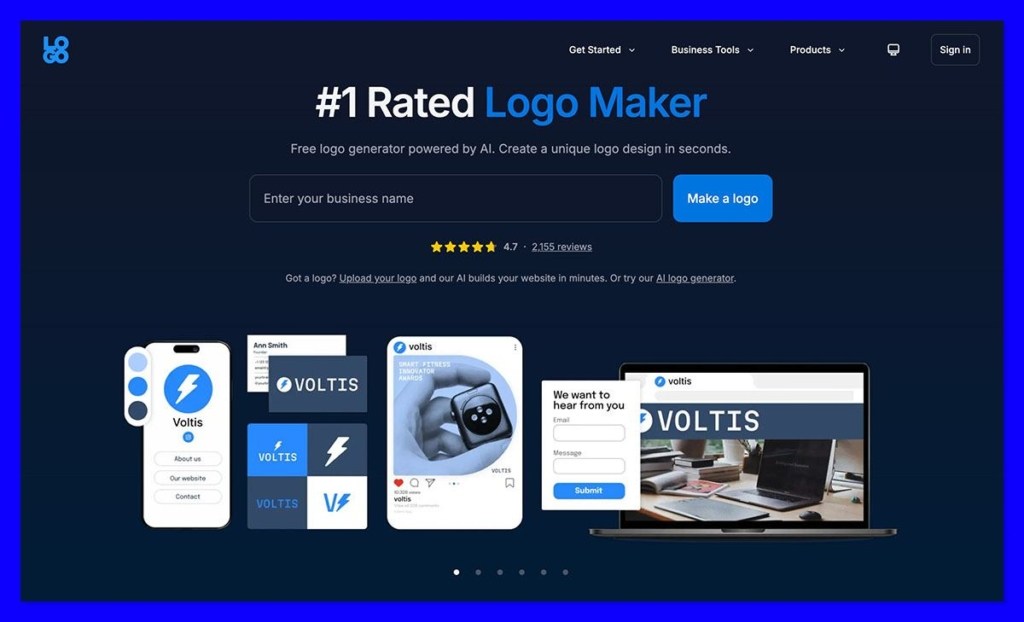
I know most logo generation companies describe their designs as modern, but LOGO.com is one of the few ones I’ve used that I think deserves that adjective. The tool is a bit different to some of the more well-known “type your name and pick an icon” options out there. The system can create completely unique icons with AI, based on very specific prompts, and you can even control color options by the layer.
Every icon is generated as a true vector SVG, and there’s actually quite a broad range of file types to choose from on paid plans, including AI master files, WEBP and PDF options, alongside the standard PNG and JPG. Like the other tools here, LOGO.com lets you turn your logo into a full brand kit, with over 1,200 templates for everything from business cards to marketing materials.
There’s also a brilliant selection of extra tools available to help you create brand guidelines, mock-ups, content for your website, or slogans for your business. The paid plans are surprisingly generous, too, since the $12 per month option gives you access to a things like a custom branded website and a free domain for the first year alongside your logo.
Some of the designs do still feel a little generic, but for the most part, everything is wonderfully modern, and tuned to work perfectly on almost any asset you can imagine.
Pros:
- Truly unique AI-generated icons you can customize deeply
- More than 1,200 templates for branded assets
- The brand kits are excellent value for money
- Extra tools for creating slogans, mock-ups, or copy are available
- Supports more file types than many other solutions
Cons:
- Advanced text effects and layout controls are limited
- Not made for teams collaborating together on designs
- You don’t automatically gain exclusive access to certain assets
6. Zarla: Best for Fast, Free Logo Downloads
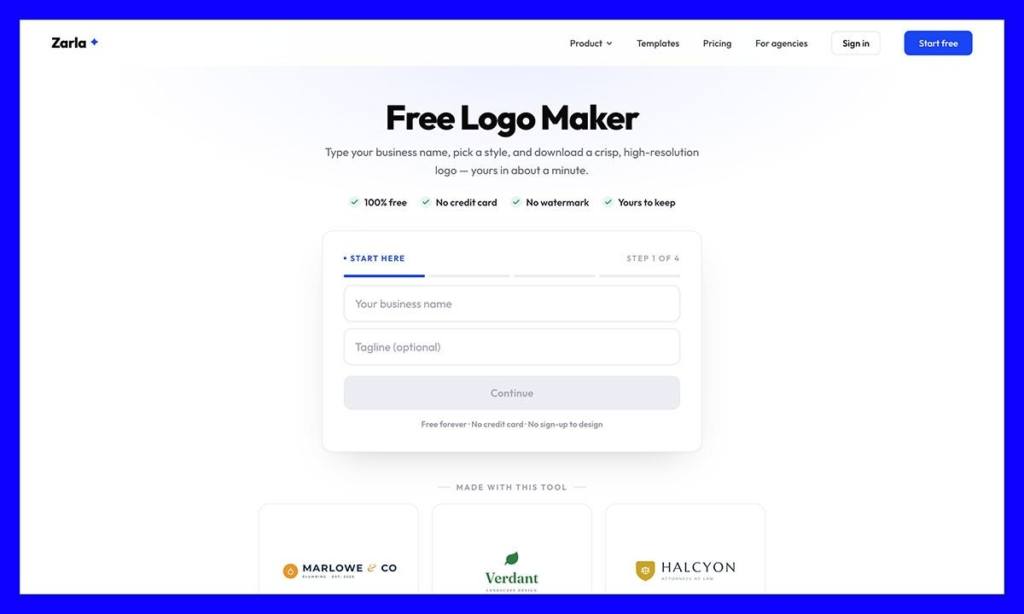
Arguably, all of the tools here can produce a great logo quickly, but Zarla is by far one of the fastest and most intuitive tools you can choose. You log in, share a little information, and the AI tool generates a selection of potential logos in less than a minute. Even better, unlike most logo generators, Zarla will let you download SVG and PNG files for free.
This is an incredibly straightforward tool, although you can’t make a huge number of changes to designs, you can easily tweak the colors, fonts, layouts, or icons without asking a designer to help. Plus, it gives you instant previews of how your design might look on websites, social media profiles, business cards, or branded merchandise.
Another benefit is that the logo maker also connects straight to Zarla’s AI website builder, so if you create your logo and want to make a website straight after, the system can do that for you without you having to import anything manually.
I will say though, that although Zarla can create other brand assets (there are about 24 business card templates for instance), you don’t actually get to customize them in the tool itself, you have to move them over to Canva.
Pros:
- Free PNG and SVG downloads available
- Very fast compared to other tools, and easy to use
- Gives you plenty of ways to preview your designs
- Works directly with the Zarla website builder
- Supports the creation of additional brand assets
Cons:
- You’ll have to edit some of your brand designs in Canva
- The tool is free, but there are a lot of upsells
- You won’t have much manual control over vector artwork
Which Logo Maker Should You Choose?
I’ve put Design.com first because it’s my first choice, but all of these tools are great in their own way. I really do like Adobe Express if you need a lot more control over the design you’re creating, and want more professional design tools.
LogoAI is the much more exciting AI-first option with Brand DNA, and LOGO.com is brilliant at producing genuinely unique icons. Zarla is probably the obvious pick if you want the most affordable way to get a logo fast, and BrandCrowd is brilliant if you want a huge library full of designs created by real artists.
Design.com ultimately came out on top here because it gave me the best range of brand assets, and the best quality at the same time. It’s easy to use, affordable, versatile, and the results you get are shockingly good, almost enough to avoid thinking about using a designer at all.
Logo Maker FAQ
What is the best logo maker overall?
Design.com is my top pick. It combines a library of more than 444,000 logo designs with conversational AI editing, 50+ design tools, and the widest range of export formats on this list (PNG, JPG, SVG, EPS, PDF, plus MP4 and GIF for animated logos). Paid plans start at $3 per month when billed annually, and brand kits are included even on the entry plans.
Which logo makers let you download a logo for free?
Zarla is the most generous, with free SVG and PNG downloads. LOGO.com gives you a free PNG logo, Design.com and BrandCrowd both offer a selection of free designs and downloads, and Adobe Express has a free tier with basic features. LogoAI is the exception: you can design and preview for free, but you have to pay before downloading anything.
How much does a logo maker cost?
Expect to pay between $3 and $12 per month for a subscription, or a one-time fee from $29. Design.com and BrandCrowd start at $3 per month on annual billing, Adobe Express Premium is $9.99 per month, and LOGO.com’s paid plan is $12 per month with a custom website and a free domain for the first year. LogoAI works differently, charging $29 once for its Basic plan with no recurring costs.
What file formats do I need for my logo?
PNG and JPG are fine for websites and social profiles, but you’ll want vector files (SVG or EPS) for anything printed, such as merch, signage, or packaging, because vectors scale without losing quality. A PDF is handy for printers too. Design.com and BrandCrowd cover all five formats. Note that the Adobe Express logo maker doesn’t support SVG exports, and LogoAI reserves SVG for its higher tier plans.
Can a logo maker really replace a professional designer?
For a new brand, often yes, at least for the first few years. The output from current tools is far less templated than it used to be, and the best ones produce a logo plus matching business cards, social graphics, and mock-ups in one go. Where a designer still wins is fully custom, exclusive artwork. Most logo makers work from shared templates or icon libraries, so your design elements may not be unique to you.
Will my logo be exclusive to my business?
Not automatically. On Design.com, full exclusive licences are available but can be expensive. On BrandCrowd, buying exclusive access only stops future sales of that design, so anyone who bought it before you can keep using it. LogoAI and LOGO.com also note that certain design elements aren’t exclusive to your brand. If exclusivity matters, check the licence terms before you pay.
Which logo maker is best for AI-generated designs?
LogoAI is the strongest AI-first option. Its Brand DNA feature builds your brand guidelines first, then uses several AI models to generate a logo, social banners, and business card templates that all match. If you care more about the icon itself, LOGO.com generates unique vector icons from specific text prompts and lets you control colors by layer.
Which logo maker gives you the most control over the design?
Adobe Express. After the AI generator produces your initial options, the logo opens in the full Express editor, where every element can be adjusted. You also get more than 4,000 fonts on the free plan and direct access to the wider Adobe ecosystem. The trade-off is that it takes more manual work than the other tools here.
Can I create a full brand kit with a logo maker?
Yes, all six tools go beyond the logo. Design.com and BrandCrowd let you build business cards, social posts, merch, and even a simple website from your brand kit. LOGO.com includes 1,200+ branded templates, and LogoAI stores everything in a living brand kit you can keep adding to. Zarla supports extra assets too, but you have to edit them in Canva rather than inside the tool.


