
 By Bogdan Rancea
Best Overall

Design.com
See pricing Visit Design.com →Free downloads available
Subscriptions from $3 per month
- 446,000+ customizable logos
- Easy to use with AI tools
- Full branding suite
Best customization

BrandCrowd
See pricing Visit BrandCrowd →Some free assets
Plans from $3 per month
- 380,000+ designer-made templates
- Full brand kit in one place
- Vector downloads included
Best AI experience

Looka
See pricing Visit Looka →$20 basic logo, one-time
$65 Premium, subscriptions available
- AI-guided onboarding and editing
- 15+ export options
- One-off logo purchase
I personally think Tailor Brands is one of the better examples of a complete toolkit for branding and design these days, especially since you get help with LLC setup alongside visual assets. The platform is convenient, most of the resources it produces are decent, and you even get 21 social versions of any logo you create. Still, it won’t be the ideal choice for everyone.
The tool does lock you into subscription-only pricing, so if you just want a quick logo, it’s probably not a good choice. Plus, the mock-up library is a little dated, the add-ons (like accessing an EIN) can be expensive, and you don’t even get to see the full price until you finish he first setup process.
If you like the idea of something simple like Tailor Brands helping you to launch your business, but you’re not looking for the same “full kit”, these are four options I’d recommend.
The Best Tailor Brands Alternatives
Each of these four options works better for someone with a specific issues with Tailor Brands, Design.com and BrandCrowd are great if you want comprehensive brand design tools, although Design.com does give you a handy one-off purchase option. Looka is brilliant if you want a more complete AI branding system, and Canva is fantastic for all-around DIY design.
| Tailor Brands Alternative | Best for | What’s Great About It |
|---|---|---|
| Design.com | Best overall alternative | Over 50 design tools, plus one-off purchase options |
| BrandCrowd | Great for customization | Over 446,000 designer-made logos and resources |
| Looka | Full AI branding experience | Convenient AI brand kit |
| Canva | Free option for DIY design | Over 1.6 million free templates and 4.7 million + free media assets |
1. Design.com: Best Tailor Brands Alternative Overall
My Rating: 4.8/5
Best for: Creating every brand asset you need
Pricing: Some free downloads available, subscriptions start at $3 a month
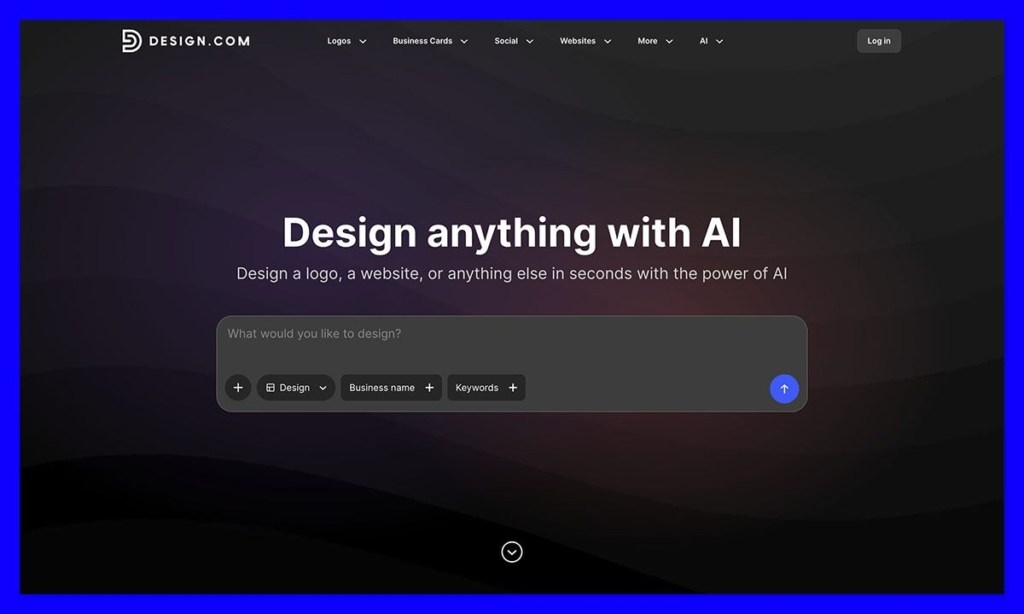
Design.com is a wonderful alternative to Tailor Brands if you’re starting off with a logo, and you want the option to buy it immediately, but you also like the idea of having a unified platform for creating any additional brand assets you might need later.
The library is huge, with more than 446,000 logos you can customize either in the simple editor, or with the help of the conversational AI tools. There’s a lot of freedom too, with thousands of vector shapes, hundreds of fonts, and download options ranging from PNG to EPS, and GIF.
Once you’ve designed your logo, you’re free to decide if you want to just buy that, and come back to your other assets later, or subscribe and start building your full brand kit. There are plenty of tools to take your logo design into anything from business cards, to email signatures, but you don’t need to choose the subscription straight away if you don’t want to.
Pros:
- Massive selection of customizable assets
- Easy to use, especially with the AI tools
- Full branding suite available for extending your logo design
- Free downloads and one-time purchase options
- Impressive high-quality output
Cons:
- Some designs are still a little generic
- Standard licenses don’t give you exclusivity
Why I’d use it over Tailor Brands
Design.com is great if you want a simple solution that can help you get a logo fast without locking you into a subscription. It still gives you the freedom to build your own brand kit, but you can start small and add assets whenever you like.
2. BrandCrowd: Best for Customization and Designer-Made Assets
My Rating: 4.6/5
Best for: More professional templates to start with
Pricing: Same as Design.com, some free assets, plans start at $3 per month
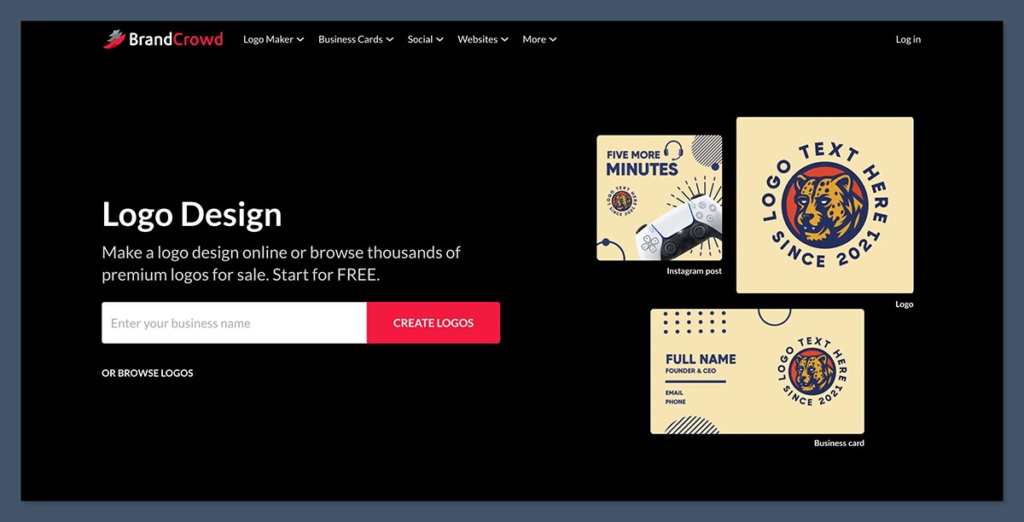
BrandCrowd is very similar to Design.com in a lot of ways, the main difference is that while Design.com has more AI tools and a bigger focus on speed to launch, whereas BrandCrowd gives you more professional designer-made templates to browse through.
There’s about 380,000 custom and designer-made templates offered up by freelancers and experts in the library, and there’s still an AI tool that can customize about 145,000 of those designs for you. The editor’s still pretty straightforward, and lets you mess with fonts, colors, spacing, layouts, or gradients, and you get plenty of download options, like SVG, EPS, or PDF.
Also, just like Tailor Brands, BrandCrowd lets you take your logo into a range of other assets, from matching business cards, to banners, flyers, or social media posts.
Pros:
- Over 380,000 expert-made templates from real designers
- Easy to create a full brand kit in one place
- Customization is simple, with straightforward editing tools
- Lots of download options, including vector files
- Exclusive licensing purchases available
Cons:
- Not the most advanced AI tools
- Exclusive licenses can be expensive
- Buying a design doesn’t stop previous brands from using it
Why I’d use it over Tailor Brands
Tailor Brands is still better if you need things like LLC support, but BrandCrowd is the ideal alternative if you want templates and designs created by real experts, so you’re not just starting with a generic visual.
3. Looka: Best AI Logo Experience
My Rating: 4.5/5
Best for: A more intuitive AI design experience
Pricing: $20 for a basic logo or $65 for a Premium option with subscriptions available
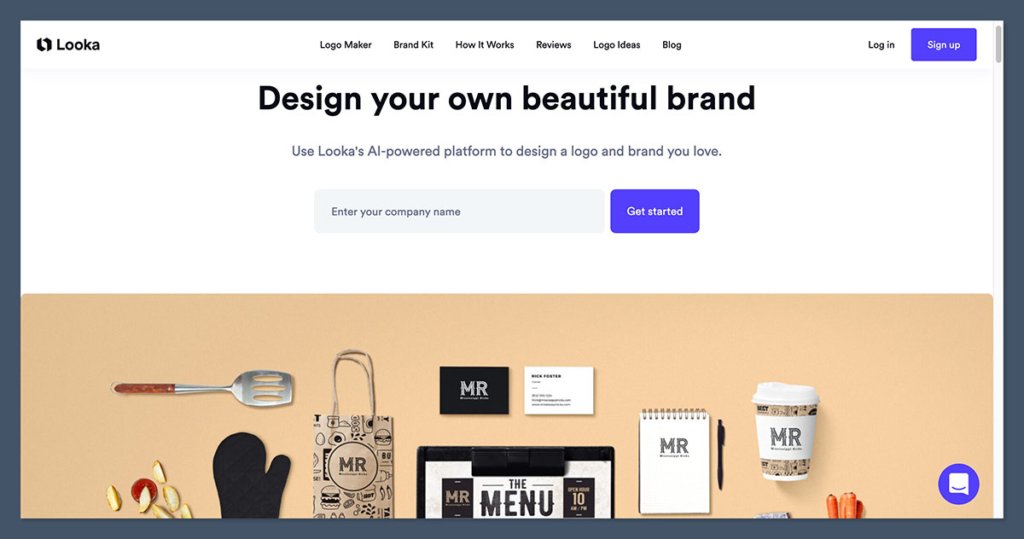
Though most Tailor Brands alternatives use AI in some way at this point, I think Looka gives users the more intuitive experience overall. There’s an onboarding experience that lets you explain all your preferences to the system, and the intelligent tools can even help with customization or placing your logo on realistic-looking mock-ups.
Beyond the AI experience, I like the fact that Looka gives you more than 15 vector and standard formats for exporting your designs, and that you can choose between either purchasing your logo upfront, or subscribe for a full brand kit solution.
Looka is great at producing premium-looking visuals quickly, especially if you want your logo, business cards, social media assets, or invoice designs in one bundle, you can even create a website template. It does still put limits on how much you can customize, though.
Pros:
- Great AI experience that covers onboarding and editing
- High-quality assets with over 15 export options
- Full brand kit available if you want to pay for a subscription
- One-off logo purchases available, too
- Very easy for beginners
Cons:
- The $20 logo purchase only gives you one PNG file
- Some generic and shared assets
- Not a lot of customization available
Why I’d use it over Tailor Brands
If you want a high-quality logo quickly, without having to put much effort into the design yourself, Looka is a great choice. Tailor Brands will probably make more sense if you’re looking for a visual identity, plus a little help with business setup.
4. Canva: Best Free Tailor Brands Alternative
My Rating: 4.5/5
Best for: Long-term DIY branding and design tools
Pricing: Free plan with Pro plans starting at $18 per month
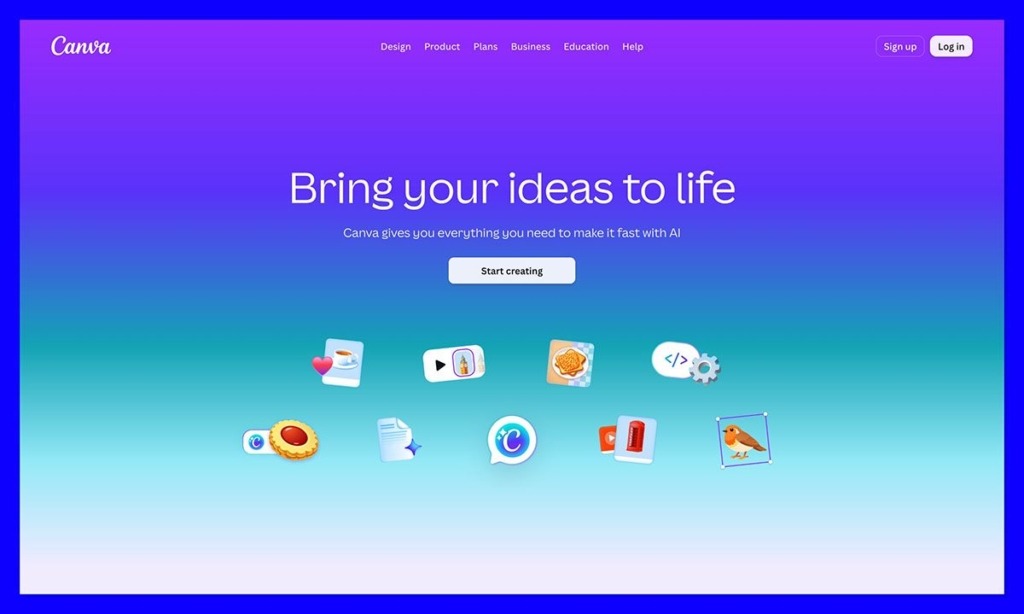
While most of the tools here are great alternatives to Tailor Brands if you’re interested in setting up your initial brand identity, I think Canva is better for longer-term design work. Although the logo maker is great, the full free plan gives you so much more room to experiment.
You’ve got more than 1.6 million templates, 4.7 million media assets, 1000 design types, 5GB of storage, plus limited AI use before you start paying for anything. Some of the more advanced tools, like Canva AI 2.0, which can create multi-layered editable designs from a prompt and remember your brand preferences do force you to upgrade, but that might be worth it in the long-term.
It’s also a great tool for real-time collaboration and editing with your colleagues, and there are even connectors for various tools you might already be using for design and marketing.
Pros:
- Very generous free plan with thousands of resources
- Great for designing assets as part of a team
- AI output is easy to edit within the designer
- The drag-and-drop tools are fantastic for beginners
- Can be better for marketing assets than other alternatives
Cons:
- Most of the best tools force you to upgrade to the paid plan
- No option to just buy a logo with a one-off purchase
- Some templates can feel a bit familiar
Why I’d use it over Tailor Brands
I’d choose Canva over Tailor Brands if I wanted a straightforward design workspace I can keep using every day, hopefully with the help of my team. It’s ideal for long-term creative work, and even the paid plans are good value for money.
Which Tailor Brands Alternative Should You Choose?
The choice really depends on what you’re trying to get. BrandCrowd is great if you want to start your design journey with professional templates and artwork, while Looka is ideal if you want to get a full brand kit ready with plenty of help from AI, and minimal upfront work. Canva is a little different, because it’s more the tool you’ll use for long-term and collaborative design strategies, rather than just for building an initial brand.
If, on the other hand, you’re leaving Tailor Brands because the design options are limited, or you want an option to buy a logo upfront, rather than paying for a subscription, Design.com would be my first choice. It’s just as intuitive as Tailor Brands, the designs are fantastic, and you get more freedom to how you want to build your brand assets over time.
FAQ
What’s the best overall alternative to Tailor Brands?
Design.com is my top pick. You get access to over 446,000 customizable logos, AI-powered editing, and the flexibility to either buy a single logo outright or subscribe for the full brand kit. Subscriptions start at just $3 per month, which makes it accessible for pretty much any budget.
Can I get a logo without paying for a subscription?
Yes. Unlike Tailor Brands, which locks you into subscription-only pricing, Design.com, BrandCrowd, and Looka all offer one-off logo purchases. Looka’s basic logo starts at $20, though that only includes a single PNG file. If you want vector files and full ownership rights, expect to pay more.
Which alternative has the best AI features?
Looka offers the most intuitive AI experience overall. It walks you through an onboarding flow to learn your preferences, then generates logos, business cards, social assets, and even website templates that match your style. Design.com is a close second, with conversational AI tools built into its editor.
What’s the best free Tailor Brands alternative?
Canva is the clear winner here. The free plan includes 1.6 million+ templates, 4.7 million+ media assets, 1,000 design types, and 5GB of storage. You’ll hit paywalls on advanced features like Canva AI 2.0, but the free tier covers more than enough for most small businesses.
Which option gives me the most designer-made templates?
BrandCrowd leads on this front with roughly 380,000 templates created by real freelance designers and experts. About 145,000 of those can be customized with AI tools, so you get the professional starting point without losing the ability to tweak things.
Does any alternative include LLC setup like Tailor Brands?
No. This is the one area where Tailor Brands still has an edge. If business formation help is essential for you, none of these four alternatives match that bundled offering. You’d need to pair one of them with a separate LLC service.
What file formats can I download?
It varies. Design.com exports to PNG, EPS, GIF, and more. BrandCrowd offers SVG, EPS, and PDF. Looka provides 15+ vector and standard formats on paid plans. Canva gives you the standard set (PNG, JPG, PDF, SVG on Pro).
Which alternative is best for teams?
Canva, by a wide margin. Real-time collaboration is built in, and there are connectors for most marketing and design tools your team probably already uses. It’s the only one on this list designed for ongoing team-based creative work rather than a one-time brand launch.
How much does each option actually cost?
- Design.com: Free downloads available, subscriptions from $3/month
- BrandCrowd: Free assets available, plans from $3/month
- Looka: $20 one-off logo, $65 Premium, or subscription
- Canva: Free plan, Pro plans from $18/month
Which one should I pick if I just want to launch fast?
Looka if you want the AI to do most of the work, Design.com if you want more control and the option to expand your brand kit later. Both let you skip the subscription commitment upfront, which is the main reason people leave Tailor Brands in the first place.


