
 By Bogdan Rancea
Best for brand sites

Squarespace
See pricing Visit Squarespace →Basic: $19/month billed annually ($25 monthly)
Core: $29/month billed annually ($39 monthly)
- Guided AI builds a multipage site
- Edit the generated result directly
- Built-in selling for a brand shop
Best for online stores

Shopify
See pricing Visit Shopify →Basic: $29/month billed annually ($39 monthly)
Apps and payment fees extra
- Commerce-first AI store builder
- AI theme creation from a description
- Shopify Magic for copy and media
Best all-rounder

Wix
See pricing Visit Wix →Free plan available
Light: $17/month, Core: $29/month (billed annually)
- AI and drag-and-drop editing together
- Business tools beyond a brochure site
- Ongoing free plan to explore
Squarespace is my top AI website builder for design-conscious businesses in 2026, thanks to its guided Blueprint AI setup, visual editing tools, and built-in selling features. It combines help with the initial design and control over the finished website, which makes it my first recommendation for creative businesses and smaller brands.
In this guide, I compare seven of the best AI website builders, explaining their design options, AI features, pricing, and drawbacks. I’ll show you where each builder makes sense, when I’d choose an alternative, and which costs to consider before committing to a plan.
Key Takeaways 🔍
- Squarespace is my leading choice for a cohesive brand website. Blueprint AI provides a guided starting point, while direct editing lets you refine the result. Wix is my alternative for a broader mix of bookings, content, and selling.
- Compare the plan you need, not just the starting price. Framer Basic starts at $10/month billed annually. Wix starts at $17/month annually, but accepting payments requires Core at $29/month annually. Domains, integrations, and usage can increase the total.
- Free plans have publication limits. Wix, Framer, and Webflow allow free sites on branded subdomains. A custom domain generally requires a paid plan, and selling has separate requirements. Squarespace offers a trial rather than ongoing free publication.
- Choose Shopify when running a store is the priority. Its AI theme and content tools sit alongside product, payment, and order management. I’d put those operating needs ahead of the appeal of a generated homepage.
- Figma Make and Lovable suit more custom projects. They can generate interactive, code-based experiences, but business services and maintenance still need planning. They aren’t the options I’d recommend first for a straightforward store with no technical support.
How we evaluate AI website builders
For this guide, I compare six areas: AI creation, design flexibility, editing controls, ecommerce capabilities, total cost, and portability. The assessment draws on each builder’s published features, plan details, and product documentation, with particular attention to the needs of designers, small businesses, and store owners.
I give more weight to the work a builder supports after generation: refining pages, managing content, running a store, and maintaining the site. That’s why the rankings come with specific recommendations about who each platform suits. You’ll find more detail on the scope of this evaluation in the methodology section below.
| Builder | My recommendation | Starting paid price in USD | The main tradeoff |
|---|---|---|---|
| 1. Squarespace | Cohesive brand websites | $19/month, billed annually | Selling fees vary by plan and product type |
| 2. Shopify | Product-led online stores | $29/month, billed annually | Apps and payment fees add to the bill |
| 3. Wix | Versatile business websites | $17/month, billed annually | Selling starts at $29/month annually |
| 4. Framer | Portfolios and marketing sites | $10/month, billed annually | Commerce needs a separate connection |
| 5. Webflow | Detailed design and CMS control | $15/month, billed annually | More controls and plan distinctions to learn |
| 6. Figma | Building from existing Figma designs | Full seat: $16/month annually | Generated interfaces still need business services |
| 7. Lovable | Custom storefronts and applications | Pro: $25/month or $250/year | Usage costs and ongoing code maintenance |
The prices cover different things. A Figma seat isn’t a complete store subscription, and a low website price may exclude the services your business needs.
1. Squarespace: The best for a cohesive brand website
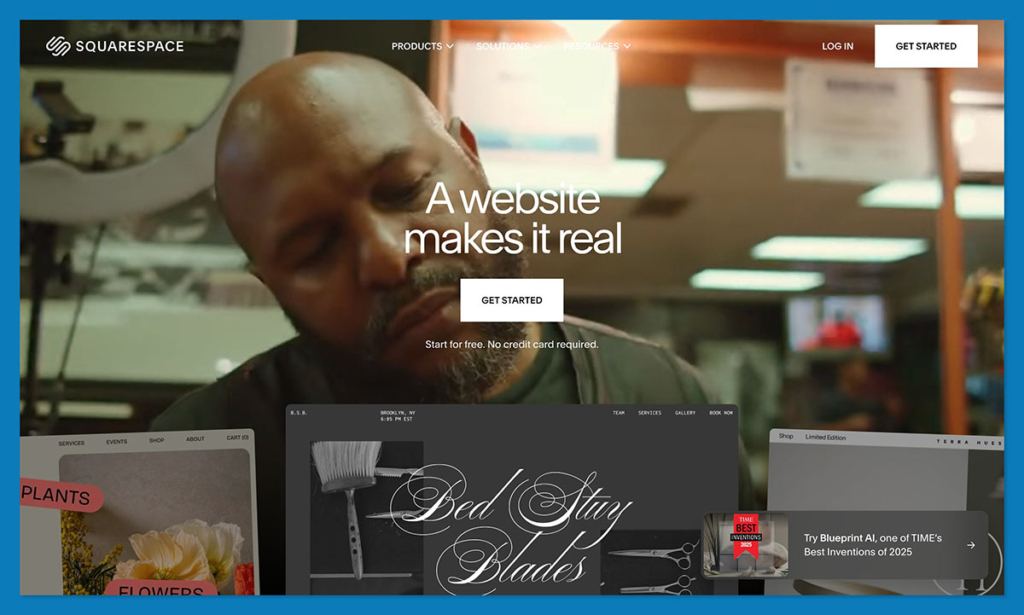
Squarespace is my first recommendation for a business that wants its website to feel considered from page to page. Its appeal is the combination of guided AI creation, editable site styles, and built-in selling. For a studio, service business, or smaller product brand, that’s a sensible balance.
- ✔️ Guided creation establishes multiple pages and a visual direction.
- ✔️ Direct editing lets you refine the generated result yourself.
- ✔️ Built-in selling suits a brand site with a shop attached.
- ❌ Transaction fees need comparing across plans.
- ❌ Paid publication means the trial won’t become a free live site.
Why I’d choose Squarespace
Blueprint AI creates a multipage starting point with starter content. What appeals to me is having a connected website to work on, rather than a striking homepage followed by a list of pages you still need to build.
Imagine a ceramics studio with a small shop, workshop information, and a page about its process. I’d want those areas to feel related without spending every update correcting fonts and spacing. Squarespace’s guided direction makes it a good candidate for that brief.
You can still change the result. Direct drag-and-drop editing means a crowded heading or awkward image placement doesn’t have to become another conversation with AI. Current version 7.1 templates share features and style options, too, so the starting design doesn’t lock you into an entirely separate feature set.
I’d choose Shopify instead if the catalog and order operation dominated the project. Squarespace gets my vote when selling supports the wider brand story.
Where I’d be cautious
AI-generated copy can fill a page without giving a customer a reason to buy. I’d replace vague statements about craftsmanship with specific information about materials, care, delivery, and the work behind the price.
If you need a broader combination of bookings, editing options, and business functions, Wix also deserves a look. Our Shopify vs Wix vs Squarespace comparison goes further into those differences.
How much does Squarespace cost?
- Basic: $19/month billed annually, or $25 monthly.
- Core: $29/month billed annually, or $39 monthly.
Basic adds a 2% commerce transaction fee; Core removes it. At annual subscription rates, Core’s $10 monthly premium equals Basic’s fee at $500 in eligible monthly sales. Above that level, the cheaper subscription may be the more expensive choice.
Payment processing remains separate. Basic also has a distinct 7% Digital Product fee, so don’t apply that calculation to every product type. You can create with AI during the trial, but publishing requires a subscription.
2. Shopify: The best for building an online store with AI
If you tell me the business is an online store, Shopify moves to the top of my shortlist. Its AI features work inside the platform you’ll use for products, payments, and orders. That connection is more valuable to a merchant than a homepage generator alone.
- ✔️ Commerce comes first, with store operations behind the design.
- ✔️ AI theme creation gives a business description a visual starting point.
- ✔️ Shopify Magic helps with copy, media, and theme blocks.
- ❌ Apps and payment fees can push costs above the subscription.
- ❌ Generated theme blocks require checks and aren’t covered by normal code troubleshooting.
Why I recommend Shopify for stores
A convincing product page is only useful if the customer can buy the item and the business can handle the order. Shopify gives the generated storefront that foundation, although you still have to configure the store correctly.
I also like the relevance of its AI features after launch. Copy and media assistance can help as your catalog changes, while generated theme blocks offer a route to page elements your existing theme doesn’t provide.
For a clothing brand adding seasonal collections, building new pages and updating product presentation within the same store is a stronger reason to choose Shopify than homepage generation alone.
Already using Shopify? Our AI Shopify store builder guide covers more specialist options without asking you to rethink the entire platform.
What would make me hesitate?
I wouldn’t choose Shopify just for a brochure website. Squarespace offers a more proportionate starting point when the main goal is presenting services or creative work with occasional selling.
There are also some specific AI eligibility rules. Personalized theme generation supports English storefronts during a trial or on Basic, Grow, and Advanced. Starter is excluded. For existing stores, creation currently happens through the Shopify app or a mobile browser, although generated themes remain usable on desktop.
My bigger concern is treating generated code as finished work. AI theme blocks can contain errors or accessibility problems, and Shopify’s guidance says Shopify Support and theme developers don’t troubleshoot that generated block code. Test the result before putting it in front of customers.
How much does Shopify cost?
Basic costs $29/month billed annually or $39 monthly. That’s $348 for an annual subscription, versus $468 across 12 monthly payments, before extras.
Optional apps and payment processing add to the total. On the US Basic plan, a third-party payment provider also brings a 2% Shopify fee, separate from processing. Payment availability and charges vary by market.
I’d price the payment setup and essential apps before deciding whether the annual commitment is worthwhile. The subscription is a useful starting number, not the finished store budget.
3. Wix: The best all-round AI builder for business websites

Wix is the option I’d shortlist when the business doesn’t fit neatly into “website” or “store.” A workshop provider might need information pages, class bookings, and a small shop. Harmony’s combination of AI assistance, manual editing, and business tools suits that kind of mixed brief.
- ✔️ AI and drag-and-drop editing work together.
- ✔️ Business functions cover more than a simple brochure site.
- ✔️ An ongoing free plan gives you time to explore.
- ❌ The entry paid plan doesn’t include selling.
- ❌ Free sites carry Wix branding and don’t include custom-domain connection.
Why Wix earns its place
What appeals to me most is the choice of editing methods. Harmony and its Aria assistant can generate pages, layouts, and starter content, while manual controls let you handle an individual detail directly.
Not every change deserves a prompt. Rethinking a service page is different from moving an image slightly. I’d rather have both routes available than depend on the assistant understanding every correction.
Aria also stays relevant after setup. It can help create sections, images, and custom elements as your site develops. A furniture maker could generate a collection page, then refine the spacing around photographs and prices by hand.
I’d pick Wix over a specialist design tool when bookings or selling are part of the everyday workload. Those requirements deserve as much attention as the initial layout. You still have to configure the business services, but they sit within the platform you’re already using.
Where another builder makes more sense
For a simpler brand site, Squarespace’s guided visual direction may be all you need. If you care more about composing individual pages than handling business functions, I’d also compare Framer’s canvas before paying for Wix.
And if nearly every requirement involves products, stock, and orders, Shopify remains my stronger recommendation. Wix’s versatility is valuable when you’ll use it; it isn’t a reason to choose a broader platform automatically.
The free plan helps with that decision. Use it to try the kinds of changes you’ll make regularly, rather than judging the platform only on its generated opening design.
How much does Wix cost?
- Light: $17/month on an annual subscription, for a website without payment acceptance.
- Core: $29/month on an annual subscription, including payments and basic ecommerce.
These are monthly equivalents paid upfront for the year. Core therefore starts at $348 annually, before additional services and applicable charges.
A premium plan lets you connect a custom domain and removes Wix branding. I’d treat the free version as a useful way to build and evaluate the site, then budget for the paid tier that matches your actual business needs.
4. Framer: The best for portfolios and marketing websites
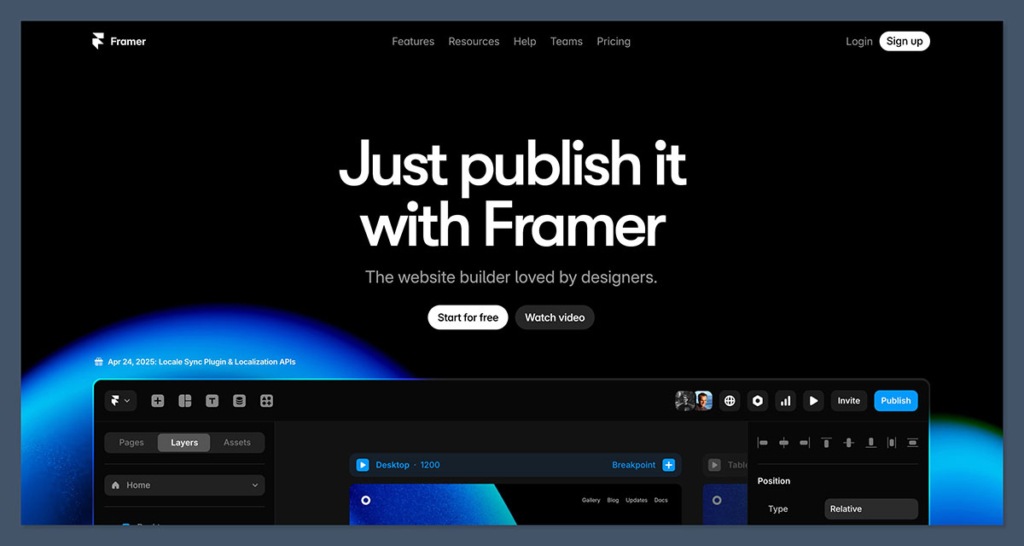
Framer would be high on my list for a portfolio or marketing website where the design needs regular attention. AI can help establish the structure, but the visual canvas remains central. That combination makes more sense to me for a designer than paying for business features they’ll barely touch.
- ✔️ Editable layers keep the generated design open to refinement.
- ✔️ Responsive controls help shape layouts for different screens.
- ✔️ CMS support organizes repeatable content such as projects.
- ❌ Commerce requires another connection, rather than coming with Basic.
- ❌ No standalone HTML export limits self-hosting options.
Why I’d shortlist Framer for design work
Framer’s AI works with page structure, content, and visuals, while the canvas gives you control over typography, components, and effects. The appeal is being able to develop the design after generation, without treating the first output as a finished answer.
Consider a portfolio that combines editorial design and packaging work. Those projects may need different image scales and pacing. I’d want to adjust the presentation around the work, rather than squeeze everything into identical generated sections.
Breakpoints, which control layout behavior at different screen sizes, are another reason to consider Framer. A composition that works across a wide desktop screen still needs a sensible reading order on a phone. That is design work worth doing deliberately.
The tradeoffs I’d consider
Framer is less straightforward for a shop. ShopKit, a third-party plugin, can connect it to Shopify products, cart actions, and checkout. That gives you a commerce route, but it also adds services to configure and maintain.
For a small brand that mainly wants attractive pages and straightforward selling, I’d start with Squarespace. Framer becomes more compelling when the specific presentation matters enough to justify the extra arrangement.
I’d also decide early how important self-hosting is. Framer doesn’t offer a standalone HTML export, so a future move won’t simply involve downloading the site and uploading it to another host. Lovable’s code access addresses a different requirement, though it also brings more technical responsibility.
How much does Framer cost?
Basic costs $10/month billed annually. It includes 30 site pages, 2 CMS collections, and 1,000 monthly AI credits. A content management system, or CMS, organizes entries such as projects or articles so you can manage them consistently.
That could suit a focused portfolio; a larger publication should check its collection requirements first.
The free plan uses a Framer subdomain; connecting a custom domain requires a paid site plan. Additional editors cost $20/month, while content editors cost $10/month. For a team, those seats can change the budget considerably. A Shopify-backed store also needs its separate commerce costs included.
5. Webflow: The best for detailed design and CMS control
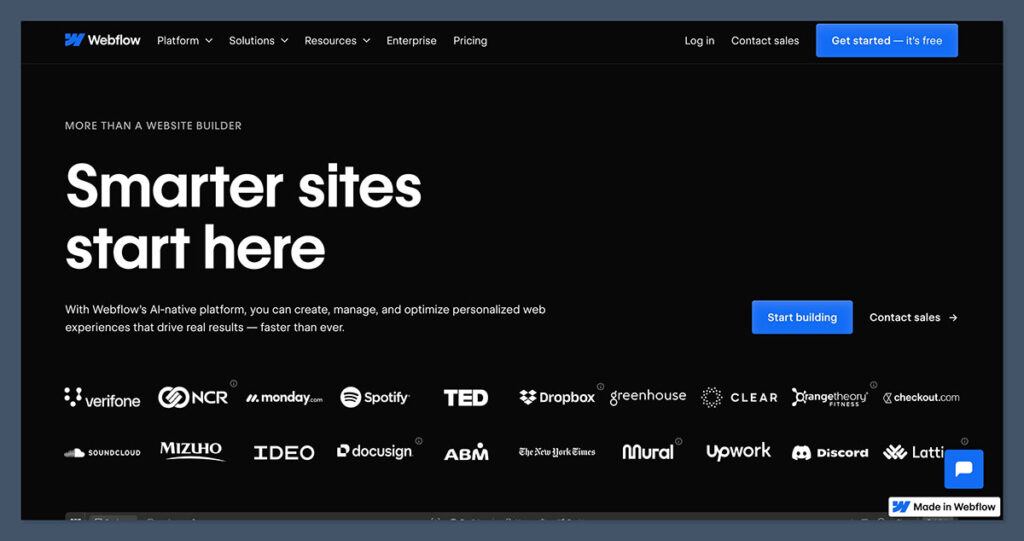
I’d choose Webflow when the website needs a content system as well as carefully controlled pages. A case-study library, for example, benefits from consistent fields and layouts that can develop together. That is where I think its extra controls earn their place.
- ✔️ Multipage generation provides structure, content, and a theme.
- ✔️ Detailed editing controls leave room to refine the result.
- ✔️ A CMS-enabled plan suits growing content collections.
- ❌ More controls to learn can be excessive for a simple site.
- ❌ Code export doesn’t include the hosted CMS or commerce functionality.
Why Webflow appeals to me
The AI builder can establish a site, then you can move beyond its simplified editing view to the fuller controls available to your account role. I like that there is room for the initial draft and the finished website to require different levels of editing.
Free accounts without a paid Site or Workspace plan are limited to 2 generated pages. With a paid plan, the initial generation can include up to 5, and you can add further pages afterward. Those are starting limits, rather than a reason to assume the site must remain tiny.
For a studio publishing case studies, I’d think about the content model early: client, service, project images, and outcomes. Designing those repeatable entries alongside the page gives Webflow a useful job beyond making the homepage look good.
Where I’d draw the line
I wouldn’t make a simple services site more complicated just to use Webflow. Squarespace is my starting recommendation for that brief. Our design-focused builder comparison explores when the extra controls are worth considering.
The AI builder also has boundaries. It supports new sites and existing AI-generated sites, rather than arbitrary older Webflow projects. If you’re refreshing an existing site, don’t assume it will provide the same generation workflow.
Portability needs care, too. A paid Workspace is required for code export, though it isn’t universally necessary to launch a custom-domain site. Exported code excludes CMS and ecommerce databases and functionality, so a dynamic site takes more work to move.
How much does Webflow cost?
- Basic: $15/month annually, for a custom-domain site without CMS.
- Premium: $25/month annually, for a CMS-enabled site.
I’d use Premium as the starting comparison for a content-rich project. AI site generation itself doesn’t consume Webflow AI credits, but copy generation and editing require a paid Site or Workspace plan; other AI functions have separate allowances.
Native Ecommerce Standard separately costs $29/month annually, with a 2% Webflow transaction fee, plus payment processing. Before choosing Webflow for an AI-created store, confirm the route from the generated project to working checkout. My recommendation here is strongest for design and CMS work.
6. Figma: The best for designers building from existing Figma work
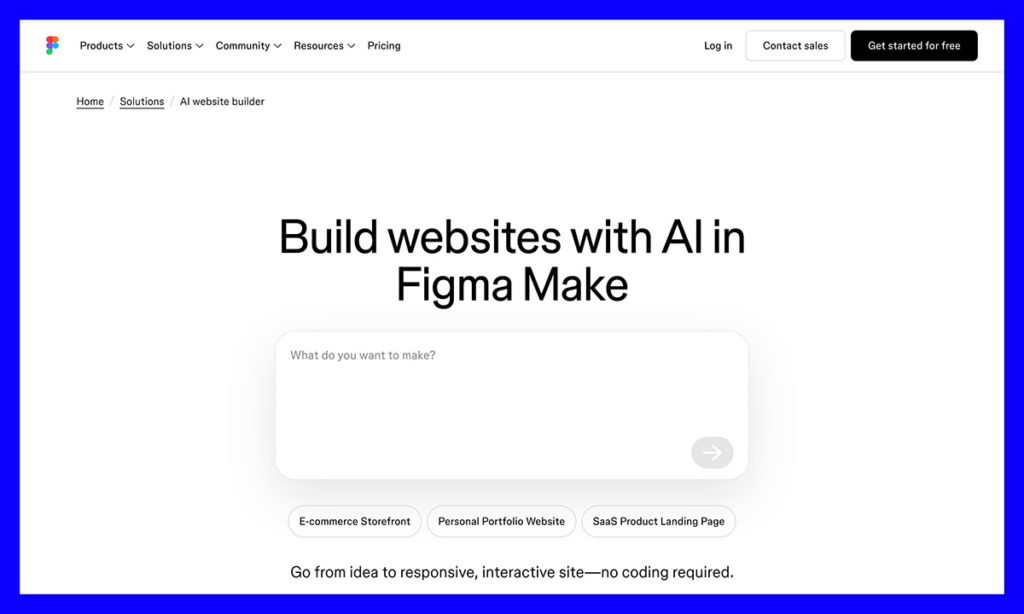
Figma Make interests me most when you already have a design worth building from. It accepts prompts or Figma frames and generates interactive, code-based work. For an existing Figma team, that is a different proposition from starting in an unfamiliar website editor.
- ✔️ Figma frames can guide generation, alongside written prompts.
- ✔️ Visual and code editing offer several ways to refine the result.
- ✔️ Interactive output supports ideas beyond static page layouts.
- ❌ Commerce still needs implementation, even if the storefront looks convincing.
- ❌ Publication and AI allowances depend on the product and seat.
Why I’d consider Figma Make
If your team has already designed a product-selection experience in Figma, describing every visual choice again in a prompt would be frustrating. Make gives those frames a role in the build.
You can refine properties visually, request changes in a prompt, or edit code directly. I’d particularly consider it when a designer and developer share responsibility for the result.
Backend and API connections can extend an interface with data or behavior. For a hypothetical product recommendation tool, that might mean making the choices respond to customer input instead of showing a fixed set of product cards.
That doesn’t make Make my first choice for a conventional online store. Shopify gives a merchant a clearer route through product setup, checkout, and order management. I’d want a specific interactive requirement before choosing the extra implementation work.
Make and Sites aren’t interchangeable
This is the distinction I’d settle before choosing a subscription. Make is the prompt-to-code product discussed here; Figma Sites is a separate visual website design and publishing product. Make offers code export, while Sites doesn’t support exporting site code for external publication.
A generated storefront also needs more than a cart interface. Payments, inventory, taxes, and fulfillment remain implementation decisions. I’d involve whoever will maintain those connections before treating an attractive preview as a launch-ready business.
How much does Figma cost?
A Professional Full seat costs $16/month billed annually or $20 monthly, with 3,000 monthly AI credits. Starter provides 500 monthly credits, capped at 150 per day. Usage varies by task, so those allowances don’t translate neatly into a fixed number of websites.
Paid Full seats can publish Make files to the web. Starter users can publish only if they also publish the file to Figma Community, which matters for client work or an unreleased project.
Custom domains require a paid plan and separate domain purchase. Confirm current domain charges and any connected-service costs before budgeting. I’d compare the full working project with other builders, rather than treating the seat price as an all-inclusive website bill.
7. Lovable: The best for custom storefronts and web apps
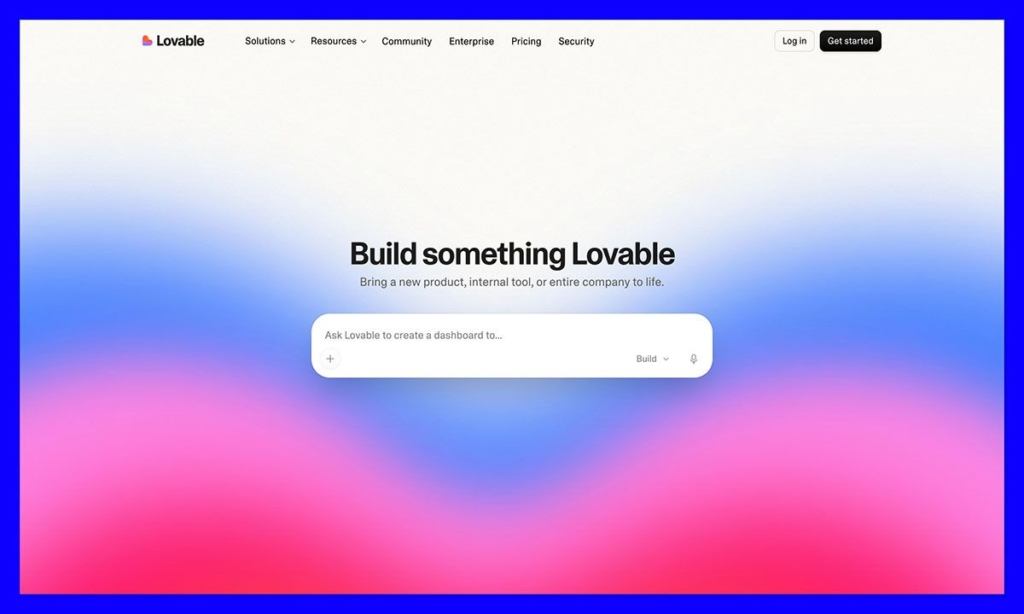
I’d consider Lovable when a standard website builder would constrain the idea. It generates websites and applications from conversational instructions, with a Shopify integration for custom storefronts. I like the scope for building something more specific, but I’d want technical support lined up before committing.
- ✔️ Conversational creation supports websites and applications.
- ✔️ Shopify integration works with new or existing stores.
- ✔️ GitHub synchronization provides access beyond the builder.
- ❌ Usage-based costs make budgeting less predictable.
- ❌ Separate services and generated code require ongoing attention.
Where I think Lovable makes sense
Support for existing Shopify stores is particularly appealing. You can keep Shopify handling products, payments, and logistics while changing the storefront experience. That gives an established catalog a role in a more custom project.
For example, a business might want customers to move through an interactive selection process before viewing suitable products. I’d investigate Lovable for that kind of requirement before choosing it simply to recreate a conventional collection page.
The preview toolbar helps make revisions specific. It supports element selection, inline text changes, drawings, and comments, giving the request context beyond a written description of where something needs to change.
GitHub synchronization is available across plans and supports development or deployment outside Lovable. For a team with technical help, that offers a useful way to continue working on the project as its requirements change.
Why I wouldn’t recommend it to every merchant
Shopify alone is the simpler choice for a conventional catalog. If its themes already support the experience you need, I’d be reluctant to add another service and codebase just because generating them is possible.
There are operational boundaries as well. A new development store cannot process real payments until the relevant Shopify setup is completed. GitHub access doesn’t automatically move Shopify or other external backend services if you later change hosting.
I’d want someone clearly responsible for the generated application, particularly when a requested change affects customer data or transaction behavior. The freedom is useful when you have a reason for it and the resources to maintain it.
How much does Lovable cost?
Pro starts at $25/month or $250/year, including 100 monthly credits. A paid Shopify subscription is separate after any applicable trial.
Credits deserve a closer look than the headline price. Consumption depends on the work involved, and a shared balance can cover building, deployed services, and AI features. Don’t assume every request costs 1 credit or that the subscription automatically covers all ongoing usage.
Connecting a new custom domain requires a paid Lovable plan; registration and renewal are separate. My budget would include the application, commerce subscription, usage, and whoever is maintaining the result.
How I’d choose the right AI website builder
I’d judge the second round of changes more closely than the first generated preview. That is when you start to learn whether the builder suits the work you’ll do every month.
Give your shortlist the same realistic brief. For a ceramics brand, that could be 12 products, a studio page, care information, and an earthy visual identity. Then ask for the same revision, such as adding a gift collection and changing the product-detail layout.
My decision would come down to 4 questions:
- Does it support the business? A portfolio, a booked service, and a product catalog need different tools. Choose the selling or content system before becoming attached to a generated design.
- Can you make ordinary changes comfortably? Move a section, correct a heading, and inspect the mobile layout. Those small jobs are part of owning the site.
- What does the finished setup cost? Include annual commitments, domain renewal, payment charges, collaborators, integrations, and AI usage. Compare the plans you’d actually need.
- Who will maintain it? A generated application with backend connections needs a different level of attention from a conventional hosted website. Code export alone doesn’t settle that question.
Before launch, check mobile navigation, image crops, product claims, and delivery information. Test forms and the payment, shipping, and order-confirmation flow using the platform’s appropriate testing process.
Keep your shortlist to 2 or 3 options. A trial around your own requirements is more useful than comparing generated homepages.
How I chose these AI website builders
My recommendations weigh published AI capabilities, manual editing controls, ecommerce fit, total cost, and portability. This guide evaluates documented features and plans; it doesn’t include hands-on design-quality or performance tests.
The rankings reflect the needs of design-conscious businesses. I favor a clear route from generated draft to useful website, while giving specialist tools a place where their extra control solves a specific problem.
Prices current as of October 2026. Figures are in USD; taxes, location, billing terms, and optional services can affect the total.
My verdict: Which AI website builder should you choose?
Squarespace is where I’d start for a cohesive brand website, especially when services, creative work, or a smaller shop share the page. Shopify gets my recommendation when the store is the business. Wix is the middle ground I’d compare for a broader mix of everyday business needs.
The remaining options need a clearer reason to choose them. Framer suits a design-focused portfolio, Webflow earns consideration for structured content, and Figma Make makes sense when existing design work can guide the build. I’d reserve Lovable for a custom experience that justifies maintaining an application.
Choose the tool you want to keep editing and operating after the AI has finished its first draft.
AI website builder FAQs
Which AI website builder is best for beginners?
I’d start with Squarespace for a cohesive business site or Wix for mixed requirements such as bookings and selling. Try routine edits before committing. The builder that generates an appealing draft isn’t necessarily the one you’ll find easiest to maintain.
Can I publish an AI website for free?
Wix, Framer, and Webflow support free publication on branded subdomains. Custom domains usually need a paid plan, and selling has separate requirements. Squarespace’s trial supports creation, but publication requires a subscription.
Which AI website builder is best for ecommerce?
Shopify is my main recommendation for a product-led store. Its AI features sit inside the commerce platform. Lovable is worth considering for a custom Shopify storefront if you have the technical support to maintain it.
Can AI create an entire website?
It can generate multiple pages, layouts, content, and sometimes application code. You still need to verify the content, configure business services, and test important customer actions. A complete-looking preview isn’t proof the website is ready to launch.
Can I move an AI-built site later?
It depends on the builder and connected services. Lovable supports GitHub synchronization; Webflow export excludes dynamic CMS and commerce functionality; Framer doesn’t offer standalone HTML export. Moving design files and moving a working business system are different jobs.


