
 By Bogdan Rancea
I got tired of paying Shopify fees for a store I couldn’t really customise without hitting some wall. That’s how I ended up going down the open source rabbit hole. Months later I’m still in it.
Some of these platforms are brilliant. Some of them wasted entire weekends of my life. One of them (I’ll get to it) had documentation so outdated I ended up in a Discord server at midnight asking strangers how to configure shipping zones.
I wasn’t super scientific about how I evaluated them. Mostly I cared about whether I could actually get a store running without losing my mind, how much the dev community could bail me out when I got stuck, and whether the thing would fall over if it got real traffic. SEO came up a lot too because I’ve been burned by platforms that technically work but Google basically ignores.
I looked at:
- Performance and SEO capabilities
- Ease of use
- Customization and design flexibility
- Support for developers
- Community size and updates
- Scalability
Our Top Open Source Ecommerce Platforms
- WooCommerce – Best overall for WordPress users
- Magento Open Source – Best for scalable, enterprise-level stores
- PrestaShop – Best mid-range platform with strong flexibility
- OpenCart – Best for small stores and quick setups
- nopCommerce – Best Microsoft-based platform
- Medusa – Best headless platform for developers
- Saleor – Best GraphQL API and modern frontend flexibility
Comparison Table
| Platform | Best For | Tech Stack | Free to Use | Skill Level |
|---|---|---|---|---|
| WooCommerce | WordPress users | PHP | Yes | Beginner to Mid |
| Magento Open Source | Enterprise-level ecommerce | PHP | Yes | Advanced |
| PrestaShop | Mid-size ecommerce stores | PHP | Yes | Mid |
| OpenCart | Small stores and MVPs | PHP | Yes | Beginner |
| Medusa | Custom headless builds | Node.js | Yes | Developer |
| Saleor | Modern frontend teams (React, etc) | Python/Django | Yes | Developer |
1. WooCommerce: Best Overall for WordPress Users
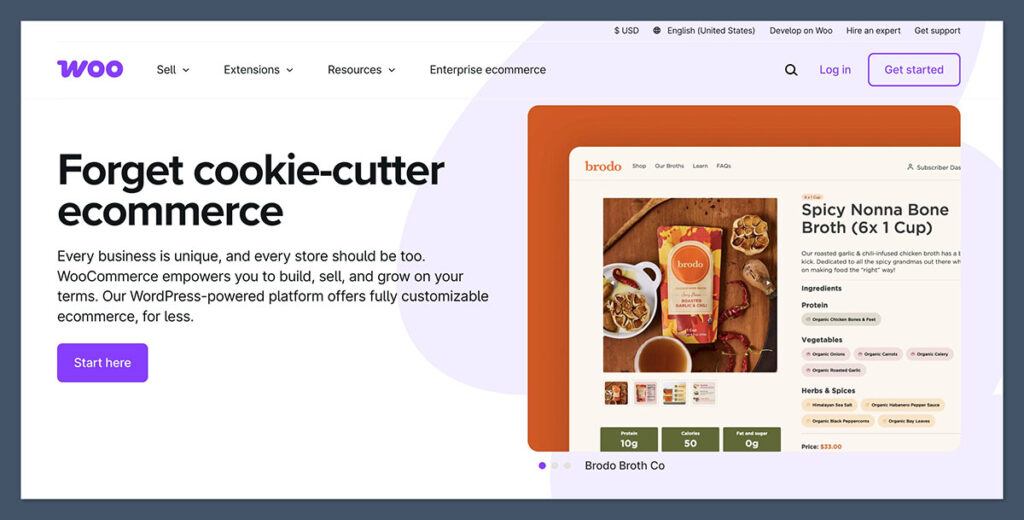
Most people who use WordPress end up here eventually. It’s the most widely-used open source ecommerce plugin out there and it plugs straight into WordPress, so if you already know your way around the dashboard it doesn’t feel like learning something new.
No monthly platform fee, which matters when you’re comparing it to everything else on this list. And there are thousands of themes and plugins available so you can get pretty far without touching code.
SEO is one of its stronger points. Pairs well with Rank Math or Yoast without much fuss.
The catch is plugins. The more you add the slower things get, and you will keep adding them because that’s how WooCommerce works. Maintenance is the other thing — updates are constant and you can’t just ignore them. If you’ve got a huge product catalogue this probably isn’t the one. It wasn’t really built for that.
Community is massive though. Well-documented. Whatever problem you run into, someone’s already asked about it somewhere.
Pros:
- Integrates natively with WordPress
- Thousands of themes and plugins available
- SEO-friendly (especially with Rank Math or Yoast)
- No monthly platform fee
Cons:
- Can slow down with too many plugins
- Not ideal for large inventories
- Requires regular maintenance and updates
Pricing
WooCommerce is free to install, but you’ll need a hosting plan, which usually starts at around $20 per month.
You can run a simple store with free plugins, but most businesses will end up paying for premium themes or add-ons.
Expect to budget around $100 to $300 per year in additional tools, depending on your setup.
WooCommerce is the best open source ecommerce platform for WordPress users. If you want to build an online store without leaving the WordPress ecosystem, it’s hard to beat in terms of flexibility and support.
Bottom Line:
If you want to run an online store inside a WordPress site, WooCommerce is your best bet. It’s well-documented, easy to set up, and supported by a massive global community.
2. Magento Open Source: Best for Large-Scale Stores
Starting Cost: Free
Tech Stack: PHP
Best For: Enterprise brands and technical teams
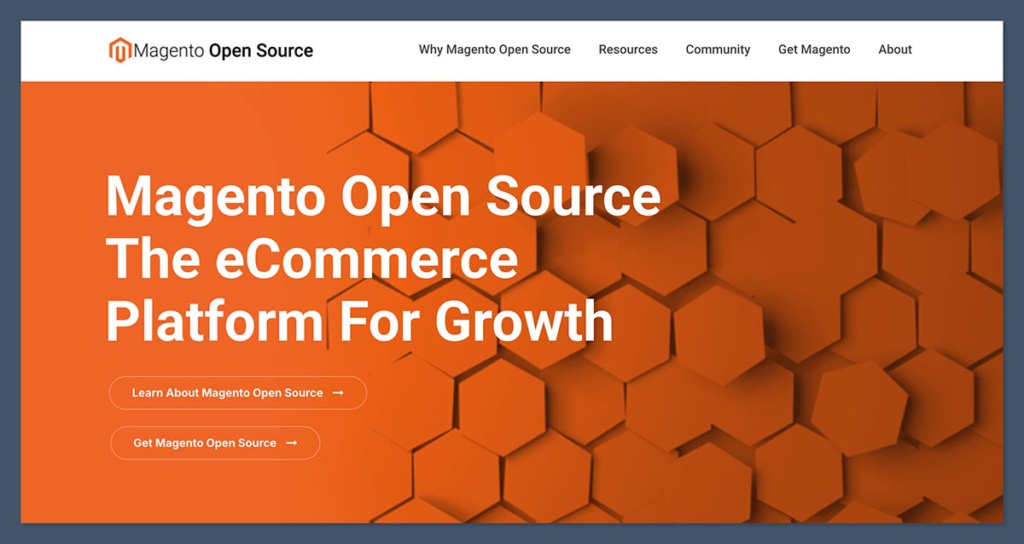
I burned most of a week getting Magento configured and I’m not new to this stuff. It’s the old Magento Community Edition renamed. Once it was running though I could see why people stick with it. I threw a big catalogue at it with multi-store setups and complicated shipping rules and it just handled it. Didn’t flinch under traffic either.
The community bailed me out more than once during setup. And Adobe Commerce is there above it if you outgrow the open source version.
Hosting caught me off guard cost-wise. And you can’t really maintain this without a developer, I learned that the hard way.
Pros:
- Handles large product catalogs and multi-store setups
- Built-in support for complex tax and shipping rules
- Scalable for high-traffic sites
- Global community and enterprise support (Adobe Commerce)
Cons:
- Requires developer expertise to maintain
- Setup is time-consuming
- Hosting costs can be high
Pricing
Magento itself is free to use. However, hosting and development can be expensive.
Hosting a Magento site on a performance-optimized server starts around $100 per month, and development can run into the thousands, depending on your requirements. Expect to work with a developer if you want to unlock Magento’s full potential.
Magento Open Source is perfect for larger ecommerce operations with complex needs. It’s not for beginners, but if you’re ready to invest in infrastructure and development, it offers unmatched flexibility and power.
Bottom Line:
Magento is powerful, but not for the faint of heart. It’s best used by teams with backend development resources, or enterprise brands investing in long-term ecommerce infrastructure.
3. PrestaShop: Best for Flexible Mid-Sized Stores
Starting Cost: Free
Tech Stack: PHP
Best For: Mid-sized businesses and global stores
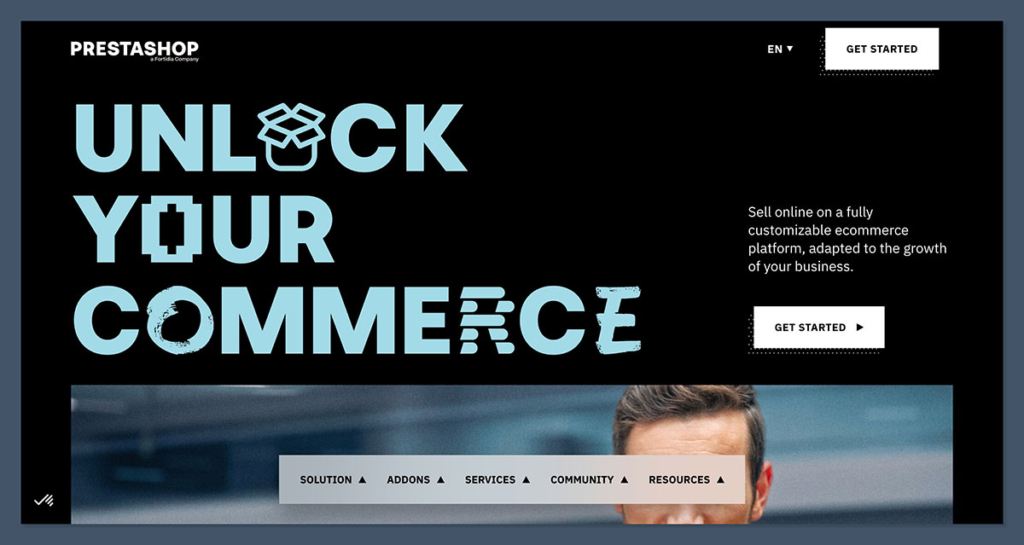
PrestaShop is big in Europe. I hadn’t heard much about it until I needed a store that could handle multiple languages and currencies without me installing five different plugins to make that work. Turns out it supports over 75 languages out of the box which saved me a headache.
Admin panel was surprisingly easy to get around. The add-ons in the marketplace got expensive faster than I expected. And when I ran into issues the documentation felt like it hadn’t been touched in a while, so I ended up just googling stuff and hoping for the best.
There’s a modular setup which I liked because you’re not stuck with bloat you don’t need. Plugin and theme ecosystem is still growing. Not sure I’d trust it with a really large catalogue though, it seems to have a ceiling that some of the other platforms here don’t.
Pros:
- Easy to localize stores for global customers
- Supports over 75 languages
- Modular structure makes it easy to extend
- Growing ecosystem of themes and plugins
Cons:
- Limited scalability for very large stores
- Marketplace add-ons can get expensive
- Documentation can feel outdated in some places
Pricing
PrestaShop is free to download and use, but modules and themes often come at a cost. Hosting starts at around $20 to $30 per month.
Expect to spend around $200 to $500 per year on modules for features like advanced SEO, payments, or shipping.
PrestaShop is a smart option if you want something stronger than WooCommerce but not as demanding as Magento. It’s especially useful for growing stores with international audiences.
Bottom Line:
PrestaShop is ideal if you’re selling internationally and want a platform that can grow without complexity. It’s approachable for new store owners but has enough depth for more experienced users too.
4. OpenCart: Best for Simplicity and Speed
Starting Cost: Free
Tech Stack: PHP
Best For: Small stores and first-time sellers
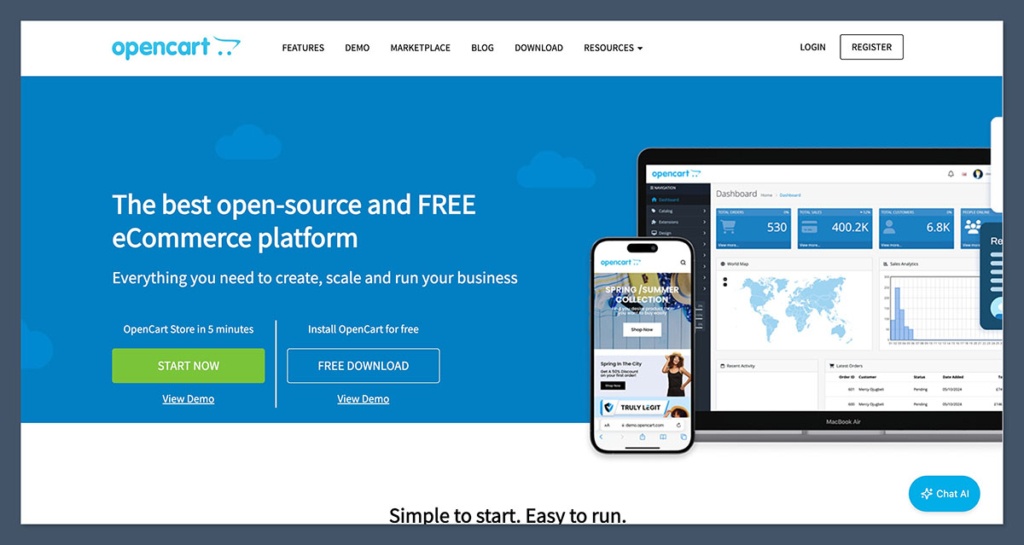
OpenCart is where I’d point someone who’s never run an open source store before. I had it installed and running on shared hosting in maybe half an hour, which is not something I can say about most platforms on this list.
The admin dashboard is clean. Managing orders and products felt intuitive pretty much immediately, didn’t spend ages figuring out where things were. There are a lot of extensions available too, free and paid, which you’ll need because the base install is pretty bare bones. Advanced features basically require add-ons.
SEO out of the box is basic. I noticed that pretty quickly when I started comparing it to what WooCommerce gives you by default. And it’s not built for anything massive — if your catalogue is going to get big this isn’t the one.
Pros:
- Intuitive backend with a short learning curve
- Lots of free and paid extensions
- Low resource requirements (shared hosting works)
- Easy to manage orders and products
Cons:
- Not built for large-scale stores
- Requires extensions for many advanced features
- Basic default SEO
Pricing
OpenCart is free and runs well on shared hosting plans starting at around $10 per month. You may choose to purchase themes or extensions, but many essential features are available at little to no cost.
It’s one of the cheapest ways to launch an online store.
If you’re just starting out and want something simple, OpenCart is one of the best open source options available.
It won’t overwhelm you with features and is budget-friendly, making it ideal for small product catalogs and quick launches.
Bottom Line:
If you’re launching your first store and want full control without complexity, OpenCart is a great place to start. It’s lightweight and easy to set up, even if you’re not a developer.
5. Medusa: Best Headless Ecommerce Platform
Starting cost: Free
Tech stack: Node.js
Medusa is a modular, headless ecommerce platform built in Node.js. It’s ideal for developers who want to create custom storefronts using frameworks like React or Next.js.
You can pick and choose components and build from the backend up.
Pros:
- Headless architecture
- Built for customization
- Fast API responses
- Modern tech stack
Cons:
- Developer-only
- Lacks plug-and-play features
- Smaller ecosystem
Pricing
Medusa is completely free and open source. Hosting on services like Vercel or DigitalOcean can cost between $10 and $50 per month, depending on your traffic and configuration.
Most additional costs will come from frontend development and integrations.
Medusa is best for developers who want control over the frontend experience and the flexibility to build something truly custom. It’s not beginner-friendly but offers high performance and modern tools for technical teams.
6. Saleor: Best Modern Frontend Flexibility
Starting cost: Free
Tech stack: Python, Django, GraphQL
Saleor is a headless ecommerce platform designed for performance and frontend flexibility. Built on Django with a GraphQL API, it’s ideal for modern frontend frameworks like React or Vue.
Pros:
- Headless and API-first
- Optimized for modern frontends
- Active community
- Fast and scalable
Cons:
- Requires Python and GraphQL knowledge
- Some features are behind a paywall
- Smaller third-party module selection
Pricing
Saleor’s open source version is free to use. Hosting can cost around $30 to $60 per month using Heroku, Render, or AWS. Saleor also offers a paid cloud version with additional features and support for enterprise users.
Saleor is an excellent option for teams who need modern frontend capabilities and want to work with GraphQL. If you have Python experience and want a clean headless setup, this platform is a solid bet.
Final Thoughts
Choosing the right open source ecommerce platform depends on your business model, team’s technical expertise, and long-term goals.
If you’re looking for easy setup and strong community support, WooCommerce and PrestaShop are great starting points.
For developers wanting more flexibility, Medusa and Saleor provide modern frameworks for custom builds.
If you’re running an enterprise-level store, Magento Open Source gives you the scale and performance to support complex operations.
Test each platform locally, explore the documentation, and choose the one that gives you the right mix of freedom and functionality.


