
 By Bogdan Rancea
I’ve tested a lot of ecommerce design tools over the years. Logo makers, brand kits, “all-in-one” platforms that swear they’ll save you weeks of work.
Most of them honestly feel pretty similar these days, particularly now that everything from Canva to Adobe Express comes with an “AI-powered” label.
Still, there are some systems that do a lot more for you than you’d think. Like BrandCrowd. People still describe it as a “logo design tool”, but it’s more than that. It’s a toolkit specifically for consistent branding, something that helps you build a cohesive image from your website, to your business cards.
It still can’t replace a professional design team, but it can definitely save businesses a lot of time when they’re building an image that actually makes an impact.
Quick Verdict: Should You Use BrandCrowd?
If you’re launching an ecommerce brand and you want to look credible fast, BrandCrowd does a lot of things right.
It’s not a designer replacement, and it’s definitely not where I’d build a brand I plan to obsess over for five years.
But for founders who need a logo, social assets, print bits, and a half-decent online presence without falling into a design rabbit hole, it works surprisingly well.
The real value isn’t the logo maker itself. It’s the fact that once you’ve picked a direction, BrandCrowd quietly handles all the annoying follow-on work: business cards that actually export correctly, social graphics that don’t clash, QR codes that match your brand, and promo visuals you can spin up without reopening five different tools.
You do eventually hit a point where it stops bending, especially if you’re picky about design or trying to grow beyond a one-person setup. But if you’re early on and doing everything yourself, ads, socials, packaging, and emails, BrandCrowd works as a pretty grounded way to keep branding from slowing you down.
Pros
- Huge logo and template library: well over 350,000 logo templates to start from.
- Covers most ecommerce design needs in one place
- Brand consistency happens automatically
- The editor is forgiving, and easy to use
- Fast from “nothing” to usable asset design
Cons
- Some templates can feel generic
- Limited control over little details
- Not a comprehensive ecommerce site builder
- No real team features
What BrandCrowd Offers Ecommerce Brands
I think a lot of frustration with tools like BrandCrowd comes from people expecting them to be something they were never built to be.
BrandCrowd isn’t really the same as something like Figma. It’s not trying to turn you into a brand strategist or give you pixel-level control over every asset. What it is trying to do is help you get past that awkward early phase where your ecommerce business technically exists, but visually… it’s a bit all over the place.
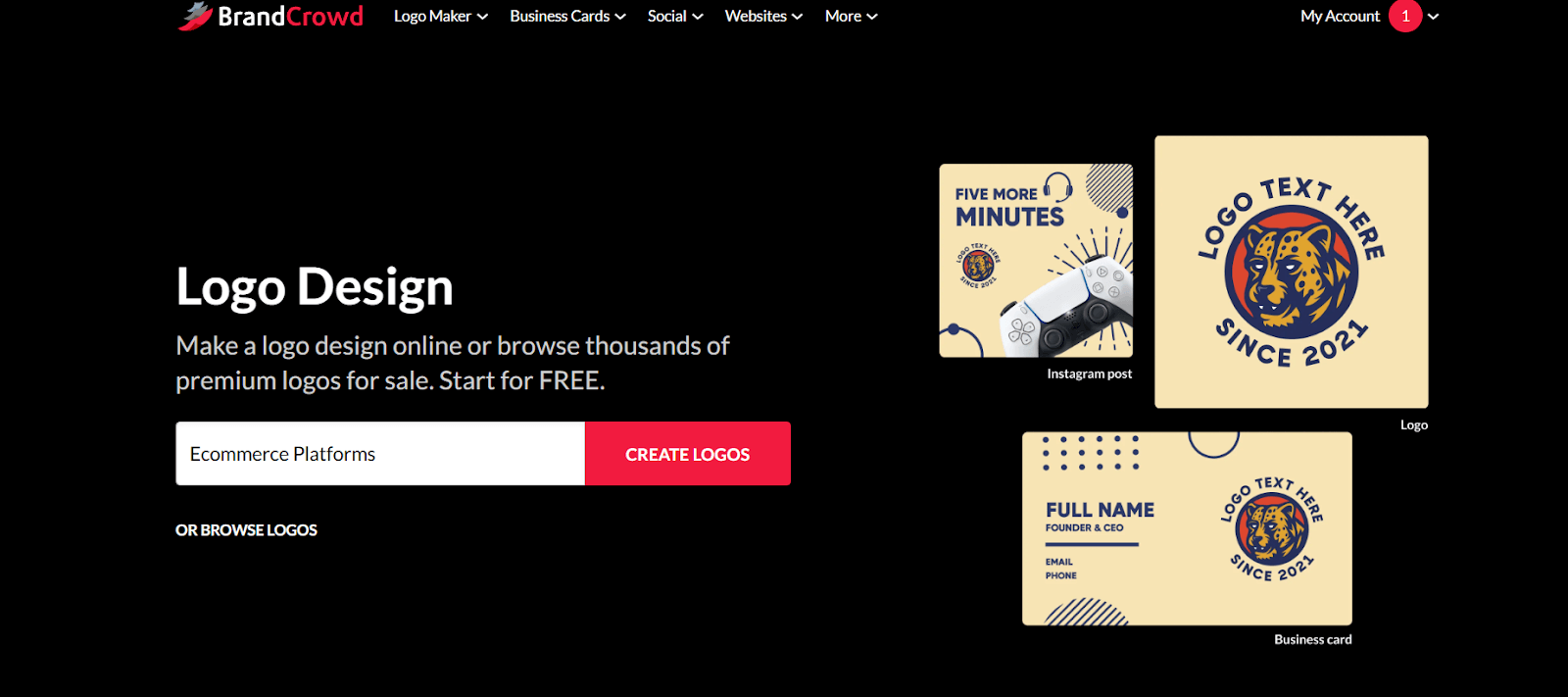
Really, BrandCrowd is a logo-first system. You come in through the logo maker, pick a direction, tweak it until it feels acceptable (or better than acceptable), and then everything else hangs off that decision. Colors, fonts, and layouts follow you around the platform, whether you’re making a business card, a social post, or a flyer for a pop-up.
That’s the part that actually matters for ecommerce. Most small stores don’t fail at branding because the logo wasn’t clever enough. They fail because the brand looks inconsistent. Instagram doesn’t match the website. Packaging inserts feel like they belong to a different company. Ads look rushed and off-brand.
BrandCrowd Review: Exploring the Design Tools
When I tested BrandCrowd myself, I started where most people do, with the logo maker. I just didn’t stop there. I deliberately pushed past the “fun” parts and into the boring ones, because that’s where design tools usually fall apart.
I tested how the editor behaved when I did things it clearly wasn’t designed for. Long brand names. Awkward URLs. Pricing text that refuses to fit neatly. I resized elements until they were just slightly uncomfortable. I changed colors late in the process to see what carried over and what didn’t. I duplicated assets across formats to see if consistency actually held up, or if it just looked good in demos.
I also paid close attention to exports. File formats matter more than most people realise, especially in ecommerce. A logo that looks fine on screen but falls apart when you send it to a printer is worse than useless. Same with business cards, flyers, or packaging inserts that don’t come out at the right resolution.
Here’s what I found out.
The BrandCrowd Logo Maker
The logo maker is still the front door to BrandCrowd, and honestly, I tend to think of most logo makers as glorified “placeholder designers” in general.
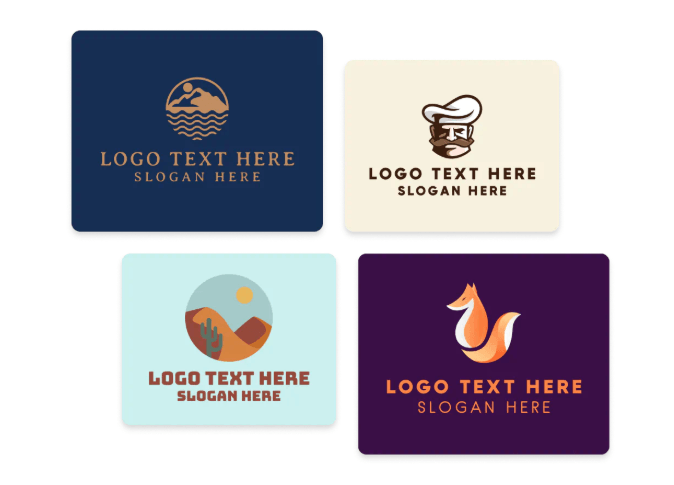
I’m not pretending BrandCrowd can match the output of a seasoned designer, but you do get a lot more room to explore than most tools in this category. There are more than 350,000 logo templates to dig through, and finding usable ideas doesn’t take long. You enter your business name, the platform pulls options tied to your industry, and from there you can filter by things like color, shape, or pricing until something clicks.
What I appreciated is that the system doesn’t pretend every result is precious. You’re encouraged to skim, discard, tweak, move on, or favorite the things you want to come back to.
Once you click into a design, the editor is straightforward, and forgiving. You can make font changes without breaking layouts, and play with colors, sizing, positioning, and icons.
There’s AI in the mix too, mostly for generating variations and nudging ideas forward. It’s helpful, but you will need to experiment a bit. I spent a little while playing with prompts before I got something useful.
One thing I genuinely appreciated was the range of export options. You’re not stuck with a single file type. You get high-resolution images, plus vector formats like SVG and PDF. That matters when your logo needs to work everywhere, from a website header today, to a shipping insert tomorrow, to a printer proof next week.
From Logo to a Brand That Doesn’t Fall Apart
As I said earlier, the logo designer is just the starting point now.
Most logo tools feel like a one-night stand. You get what you came for, download the files, and then you’re straight back on your own, patching together social posts, flyers, email footers, whatever else crops up that week. That’s usually where things start slipping. A slightly different blue. A font that almost matches but doesn’t quite.
BrandCrowd makes that kind of drift harder. Once you land on a logo, the rest of the platform falls into line around it. You slowly end up with a brand kit built from the same colors, fonts, and logo variations.
I caught myself thinking differently while using it. Not “I need to design something,” but “I need a version of this.” A version of a promo. A version of a thank-you card. A version of a QR insert. That turns design into a repeatable task instead of a mini creative crisis every time.
Business Cards and Print Assets
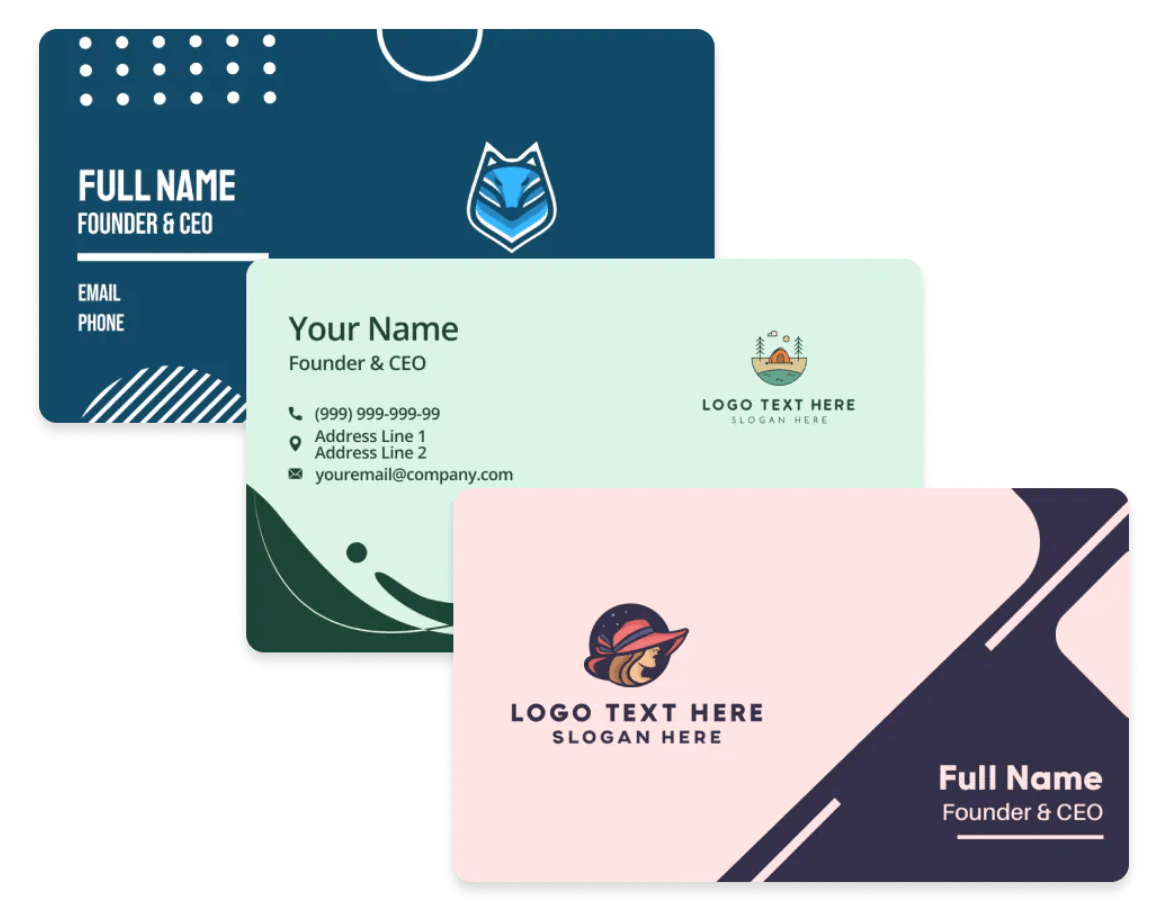
Business cards and print assets sound boring, but they’re still something 99% of companies need.
Just like with logos, BrandCrowd gives you hundreds of thousands of templates to start with, regardless of what you’re building. The layouts don’t immediately fall apart when you add long brand names or awkward URLs either.
You can easily design everything from email signatures to letterheads, posters, flyers, menus, and postcards in the same editor you used for your logo. Brandcrowd even offers a few templates I haven’t seen elsewhere, for things like videos, animations, QR codes, presentations and invoices.
There’s also a tool for creating t-shirt designs, though it’s worth mentioning the design is all you get. BrandCrowd isn’t a print-on-demand platform. It won’t produce merch for you, but at least it gives you something professional-looking to upload to the system you’re already using.
Plus, it gives you a central space to store everything, so when you decide you do want a variation of a menu, or a new thank-you card, you don’t have to start from scratch.
Social Media Assets: More than You’d Expect
This is the part of BrandCrowd that I had to actively police myself with.
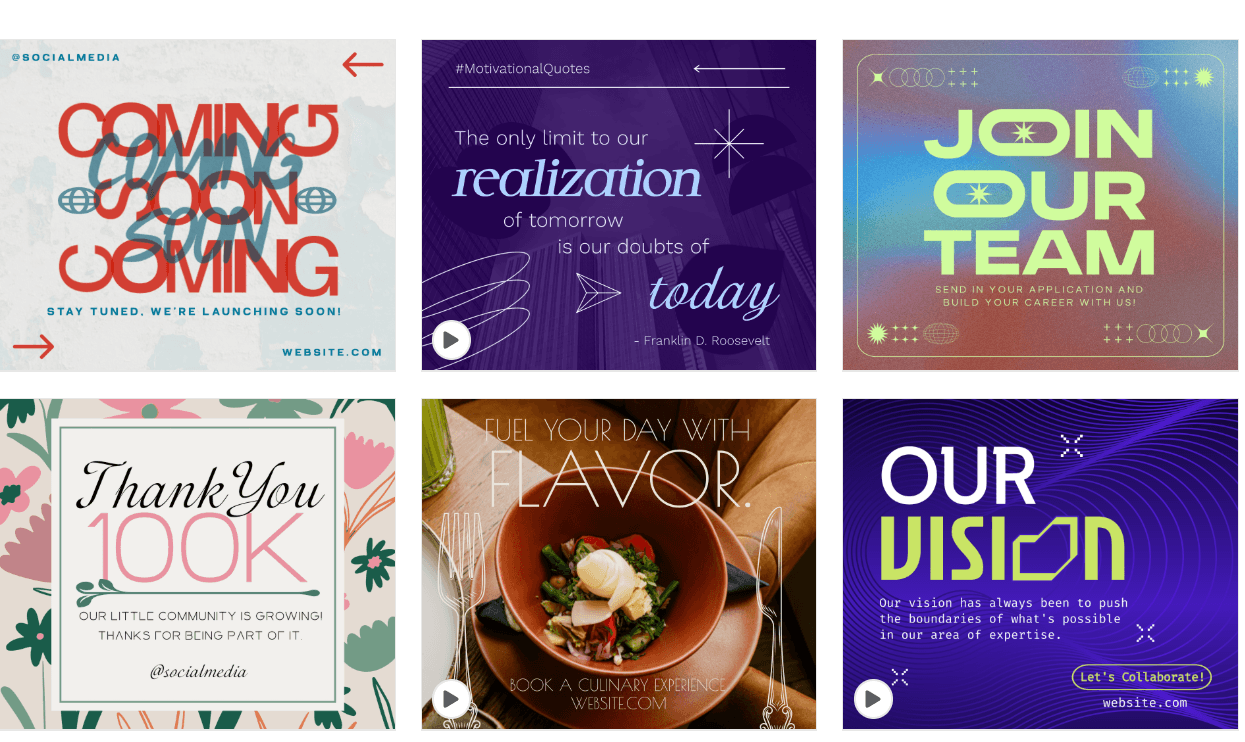
On paper, the social tools are great. You get formats for Instagram, Facebook, TikTok, Pinterest, LinkedIn, YouTube, even oddballs like WhatsApp and Zoom backgrounds. It’s obvious the team thought about where ecommerce brands actually show up most.
The design process, as always, is incredibly fast.
You click into a template, and everything’s already dressed properly. Colors match. Fonts match. Logo’s sitting there behaving itself. If you’re running a sale or pushing a product and just need visuals now, this feels like cheating in a good way. I knocked out a week’s worth of promo graphics in the time it normally takes me to overthink one Instagram post.
But keep in mind, BrandCrowd makes it very easy to stop thinking.
If you let it, you’ll end up with a feed that looks fine but feels empty. Same spacing. Same rhythm. Same energy post after post. Not bad enough to notice immediately, but flat enough that nothing sticks
Nothing’s wrong with the templates; they just don’t push back. If you let them run the show, they’ll happily give you acceptable results forever. A bit of experimentation is what stops things from feeling flat.
The Website Builder: What it Can Actually Do
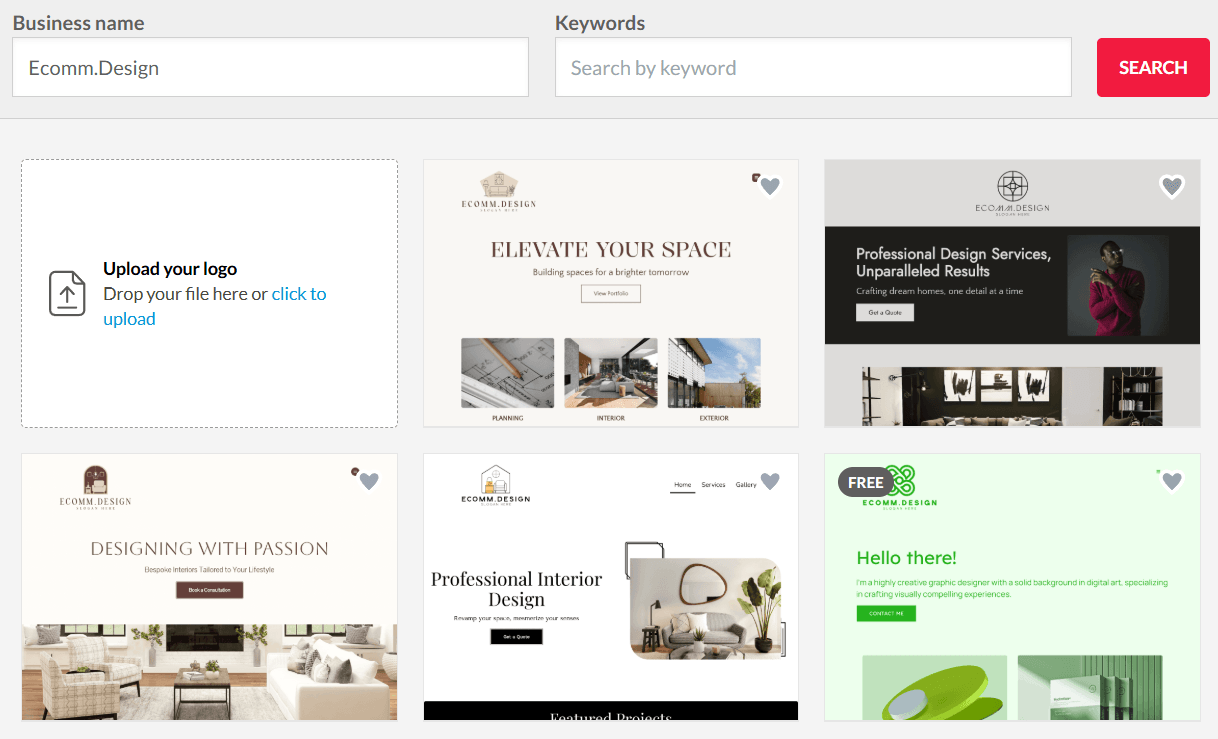
Honestly, I probably wouldn’t build an ecommerce store on BrandCrowd’s website builder. I don’t think they expect you to, either.
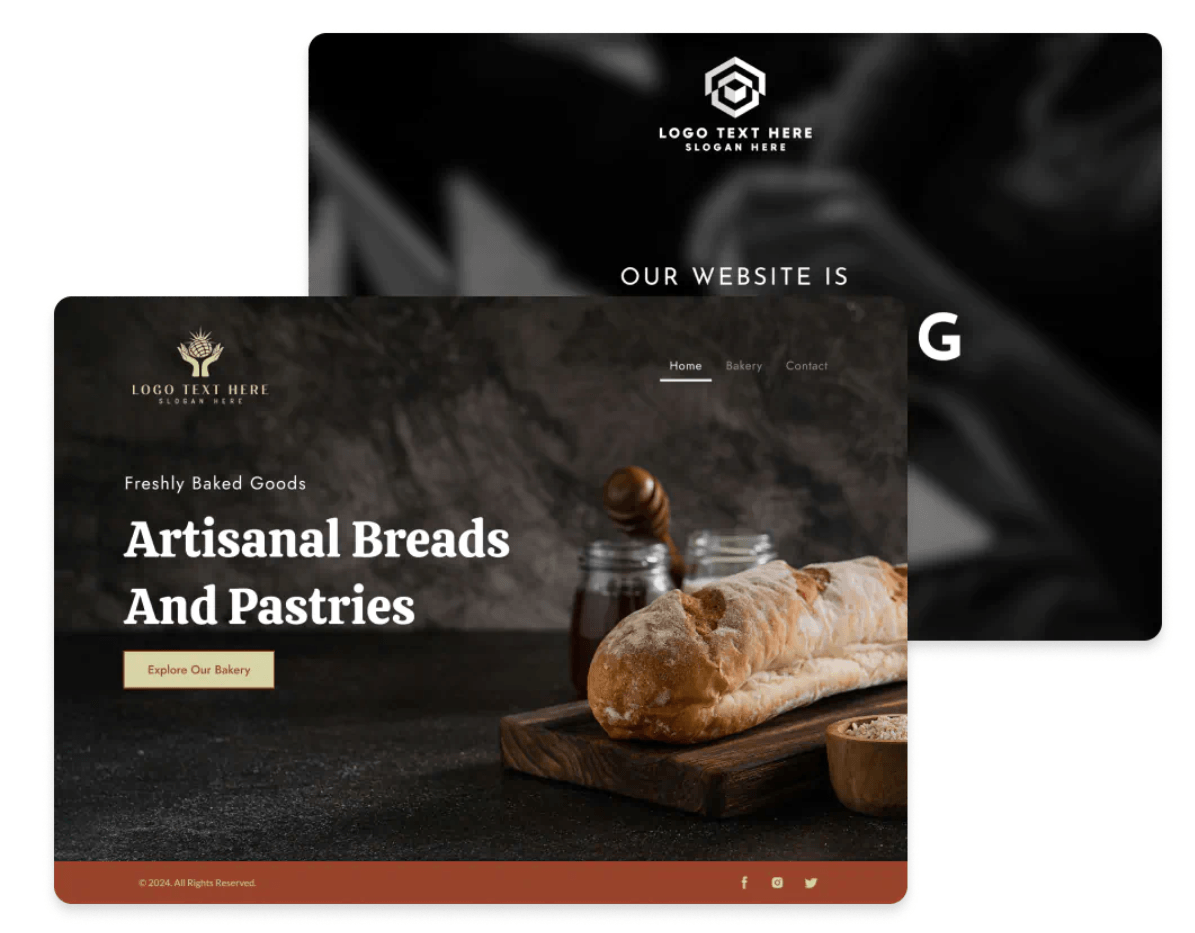
What BrandCrowd offers here is closer to a brand home, not a shop. You pick a template, drop in your logo, colours, and copy, hook up a custom domain, add a contact form, maybe a payment button if you need one, and that’s it.
That doesn’t mean the website builder is useless, it’s just not the same as something like Shopify, Wix, or Squarespace. Some companies don’t really need that straight away.
There’s a phase a lot of ecommerce brands go through where you don’t actually need a full storefront yet. You need somewhere legitimate to send people. A page that explains who you are, what you’re working on, where to follow you, maybe how to pay you for something simple. A QR code destination. A link in your bio that isn’t embarrassing. BrandCrowd handles that part cleanly.
What it doesn’t is product management. There’s no inventory logic, no checkout flows, no order handling, no “add 47 variants and pray.” If you come in expecting Shopify, you’ll bounce off this immediately.
I treated the site builder the same way I’d treat a temporary landing page or a brand hub. In that role, it works. The designs look tidy. Everything matches your existing assets. You can get something live fast without touching code or making design decisions you don’t want to make.
BrandCrowd Review: Ease of Use
I don’t think most people will immediately fall in love with something like BrandCrowd, but they might find that they’re just not getting annoyed by it.
Most design tools push me into this weird mental tax. I open them, plan to do one thing, and fifteen minutes later I’m stuck watching a tutorial I didn’t ask for, trying to remember where the alignment controls moved to this time. Eventually I tell myself I’ll come back later. Later never happens.
BrandCrowd is designed to take the mental load off.
It feels less like software trying to impress me and more like a drawer I could just open and grab something from.
I also didn’t feel punished for being sloppy. I resized stuff too far. I changed colours late. I made things ugly on purpose just to see what would happen. Nothing freaked out. Undo actually undid things. The layout didn’t collapse because I nudged something wrong.
You can tell there are guardrails. You hit moments where you want more control and can’t have it. But those same guardrails are why I kept going instead of spiralling into micro-adjustments that don’t actually matter.
BrandCrowd Pricing: What You Actually Pay For
BrandCrowd lets you design and edit without paying anything upfront. You can browse logos, tweak layouts, test ideas, and put together a whole stack of brand assets for free. You don’t even need to add a card until you actually want to download files you can use.
That final download moment is the paywall, and it’s one of those “fine print” things that catches people off guard if they’ve been happily designing for a while.
Most of BrandCrowd’s pricing comes as monthly or annual subscriptions that unlock file downloads and additional tools:
- Saver / Basic Plan: $15/month: includes high-res and vector logo files plus access to the core editing tools.
- Value Plan: $24/month: builds on Basic and usually includes more templates and some extra design formats.
- Premium Plan: $29/month: this usually includes everything from the lower tiers, plus extra tools and more asset types, like digital business cards and expanded social formats.
Pricing can shift slightly depending on where you’re based and currency conversion, but this is roughly where it lands. When you compare that to paying a designer to create everything from scratch, it’s easy to see why BrandCrowd can feel like a good value.
BrandCrowd Review: Who Should Use this Platform?
BrandCrowd is one of those systems that really benefits a specific type of customer. I think it makes the most sense when you’re building an ecommerce business where branding needs to work, not perform. You need things to match, and you need design to feel easy.
It’s especially useful if your business lives in lots of small touchpoints. Social posts. Packaging cards. QR codes. Emails. Landing pages that exist for a month and then disappear. BrandCrowd keeps all of that pointing in roughly the same direction without asking you to care too much about it.
Where it stops making sense is when design is the differentiator. If you’re the kind of founder who zooms in on kerning for fun, you’re going to feel fenced in. If you’re building something premium and visual identity is doing heavy lifting, you’ll notice the limits quickly. Same goes for teams, there’s no real structure here for collaboration or control. It’s a personal tool, not a shared one.
Would I recommend it? Yes. But only with that context.
I wouldn’t build a forever brand on BrandCrowd. I wouldn’t try to wring originality out of it. But I would absolutely use it to get from “this business exists” to “this business looks real” without burning time or energy I don’t have.


