
 By Bogdan Rancea
After working in ecommerce for over 12 years, one thing’s become very clear: most ecommerce businesses wait too long to get their accounting systems in place.
It’s easy to push it down the list—until you’re buried in spreadsheets, reconciling payments from four different platforms, trying to track inventory across multiple warehouses, and scrambling to get clean numbers for taxes.
That’s usually when QuickBooks enters the conversation.
If you’re running an ecommerce store, you’ve probably looked at it—or at least heard of it. It’s one of the biggest names in accounting software. But when you start factoring in ecommerce complexity, the pricing can get confusing fast.
In this guide, I’ll break down how QuickBooks pricing really works, which plans actually make sense for ecommerce businesses, and the hidden costs most people don’t see coming until they’re already knee-deep in accounting problems.
QuickBooks Pricing Plans: What You’re Really Paying For
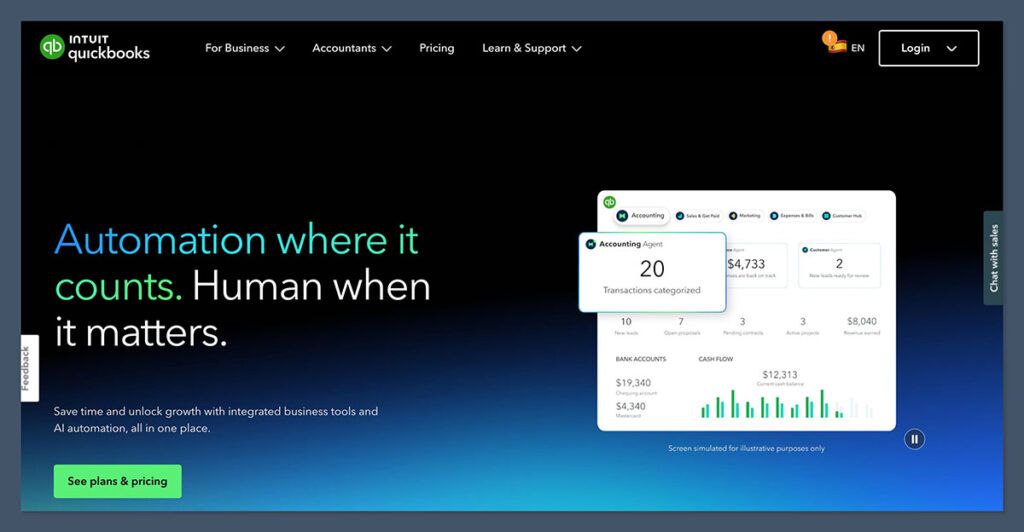
QuickBooks offers four main plans in the US and here’s the lowdown on their core pricing:
| Plan | Price (Monthly) | Key Features |
| Simple Start | $30 | Basic income and expense tracking, invoicing, and tax estimates |
| Essentials | $60 | Adds bill management and time tracking, plus 3 users |
| Plus | $90 | Adds inventory tracking, project tracking, and 5 users |
| Advanced | $200 | Adds automation, analytics, batch invoicing, and up to 25 users |
Now, let’s see how these plans stack up for ecommerce needs:
- Simple Start: Not enough oomph for most ecommerce businesses. Good if you’re running a super small dropshipping store with no inventory complexity.
- Essentials: Better for businesses using contractors or VA support, but it still doesn’t have inventory management.
- Plus: This is where things get serious for ecommerce businesses – especially with inventory tracking.
- Advanced: Best for scaling businesses that need custom workflows, deep analytics, and multiple people handling orders, returns, and reporting.
If you’re selling through platforms like Shopify, Amazon, or Etsy, the Plus plan is usually the minimum starting point.
Why Ecommerce Stores Need More Than Basic Accounting
Ecommerce businesses aren’t the same as freelancing or selling services – the accounting is just more complicated, even if you’re flying solo.
Here are a few things ecommerce accounting software needs to handle:
- Inventory Tracking: You need to know your stock levels at all times across multiple warehouses or sales platforms. Manual tracking can lead to overselling or underselling fast.
- Multi-Channel Integration: If you’re selling on Shopify, Amazon, Etsy, or WooCommerce, you need your sales data to flow into QuickBooks without duplicating income or losing refund info.
- Transaction Fees and Payouts: Stripe, PayPal, and Amazon all take fees before deposits hit your bank. Your accounting software needs to separate gross sales from net payouts.
- Sales Tax Reporting: If you’re selling across states, you’re likely collecting tax in multiple jurisdictions. You want QuickBooks to sync with something like TaxJar or Avalara to stay compliant.
The default QuickBooks setup doesn’t handle all of this on its own – you’ll likely need third-party integrations or middleware to make it ecommerce-friendly.
Hidden Costs Most People Miss
The base pricing is only half the story. Once you start adding on ecommerce essentials, the cost of QuickBooks can add up fast.
Here are some of the most common hidden costs:
- Payroll Add-On: If you’re hiring W-2 employees, QuickBooks Payroll starts at $45/month + $5 per employee.
- Ecommerce Integrations: Native integrations are limited, so for true multi-channel syncing, you’ll likely need tools like:A2X – starts at $19/month (great for Amazon and Shopify)Webgility – starts around $39/monthOneSaaS or Zapier – middleware for connecting platforms
- Inventory Management: Advanced inventory tracking beyond the QuickBooks Plus plan may require external tools or upgrading to QuickBooks Advanced.
- Time Tracking: Time tracking comes standard with Essentials and up, but if you want deeper functionality or app integrations (like TSheets), it may cost extra.
- Bookkeeping Support: If you’re not doing the books yourself, you may pay a bookkeeper an extra $150–$500/month, depending on the complexity and frequency of your transactions.
So a QuickBooks ” $90/month” setup can easily cost over $200/month once all the ecommerce pieces are connected.
Ecommerce Use Cases: Which Plan Fits You?
Let me break down a few real-world ecommerce use cases so you can see which plan matches your situation.
1. Getting Started with Shopify
- Monthly Revenue: Under $10,000
- Where You Sell: Shopify only
- Your Team: Just me, I’m the real MVP
- Inventory: Dropshipped – no need to hold stock
The Plan: We recommend Simple Start or Essentials. You won’t need inventory features for now, so we use Zapier to send orders straight to QuickBooks. Easy peasy.
2. Ecommerce Store on Amazon and Shopify
- Monthly Revenue: Over $50,000
- Where You Sell: Amazon plus Shopify
- Your Team: Usual gang of 2-3 people
- Inventory: We’ve got a warehouse sorted plus FBA on Amazon
The Plan: QuickBooks Plus. Time to add in A2X to keep your Amazon and Shopify sales, refunds, fees, and payouts spot on. Accurate numbers are everything.
3. Multi-Channel Ecommerce Brand with Team and In-House Inventory
- Monthly Revenue: Over $100,000+
- Where You Sell: Shopify, Amazon, eBay, Etsy – all the channels
- Your Team: We’re talking 10+ employees here
- Inventory: Fulfilled from in-house and with 3PLs – we’ve got all bases covered
The Plan: QuickBooks Advanced. Time to bring in Webgility or OneSaaS for deep integration. We can finally take advantage of batch invoicing, permissions and reporting tailored to your needs.
How QuickBooks Does Integrations
QuickBooks isn’t exactly naturally integrated with every ecommerce platform out of the box – there isn’t a magic button to press. So most ecommerce businesses need a bit of help to get everything talking to each other.
Here’s how it breaks down by platform:
- Shopify
- There’s a native app – but it’s pretty basic
- We recommend A2X or Webgility for a full order and fee breakdown
- Amazon
- QuickBooks doesn’t integrate natively
- A2X is the most reliable option – it breaks down your payouts into sales, fees and refunds
- Etsy & eBay
- You’re looking at middleware here (like OneSaaS or Zapier)
- WooCommerce
- Some plugins exist, but they’re usually a bit of a pain to set up manually
This middleware can cost anywhere from $20 to $100+ per month. But trust us, it’s worth it – hours of manual reconciliation and accounting errors add up.
Is QuickBooks Right for Ecommerce?
I’ve been working with ecommerce financials for a few years now, and here’s my two cents.
Pros of Using QuickBooks for Ecommerce
- It’s well-established, reliable and widely supported by bookkeepers
- It does sales tax tracking and reporting
- It scales well with your business
- Payroll, invoicing and reporting are all built in
- With the right add-ons it can become a powerful ecommerce system
Cons to Keep an Eye Out For
- The native integrations are a bit limited and often too basic
- Add-on costs can creep up on you
- Inventory features are pretty basic unless you’re on Advanced or use third-party tools
- You’ll need to customise some reports for ecommerce specific metrics (like ROAS, COGS per SKU etc)
If you’re running an ecommerce brand that’s taking off, QuickBooks is a solid choice.
Just be aware that you’ll likely need a few bolt-ons and possibly an accountant who knows their stuff about ecommerce.
What to Expect as You Grow
As your store takes off, your accounting setup needs to keep pace. What starts at $90/month can balloon to $300/month once you add payroll, ecommerce sync and advanced reporting.
Here’s how pricing usually goes up by revenue stage:
| Monthly Revenue | Typical Plan | Add-Ons Needed | Total Monthly Cost |
| <$10k | Essentials | Possibly Zapier | $60–$90 |
| $10k–$50k | Plus | A2X or Webgility | $90–$180 |
| $50k–$100k | Plus or Advanced | Payroll, integrations, analytics | $150–$300 |
| $100k+ | Advanced | All of the above + custom workflows | $300–$500+ |
It’s not cheap – but being organised, compliant and scalable is.
Final Thoughts on QuickBooks Pricing
QuickBooks isn’t perfect for ecommerce right out of the box, but with the right tools it can do the job.
This is what I recommend to all my ecommerce friends:
- Don’t start with Simple Start unless you’re tiny
- Use Plus or Advanced if your sales channels or inventory are growing
- Plan for integrations (especially A2X if you sell on Amazon or Shopify)
- Keep track of what’s really costing you, not just the QuickBooks subscription
Accounting isn’t the most exciting part of ecommerce – but getting it wrong can cost you a lot more than a QuickBooks subscription.


