
 By Rebekah Carter
Choosing the right ecommerce platform is one of the most consequential decisions you’ll make for your online store.
Get it right and you have a foundation that can carry you from launch to scale. Get it wrong and you’re locked into a system that fights you at every turn.
After researching and testing the leading platforms across dozens of criteria, we’ve narrowed it down to the six best ecommerce platforms for 2026, covering every type of seller, from first-time store owners to enterprise brands.
Key Takeaways
- Shopify remains the best all-around ecommerce platform for most sellers in 2026
- WooCommerce is the top choice for content-driven stores that prioritize SEO and flexibility
- BigCommerce is the strongest SaaS option for larger catalogs, complex needs, and B2B
- Wix and Squarespace are the best picks for beginners and small, design-focused stores
- Adobe Commerce and Salesforce Commerce Cloud serve complex enterprise requirements
- Pricing ranges from free (WooCommerce plugin) to custom enterprise contracts
Comparing the Best Ecommerce Platforms
| Platform | Best For | Starting Price | Free Trial |
|---|---|---|---|
| Shopify | All-round SMB, DTC, omnichannel | ~$29/month (annual) | 3-day free trial + $1/month for 3 months |
| WooCommerce | Content-driven, SEO-heavy, dev-friendly stores | Free (plugin); hosting costs extra | No (self-hosted) |
| BigCommerce | Larger catalogs, high-growth SMB, B2B | ~$39/month | 15-day free trial |
| Wix | Small shops, beginners, local businesses | ~$17/month (site plans) | Free plan available |
| Squarespace | Design-led brands, small catalogs, creatives | ~$16/month | 14-day free trial |
| Adobe Commerce | Complex, highly customized enterprise | Custom pricing | No |
#1. Shopify: Best All-Round Ecommerce Platform
Starting price: ~$29/month (billed annually)
AI tools: Yes (Shopify Sidekick, Magic)
Hosted: Yes
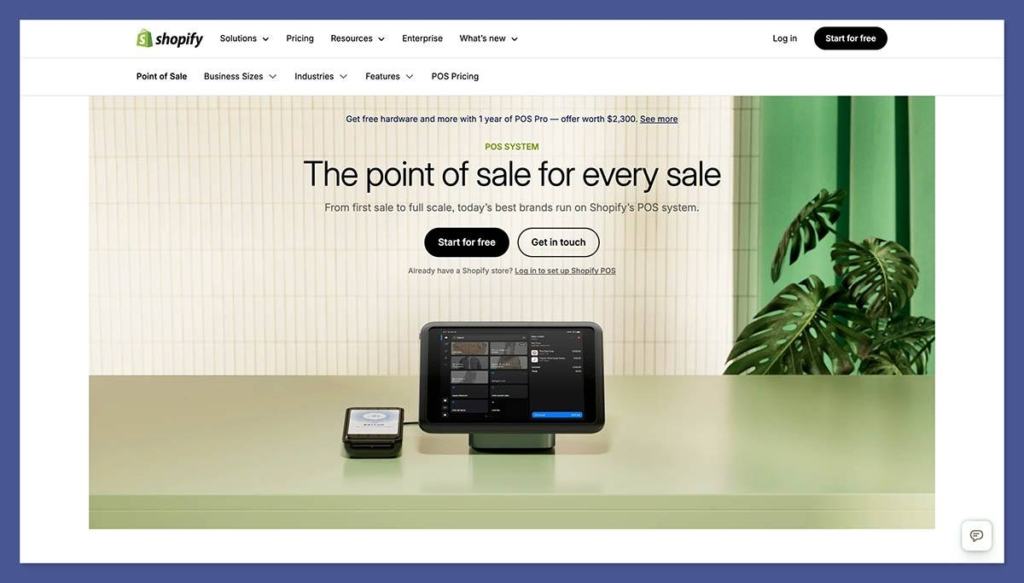
Shopify holds the top spot in most “best ecommerce platform” rankings in 2026, and for good reason. It’s the default choice for the vast majority of new and scaling online stores, combining a mature hosted stack, an enormous app ecosystem, and solid omnichannel capabilities.
Whether you’re running a dropshipping store, a growing DTC brand, or selling across social and in-person channels, Shopify has the infrastructure to support it.
The platform handles hosting, security, and performance for you, removing a significant operational burden compared to self-hosted alternatives.
Its integrations span most major SaaS tools in the ecommerce stack, and AI features are increasingly woven in, including Shopify Sidekick for setup and analytics, and AI-assisted text and image generation for product pages. That said, Shopify’s true total cost of ownership rises meaningfully once you factor in premium themes, apps, and transaction fees from third-party payment gateways.
Pros
- Sell unlimited products on all core plans
- Massive app ecosystem and integrations
- Strong omnichannel: POS, social, marketplaces
- Hosted platform with managed security and performance
- AI assistant (Sidekick) and AI content tools
Cons
- Total cost climbs with apps and higher-tier plans
- Extra transaction fee if not using Shopify Payments
- Less control than open-source (checkout, server architecture)
- Can feel limiting for complex B2B or highly customized storefronts
How Much Does Shopify Cost?
- Basic (~$29/month, billed annually): 2 staff accounts, up to 10 inventory locations, basic reports, and online card rates of 2.9% + $0.30
- Grow (~$79/month, billed annually): 5 staff accounts, professional reports, lower card rates (2.6% + $0.30), and 10 inventory locations
- Advanced (~$299/month, billed annually): 15 staff accounts, custom report builder, lowest standard card rates (2.4% + $0.30), and third-party calculated shipping rates at checkout
- Shopify Plus (from ~$2,300/month): Unlimited staff accounts, multi-storefront, wholesale/B2B channels, advanced automation, and dedicated support
- An extra transaction fee (0.5–2%) applies if you use a payment provider other than Shopify Payments
- New stores can get their first three months for $1/month
Shopify is suitable for:
- Growing DTC and direct-to-consumer brands
- Dropshipping and multi-channel sellers
- Businesses that want managed hosting without dev overhead
- Stores that need strong shipping and inventory tools
Shopify isn’t suitable for:
- Sellers on a very tight budget (costs add up fast)
- Stores needing deep server-side customization
- Content-heavy sites where SEO flexibility is a priority
Bottom Line For most new stores and scaling DTC brands that don’t want to manage their own hosting or infrastructure, Shopify is the safest and most capable default choice in 2026. It’s not the cheapest option once apps and fees are included, but the reliability and ecosystem depth are hard to match.
#2. WooCommerce: Best for SEO and Content-Led Stores
Starting price: Free (plugin); hosting, themes, and extensions extra
AI tools: Via plugins
Hosted: No (self-hosted on WordPress)
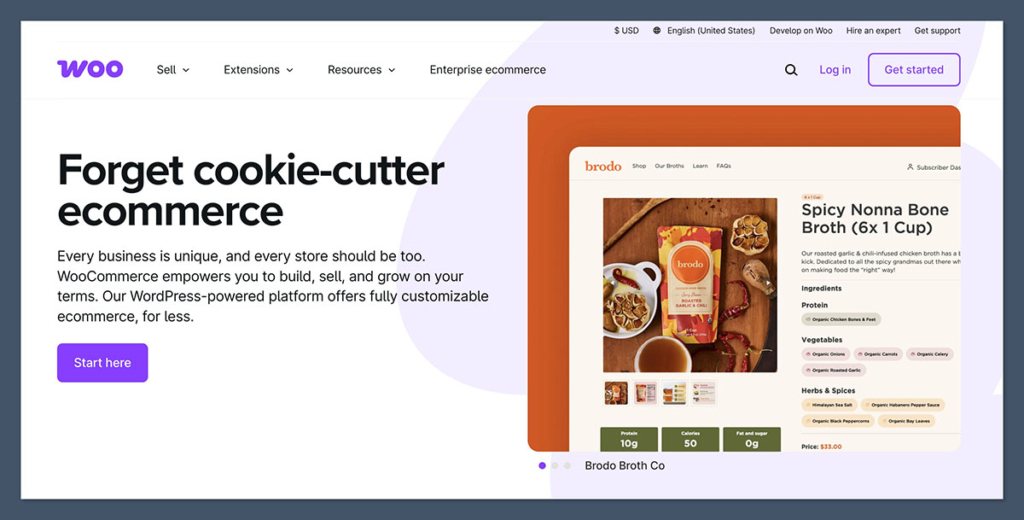
WooCommerce is the world’s most widely used ecommerce solution, powering over 4 million stores and around 31% of the top one million ecommerce sites.
As a free WordPress plugin, it turns any existing WordPress site into a fully functional online store, and it gives you more control over your platform than any hosted SaaS alternative.
If your business depends on organic search traffic, content marketing, or a tightly customized checkout experience, WooCommerce is the strongest option available.
The SEO advantages are substantial. Because WooCommerce runs on WordPress, you get best-in-class URL structure control, deep compatibility with SEO plugins like Yoast and RankMath, and the flexibility to build content-rich category and landing pages that can outperform SaaS competitors in search. The trade-off is operational overhead: you’re responsible for hosting, updates, security, backups, and plugin compatibility, which can require developer resources as your store grows.
Pros
- Free plugin with maximum flexibility over code and data
- Best-in-class SEO capabilities via WordPress
- Huge plugin ecosystem for niche features and regional payment gateways
- Headless and decoupled setups possible for performance
- Full control over hosting, checkout, and architecture
Cons
- You manage hosting, updates, and security yourself
- Plugin conflicts and update risks require careful management
- Total cost can rival Shopify at scale once dev and maintenance are included
- Steeper learning curve for non-technical users
How Much Does WooCommerce Cost?
- The core plugin is free to install on any WordPress site
- Hosting typically ranges from a few dollars to hundreds per month depending on traffic and provider
- Premium extensions, themes, and developer costs vary widely
- At scale, total cost of ownership can be comparable to or exceed Shopify once engineering is factored in
WooCommerce is suitable for:
- Brands with an existing WordPress site or content strategy
- SEO-focused businesses that need URL and content control
- Technical teams comfortable managing their own stack
- Stores needing niche or regional payment integrations
WooCommerce isn’t suitable for:
- Sellers who want a fully managed, no-maintenance setup
- Non-technical founders without developer support
- Businesses that need fast, out-of-the-box omnichannel tools
Bottom Line WooCommerce is the best choice for content-driven brands that want maximum SEO control and technical flexibility. It rewards teams with developer resources and long-term organic growth strategies, but it isn’t the right fit for sellers who want a plug-and-play, fully managed setup.
#3. BigCommerce: Best SaaS Platform for Growing and B2B Stores
Starting price: ~$39/month
AI tools: Yes
Hosted: Yes
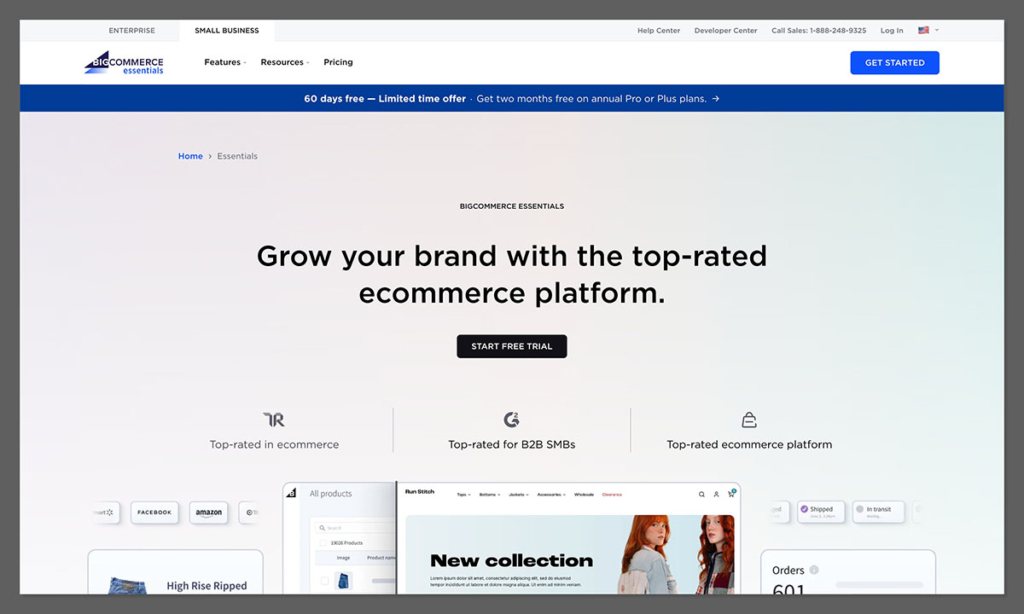
BigCommerce is the most capable SaaS alternative to Shopify, and for certain types of stores, it actually has the edge.
If you’re running a large product catalog, operating across multiple storefronts, selling B2B alongside DTC, or simply hitting the architectural limits of Shopify, BigCommerce is the platform to evaluate next.
It offers robust multi-storefront capabilities, strong native B2B features, and no additional transaction fees, regardless of which payment processor you use.
One of BigCommerce’s standout attributes is its multi-storefront support, allowing you to manage separate domains, currencies, and themes from a single admin.
That’s a significant operational advantage for brands operating in multiple markets or running distinct product lines. Its B2B feature set, including customer groups and custom price lists, is also stronger natively than Shopify’s without relying heavily on third-party apps.
The trade-off is a smaller app ecosystem and talent pool compared to Shopify or WordPress.
Pros
- No additional transaction fees on any plan
- Strong multi-storefront from one admin
- Solid native B2B features (customer groups, price lists)
- Good fit for large and complex product catalogs
- Robust APIs for headless and custom builds
Cons
- Annual online revenue caps per plan (upgrade if you exceed them)
- Smaller app ecosystem than Shopify
- Some advanced B2B features locked to Enterprise tier
- Fewer developers and agencies specialize in BigCommerce
How Much Does BigCommerce Cost?
- Standard (~$39/month): Unlimited products and staff accounts, up to $50k in annual online sales, multi-currency, and a standard suite of ecommerce features
- Plus (~$105/month): Up to $180k in annual online sales, abandoned cart recovery, customer groups and segmentation, and stored credit cards
- Pro (~$399/month): Up to $400k in annual online sales (additional volume available for a fee), Google customer reviews, product filtering, and custom SSL
- Enterprise (custom pricing): Unlimited sales volume, multi-storefront, advanced B2B features including custom price lists, priority support, and API-first flexibility
- No transaction fees on any plan, regardless of payment provider
- 15-day free trial available
BigCommerce is suitable for:
- Brands with large or complex product catalogs
- B2B and wholesale sellers needing custom pricing
- Multi-storefront or multi-region operations
- High-growth SMBs and mid-market retailers
BigCommerce isn’t suitable for:
- Very small stores where Shopify or Wix is simpler
- Sellers who rely heavily on third-party app integrations
- Teams that need a large pool of specialist developers
Bottom Line BigCommerce is worth evaluating when Shopify starts hitting its B2B or multi-storefront limitations, and you still want a fully managed SaaS platform. It’s more powerful out of the box for complex commerce scenarios, even if its ecosystem isn’t quite as deep.
#4. Wix: Best for Small Stores and Beginners
Starting price: ~$17/month (site plans, billed annually)
AI tools: Yes
Hosted: Yes
Wix is consistently named the best ecommerce platform for small businesses, and it earns that reputation through its combination of intuitive drag-and-drop editing, built-in marketing tools, and competitive pricing.
For small catalog stores, local businesses, and first-time sellers who want to get online without a steep learning curve, Wix offers more than enough to get started and grow.
The built-in marketing suite is a genuine strength: email, social media tools, and SEO guidance are all bundled into plans rather than requiring extra apps.
The drag-and-drop editor gives you real creative flexibility for a website builder, and Wix’s AI tools can assist with everything from initial site setup to writing product descriptions.
Where Wix falls short is at scale: for stores with large inventories or complex operational needs, Wix’s commerce features don’t match the depth of Shopify or BigCommerce.
Pros
- Drag-and-drop editor with 2,000+ templates
- Built-in email, social, and marketing tools on every plan
- AI website builder for fast setup
- Free plan available to test before committing
- Great for small catalogs and local businesses
Cons
- Commerce features lack depth compared to Shopify and BigCommerce
- Not built to handle large or complex inventories
- Limited scalability for high-growth stores
- Can’t change template once your site is live
How Much Does Wix Cost?
- Free: Build and publish a site at no cost, but it carries Wix branding, displays ads, and doesn’t include ecommerce functionality
- Light (~$17/month): Remove ads and connect a custom domain, but no selling features included at this tier
- Core (~$29/month): The entry point for ecommerce — accept payments, sell products, and access basic site analytics
- Business (~$36/month): Adds recurring payments and subscriptions, multiple currencies, and more advanced ecommerce tools
- Business Elite (~$159/month): Unlimited storage, priority support, advanced shipping, and the full suite of Wix ecommerce and marketing features
- No transaction fees on any paid plan
Wix is suitable for:
- Beginners and first-time store owners
- Small catalogs and local businesses
- Sellers who want built-in marketing without extra apps
- Budget-conscious entrepreneurs
Wix isn’t suitable for:
- Large stores with complex inventory needs
- Businesses that need advanced third-party integrations
- Stores planning significant rapid growth
Bottom Line Wix is the right starting point for small store owners, local businesses, and budget-conscious entrepreneurs who want a complete, easy-to-manage online presence. It bundles website, marketing, and ecommerce into one affordable platform, though it will show its limitations as a store grows significantly.
#5. Squarespace: Best for Design-Focused and Creative Brands
Starting price: ~$16/month (billed annually)
AI tools: Yes (Blueprint AI)
Hosted: Yes
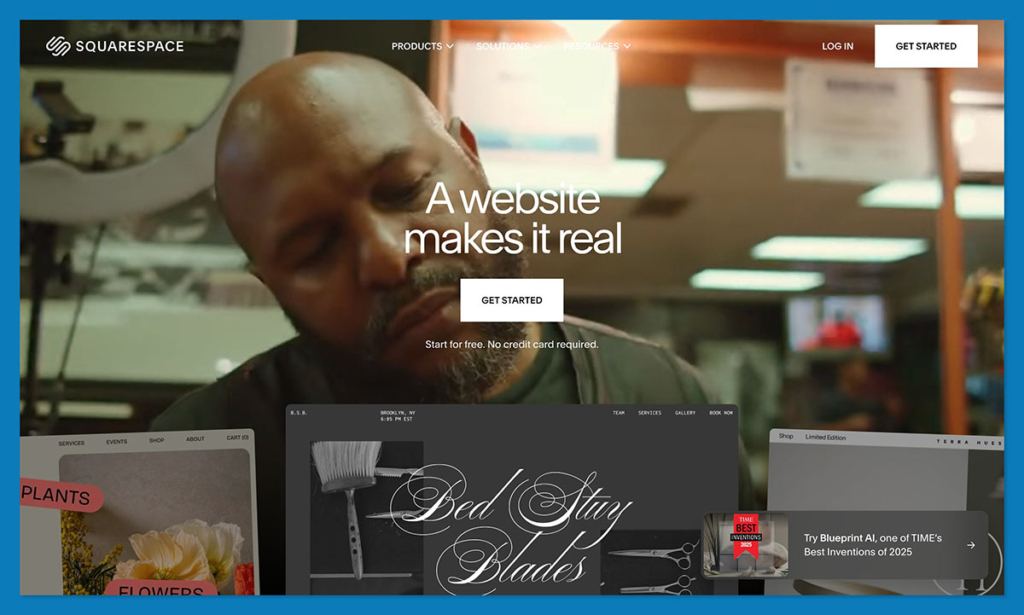
Squarespace has earned a loyal following among designers, photographers, fashion brands, and creative businesses, and for good reason. Its templates are among the best-looking in the industry, and its editor makes it genuinely easy to build a site that feels polished and considered without any design background.
For hybrid content-and-commerce businesses with smaller product ranges, Squarespace strikes a balance that other platforms don’t quite match.
Commerce is available on all Squarespace plans, including the entry-level tier, and transaction fees are removed on commerce-specific plans.
Squarespace Payments now accepts Google Pay, and its integration with Acuity Scheduling makes it a natural choice for service-based businesses offering both products and bookings.
The limitations become apparent for larger operations: advanced ecommerce features, third-party integrations, and scalability all lag behind Shopify and BigCommerce.
Pros
- Best-looking templates of any platform on this list
- Sell products on all plans, including the base tier
- Blueprint AI for guided site setup
- Strong booking tools via Acuity Scheduling
- 14-day free trial to test before committing
Cons
- Limited advanced ecommerce features for larger stores
- Fewer third-party integrations than Shopify
- No phone support
- Grid-based editor is slightly more restrictive than Wix
How Much Does Squarespace Cost?
- Basic (~$16/month, billed annually): Build and publish a site with a custom domain, unlimited pages, and basic website analytics — selling is included at this tier, though with a 2% transaction fee
- Plus (~$23/month, billed annually): Removes the transaction fee, adds a professional email from Google, and unlocks additional customization options and contributor seats
- Advanced (~$49/month, billed annually): Adds advanced shipping, discounts, and gift cards, plus sell subscriptions and access more powerful ecommerce analytics
- Enterprise (~$99/month, billed annually): Priority support, advanced SEO tools, custom integrations, and additional contributor seats for larger teams
- No transaction fees from Plus upward; Basic carries a 2% fee
- 14-day free trial available on all plans; no free plan
Squarespace is suitable for:
- Creatives, photographers, and design-driven brands
- Small to medium product catalogs
- Service businesses that also sell products
- Hybrid content and commerce sites
Squarespace isn’t suitable for:
- Large ecommerce operations needing advanced features
- Sellers who rely on extensive third-party app integrations
- Businesses that need phone support
Bottom Line Squarespace is the best platform for visually driven brands that want their store to look great without investing heavily in design or development. It’s ideal for small to medium catalogs, particularly in fashion, photography, food, and creative services. For larger operations, you’ll eventually want more commerce horsepower.
#6. Enterprise Platforms: Adobe Commerce and Salesforce Commerce Cloud
Starting price: Custom enterprise pricing
AI tools: Yes (Einstein AI for Salesforce; PWA/headless for Adobe)
Hosted: Adobe: cloud-hosted; Salesforce: SaaS
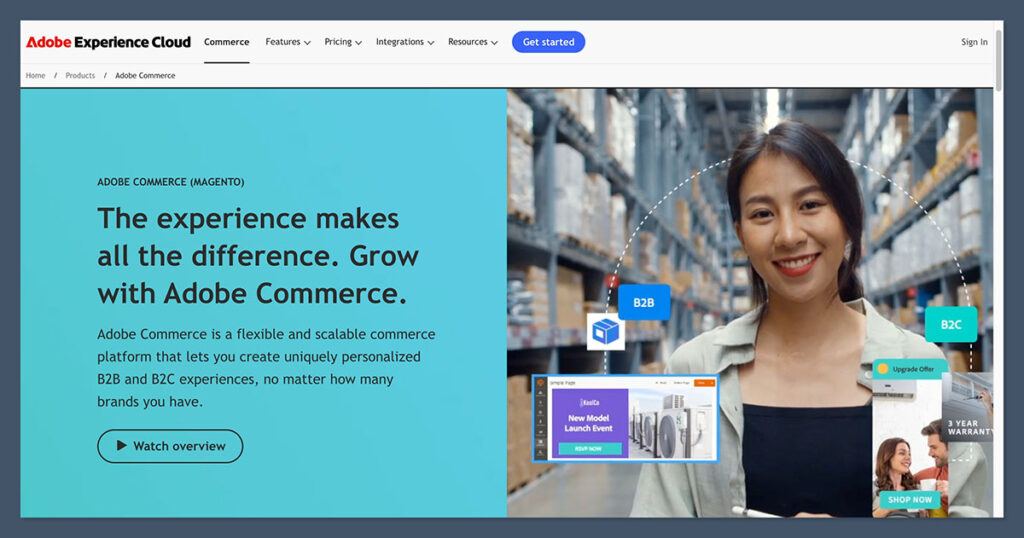
For large enterprises with complex requirements, custom integrations, or a need for deep control over their commerce architecture, Adobe Commerce (formerly Magento) and Salesforce Commerce Cloud occupy a different category altogether.
Both require meaningful investment in implementation and ongoing management, but they offer capabilities that SMB-focused platforms simply can’t match.
Adobe Commerce is the choice for enterprises that prioritize flexibility, customization, and complex B2B scenarios. Its cloud service auto-scales and supports progressive web app (PWA) and headless implementations, making it well-suited for engineering teams that want code-level control. Implementation and maintenance costs are high, but the ceiling for what you can build is essentially unlimited.
Salesforce Commerce Cloud is best suited for enterprises already operating on the Salesforce stack, where tight integration with CRM and Marketing Cloud provides genuine advantages. Einstein AI powers personalization and product recommendations, and the SaaS model means automatic updates and strong mobile and omnichannel capabilities. The trade-off is less code-level control outside the Salesforce ecosystem.
Shopify Plus is worth mentioning here as a managed, lower-ops alternative to both. It offers multi-storefront, wholesale, and enterprise-grade APIs without the implementation overhead of Adobe or Salesforce, though it comes with the same platform constraints as standard Shopify at a much higher price point, typically starting from around $2,300 per month.
Bottom Line Enterprise platforms are only worth considering if your business genuinely needs their capabilities and has the budget and internal resources to match. For most growing brands, Shopify Plus or BigCommerce Enterprise will cover the territory at lower operational cost.
How To Choose the Right Ecommerce Platform
The best ecommerce platform depends entirely on your business model, technical resources, and growth trajectory. No single platform wins for every use case.
Here are the key factors to work through before making a decision:
- Technical resources: Do you have in-house developers, or do you need a fully managed platform?
- Catalog complexity: How many products do you carry? Are there variants, bundles, or B2B pricing tiers?
- SEO and content: Is organic search a core channel? If so, control over URL structure and content architecture matters.
- Total cost of ownership: Factor in apps, transaction fees, hosting, and developer costs, not just the monthly plan price.
- Scalability: Can the platform grow with your business, or will you need to re-platform in two years?
- Omnichannel needs: Do you sell in-person, on marketplaces, or across social channels?
- Design requirements: How important is visual distinctiveness, and how much creative control do you need?
- Integrations: What tools (ERP, CRM, email, fulfillment) do you need to connect to your store?
If you’re just starting out, Wix or Squarespace offer the lowest barrier to entry. Content-driven brands with SEO ambitions should evaluate WooCommerce seriously.
For most growing stores that want a reliable, scalable managed platform, Shopify is the most straightforward starting point.
And if you’re operating at significant scale with complex B2B or multi-storefront needs, BigCommerce or an enterprise solution deserves a proper evaluation.
How We Evaluated These Ecommerce Platforms
Our recommendations are based on hands-on testing and research across the leading ecommerce platforms available in 2026. We evaluated each platform across six core areas:
| Category | Weighting | What We Assessed |
|---|---|---|
| Commerce Features | 30% | Product management, inventory, checkout, payments, and scaling capabilities |
| Design and UX | 25% | Template quality, editor flexibility, and the overall building experience |
| Pricing and Value | 15% | Plan pricing, transaction fees, and total cost of ownership at different scales |
| Ease of Use | 15% | Onboarding experience, editor intuitiveness, and day-to-day management |
| Support and Resources | 10% | Documentation, customer support channels, and community resources |
| Ecosystem and Integrations | 5% | App marketplace depth, third-party integrations, and developer community |
Final Verdict: Which Ecommerce Platform Is Right for You?
Shopify is the best ecommerce platform for most sellers in 2026, and it’s the safest starting point if you’re unsure where to begin. Its combination of reliability, ecosystem depth, and omnichannel capabilities makes it hard to argue against for the majority of online stores.
That said, the right platform is the one that matches your specific situation.
WooCommerce wins if content and SEO are central to your strategy. BigCommerce is the better SaaS option if you need stronger B2B features or multi-storefront management.
Wix and Squarespace are the right picks for small, design-focused stores that value simplicity. And for enterprise-scale complexity, Adobe Commerce and Salesforce Commerce Cloud remain the benchmark, with Shopify Plus as a managed alternative.
The best move you can make is to test your top two or three candidates directly.
Most platforms offer free trials, and the difference between reading about an editor and actually using it is significant. Start there before committing.
Frequently Asked Questions
What is the best ecommerce platform for beginners?
Wix and Squarespace are the most beginner-friendly options, thanks to their drag-and-drop editors, guided onboarding, and no requirement for technical knowledge. Shopify is also accessible for beginners and offers a better growth path if you’re planning to scale.
Is Shopify better than WooCommerce?
It depends on your priorities. Shopify is better if you want a fully managed, easy-to-use hosted platform with strong omnichannel tools. WooCommerce is better if you’re building a content-driven store on WordPress, need maximum SEO flexibility, or want full control over your hosting and architecture. WooCommerce can match or exceed Shopify’s total cost at scale once hosting and developer costs are included.
Which ecommerce platform has the best SEO?
WooCommerce on WordPress is generally considered the strongest platform for SEO, offering full control over URL structures, page architecture, and deep compatibility with plugins like Yoast and RankMath. Among hosted platforms, Shopify and BigCommerce both offer solid SEO fundamentals.
What ecommerce platform is best for large stores?
BigCommerce and Shopify Plus are the leading SaaS options for large stores, with enterprise-grade APIs, multi-storefront capabilities, and strong inventory management. For the most complex or heavily customized requirements, Adobe Commerce or Salesforce Commerce Cloud are the enterprise-level standards.
Are there free ecommerce platforms?
WooCommerce’s core plugin is free, though you’ll need to pay for hosting, extensions, and potentially developer work. Wix offers a free plan, but it includes platform branding and limits ecommerce functionality. Most full-featured ecommerce platforms require a paid subscription to unlock selling capabilities.


