
 By Bogdan Rancea
Running a grocery store online isn’t like selling T-shirts or digital downloads. You’re juggling perishables, local delivery, tight margins, and a customer base that expects seamless, fast service.
Over the past few years, I’ve explored nearly every ecommerce platform out there—from off-the-shelf SaaS tools to fully customized builds—and here’s what I’ve learned about choosing the right platform for selling groceries online.
Let’s break down what makes an ecommerce platform truly effective for grocery, and which options are worth your time and money.
What Makes Grocery Ecommerce So Unique?
The grocery category is one of the most logistically demanding ecommerce verticals.
You’re dealing with high SKU volumes, frequent repeat orders, and the pressure to deliver fresh products quickly and efficiently.
Here’s why traditional ecommerce solutions often fall short in this space.
Logistics Complexity
- Perishable inventory requires real-time stock updates and sell-by date management
- Local delivery often needs zip-code-based logic and time-slot selection
- Cold storage items may require temperature-sensitive delivery tracking
Shopping Behavior
- Grocery customers are more likely to order on mobile devices
- High frequency purchases mean retention features are crucial
- Price sensitivity is high, so upsells and product bundling must feel natural
Technical Demands
- Product pages often need multiple variants (weight, brand, organic, etc.)
- Cart and checkout flows need to be lightning fast and mobile-first
- Third-party integrations (POS, delivery APIs, subscription logic) must be seamless
Grocery ecommerce isn’t just ecommerce with different products. The tech stack, workflows, and customer expectations are completely different from most retail categories.
Best Ecommerce Platforms for Grocery Stores
Based on my research and hands-on testing, here are the top platforms I recommend, along with the pros and cons of each.
Grocery Ecommerce Platform Comparison Table
| Platform | Best For | Key Strengths | Key Drawbacks | Typical Cost (Monthly) |
|---|---|---|---|---|
| Shopify (with apps) | Small to mid-sized grocery brands | Easy to launch, strong design, large app ecosystem | Needs paid add-ons for grocery features, delivery logic limited | $39–$200+ (plus app fees) |
| BigCommerce | Mid to large grocers, scaling stores | Built-in B2B, native subscriptions, no transaction fees | Fewer themes, smaller app store | $39–$399 |
| WooCommerce | Local grocers with dev support | Full control, open-source, lots of grocery plugins | Requires maintenance, can be unstable without tech help | $50–$300 (hosting + plugins) |
| Headless (Medusa.js, Sanity, etc.) | Funded startups, high-volume brands | Total flexibility, blazing fast UX, fully custom | High dev cost, long setup time | $2,000–$10,000+ upfront + ongoing support |
| ShopurGrocer / LocalExpress | Small local grocers, no tech team | Turnkey grocery features, fast to market | Limited flexibility, design may feel outdated | $500–$1,000+ |
| Instacart / Mercato | Very small stores not ready for own platform | Zero setup, access to large audience | No brand ownership, high commission fees | Revenue share (no flat fee) |
1. Shopify (with Grocery Apps and Plugins)

Best for: Small to medium grocery stores with a clean brand and local delivery model
Shopify is the easiest starting point for many grocers. It’s user-friendly, with thousands of apps and a large developer ecosystem.
But for grocery, you’ll need a few add-ons to make it work well.
Pros
- Beautiful themes and mobile optimization
- Wide plugin marketplace (Zapiet, ReCharge, Local Delivery Date, etc.)
- Easy integration with delivery services like Shipday or Roadie
- Great support and massive ecosystem
Cons
- Requires multiple paid apps to fully support grocery features
- Subscription and delivery features are not native
- Delivery rules can be hard to manage with just basic Shopify logic
Typical Costs
| Feature | Monthly Cost |
|---|---|
| Shopify Basic | $39 |
| Zapiet (local delivery) | $29+ |
| ReCharge (subscriptions) | $99+ |
| Theme & customization | $0 – $1,000 one-time |
While Shopify’s base plan starts at $39 per month, most grocery stores will need to budget more to get all the essential features running. Zapiet handles local delivery logic, allowing you to offer time slots, restrict delivery by zip code, and manage local pickup—starting at $29 per month.
ReCharge powers recurring subscriptions, which is crucial for weekly grocery orders or subscription boxes, and typically costs $99 or more monthly.
On top of that, you may need to invest in a premium theme and some custom development work to optimize your storefront and checkout flow, which can range from free to over $1,000 as a one-time setup.
These add-ons aren’t optional for grocery—they’re foundational.
Shopify is a solid launchpad, but you’ll need to build the grocery experience using third-party tools. It’s great for speed-to-market, not for deep logistics out of the box.
2. BigCommerce
Best for: Medium to large stores that want scalability without tons of add-ons
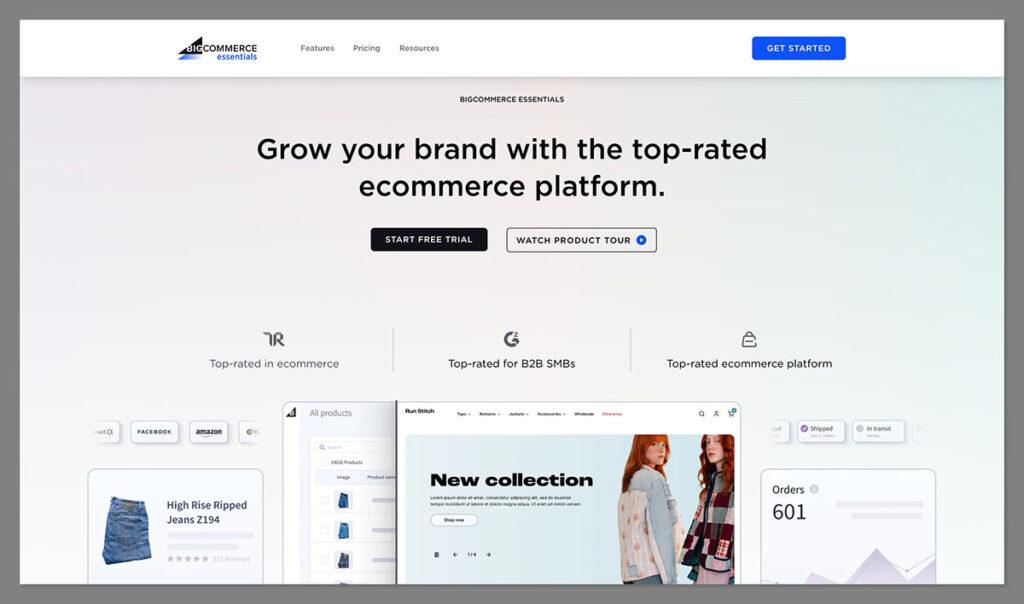
BigCommerce is a serious competitor to Shopify with more built-in features, especially for B2B or hybrid grocery operations. It’s not as pretty out of the box but scales better without relying on dozens of third-party plugins.
Pros
- Built-in multi-location support and bulk pricing
- Native support for subscriptions and B2B accounts
- Handles larger catalogs better than Shopify
- No transaction fees
Cons
- Fewer theme options compared to Shopify
- Smaller app ecosystem
- Slightly steeper learning curve
Typical Costs
| Plan | Monthly Cost |
|---|---|
| Standard | $39 |
| Plus | $105 |
| Pro | $399 |
BigCommerce’s pricing tiers reflect the level of built-in functionality and scalability you get out of the box—especially useful for grocery stores with growing needs.
The Standard plan ($39/month) gives you unlimited products, basic shipping tools, and single-location support, but lacks advanced customer segmentation or abandoned cart recovery.
The Plus plan ($105/month) adds critical features like customer groups, stored credit cards, and abandoned cart emails—helpful for repeat grocery buyers and building loyalty.
If you’re scaling nationally or managing high volume, the Pro plan ($399/month) supports Google customer reviews, product filtering, and higher sales thresholds before transaction fees kick in, making it better suited for larger grocery catalogs or stores offering custom delivery setups.
BigCommerce gives you more power under the hood without the plugin dependency. If you’re planning to scale or handle complex logistics, it’s a strong contender.
3. WooCommerce (with Custom Grocery Stack)
Best for: Local grocery stores with a strong developer or agency on call
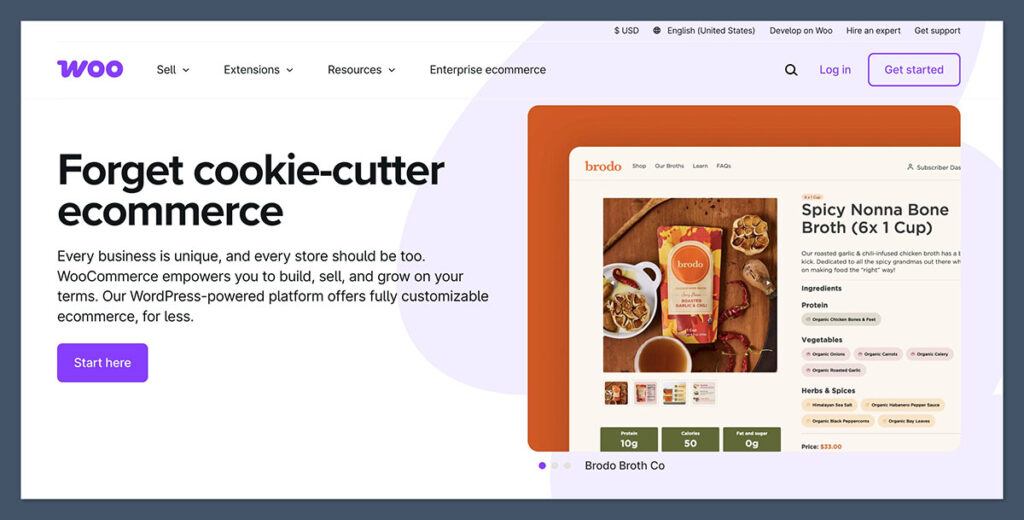
WooCommerce gives you full control, and for grocery that can be a huge win—if you know what you’re doing. You’ll need to piece together plugins for subscriptions, delivery slots, and inventory. But you’ll own the full stack.
Pros
- Complete customization control
- Open-source (no platform fees)
- Hundreds of grocery-specific plugins
- Easily integrates with WordPress content
Cons
- Maintenance-heavy and needs regular updates
- Hosting and performance can become an issue if not optimized
- Non-technical users may struggle with plugin conflicts
Typical Costs
| Feature | Price |
|---|---|
| Hosting | $20 – $100/month |
| Woo Subscriptions | $239/year |
| Delivery Date Plugins | $100+ |
| Developer help | Variable ($50 – $150/hour) |
Running a WooCommerce grocery store gives you full control, but the costs add up quickly.
Hosting typically ranges from $20 to $100/month, depending on performance needs. Woo Subscriptions lets you offer recurring orders and costs $239/year, while delivery date plugins (needed for time slots and scheduling) start at $100.
You’ll likely need ongoing developer help, which can run $50 to $150 per hour, depending on complexity.
WooCommerce works if you have the technical skillset or agency support. It can outperform most platforms on flexibility but requires careful setup and maintenance.
4. Custom Headless Stack (e.g. Medusa.js + Sanity + Stripe)
Best for: Funded startups or established brands building a grocery empire
Going headless is the gold standard if you want total flexibility. Platforms like Medusa.js let you build custom frontend + backend experiences tailored exactly for grocery.
This is how companies like Misfits Market or Hungryroot operate.
Pros
- Lightning-fast performance
- Tailor every aspect of the buying experience
- Easily integrate with third-party tools (CRMs, custom delivery logic, etc.)
- Full control over UX, data, and SEO
Cons
- Requires a full dev team to build and maintain
- Higher upfront investment
- Not ideal for beginners
Typical Costs
| Build Component | Estimated Cost |
|---|---|
| Frontend (React/Vue) | $10,000 – $30,000 |
| Backend (Medusa.js or custom) | $10,000+ |
| Hosting + CDNs | $200+/month |
| Ongoing Dev Support | $2,000+/month |
A headless grocery setup is powerful but resource-intensive. Building the frontend with React or Vue can cost $10,000 to $30,000, depending on complexity and design needs.
The backend, whether using Medusa.js or a custom setup, starts at $10,000+ to handle product logic, subscriptions, and delivery flows.
Hosting with CDNs like Vercel or AWS runs $200+/month, and ongoing developer support can easily exceed $2,000/month to maintain and iterate on the system.
Summary: A headless stack is perfect if you’re building something ambitious. It’s not cheap, but it gives you unmatched control and performance.
Bonus Options: Grocery-Specific Platforms
There are also purpose-built solutions for grocery ecommerce. They’re usually plug-and-play but less flexible long-term.
| Platform | Description | Price |
|---|---|---|
| ShopurGrocer | White-label grocery app builder | $499 setup + monthly |
| Freshop | Enterprise grocery ecomm suite | Custom pricing |
| LocalExpress | All-in-one for small grocery chains | $500+ monthly |
| Instacart/Mercato | Marketplaces for small local grocers | Commission-based |
ShopurGrocer is a white-label grocery app builder designed for fast launches with minimal technical overhead. It’s ideal for small stores that want an app-like shopping experience without building from scratch, starting at a one-time $499 setup plus a monthly fee.
Freshop is a full-service ecommerce platform built for larger grocery chains, offering deep POS integration, loyalty tools, and multi-store support. It’s best suited for enterprise grocers with multiple locations and custom workflow needs, but pricing is custom and generally premium.
LocalExpress is an all-in-one ecommerce solution for independent grocers, especially small regional chains. With pricing starting around $500/month, it includes website setup, delivery tools, POS sync, and customer engagement features with less need for custom development.
Instacart/Mercato let small, local grocers sell within established grocery marketplaces, handling logistics, payments, and delivery. They’re fast to start with no upfront fees, but you lose customer data, control over the brand experience, and pay commissions per sale.
These are great if you want to launch fast or don’t have dev resources, but be mindful that you’ll eventually hit walls in design, functionality, or customer experience.
Grocery-specific platforms solve problems quickly but often cap your growth. They’re great stepping stones—not always long-term homes.
Key Features to Look for in Grocery Ecommerce Platforms
When I evaluate ecommerce platforms for grocery use, I focus on a few core features.
These are non-negotiables if you’re serious about scaling or offering a premium customer experience.
Inventory and Fulfillment
A strong inventory system is the backbone of any grocery store. You want:
- Multi-location inventory support (if you have several warehouses or stores)
- Batch tracking and expiry management for perishables
- Automated stock updates across web and POS systems
- Back-in-stock notifications to retain interest
Subscription and Reordering
Grocery shopping is habitual. Repeat business is where your profit lives. Look for:
- Subscription support for recurring delivery (weekly, monthly, custom schedules)
- One-click reordering based on past purchases
- Customizable order templates (e.g. weekly meal plans or pantry restocks)
Delivery and Shipping Options
Unlike standard ecommerce, groceries often require tight delivery coordination:
- Delivery slot booking during checkout
- Zip-code restriction logic for local delivery areas
- Integration with local couriers or in-house delivery tools
- Real-time tracking and customer notifications
Mobile Experience
Most grocery buyers order on their phones. So the platform must offer:
- Mobile-optimized checkout with auto-fill, fast loading, and saved addresses
- App integrations or PWA support if you want to offer an app-like experience
- Fast page speeds—every second of delay increases cart abandonment
Customer Accounts and Loyalty
To drive long-term value, your platform should support:
- Loyalty programs based on spending or frequency
- Personalized product suggestions using purchase history
- SMS or email re-engagement for abandoned carts or reorders
Every feature should map directly to a real grocery store problem. If your platform can’t handle freshness, frequency, and fulfillment — you’re fighting uphill.
My Recommendation: How to Choose
The right platform depends entirely on where you are in your grocery ecommerce journey.
| Situation | Best Option |
|---|---|
| New grocery brand testing ecommerce | Shopify (with Zapiet + ReCharge) |
| Local store going online | WooCommerce + delivery plugins |
| Funded team or high-volume store | Headless stack (Medusa or custom build) |
| Small local grocer with no tech team | ShopurGrocer or LocalExpress |
| Mid-size store with national delivery | BigCommerce |
When in doubt, start lean. But if your vision includes thousands of products, nationwide delivery, or heavy custom logic, consider investing in a more flexible solution from the beginning.
It’ll save you the headache of migrating later.
Final Thoughts
Grocery ecommerce is growing fast, but it’s also one of the hardest verticals to get right.
Choosing the best ecommerce platform for your grocery business is a foundational decision that will impact everything from your customer experience to your margins and growth potential.
Don’t choose based on trends or what other brands are using—look at your specific needs. If you’re focused on local delivery, make that the core of your platform choice.
If subscriptions are your main play, invest in the stack that supports it best.
It’s tempting to try and bolt together a ton of features as you go, but I’ve learned that it’s far better to start with a clear vision and pick the tools that align with your model.


