
 By Bogdan Rancea
If you’ve ever run a creative team, you know the strain. Feedback gets buried in Slack threads. The latest logo file is on someone’s desktop. Invoices sit in limbo because nobody remembers who approved what. It’s not that people aren’t trying, it’s that the tools we use were built for salespeople, not for designers juggling a dozen moving parts.
That’s why I started testing CRMs again. Not the old “enterprise” kind that treats every client like a lead, but the newer systems built with creative agencies in mind, where project tracking, collaboration, and sales automation actually live in the same ecosystem.
Over the past few months, I’ve run nine platforms through real client projects to see which ones hold up under real-world pressure. HubSpot CRM impressed me the most, but here I’ll give you an objective look at how all of them stacked up.
What a Creative Agency Really Needs from a CRM
The truth is that most CRMs weren’t built for people like us. They were built for sales teams chasing quotas, not people chasing client feedback at 10 p.m. before launch.
Creative agencies operate in a different kind of chaos. We’re managing half-finished projects, scattered feedback, invoices, design files, and the occasional brand identity crisis. What we need from a CRM isn’t another sales tracker. It’s a command center that helps the right people see the right things at the right time, without killing the creative flow.
Here’s what matters most:
- Pipelines that match how real creative work moves. Think Brief → Design → Review → Launch. That flow just makes more sense than the usual Lead → Negotiation → Closed-Won.
- Keep all your communication in one spot. Emails, files, and client feedback shouldn’t be scattered across five tools. Everything belongs together.
- Automation that takes care of the boring parts. Reminders, follow-ups, and task handoffs happen quietly in the background so your team can stay focused on the work itself.
- Collaboration that actually works. Notes, checklists, and files stay synced so nobody ends up designing off the wrong version again.
- Integrations that fit how your team already works. Figma, Adobe CC, Google Workspace, Slack, QuickBooks. Your CRM should connect to what you already use every day.
- Dashboards you can actually read. See what’s in progress, what’s waiting for approval, and who owes what, all on one clear screen.
- Client retention focus: Most agencies live off repeat work. A great CRM helps track satisfaction, manage renewals, and turn one-time jobs into ongoing relationships.
When I tested each platform, that was the filter: Does it actually make running a creative agency easier, or just give you another login to ignore?
Quick Comparison: The Best CRMs for Creative Agencies
Before diving into the full reviews, here’s the quick version:
| CRM | Best For | Key 2025–2026 Updates | Free Plan | Strength |
| HubSpot CRM | All-in-one agency growth | Breeze AI Agents, Visual Data Builder | ✅ | Automation & scale |
| Monday.com | Creative teamwork | AI board previews, advanced filters | ✅ | Workflow visibility |
| Pipedrive | Boutique studios | AI “agentic” workflow roadmap | ✅ | Simplicity |
| Zoho CRM | Budget teams | Team Modules, redesigned UI | ✅ | Flexibility |
| HoneyBook | Client experience | Mobile AI assistant, custom fields | ❌ | Client engagement |
| OnePageCRM | Solo creatives | Simpler UX, Gmail sync | ✅ | Ease of use |
| WillowSpace | Client onboarding | Portal improvements | ❌ | Branded delivery |
| Bonsai CRM | Freelancers | Invoicing automation, reports | ✅ Trial | All-in-one admin |
| Freshsales | Sales-driven agencies | Freddy AI 2.0, Slack integration | ✅ | Fast automation |
The Best CRMs for Creative Agencies
After testing these CRMs across real client projects, I started to see what actually separates a “creative-friendly” CRM from a generic one.
It’s not about the number of dashboards or how pretty the UI looks in a promo video. It’s about how quickly your team can find what they need, reply to a client, and move a project forward without killing momentum.
1. HubSpot CRM: Best Overall for Creative Agencies
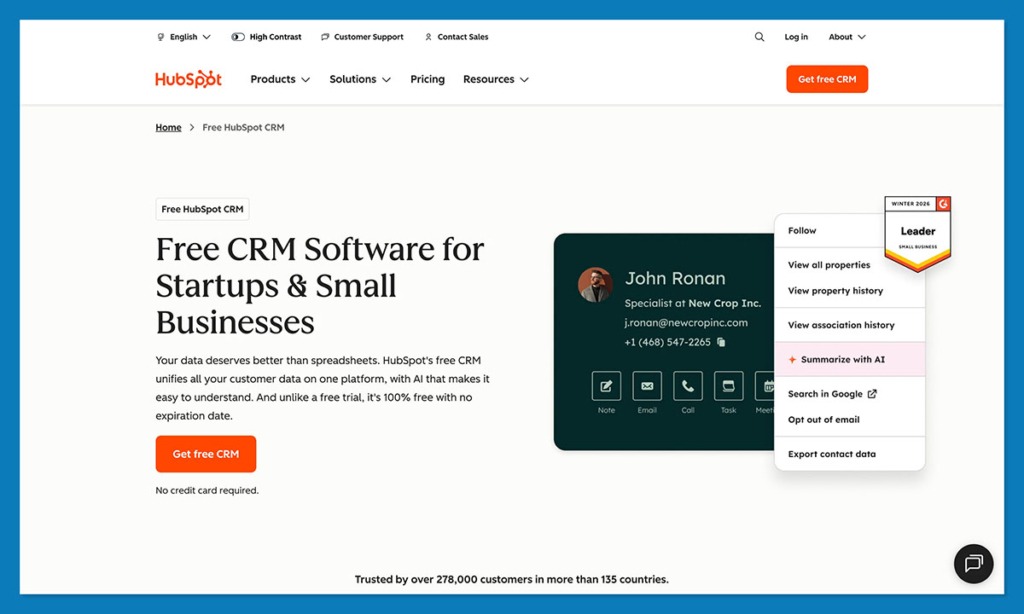
If I had to describe HubSpot in one word, it would be “complete.”
Most CRMs force creative agencies to choose between sales tools and project tools. HubSpot doesn’t. The platform connects everything including leads, client communication, deliverables, and reports, into one clean system. That alone makes it feel more like a creative operations hub than traditional CRM software.
I first started testing HubSpot CRM because of its inbound marketing reputation, but what stood out this year were the updates built for real workflows. The new Breeze AI Agents handle things like client follow-up emails, recap summaries, and meeting prep automatically.
HubSpot’s Workspaces feature gives each team (design, content, accounts) its own view, so you can organize client projects without stepping on each other’s dashboards.
The Visual Data Model Builder is another win. You can create custom entities like “Projects,” “Campaign Assets,” or “Retainers” and link them all together.
HubSpot integrates with over 2,000 apps like Canva, Slack, Google Workspace, Shopify, and QuickBooks. Once it’s set up, it genuinely feels like your entire creative stack is connected.
Pros:
- Fully integrated marketing, sales, and client service tools
- AI automations that save hours of admin
- Custom objects and dashboards built for creative workflows
- Excellent third-party integrations (2,000+)
Cons:
- Setup takes time (especially at first)
- Advanced features can feel overwhelming for very small teams
2. Monday.com: Best for Visual Collaboration
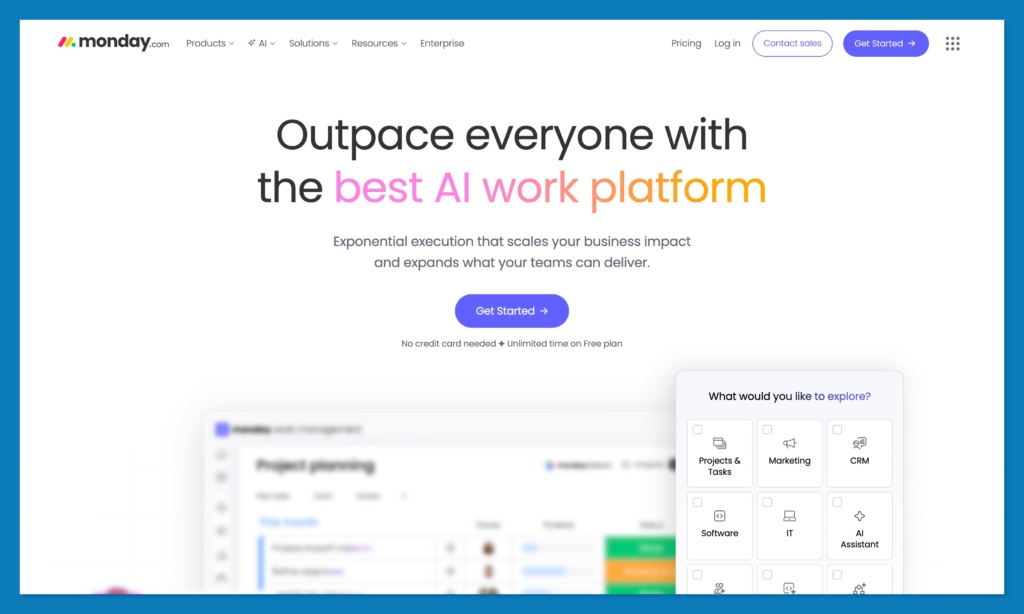
If your team lives in color-coded chaos, Monday.com will fit perfectly. Monday takes all the mess: the design drafts, due dates, approvals, and puts it into one visual board that everyone can use.
It’s a visual thinker’s dream. You can drag, drop, assign, and tweak everything without ever opening another spreadsheet. The new AI board previews are surprisingly useful to, they pull out patterns and bottlenecks at a glance. I also love that sub-item automations (like “when this column changes…”) quietly keep things moving without someone having to nag in Slack.
Integrations matter too, and Monday plays well with all the usual creative tools: Figma, Slack, Google Drive, and Miro. Everything just connects.
Pros:
- Incredibly visual and intuitive
- Automations that handle the boring stuff
- Easy to set up and teach new hires
- Integrates with key design tools
Cons:
- Limited built-in marketing automation
- Reporting could be deeper
3. Pipedrive: Best for Small or Boutique Studios
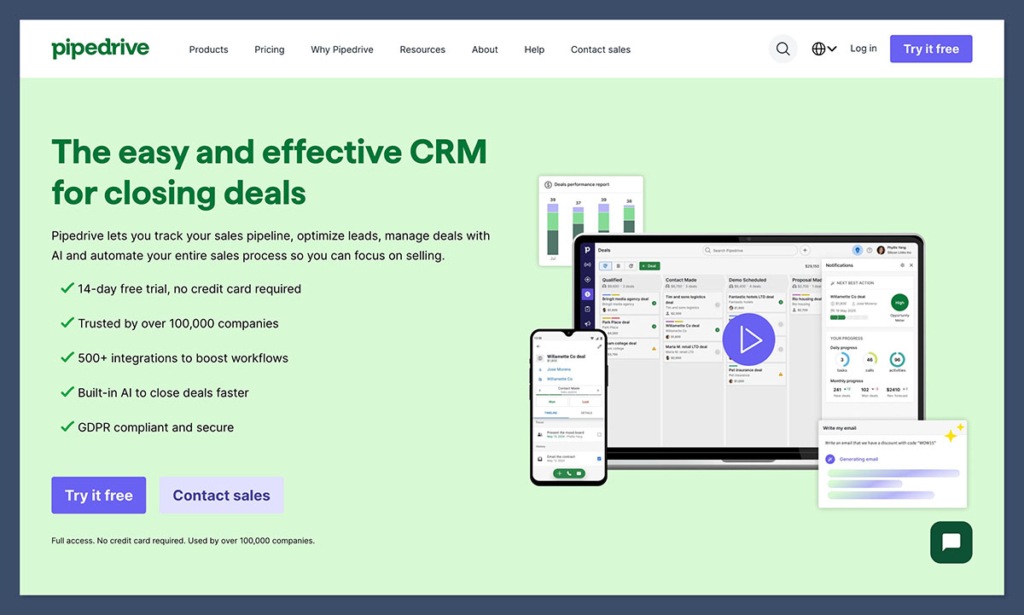
When I think about Pipedrive, I think simple. No flash, no noise, just a CRM that works. Most small studios can get it running in under an hour, which is exactly how it should be.
It’s built around a clean pipeline that lets you see exactly where each project stands: new inquiry, quote sent, contract out, paid. That’s all a small agency really needs most days.
Recently, they’ve started rolling out AI-assisted workflows and “agentic” automations. That’s basically, Pipedrive’s way of saying “we’ll remind you before you forget.” The LeadBooster add-on is handy too. It adds live chat, chatbots, and simple forms that plug right into your website, perfect for creative studios that rely on inbound interest.
Pros:
- Fast setup – seriously, under an hour
- Clear, visual pipelines that make sense
- Great for managing leads and quotes
- Affordable and easy to maintain
Cons:
- Not built for detailed project delivery
- Limited collaboration features
4. Zoho CRM: Best for Budget-Conscious Agencies
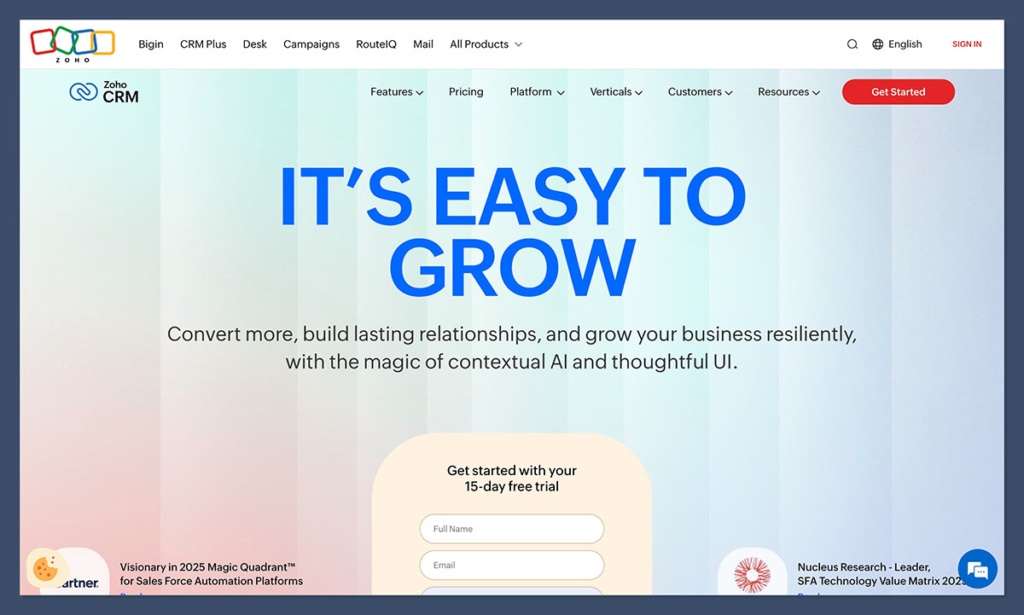
If your agency’s still small but growing fast, Zoho CRM is one of those tools that quickly overdelivers. You log in, set up your pipeline, and suddenly your entire client list, follow-ups, and invoices are in one place. It feels practical, like the kind of CRM you can actually afford to scale with.
The newest version adds Team Modules and Team Spaces, which are perfect for creative agencies where designers, marketers, and account managers need different dashboards but the same data. I set one up for a retainer client account, where we track everything from logo revisions to campaign renewals, and it’s been surprisingly smooth.
Zoho’s Zia AI has also gotten smarter, it can predict which deals might close, or which clients are slipping off the radar. It’s not as flashy as HubSpot’s Breeze AI, but for the price, it’s impressive.
Pros:
- Great balance of price and functionality
- Team Spaces help organize creative departments
- Reliable automation and AI suggestions
- Integrates with Zoho Projects, Books, and Campaigns
Cons:
- Interface feels dated
- Can take a while to learn all the settings
5. HoneyBook: Best for Client Experience
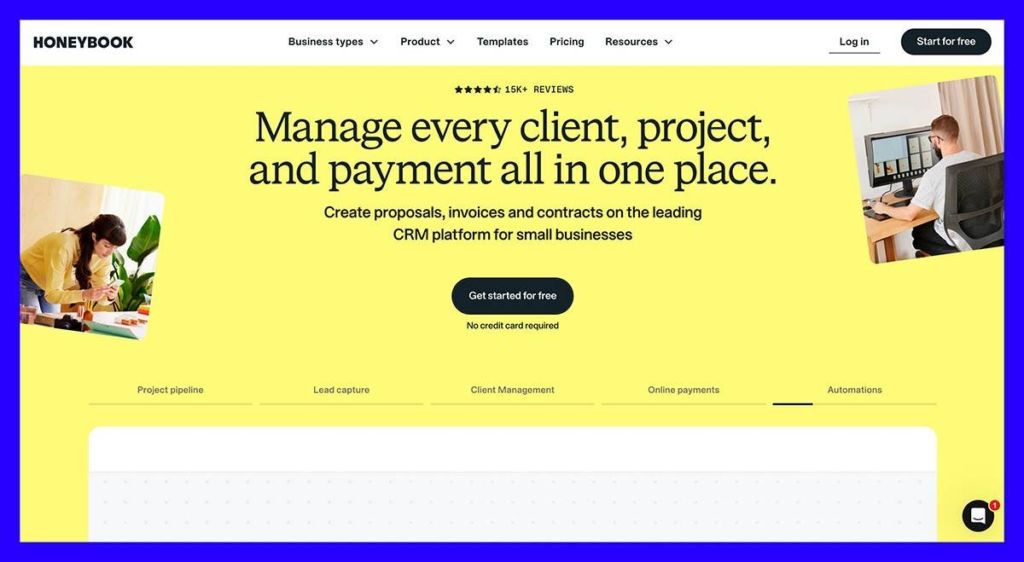
If your agency’s reputation lives by how polished your client interactions look, HoneyBook is the one you’ll fall for. It’s less about pipelines and more about presentation: proposals, contracts, payments, all wrapped in a clean, branded interface that makes you look like you’ve got everything together (even on the days you don’t).
The templates for proposals and invoices saved people hours, and clients love how seamless everything feels. The new mobile AI assistant is handy too, you can check project status or send quick replies right from your phone.
It’s missing the deep automation and analytics of something like HubSpot, but that’s not really the point. HoneyBook focuses on relationships, not reports.
Pros:
- Beautiful interface and client-facing tools
- Built-in proposals, contracts, and invoicing
- Mobile-friendly and easy to use
- Great for freelancers or boutique agencies
Cons:
- Limited reporting and automation
- Can get expensive as your team grows
6. OnePageCRM: Best for Simplicity
When I first tried OnePageCRM, I didn’t expect much. It looked too simple. Then, two weeks later, I realized how valuable that simplicity is.
The entire thing revolves around one smart concept: the Next Action. Every contact gets a single task like: call, email, quote, whatever, and once you complete it, you add the next one. It’s oddly satisfying, like checking boxes on a real notepad.
For small creative shops, that’s a win. You don’t need something huge; you just need a tool that reminds you who to contact and when. It connects to Gmail and Outlook, and the mobile app’s light enough to use on the go, even between coffee stops or client calls..
Pros:
- Simple “Next Action” workflow keeps things moving
- Quick setup and minimal training needed
- Easy Gmail/Outlook sync
- Great for freelancers and micro-agencies
Cons:
- No project management tools
- Limited reporting and automation
7. WillowSpace: Best for Client Portals & Feedback
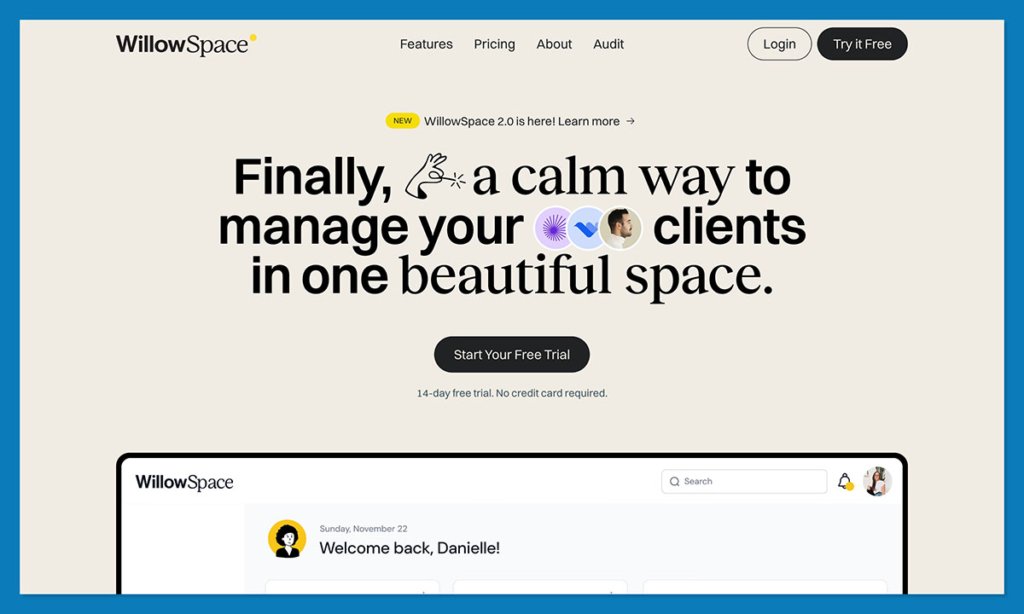
WillowSpace isn’t your traditional CRM. It’s more of a home base for your clients: a private, branded portal where they can upload files, sign contracts, approve designs, and track progress without asking, “Where’s that link again?”
I can see it working well for web design projects where multiple people on the client’s side need to review layouts. Having one shared space meant no one can claim they haven’t seen the latest version. The new interface (rolled out this year) makes it easier for non-technical clients to navigate, which saves everyone time and sanity.
It doesn’t have pipelines or advanced automation, but that’s fine. WillowSpace isn’t pretending to replace a full CRM. It’s there to make client communication smoother, and it does that perfectly.
Pros:
- Clean, branded portals for every client
- Easy for clients to review and approve work
- Great for onboarding and final delivery
- No tech learning curve for clients
Cons:
- No built-in CRM or sales tracking
- Limited automation options
8. Bonsai CRM: Best for Freelance Creatives
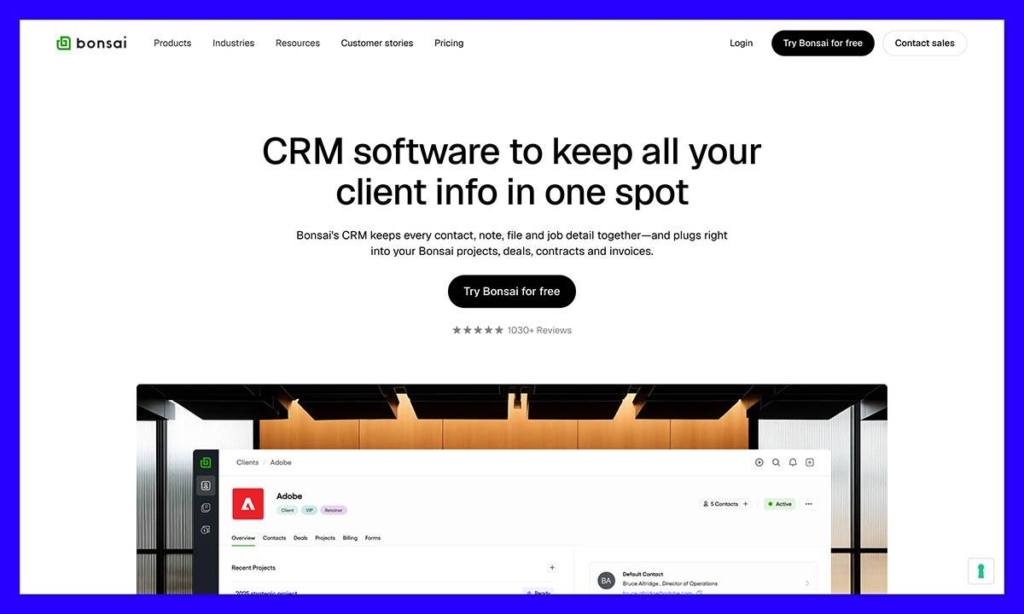
I started using Bonsai back when I was freelancing full time, building Shopify stores and cleaning up old brand logos. I didn’t have the patience for ten separate tools, and Bonsai was the first one that didn’t make me wish for something simpler.
Everything sits together: proposals, contracts, invoices, and client messages. No hopping between apps, no lost threads. I could send a quote, get it approved, and issue an invoice before my design files even finished exporting. It felt like someone finally built a system for how freelancers actually work, fast, flexible, and just organized enough to keep you sane.
The newer updates added better reporting and automatic invoice reminders, which saves you from sending those awkward “just circling back…” emails. It’s lightweight, polished, and genuinely built for creative professionals.
Pros:
- Combines CRM, proposals, contracts, and billing
- Simple to set up and easy to maintain
- Automatic payment reminders
- Professional templates and polished client flow
Cons:
- Not designed for team collaboration
- Limited customization in reporting
9. Freshsales: Best for Sales-Focused Agencies
Freshsales is quick, modern, and focused on one thing: keeping your pipeline moving. I tested it during a campaign for a B2B design client where we needed to track dozens of outbound leads, and Freshsales made the process surprisingly painless.
Freddy 2.0, the AI helper, deserves credit. It picks up on your habits, flags deals that are going quiet, and even drafts short follow-ups. It feels more like a smart teammate than a piece of software.
The Slack integration is also a win. You can see updates in real time without bouncing between platforms, which makes it great for remote collaboration.
Pros:
- Clean interface that’s easy to learn
- Smart AI for lead scoring and follow-ups
- Real-time Slack notifications
- Strong automation without extra setup
Cons:
- Not made for project or design workflows
- Some tools only available in higher tiers
Why HubSpot is My CRM Leader
After weeks of testing, HubSpot CRM still feels like the most complete option. It’s flexible, powerful, and once you’ve tuned it to your workflow, it just runs quietly in the background. The AI features save you time on the small things like follow-ups, notes, and meeting prep, so you can focus on the work that actually makes you money (and keeps clients happy).
If you’re ready to clean up your pipeline and make client chaos a little less chaotic, start with a free HubSpot CRM account. You won’t regret it.
FAQs
How is a creative CRM different from a regular one?
Most CRMs were built for sales teams. Creative teams work differently. We deal in feedback loops, files, and client moods. A good creative CRM tracks relationships and deliverables, not just deals. It keeps people and projects connected instead of turning everything into a spreadsheet.
Which CRMs fit best with design tools like Figma or Slack?
HubSpot, Monday, and Zoho all integrate with tools like Figma, Google Drive, and Slack. You can comment, share assets, or send updates without jumping between tabs all day.
What’s new in HubSpot for 2026?
One of HubSpot’s most exciting product updates is Breeze AI Agents now handle small admin tasks like follow-ups and summaries. Workspaces make it easier for design, content, and account teams to each see their own dashboards. The new Visual Data Builder lets you track custom things like “projects” or “assets” instead of forcing everything into a deal pipeline.
What works best for freelancers or tiny studios?
If you’re flying solo, go with HubSpot’s free CRM. It will keep your clients, contracts, and invoices in one tidy place. If presentation matters more, HoneyBook gives you that boutique feel with polished proposals and branded client portals.


