
 By Rebekah Carter
Canva landed first place in the online design world thanks to its clean interface, ready-to-go templates, and budget-friendly pricing.
But just because it’s the most well-known doesn’t mean it’s the best tool for everyone, especially if you’re trying to build an eCommerce brand that doesn’t look like every other dropshipper on Instagram.
So, if you’re wondering which Canva alternatives are actually worth it, you’re in the right spot. We’ve pulled together a list of high-quality design tools that go beyond Canva, and in some cases, do a better job at key things like mockups, product images, and ad creatives.
What Are Canva’s Disadvantages?
Even though Canva performs well in general, there are a few clear issues, especially for eCommerce.
Generic Templates
Most templates are designed for broad use. That means you’ll often need to heavily customise to make them work for your store or niche.
Poor Mockup Options
If you sell physical products (apparel, mugs, supplements), Canva lacks realistic mockups. You’ll need another tool just to fake a real product shot.
Scaling Is Slow
It’s easy to create one graphic. Not 10. Or 100. Scaling product variations, promotions, or A/B ad creatives? Canva drags here.
While none of these are deal-breakers, they can eat up your time and make your brand look less polished. There are better tools built for the kind of fast, clean visual production that eCommerce demands.
Top 4 Canva Alternatives for eCommerce Design
These five tools performed best as Canva replacements for ecommerce design.
1.Kittl: The Typography Beast for Premium Branding
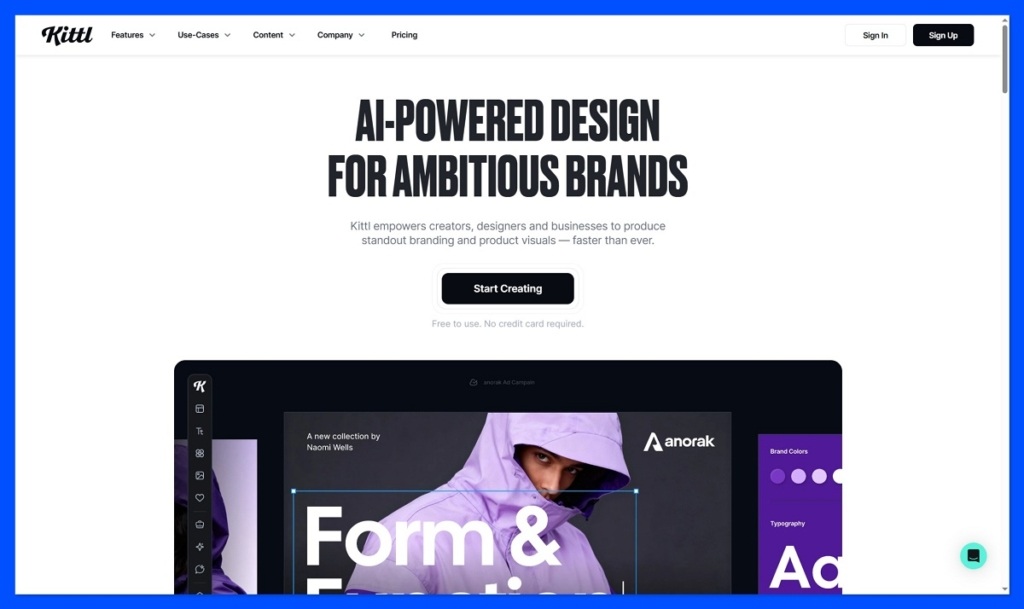
Stunning fonts, logo-building tools, and premium design elements helped Kittl grab the top spot in our test. While it’s not packed with every feature under the sun, what it does, it does extremely well, especially if you’re building a strong, visual brand for your eCommerce store.
- Professional text styling and effects
- Beautiful, brand-focused templates
- Built-in logo and badge creator
- Simple, intuitive editor
- Lacks ad or product mockup tools
Kittl Overview
| Metric | Details |
|---|---|
| Score | 8.7 |
| Review | very good |
| Plan | Starter |
| Users | 1 |
| Storage | 1 – ∞ |
| Downloads/Month | limited on free |
| Plan Name | Kittl Starter |
| Monthly Price | $0.00 |
| Visit | Visit Website |
Kittl is designed to help you build premium, high-end visuals without needing to master Illustrator or Photoshop. The editor focuses heavily on text styling, offering curved text, textures, shadows, 3D effects, and vintage typography with just a few clicks. It’s ideal for logos, packaging, labels, and storefront branding.
What We Like
Kittl stood out immediately for its clean user interface and gorgeous templates. It’s fast to learn, the designs look top-shelf, and its AI-powered headline tool is a nice touch. If you’re selling physical goods like coffee, supplements, clothing, or homeware, this platform gives your brand an edge without hiring a designer.
Kittl’s font tools and layout engine give you polished visuals in minutes, no design background needed.
What Makes Kittl a Good Alternative to Canva?
Canva is great for general use. Kittl is better for eCommerce sellers who want their products to stand out. Logos, product labels, ad headlines, lifestyle quote graphics, it handles these effortlessly. You’ll find fewer templates overall, but way more polish and better control over typography.
Kittl’s premium templates and pro-level font controls help elevate any online store’s branding instantly.
What We Don’t Like
Kittl’s focus is tight, which means you won’t get everything. There are no smart mockups, animation features, or ad scaling tools. Also, the free plan has limitations on downloads, and there’s no team collaboration. For product images and batch creatives, you’ll need to pair it with another tool.
Pros
- Pro-level fonts and layout templates
- Logo and badge builder built in
- AI headline generator
Cons
- No mockup or animation tools
- Limited templates for ads or product images
- Download caps on free plan
2. Glorify: Built for eCommerce Sellers
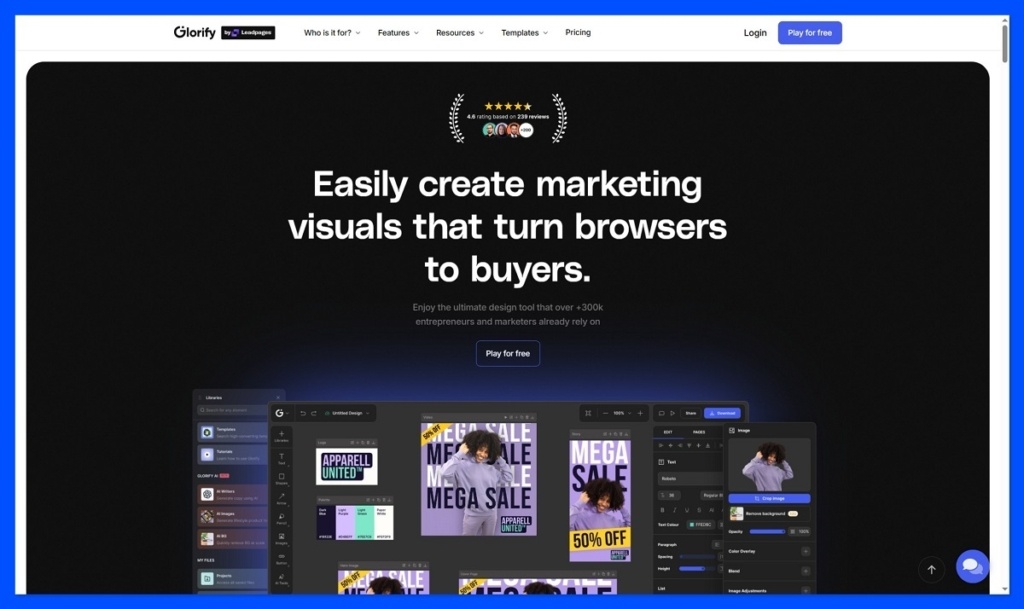
Glorify was built with online sellers in mind. Strong product visuals, smart mockups, and eCommerce-specific templates earned it second place in our comparison. However, the platform still lacks polish in a few key areas, and it’s not ideal for teams.
- Smart product mockups
- Templates made for Amazon & Shopify
- 1-click background remover
- Annotation and highlight tools
- Weak team collaboration tools
Glorify Overview
| Metric | Details |
|---|---|
| Score | 8.6 |
| Review | good |
| Plan | Starter |
| Users | 1 |
| Storage | 5 – ∞ |
| Downloads/Month | unlimited |
| Plan Name | Glorify Starter |
| Monthly Price | $0.00 |
| Visit | Visit Website |
According to Glorify, the platform is used by more than 250,000 eCommerce sellers globally. They rely on its clean tools for product image creation, ad designs, and Amazon/Etsy-ready visuals. It also supports 3D-style mockups and callout features perfect for showcasing benefits.
What We Like
Glorify impressed us with its razor-sharp focus on eCommerce. From its Amazon-ready image dimensions to lifestyle mockups, it’s clearly built with product sellers in mind. Highlight tools and annotations are especially useful for feature callouts on product pages.
Glorify’s editor includes mockup features and annotation tools tailored to eCommerce listings.
What Makes Glorify a Good Alternative to Canva?
Glorify fills in the gaps that Canva leaves open for online sellers. It goes beyond social templates to offer tools made for marketplaces. With smart shadows, background removal, and pre-sized image exports for platforms like Shopify and Amazon, it’s geared toward conversions, not just looks.
Mockups, product overlays, and smart resizing make Glorify a go-to tool for eCommerce-focused design.
What We Don’t Like
While Glorify is strong on the visual front, it’s not as team-friendly. Collaboration features are limited, and the user interface can feel clunky. It also lacks integrations with third-party tools. Lastly, while there’s a free plan, you’ll need to upgrade quickly for real functionality.
Pros
- Smart templates and eCommerce-focused tools
- Clean product mockups and overlays
- Easy background remover
Cons
- Limited collaboration tools
- No app integrations
- Clunky interface
3.VistaCreate: Intuitive to Use, Good for Ads
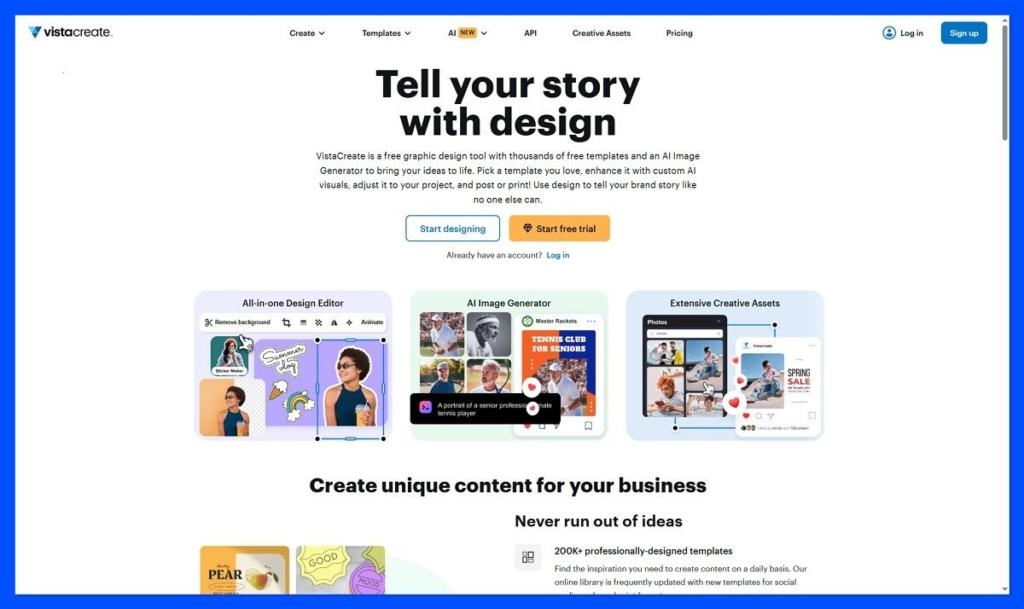
VistaCreate earned third place in our test thanks to its polished templates, user-friendly dashboard, and fast design setup. While it lacks the depth of Canva or Glorify, it’s still an excellent pick for social media and ad creatives.
- Easy-to-use interface
- Sleek modern templates
- Motion graphic support
- Stock asset access (via Depositphotos)
- Limited advanced editing tools
VistaCreate Overview
| Metric | Details |
|---|---|
| Score | 8.2 |
| Review | good |
| Plan | Starter |
| Users | 1 |
| Storage | 10 – ∞ |
| Downloads/Month | unlimited |
| Plan Name | Vista Starter |
| Monthly Price | $0.00 |
| Visit | Visit Website |
Formerly known as Crello, VistaCreate is now backed by VistaPrint. Its 150,000+ templates cover everything from Instagram posts to YouTube thumbnails. You’ll find motion support, animated templates, and plenty of media, all aimed at helping you build attention-grabbing content fast.
What We Like
VistaCreate stood out for its simple editor and motion tools. Animated ads, stories, and reels are easy to make, even for beginners. The free plan is generous, and the Pro plan unlocks access to Depositphotos, handy if you’re tired of Canva’s free media options.
VistaCreate makes ad and social content creation fast with its simple editor and strong asset library.
What Makes VistaCreate a Good Alternative to Canva?
If you focus heavily on social content, VistaCreate is a worthy rival. Its templates are made for ad formats and stories, with sizing baked in. It’s quick to learn and perfect for founders or marketers who want good results without a steep learning curve.
High-quality animated ad templates help VistaCreate stand out for content creators and advertisers.
What We Don’t Like
VistaCreate doesn’t offer the depth you might need for product visuals or mockups. It lacks eCommerce-specific templates, and the editor doesn’t support smart layers or in-depth photo editing. Its app integrations are also limited, which can slow down workflows.
Easy to learn, even for beginners
Great animated ad templates
Generous free plan
Lacks advanced features
Not suitable for mockups
No app integrations
4. Pixelied: Quick Mockups and Fast Product Edits
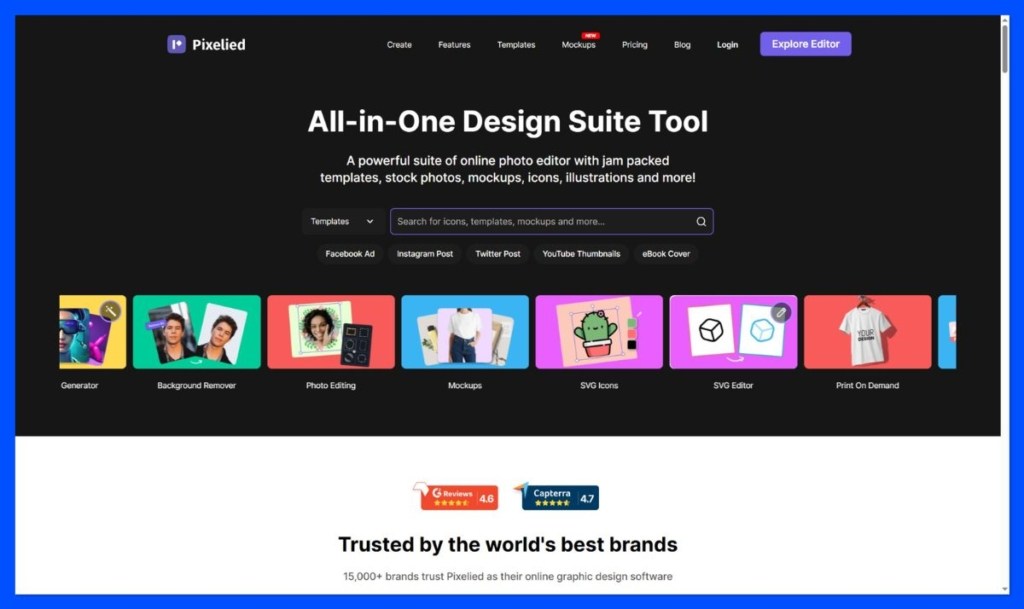
Pixelied came in fourth in our test thanks to its strong mockup capabilities and beginner-friendly photo editing tools. It’s ideal for product sellers, though the limited template selection and smaller asset library hold it back a bit.
- Smart-layer product mockups
- Background removal
- Logo and brand kit support
- Team collaboration tools
- Smaller template selection
Pixelied Overview
| Metric | Details |
|---|---|
| Score | 8.2 |
| Review | good |
| Plan | Basic |
| Users | 1 |
| Storage | 5 – ∞ |
| Downloads/Month | unlimited |
| Plan Name | Pixelied Basic |
| Monthly Price | $0.00 |
| Visit | Visit Website |
Pixelied lets users create product mockups and clean designs fast. It has a simplified version of smart layers (like Photoshop), making it possible to drag and drop product images into 3D scenes. Sellers use it for showcasing packaging, apparel, or electronics in seconds.
What We Like
Pixelied’s mockup tool is its best feature. It makes clean, realistic product shots without needing Photoshop. There’s also support for brand kits, quick resizing, and background removal, which are all great for speeding up eCommerce workflows.
Pixelied allows for quick product mockup creation with smart layering and branding features.
What Makes Pixelied a Good Alternative to Canva?
For stores that need clean product photos, Pixelied offers what Canva doesn’t: mockups, smart layers, and fast edits. Its drag-and-drop interface is easy to use, and there’s no need for advanced design skills. A strong option for solo founders and lean teams.
Mockups and fast product editing make Pixelied ideal for physical goods and online product previews.
What We Don’t Like
The downsides? Pixelied’s template library is limited compared to Canva or VistaCreate. There aren’t as many options for social posts or animated designs. Also, while the UI is clean, some workflows (like exporting) could use polish.
Realistic product mockups
Quick brand asset setup
Good background remover
Limited templates
Basic interface polish
No motion design tools
Choosing the Best Canva Alternatives
Canva certainly stands out as one of the most popular tools for blog creators, branding experts, and social media marketers today.
The Pro plan is brimming with great features, a host of different templates, and an easy-to-use ecosystem. However, there are plenty of other options out there.
Alongside the products mentioned above, companies can consider contenders like Pixlr, Piktochart, Desygner, PicMonkey and countless others for sourcing and editing stock images and graphic resources.
The right option for you will depend on the kind of branded images you want to create. Where possible, we recommend trying some of the free demos offered by the products above, so you can test the functionality of each app before you spend a penny.


