
 By Bogdan Rancea
I’ve tested a lot of CRM software, and most tools forget designers live in comments, versions, and approvals. Design teams fight chaos daily. Feedback hides in email. Files scatter across drives. Invoices wait for signatures that never come. Sales automation often feels bolted on, not built in.
If you want a system that understands real creative flow, you need to search for it. That’s why I ran live projects through seven CRMs. I tracked proposals, revision loops, approvals, and payments. I measured how quickly clients replied, and how fast deals closed.
My baseline was simple. If a CRM slowed the team, it failed. If it reduced admin and clarified the next step, it stayed. HubSpot CRM became the benchmark every other platform had to beat, and I’ll explain why right here.
What Makes a CRM Work for Designers
When I started testing CRM software for design studios, I realized most platforms speak sales, not creativity. They think in “deals” and “leads.” We think in drafts, revisions, and deadlines. That means we need a few key things:
- Visual pipelines: Designers work best with kanban boards that mirror real creative stages such as Proposal, Draft, Review, and Approved. HubSpot CRM, Monday, and Pipedrive make this feel effortless. You can drag projects across stages and see every file, note, and email inside one simple view.
- Collaboration that makes sense: Design work lives in versions and comments. HubSpot’s CMS tools let you store designs, feedback, and forms in one record. WillowSpace and Monday link to Figma or Drive for instant client approvals.
- Client portals and communication: A good CRM should act as your client’s personal dashboard. With HubSpot’s Service Hub, you can create branded portals without any coding knowledge, perfect for agencies that share files, deliverables, and invoices online.
- Time tracking and workload: Creative burnout sneaks up fast. CRMs like Monday show team capacity at a glance, while HubSpot’s reporting highlights which projects bottleneck. That helps you balance your bandwidth.
- Automation and AI: In 2026, AI is actually helpful. HubSpot’s Breeze AI drafts updates, summarizes feedback, and even fills proposals from your Commerce Hub. Zoho’s Zia and Monday’s AI handle quick admin tasks.
- Integrations: You need to connect the dots. HubSpot’s mobile app and its 2,000+ integrations (Figma, Slack, QuickBooks) made it feel like part of your creative stack, not another login.
Quick Comparison: The Best CRMs for Designers
CRM Platform | Best For | Standout Features | Pricing | Free Plan |
| HubSpot CRM | Best overall for creative agencies | Breeze AI, client portals, automation, 2,000+ integrations | Free – ~$15 +/user/mo | ✅ |
| Monday CRM | Project-driven design teams | Visual boards, workload tracking, AI summaries | Free – ~$12 +/user/mo | ✅ |
| Pipedrive | Freelancers & boutique studios | Clean pipelines, Pulse AI, fast setup | ~$14 +/user/mo | ✅ |
| Zoho CRM | Budget all-rounder | Zia AI, automation, multichannel tools | Free – ~$14 +/user/mo | ✅ |
| SugarCRM | Enterprise creative firms | Deep analytics, forecasting, automation | ~$49 +/user/mo | ❌ |
| OnePageCRM | Solo designers | Action-based workflows, task management | ~$9.95 +/user/mo | ✅ trial |
| WillowSpace | Client onboarding & contracts | Proposals, contracts, portals, feedback tools | ~$16 +/user/mo | ❌ |
The Best CRM for Designers: Lead-in to All Reviews
If you’re a designer, creative studio or agency drowning in feedback loops, client revisions, and endless admin, it’s time to invest in a CRM.
I tested each of these CRM software platforms in real-world creative workflows, from brief to delivery, so you can skip the toolkit trial and go straight to what works.
1. HubSpot CRM: Best Overall for Designers
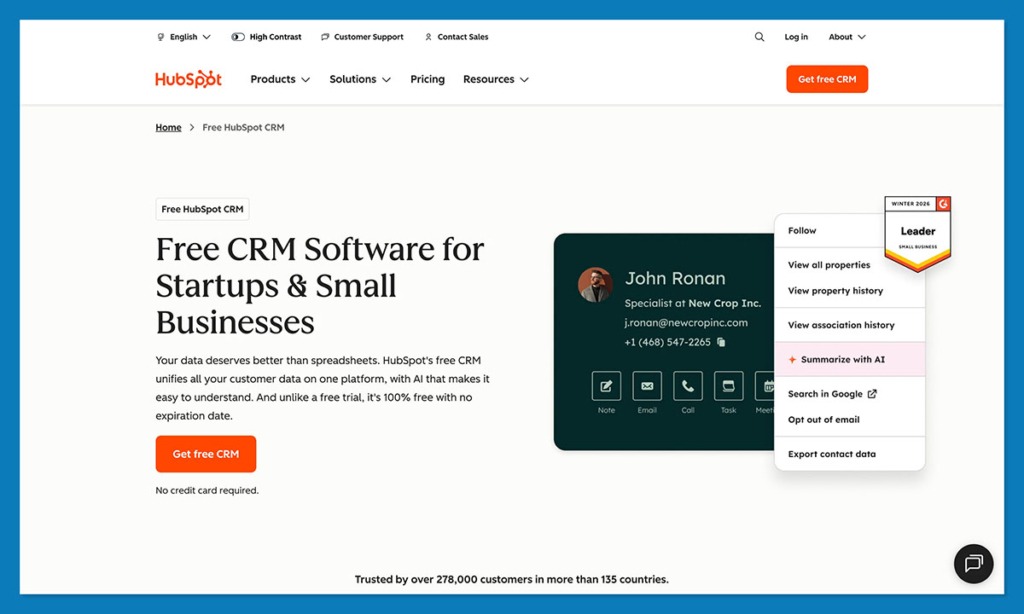
HubSpot CRM is only the best option I’ve tried for creative teams. I found it ideal for creatives who want automation that feels natural, not clunky. It’s packed with features that feel made for designers:
- Breeze AI & Agents: HubSpot’s new AI agents, launched at INBOUND 2025, help summarise feedback, draft client updates and even power simple support workflows.
- Data Hub & Data Quality Tools: HubSpot now emphasises unified data and cleansed records, which matter when you’re juggling dozens of clients and asset versions
- Marketing Hub: For designers using inbound marketing, HubSpot’s email templates, content scheduling and SEO tools turn your portfolio traffic into actionable leads.
- Sales Hub: Visual pipelines, deal tracking and quoting (CPQ) help you manage proposals to payments in one workflow.
- Content Hub: Lets you host portfolio pages or client portals that tie back into the CRM database.
- Commerce Hub: Recent updates include full CRUD payments API and better revenue tracking, all useful if you retail creative assets or offer retained services.
- Integrations & Mobile: HubSpot connects with Figma, Slack, Google Workspace, QuickBooks and more. The mobile app ensures you’re not tied to your desk.
All that, and it’s affordable too. The free plan supports up to 2 users and essential features. Paid hubs begin around ~$15/month and scale with automation/AI usage.
Pros
- An all-in-one platform for marketing, client and project tracking
- Scales smoothly from small studio to full agency
- Rich automation and AI features that genuinely serve creative workflows
- Large ecosystem and proven case studies
Cons
- Advanced features require higher tiers and investment
- To extract maximum value, setup and learning time are required
- Pricing can jump when you scale
2. Monday.com CRM: Best for Collaborative Creative Teams
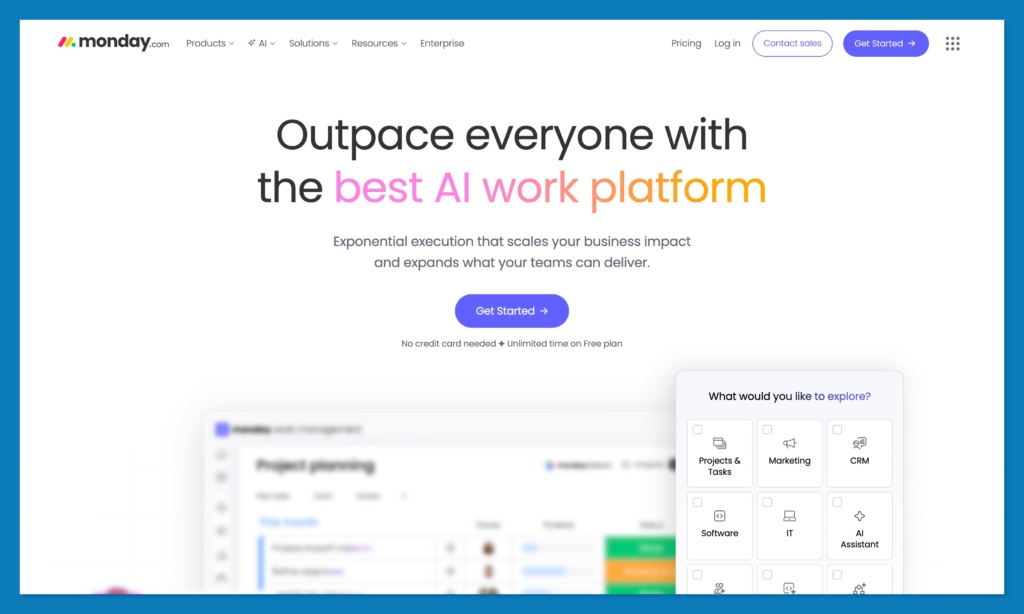
I’ve used a lot of tools that claim to be “visual,” but Monday CRM actually is. When you drop it into a live branding project, your team doesn’t need a tutorial, they can just start dragging cards, adding deadlines, and tagging each other mid-brief.
The Workload view is the star here. It shows who’s drowning in revisions and who’s still waiting for feedback. In creative teams, that kind of visibility prevents burnout. Monday’s 2025 update added a faster mobile timeline, so even when you’re on the move you can shuffle tasks without losing the bigger picture.
Plus, the new AI assistant helps clean up admin. It drafts follow-up notes, organises client messages into tasks, and writes quick recaps after calls.
Pros
- Clear, visual interface; zero friction for creative work
- Tracks workloads before things slip
- Fast setup, no training curve
Cons
- Not built for marketing or deep automation
- Reports are fine, but not fancy
3. Pipedrive: Best for Freelancers & Boutique Studios
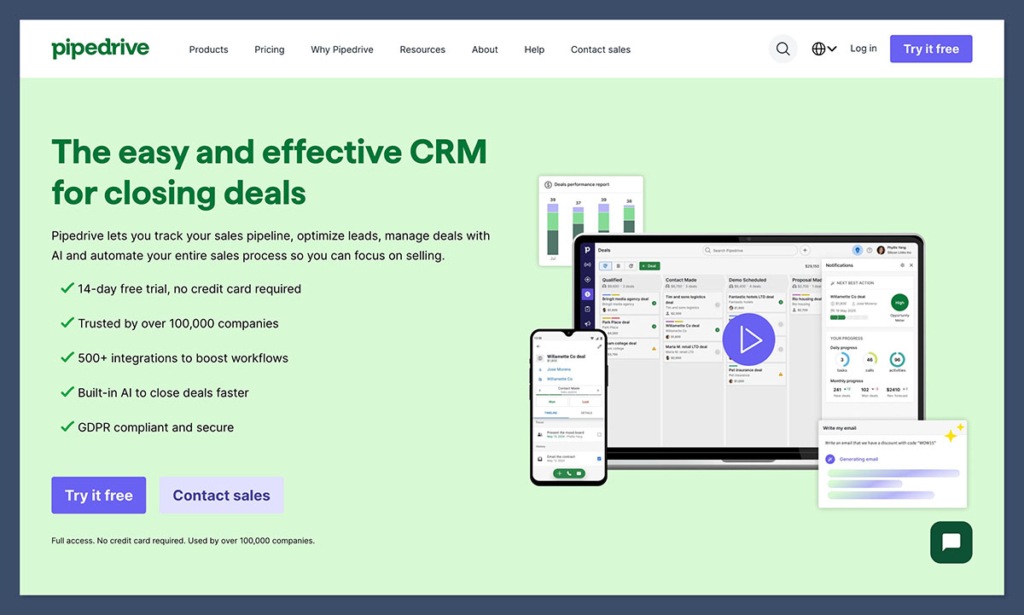
Pipedrive suits the kind of studio where one or two people run everything. The layout feels almost tactile, like a board on your desk with cards you can move around. You drag a project to the next step, glance at what’s left, and keep creating. It keeps things clear without adding extra noise.
The new Pulse AI quietly tracks which clients you’ve ignored for too long and which projects might stall. It’s like having an assistant who only speaks up when it matters.
Pipedrive’s 2025 refresh added AI email digests and a revenue forecast chart that gives small studios a better sense of cash flow. Integrations are solid too, with Slack, Trello, Notion, Google Workspace, and the mobile app now works offline, which helps you update notes wherever you are.
Pros
- Simple, fast, and affordable
- Great pipeline visibility
- Low-maintenance with no clutter
Cons
- No built-in client portal
- Limited marketing tools
4. Zoho CRM: Budget-Friendly with Smart Automation
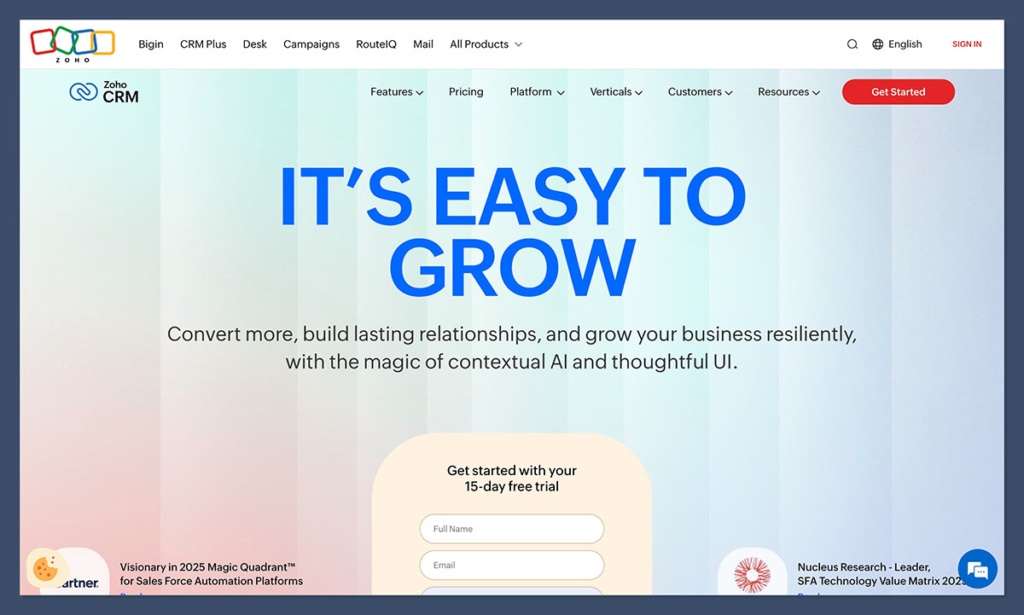
I’ve got a soft spot for Zoho CRM. When you first start using it, it takes about an hour to get comfortable, then everything clicks.
The big draw is value. For roughly $14 a month, you get Zia AI, Zoho’s built-in assistant.
Zia spots patterns in client activity like who’s opening proposals, who’s gone quiet, and drops short suggestions like, “Follow up with this lead tomorrow.” It’s not overbearing, and when you’re juggling five client threads, that nudge matters.
The pipeline view feels a bit utilitarian compared to Monday or HubSpot, but it’s functional.
Where Zoho wins is the back office: invoicing, time tracking, email campaigns, even a social media dashboard. If your studio is growing and you can’t afford to piece together ten tools, Zoho’s all-in-one ecosystem helps.
Pros
- Excellent price-to-feature ratio
- Deep automation for a low cost
- Integrates well with Zoho Projects and Zoho Books
Cons
- Less polished interface
- Learning curve during setup
5. SugarCRM: Best for Data-Driven Design Agencies
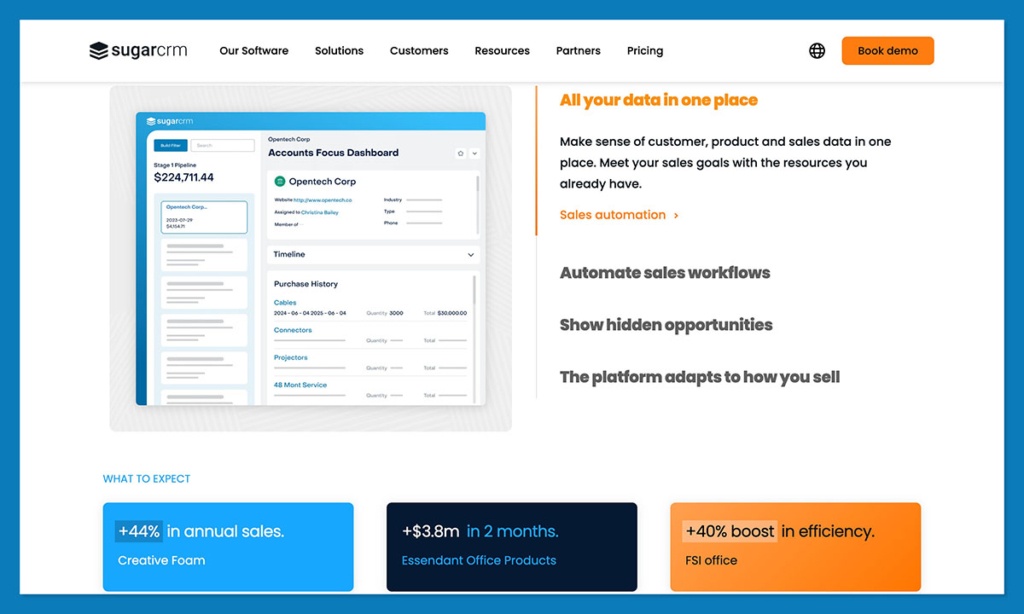
For agencies that handle several brands or complex client accounts, SugarCRM begins to shine. It’s not the sort of tool you can just install and forget; it asks for some setup and structure. But when everything’s in place, the visibility it gives you across data, teams, and projects is hard to match.
Its automation tools dig deep, too. SugarPredict, their built-in AI engine, analyses your sales and client data to predict which projects are likely to close, and when. It’s overkill for freelancers but powerful for operations or account directors.
The most recent update made SugarCRM noticeably faster. Reports appear instantly, and forecasting feels far more reliable. The platform now connects directly with Slack, Microsoft Teams, and common marketing tools, which makes communication inside bigger teams much easier.
Pros
- Deep analytics and forecasting
- Strong enterprise-level automation
- Flexible architecture for custom workflows
Cons
- Complex setup and maintenance
- Expensive compared to others
6. OnePageCRM: Simple & Action-Oriented
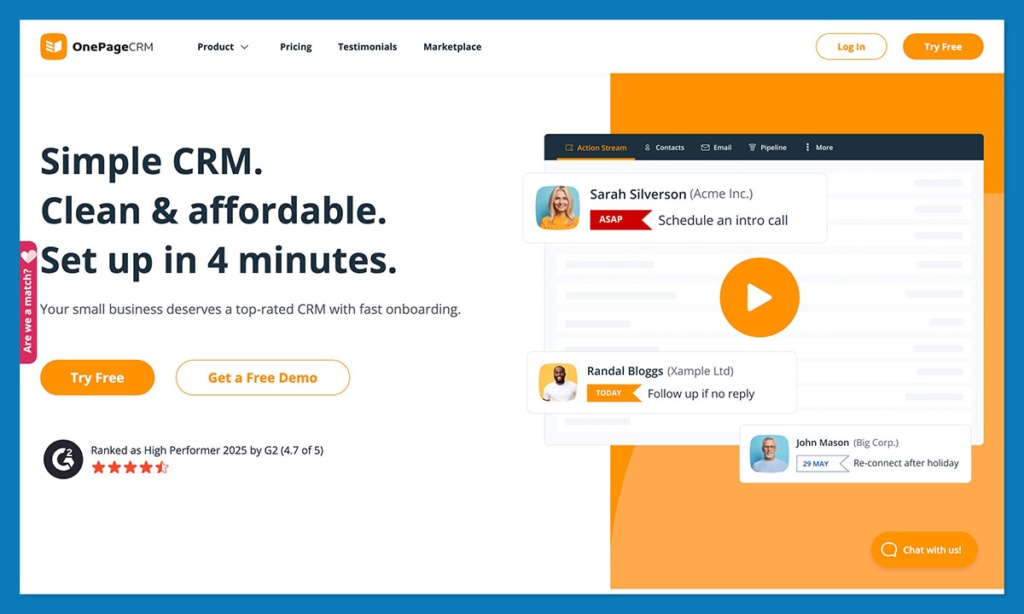
If you’ve ever stared at a bloated CRM dashboard and thought, “I just need to know what to do next,” you’ll get along with OnePageCRM. It’s the antidote to feature overload, just small, direct, and surprisingly satisfying.
Setup takes minutes. You just import contacts, build a single pipeline, and hit go. There are some surprisingly advanced features here too, like the “Next Action” system. Instead of staring at long lists, every client has one clear follow-up task: call, send invoice, share draft, or whatever’s next.
Once it’s done, the next one appears automatically. It keeps projects moving forward without feeling like admin. You also get built-in email templates, activity tracking, and light reporting tools. Nothing massive, but everything you actually use.
Pros
- Streamlined and easy to learn
- “Next Action” keeps projects flowing
- Great for solo designers or small studios
Cons
- Minimal automation
- Limited integrations beyond the essentials
7. WillowSpace: Best for Client Onboarding & Feedback
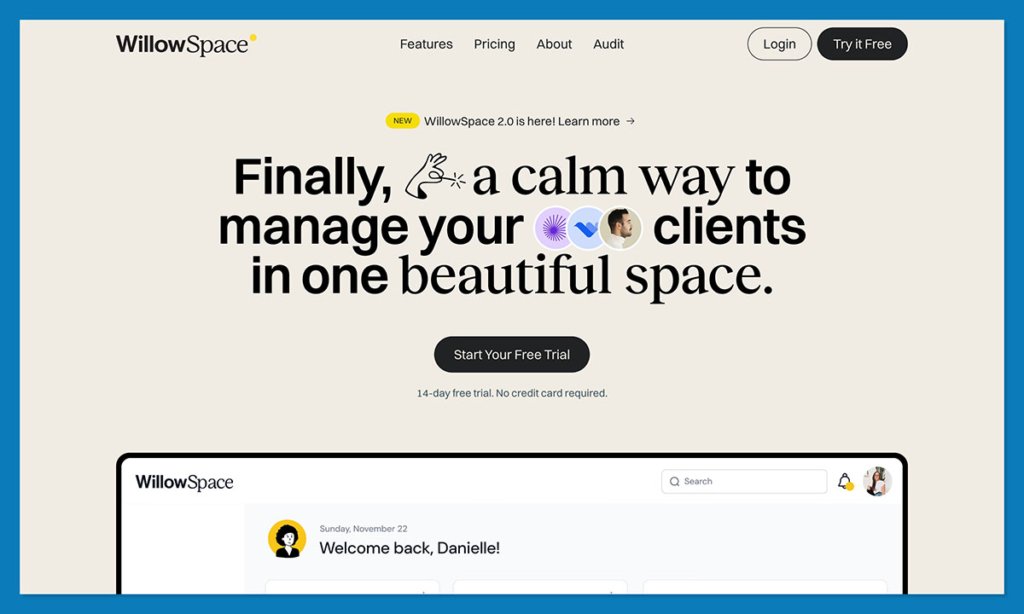
WillowSpace feels personal, like it was built by someone who’s handled messy client projects before. It focuses on the client journey rather than sales numbers.
In about an hour, you can send a branded proposal, attach your contract, and open a private portal where clients leave comments, sign files, and share materials in one neat place.
The interface is clean and calm, which fits the creative rhythm perfectly. You won’t find AI or deep analytics here, but you will find automation for reminders, payment requests, and status updates. It doesn’t try to be a huge CRM like HubSpot, and that’s fine. For design studios that want a polished client experience without corporate weight, it fills that gap beautifully.
Pros
- Perfect for onboarding, proposals, and feedback
- Gorgeous, brand-friendly client portals
- Lightweight and easy to customize
Cons
- Limited automation and analytics
- Not built for sales or marketing funnels
Why HubSpot Is the Designer’s CRM
HubSpot goes beyond just tracking your clients. The unified platform grows and adapts with you, no matter how much you scale.
For small studios, the free HubSpot CRM plan covers contact tracking, emails, pipelines, and automation that actually saves time. For agencies, its recent product updates like Breeze AI, Data Hub, and smarter Sales & Marketing Hubs, create a complete loop: leads in, projects managed, payments out, all synced in one system.
If you just want something that makes your workflows easier, HubSpot is perfect. Try out the free plan, and I can bet you’ll see the difference.
FAQs
What makes a good CRM for designers?
The right system keeps feedback, invoices, and notes in one easy-to-manage place. HubSpot CRM does this beautifully, and it feels more like a dependable studio assistant than another piece of software.
Which CRM works best for creative agencies?
For busy design teams, HubSpot tends to take the lead. It links marketing, project tracking, and communication in one shared space so everyone stays aligned. You stop chasing updates between tools because everything you need is already in view.
What’s the easiest CRM for freelance designers?
For individual creatives, OnePageCRM is refreshingly straightforward. It shows only one next step per client, keeping your focus clear. If you want a bit more structure, HubSpot’s free plan expands naturally as your workload grows.
Do designers really need a CRM?
Once the projects start piling up, yes, you absolutely do. A CRM keeps every message, file, and deadline in order. Think of it as your digital studio manager: polite, organized, and quietly reliable
What’s the best budget designer CRM?
Zoho CRM delivers impressive value, offering automation, billing, and even social tools at a low price. If you prefer to start for free and upgrade later, HubSpot’s entry plan gives small studios everything they need to stay organized from day one.
Which CRM connects with design tools and client portals?
HubSpot integrates with Figma, Slack, and Google Drive, plus it lets you build branded client portals. WillowSpace also does this beautifully, too. It’s more personal, designed for onboarding and client feedback loops.


