
 By Bogdan Rancea
Our in-house testing names Shopify as the best overall ecommerce platform for 2025, thanks to its $1/month promo and industry-leading sales features. We spent over 100 hours testing and comparing the performance, design options, and pricing of today’s most-used free ecommerce builders — and shortlisted the best ones for launching your store with little to no upfront cost.
From forever-free plans to extended free trials, I’ve broken down what each platform offers before you spend a dollar, along with the real costs to expect once your store starts to grow — like payment processing, domain names, and upgrade fees.
The 6 Best Free Ecommerce Platforms
- Shopify – Free trial, then $1/month for 3 months
- Ecwid – Free plan forever (up to 5 products)
- Square Online – Free plan forever
- Big Cartel – Free plan (up to 5 products)
- WooCommerce – Free to install, then $6.45/month hosting (Bluehost)
- PrestaShop – Free to download, hosting required
Key Takeaways
- Shopify offers the strongest sales tools and lets you start selling for just $1/month after a 3-day trial — ideal for scaling businesses
- Ecwid and Square Online are the only builders that let you sell products completely free, but with limited features or branding
- All builders except WooCommerce include AI tools to help you build your store faster
- Upgrade costs range from $1/month to $30+/month depending on your plan and provider
- Most platforms charge transaction fees (typically 2.9% + $0.30) even on free or trial plans
- Free plans often include platform branding, storage limits, and restrictions on products or payment options
- You should plan to upgrade early to unlock abandoned cart recovery, customer accounts, and full marketing tools
Quick Comparison Table
| Platform | Rating | Starting Price | Free Plan or Trial | Best For |
|---|---|---|---|---|
| Shopify | 4.8 | $1/month for 3 mo | 3-day trial, then $1/mo | Scaling fast with pro sales features |
| Ecwid | 4.6 | $0/month | Free plan (5 products) | Adding ecommerce to existing sites |
| Square Online | 4.4 | $0/month | Free plan | Local businesses & food sellers |
| Big Cartel | 4.3 | $0/month | Free plan (5 products) | Creatives, artists, and side hustlers |
| WooCommerce | 4.1 | Free plugin | Free to install | WordPress users & devs |
| PrestaShop | 3.9 | Free software | Free (self-hosted) | Developers or large catalogs |
1. Shopify – Best Sales Features on a Budget

Price to sell online: $29/month (after promo)
Free trial: 3 days, then $1/month for 3 months
Recommended for: Businesses planning to scale fast
[Read our full Shopify review]
Shopify tops this list for one simple reason: its free trial and $1 promo let you access the best ecommerce platform features with barely any upfront cost. It’s not a “free forever” option, but if you’re serious about selling online and want world-class tools without the usual commitment, Shopify gives you room to test and grow — fast.
Pros
- Sell unlimited products
- Best-in-class inventory and checkout tools
- Access to over 8,000 apps and integrations
- Built-in AI tools: Shopify Magic and Sidekick
- 24/7 support with real human agents
Cons
- Only 3-day free trial
- Custom domain and email marketing tools cost extra
- Most themes and apps require additional fees
What You Get in the Free Trial and $1 Promo:
While Shopify doesn’t let you sell for free forever, its entry deal is unmatched in the ecommerce space. Here’s what you get access to right away:
- 3-day free trial (no credit card required)
- Next 3 months at $1/month (full-featured plan)
- Sell unlimited products
- Access to Shopify Payments, PayPal, and over 100 gateways
- Full access to dashboard, analytics, and inventory tools
- Use of Shopify Magic (AI for product descriptions)
- Access to Shopify’s app store (apps for upsells, shipping, SEO, etc.)
- Abandoned cart recovery
- Sales channel integration (Instagram, Facebook, Amazon)
You can build your entire store and start taking orders with virtually no barrier — ideal for testing product-market fit without committing to full monthly pricing.
Paid Plans and Upgrades:
After the $1/month promo ends, Shopify’s regular pricing kicks in:
- Basic – $29/month
- Gow – $79/month
- Advanced – $299/month
Each plan includes unlimited products and core sales features, but higher tiers give you access to more:
| Plan | Monthly Price | Staff Accounts | Reports | Shipping Discounts |
|---|---|---|---|---|
| Basic | $29 | 2 | Basic reports | Up to 77% |
| Grow | $79 | 5 | Standard reports | Higher discounts |
| Advanced | $299 | 15 | Custom reports | Best rates |
There’s also the Shopify Starter plan at $5/month, but this doesn’t include a full website — it’s just for social selling via link-in-bio or checkout pages.
Should You Use Shopify?
If you’re planning to build a serious ecommerce business and want the best tools from day one, Shopify is the smartest way to start. It’s trusted by over 4.8 million businesses worldwide — and with its $1 trial offer, you can test everything before committing.
Use the three-day free trial to build your store, test apps, and explore templates. Once you’re ready, the $1/month promo gives you a full 90-day runway to validate your products and make sales before the full price kicks in.
Even though it’s not free forever, Shopify gives you the most value upfront compared to every other platform on this list.
2. Ecwid – The Best Way to Add Ecommerce to An Existing Site
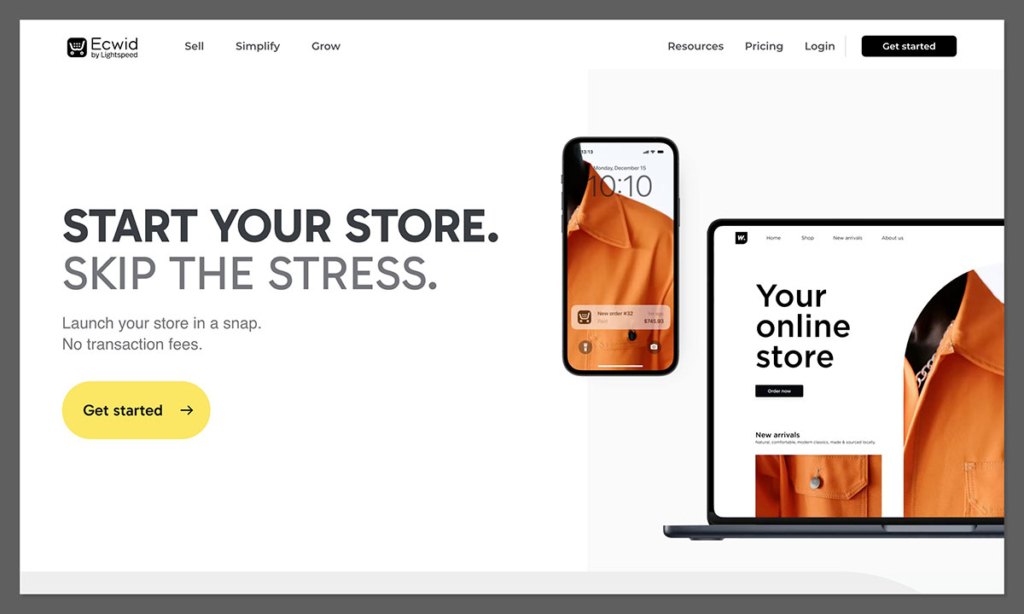
Rating: 4.6
Starting price: $0/month
Free Plan: Yes (limited to 5 products)
Ecwid’s pretty much the easiest way to start selling online without having to set up a full website from scratch. Its standout feature is that you can add a fully functional store to an existing site or social media profile in just a few clicks.
If you already use platforms like WordPress, Wix or Instagram, you can basically just drag Ecwid’s store into them.
Key Features:
- Free plan lets you list up to 5 products
- You can add an ecommerce widget to any platform
- No transaction fees on the free plan
- Accept payments via Stripe, PayPal, and more
- Looks great on any device
Ecwid’s a great choice for sellers who already have some kind of web presence but need ecommerce functionality – in other words, it’s perfect for people who don’t need to start from scratch.
It’s simple to set up, works with any CMS or site builder and actually looks pretty slick, even on the free plan.
Pros
- Easy to set up without needing to code
- Works with any website or site builder
- Real-time shipping and tax settings
- Automated inventory management
Cons
- Your free plan only lets you list 5 products
- If you need advanced features, you’ll have to upgrade
What You Get with the Free Plan:
Ecwid’s free plan gives you just enough to get a small store up and running. Here’s what you get at no cost:
- List up to 5 physical products
- Integration with social media platforms
- Embed your store on existing websites
- Mobile-responsive design
- Basic SEO settings
- Accept payments via Stripe, PayPal, or Square
- Unlimited bandwidth and SSL security
- Inventory tracking and automated tax rates
It ain’t perfect for big catalogs, but if you’re just starting out, or want to sell a single product line, it’s more than enough to get going.
Paid Plans:
If you want to scale beyond 5 products or unlock more advanced ecommerce features, Ecwid’s got three paid tiers:
- Venture Plan – $19/month
Lets you list up to 100 products, includes discount coupons and the ability to sell digital goods. - Business Plan – $39/month
Supports up to 2,500 products, includes abandoned cart recovery, product variations and integrations with marketplaces like Amazon and eBay. - Unlimited Plan – $99/month
Lets you list an unlimited number of products, includes POS integration, and priority support.
Each paid plan also gives you access to the Ecwid App Market, where you can install third-party tools for marketing, accounting, reviews, and more.
For most small sellers, the Venture plan is a solid step up when you’re ready to expand, especially if you need more product variations or access to email marketing tools.
The Verdict: If you already have a blog, portfolio, or website, Ecwid lets you start selling right away, no redesign necessary.
3. Square Online – The Best Free Website & Store Combo
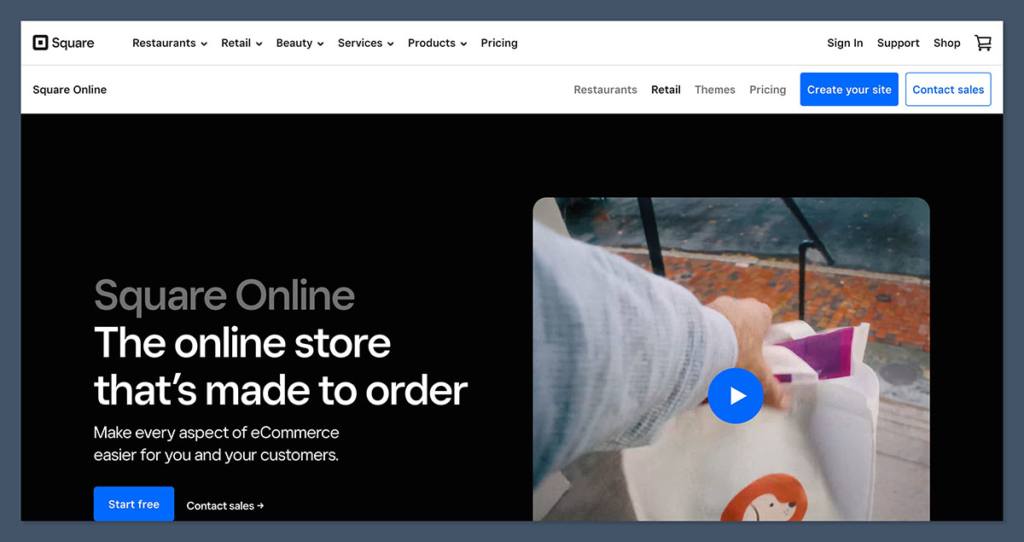
Rating: 4.4
Starting price: $0/month
Free Plan: Yes (with transaction fees)
Square Online gives you a full online store, including product pages, checkout and hosting – all for free.
It’s especially useful for brick-and-mortar businesses already using Square POS, as the two sync up perfectly. You’ll only pay a fee per transaction (2.9% + 30¢), but there’s no monthly cost.
Key Features:
- Unlimited products even on the free plan
- Built-in shipping, pickup and delivery options
- Real-time inventory sync with Square POS
- Drag-and-drop website builder
- Free SSL, hosting and SEO toolsSquare makes it super easy to set up a clean, mobile-friendly ecommerce site in no time at all
The templates are really simple but they work great for most small businesses – who need something that doesn’t look too over-the-top.
Pros:
- Everything you’ll need to get a basic online store up and running
- Really seamless integration with your Square POS
- Easy to use dashboard with all your tools in one place
- Great real-time analytics to keep an eye on your sales
Cons:
- Square branding is plastered all over the free plan
- Not a lot of room for customising the design
What’s Included in the Free Plan:
Squares free plan is really generous, especially if you’re just starting out. Here are all the goodies that come with it:
- Unlimited products – no need to worry about running out of space
- Free storefront and hosting – no extra charges
- Online checkout and order management – take control of your sales
- Pickup, delivery, and shipping options – make it easy for customers to get their hands on what they’ve bought
- Connection to Square POS (for in-person sales) – easy to manage both online and offline sales
- Basic inventory tracking – keep tabs on what you’ve got in stock
- Automatic tax calculator – so you don’t need to worry about that extra expense
- Access to basic SEO tools – get your site found by search engines
- Mobile-optimized, responsive templates – so your site looks great on all devices
It’s perfect for local retailers, service providers, and food businesses who just want to get online fast without breaking the bank.
Paid Plans:
Square Online has two main paid tiers:
- Plus Plan – $29/month
Gets rid of the Square branding, adds customer accounts, abandoned cart recovery, and lets you use a custom domain. - Premium Plan – $79/month
Gives you lower payment processing rates, real-time shipping rates, and advanced reports.
If you want a fully branded experience or are dealing with a higher volume of orders, the Plus plan is the way to go. It gives you access to features that will help you hang onto and convert customers.
The Verdict: A great fit for small businesses already using Square in-store. The free plan is way more generous than most and includes all the ecommerce tools you need right out of the box.
4. Big Cartel – Best for Artists & Makers
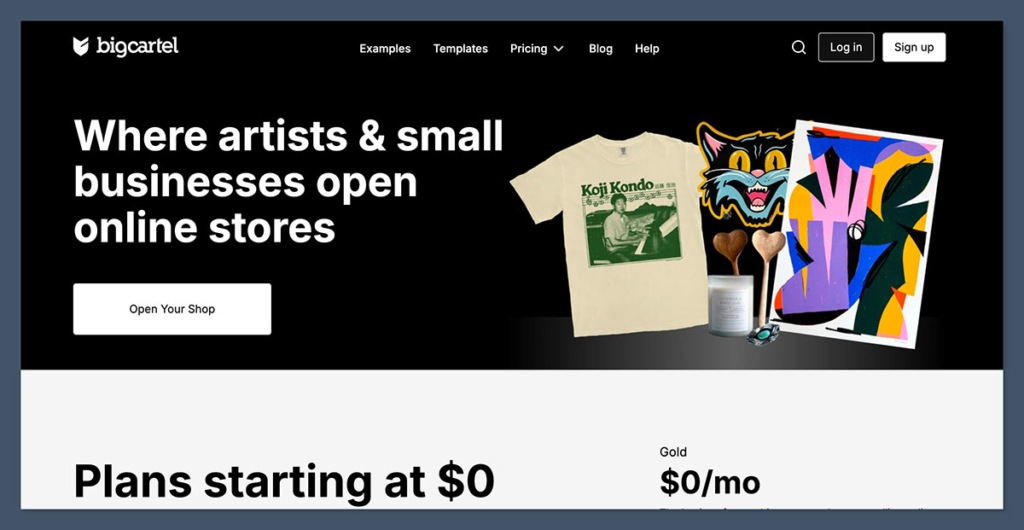
Rating: 4.3
Starting price: $0/month
Free Plan: Yes (for up to 5 products)
Big Cartel is a no-fuss platform built with creators in mind.
If you’re a designer, musician, or small-batch maker selling just a few products, it’s probably the pick of the bunch on this list. The free plan gives you all the tools to run a simple but visually stunning store.
Key Features:
- Up to 5 products on the free plan – so you can get started straight away
- Customizable themes with code access – so you can make it look just how you want
- Real-time stats and inventory tracking – so you can keep an eye on things
- No transaction fees – so you keep all the cash you earn
- Mobile-optimized store layouts – so you look great on all devices
Big Cartel is built from the ground up for indie sellers and doesn’t try to be everything to everyone, which means fewer features overall, but also a much simpler experience.
Pros:
- Clean, minimalist themes that look great
- Really easy to use – no complicated setup steps
- Perfect for limited product catalogs – no need to worry about running out of space
- No forced upgrades or sneaky pricing – what you see is what you get
Cons:
- Not built to scale for giant stores
- Fewer integrations compared to the big boys
What’s Included in the Free Plan:
Big Cartel’s free plan is basically perfect for getting started and includes:
- Up to 5 products with one image each – get going right away
- Basic theme customization (HTML/CSS editing) – so you can tweak it to your heart’s content
- Mobile-friendly templates – so your store looks great on all devices
- Inventory and order tracking – keep tabs on your sales
- Sales tax configuration – so you can stay on top of your tax implications
- Google Analytics integration – so you can dig into your sales data
- No forced branding or ads – you’re the only one speaking to your customers
It’s ideal for running a clean, lightweight store without breaking the bank or getting bogged down in complicated admin dashboards.
Paid Plans:
Big Cartel has two main paid options:
- $9.99/month (up to 50 products) – a great value for small sellers
- $19.99/month (up to 500 products) – perfect for growing businesses
Both plans include additional features like:
- More product images per listing – so you can showcase your wares in all their glory
- Discount codes – so you can reward your customers
- Bulk editing – so you can update your store in one go
- Advanced analytics – so you can see what’s working and what needs tweaking
- Inventory tracking per product option – so you can keep an eye on stock levels
These plans are still super affordable and perfect for independent sellers who are growing steadily.
The Verdict: Great if you’re selling a few handmade or digital products and don’t want to get bogged down in complicated setup steps or fees.
5. WooCommerce – Best for WordPress Users
Rating: 4.1
Starting price: $0/month (excluding hosting)
Free Plan: Yes (plugin-based)
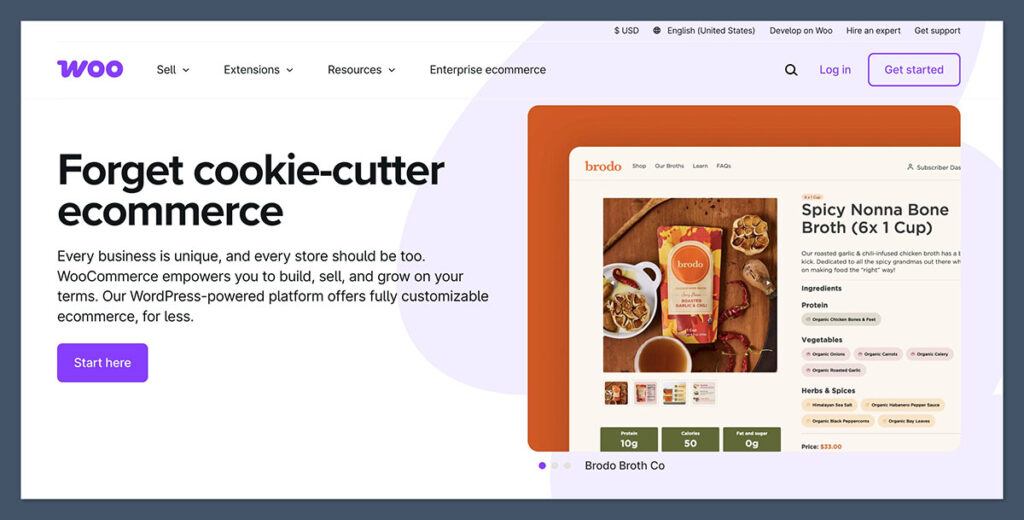
WooCommerce is a mighty ecommerce plugin that turns your WordPress site into a fully-fledged store.
While the plugin itself is free, you’ll need to pay for hosting, a domain name, and potentially premium themes or extensions.
Key Features:
- Fully customizable product pages and checkout – make it your own
- Supports physical and digital products – so you can sell all sorts of things
- Wide range of free and paid plugins – so you can add extra features as you need them
- SEO-friendly structure (inherited from WordPress) – so you can get found by search engines
- Works well with Elementor and other page builders – so you can create a stunning store
WooCommerce is a great choice if you’re already familiar with WordPress. It’s incredibly flexible and scalable, but you do need to handle your own hosting and updates.
Pros:
- Open-source and highly customizable
- Ideal for SEO and content-heavy sites
- Huge ecosystem of plugins and themes
- No platform fees or monthly subscription
Cons:
- Requires some tech knowhow and hosting to get up and running
- And once you’ve started using the platform, all these paid extensions can start to add up in a hurry
What’s Included in the Free Plan:
WooCommerce itself is completely free – and here’s what you can expect:
- Unlimited products to sell
- Support for both digital and physical products
- Flexible shipping and tax rules – so you can get your store set up to sell anywhere
- Access to WordPress’s full customization tools – because you’ll probably want to make your store look a bit unique
- Multiple payment gateways (Stripe, PayPal, etc.) to pick from
- Inventory and order management to keep track of what’s happening in your store
- SEO features via plugins like Yoast – to help your store get noticed
Just keep in mind that you’ll need to handle the hosting and setup yourself if you go with WooCommerce – and you’ll still have access to thousands of free themes and plugins to pick from
Paid Plans:
Now, there are no official “WooCommerce paid plans” as such – but costs do add up through:
- Hosting: around $5-$15 a month (e.g. SiteGround, Bluehost)
- Premium themes: a one off $29-$99
- Extensions: these can be $49-$199 per year (e.g. Subscriptions, Bookings, etc.)
That said – WooCommerce does give you the freedom to choose exactly what you need – which is probably why it’s the go to choice for developers or marketers who want flexibility without platform limitations
Bottom Line: Best for anyone who already knows WordPress or wants to build a completely custom store from the ground up – it’s not for the faint of heart though!
6. PrestaShop – Best for Advanced Users
Rating: 3.9
Starting price: $0/month (excluding hosting)
Free Plan: Yes (open-source platform)
PrestaShop is a feature-rich open-source ecommerce platform aimed at developers or advanced users – you download and install it for free, but you’ll need your own hosting and probably some development knowledge to get it set up properly.
Key Features:
- Fully customizable storefront – because you want to make it as unique as possible
- Multilingual and multi-currency support – so you can sell anywhere
- Advanced inventory management to keep on top of your stock levels
- Huge library of modules and themes to pick from
- No subscription fees to worry about
This platform is more powerful than most free options – but it’s not ideal for beginners – if you know your way around hosting environments and want full control it could be the most scalable free ecommerce option available
Pros:
- Very flexible and scalable – for when you get to the big leagues
- Great for international selling – anywhere in the world
- Active global community and support – so you can ask for help when you need it
- Open-source with full code access – so you can make any changes you need
Cons:
- Steep learning curve – want to make sure you’re ready for the challenge
- No official customer support without a paid plan – so you’re relying on the community
- Requires manual maintenance and security setup – so you’ll need to stay on top of it
What’s Included in the Free Plan:
The PrestaShop core is free and open-source – so here’s what you can expect:
- Unlimited products and categories to sell
- Multi-language and multi-currency support to sell anywhere
- Advanced discount rules and coupons to make sales
- Customer groups and access control to keep things organized
- Comprehensive inventory and order management to keep track of your store
- Basic themes and template engine to get started
- Built-in SEO tools to help your store get noticed
The software gives you everything you need to run a full ecommerce store – but you’ll need to handle the installation, hosting and maintenance yourself
Paid Plans:
PrestaShop itself doesn’t offer hosted paid tiers like Shopify or BigCommerce – instead your expenses will likely include:
- Hosting: $10-$30 a month (VPS or shared hosting)
- Premium modules: $30-$250 per module
- Premium themes: a one off $70-$150
- Development costs if you need to hire a developer
There’s also PrestaShop Edition, a hosted and fully managed version for enterprise use – which starts at custom pricing – usually for larger companies
Bottom Line: PrestaShop is best suited to experienced users or businesses with a development team that wants total control over the ecommerce experience – it’s not for the faint of heart though !
How to Choose the Right Free Ecommerce Platform
Here’s a checklist to help you compare and choose the best free ecommerce solution for your needs:
1. Ease of Use
- Do you want drag-and-drop functionality, or are you comfortable with code?
- Are you already using WordPress or another CMS?
2. Features
- Do you need digital downloads, subscriptions, or shipping tools?
- How important is inventory tracking and tax automation?
3. Design Options
- Do you want control over how your store looks?
- Are you comfortable editing themes or using templates?
4. Costs Beyond Just “The Price Tag”
- Are you looking at a bill for hosting or will plugins start racking up costs?
- Transaction fees and upgrade costs – don’t get caught out. What does it really cost to use the platform?
5. Can It Grow With You? Scalability
- Will your ecommerce platform keep pace as your business gets bigger?
- Is there an upgrade path if you find you need beefed up tools or more complex features?
The Verdict: Which Free Ecommerce Platform Should You Choose?
Each of these free ecommerce options has its strengths and one is bound to be the perfect fit for you:
- Ecwid is perfect if you’re looking to add ecommerce to your existing site – no fuss, no muss.
- Square Online gets you set up with a complete store in no time – minimal setup required.
- Big Cartel is made for creatives who just need something to help manage their simple product catalog.
- WooCommerce gives WordPress users complete control – the ultimate in flexibility.
- PrestaShop is the best choice for those who need a lot of customization options and a platform that can grow with them.
If you’re a newcomer to selling online I’d say start with either Square Online or Ecwid.
Both are easy to get started with, with no upfront costs, and very little risk.
Then, once you’re up and running and your needs get more complex you can look at options like WooCommerce or PrestaShop.
Before committing, give a few of them a try on their free tiers and you’ll quickly get a feel for which one suits your needs, your level of technical expertise and what you need to plan for the future.


