
 By Bogdan Rancea
Best Overall
LogoAI
$10 seven-day trial
Then $20 per month (Pro)
- Logo animation maker for video and GIF versions
- Brand Center for cards, letterheads and headers
- Vector files included on both plans
Best for beginners

Design.com
See pricing Visit Design.com →$25 per month (Starter)
Free logo library available
- Huge logo catalog with AI filtering
- Conversational AI editor for fonts and colors
- Brand Kit keeps every asset consistent
Best for logo-first

BrandCrowd
See pricing Visit BrandCrowd →Free logo library
Paid pricing not published
- AI generator powered by premium designs
- Flexible editor for icons, spacing and colors
- Templates for posters, signatures and decks
In 2026, Looka still works for some people, but it’s starting to show cracks once you need real control over your branding. The AI generates decent-looking logos, but the editor won’t let you break free from its layout grid.
You can’t reposition individual elements, and if you want vector files or brand kits, you’re looking at $96 or more for a single logo package. That’s a lot of money for something you can’t fully customize.
I tested the most popular alternatives myself to find out which ones actually give you better designs, more flexibility, or a lower price tag without the usual trade-offs.
I ran each tool through the same process – entered a fictional brand name, picked an industry, and compared the output quality, editor depth, file formats, and pricing.
My top pick is LogoAI. It has a sharper AI engine that produces more modern, tech-forward designs, and its Pro plan bundles animated logo versions and full vector files for $20 a month.
Design.com and BrandCrowd are the two I would start with if you are working from a blank page rather than replacing a logo you already have. Both hand you a large catalog to filter with AI, and both include vector files even on their free logos, which is exactly what Looka charges extra for.
The other tools on this list each solve a specific problem Looka doesn’t, so you can find the right fit depending on what matters most to you.
What Changed in 2026
The biggest shift this year is LogoAI dropping one-time packages altogether. It now runs on a $10 seven-day trial that rolls into a $20 per month Pro plan, and logo animation and brand videos ship on both. Brandmark went the other way and stayed one-time, at $35, $95, and $195, which makes it the only pick here you can buy once and keep. Canva Pro sits at $144 a year for one person. Looka has not changed its packages or its prices in that time, and that gap is why this list looks different from last year.
Why Looka Is Falling Behind in 2026
Looka still sells the same two purchase options and the same four packages it offered at the start of 2025, at the same prices. It does not advertise logo animation anywhere on its site, which is now standard on LogoAI’s cheapest plan. None of that makes Looka a bad logo maker. It does mean the tools below have moved while Looka has stood still.
Short on Time? These Are the Best Alternatives to Looka in 2026
- LogoAI – Professional AI logos with built-in animation and a brand center that generates business cards, letterheads, and social headers automatically.
- Design.com – Beginner-friendly logo catalog with a conversational AI assistant and a Brand Kit for growing companies.
- BrandCrowd – Logo-first brand building with an AI generator and templates for every asset.
- Brandmark.io – One-time payment with unlimited revisions and the most organic, minimalist designs of any AI logo maker.
- Canva (Magic Design) – Full creative freedom with drag-and-drop editing, plus an entire design suite for daily marketing content.
What We Look For in the Best Looka Alternatives
The tools I tested had to do more than just match Looka’s feature list. Each one needed to fix a real Looka weakness or deliver better value without sneaking in extra costs.
- Design quality and originality. Looka’s logos can look samey after a few rounds. I prioritized tools that produce more distinctive designs or offer unique AI approaches like generative abstract icons.
- Editor flexibility. Looka locks you into rigid layouts. I looked for tools that give you more control over positioning, spacing, and element choices – or at least make the AI suggestions better.
- File format value. Looka charges a premium for vector files (SVG, EPS). I picked tools that include high-res and vector formats at lower price points.
- Pricing transparency. Looka’s packages can feel misleading – you think you’re buying a logo, but you’re really renting access. I focused on tools with clear one-time pricing or genuinely useful subscriptions.
- Post-purchase flexibility. With Looka, editing your logo after purchase is limited. I favored tools that let you revise without paying again.
Here’s a quick table to compare my top picks side by side:
Tool | Best For | Free Plan | Key Advantage | Starting Price |
LogoAI | Professional branding | ✘ | AI logo animation + brand center | $10 trial, then $20/mo |
Design.com | Beginner logo choice | ✔ | Huge logo catalog with AI filtering and a Brand Kit | $25/month |
BrandCrowd | Logo-first brand kits | ✔ | AI generator plus templates for every asset | Not published |
Brandmark.io | Unique, artistic logos | ✘ | One-time payment, unlimited revisions | $35 one-time |
Canva | Daily content + logo | ✔ | Full design suite with pixel-level control | Free / $144 a year |
Logo.com | Free/budget logos | ✔ | 4 free high-res downloads + instant brand kit | Free / from $3/mo |
Tailor Brands | Business formation + logo | ✘ | LLC filing + website builder included | $0 + state fees |
Pricing verified September 2026. Check each provider for current offers.
1. LogoAI: Best Professional Alternative to Looka for Modern Branding
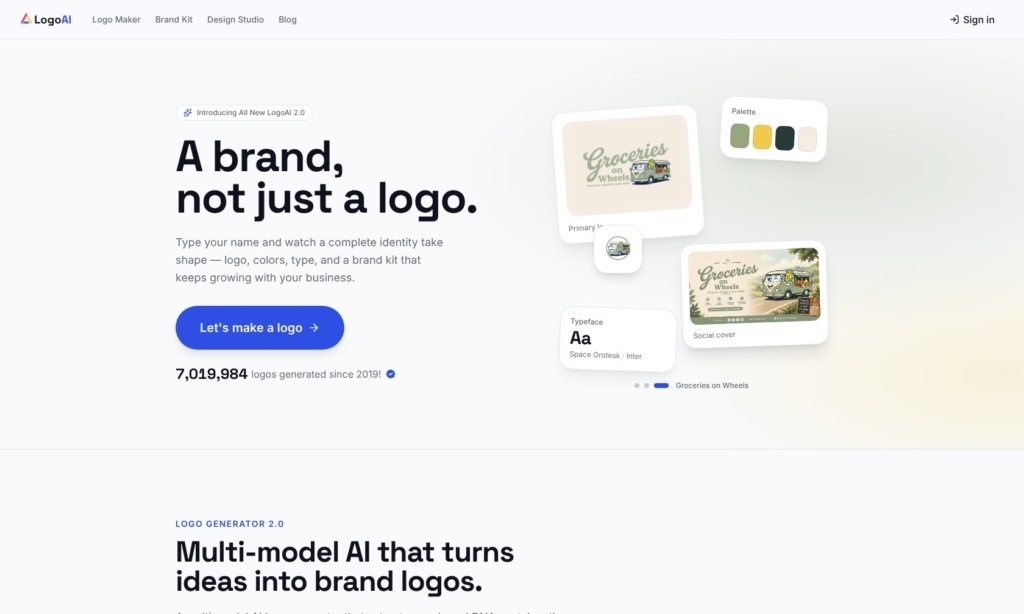
LogoAI is the closest direct competitor to Looka, but it edges ahead in a few important areas. The AI engine feels sharper – when I entered a tech startup name, LogoAI produced cleaner, more geometric designs that looked like something a human designer would actually present.
Looka’s results, by comparison, leaned heavier on generic icon pairings.
The standout feature is the logo animation maker. LogoAI automatically creates video and GIF versions of your logo that you can drop straight into Instagram stories, YouTube intros, or email headers. Looka doesn’t offer anything like this. If your brand lives on social media, that’s a big deal – you’d normally pay a freelancer $50–$150 for a simple logo animation.
I also liked the Smart Layout Engine. Unlike Looka, which sometimes squashes or stretches designs when your business name is long, LogoAI dynamically adjusts spacing and element placement based on name length.
Small thing, but it means fewer awkward-looking results in your initial batch.
The trade-off is that LogoAI gives you less manual control than you might want. You’re mostly choosing between the AI’s suggestions rather than dragging elements around freely. And the font library, while deep, isn’t organized in a way that makes browsing easy.
But if you want a polished, modern logo without fiddling for hours, LogoAI delivers.
Features
- Logo animation maker. Automatically generates video and GIF versions of your logo for social media and presentations. Looka has no equivalent feature.
- Brand Center dashboard. Creates consistent business card designs, letterheads, and social media headers from your logo. Looka offers a brand kit too, but LogoAI’s feels more cohesive and less templated.
- Smart Layout Engine. Adjusts element spacing dynamically based on your business name’s length, so long names don’t end up looking cramped. Looka uses static templates that don’t adapt the same way.
- High-res format range. The Pro package includes SVG, PDF, and EPS files. Looka charges $96 for its lowest package that includes vector files.
New for 2026: LogoAI has retired its one-time packages, so animation and vector files now arrive through the $20 a month Pro plan rather than a single purchase.
Free Plan | ✘ |
One-Time Pricing | ✘ (subscription only) |
Vector Files (SVG/EPS) | ✔ (both plans) |
Logo Animation | ✔ (both plans) |
Starting Price | $10 trial, then $20/mo |
Author’s Note: LogoAI’s Pro plan at $20 a month covers everything Looka charges $96 for on its Basic package, plus animated logos, which Looka does not advertise at all. The trade-off is that LogoAI is a subscription now, so buying a logo once and walking away is no longer an option. |
2. Design.com
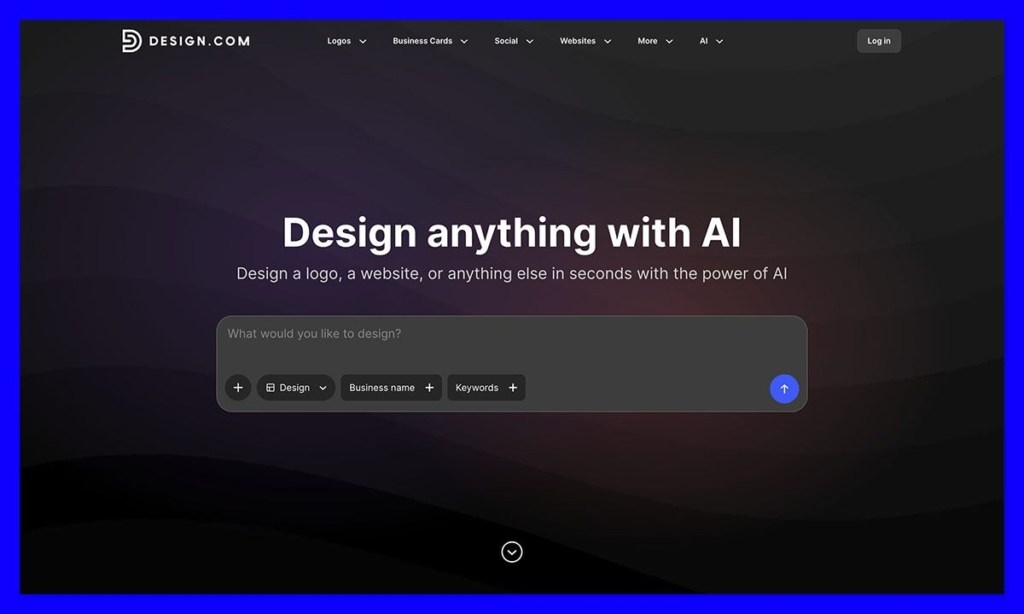
Design.com is the first beginner-friendly alternative to Looka I’d recommend to people who want a lot more choice when it comes to picking their first logo. There are over 500,000 logo designs in the catalog now, and you can narrow down your options in seconds with the AI tool. Just enter your business name and you’ll get a bunch of designs handed to you that you can filter through using keywords or other details.
Once you find something you like, there’s a lot you can do, too, from adjusting the fonts, colors, and layouts with the help of a conversational AI assistant, to adding your own curved text, gradients, and different shapes.
The Brand Kit will definitely make Design.com particularly useful to growing companies, because you don’t have to worry about keeping different assets in various places, and starting from scratch with uploads and color codes every time you want to build something new. You can just choose what you want to make, and infuse your existing brand aesthetic into the asset.
You also get professional files when you’re finished, with options for PNG and JPG if you’re using assets on the web, or SVG, EPS, and PDF for printing. I still probably wouldn’t use Design.com if I wanted complete creative control, it is a little limited in places, but it’s an excellent starting point for someone working from a blank page.
Free Plan | ✔ (free logo library; AI designs need a paid plan) |
One-Time Pricing | ✘ (subscription) |
Vector Files (SVG/EPS) | ✔ (included, even on free logos) |
Logo Animation | ✔ (MP4 and GIF) |
Starting Price | $25/month (Starter) |
3. BrandCrowd
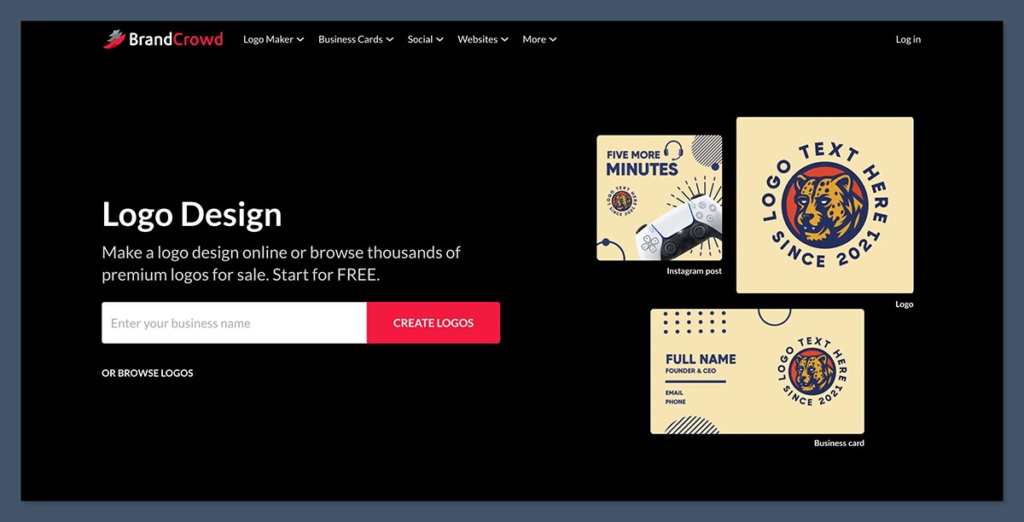
BrandCrowd is very similar to both Looka and Design.com. Just like with those two tools, you create an account, type in a business name, and you get a huge selection of logos to start with. You can add keywords to narrow down your options, and also use filters for specific styles like emblem or wordmark based logos.
There are more than 380,000 designs here too, and the AI generator draws on a smaller pool of premium designs from that library. That gives you fewer starting points, but at least you’ve got an intelligent tool to help make your initial brand identity seem a little more unique.
Again, this tool is incredibly easy to use, and a lot faster (and cheaper) than waiting for a designer to create something for you. The editor is pretty flexible too, letting you adjust icon positions, spacing, colors, fonts, gradients and shapes as much as you want. Just don’t expect to get the down to the pixel level of control you’d get from something like Figma.
BrandCrowd also takes you further beyond the logo too, with over a million templates that let you create everything from posters and email signatures, to entire presentations. Just like with Design.com, everything you produce can draw from the initial elements in your logo.
Free Plan | ✔ (free logo library) |
One-Time Pricing | Not published |
Vector Files (SVG/EPS) | ✔ (included, even on free logos) |
Logo Animation | ✔ (animation maker) |
Starting Price | Not published |
4. Brandmark.io: Best One-Time Purchase With Unlimited Revisions
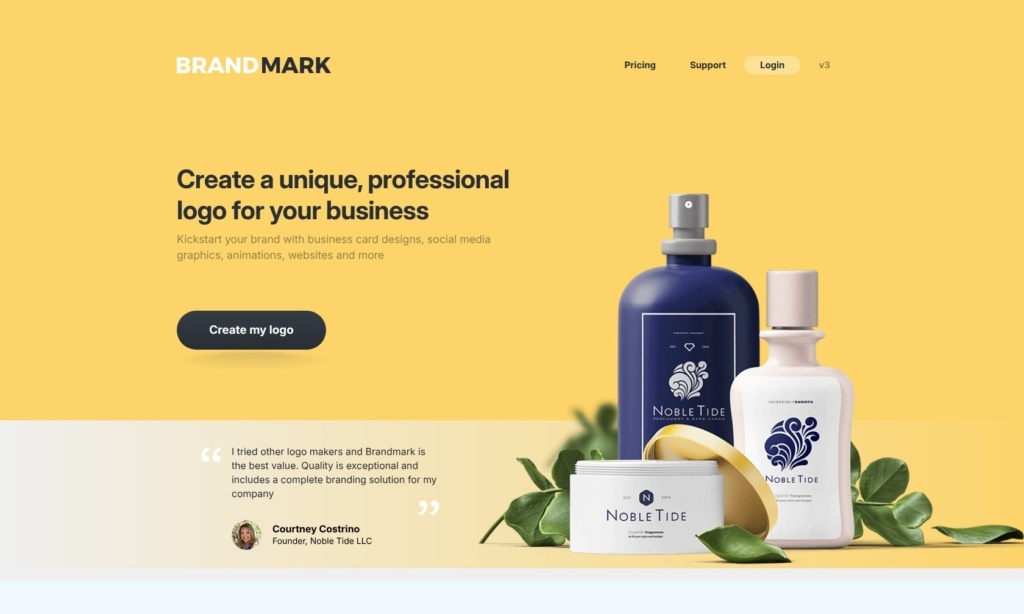
Brandmark takes a different approach to AI logo design than Looka. Instead of matching you with pre-existing icons from a library, it uses deep learning to generate unique geometric symbols.
The result is logos that look genuinely original – more like something from a boutique design studio than a template generator. I ran the same brand name through both tools and Brandmark’s output felt less “stock” every time.
The pricing model is where Brandmark really separates itself. It’s a one-time purchase with no hidden monthly fees or subscriptions, and you get unlimited revisions even after you buy.
Looka, on the other hand, limits your editing window and charges separately for premium brand kits. With Brandmark, you pay once and you’re done. That alone makes it worth considering if you’re tired of subscription fatigue.
The AI Color Wheel is genuinely impressive – you enter a “mood” prompt like “bold and energetic” or “calm and premium,” and it generates palettes based on color psychology research. I haven’t seen another logo maker do this as well.
Looka lets you pick colors, but it doesn’t suggest them based on emotional intent.
The main limitation is the editor. It’s barebones. You can’t freely drag and drop elements or do granular positioning. And if you want social media assets, you’ll need the Designer tier ($95) or higher. But for the core job of creating a distinctive logo at a fair price, Brandmark is hard to beat.
Features
- Generative Abstract Icons. Creates unique geometric symbols using deep learning instead of pulling from a clip-art library. Looka relies more heavily on pre-made icon sets.
- AI Color Wheel. Generates color palettes based on psychological mood prompts. It’s the best mood-to-color tool I’ve tested in any logo maker.
- Unlimited post-purchase revisions. Edit your logo anytime after buying, at no extra cost. Looka locks you out of edits after a limited window.
- One-time payment model. No subscriptions or recurring charges. All three tiers are single purchases.
New for 2026: Brandmark is now one of the few logo makers still selling outright, as most rivals on this list have moved to subscriptions.
Free Plan | ✘ (free to design, pay to download) |
One-Time Pricing | ✔ |
Vector Files (SVG/EPS) | From Designer ($95) onwards |
Unlimited Revisions | ✔ |
Starting Price | $35 (Basic) |
Top Tip: Brandmark’s Enterprise package ($195) includes 10 original concepts hand-crafted by their design team. If you want an AI-generated starting point with human polish, it’s a strong middle ground between DIY and hiring a full designer. |
5. Canva (Magic Design): Best All-in-One Tool for Daily Marketing + Logo
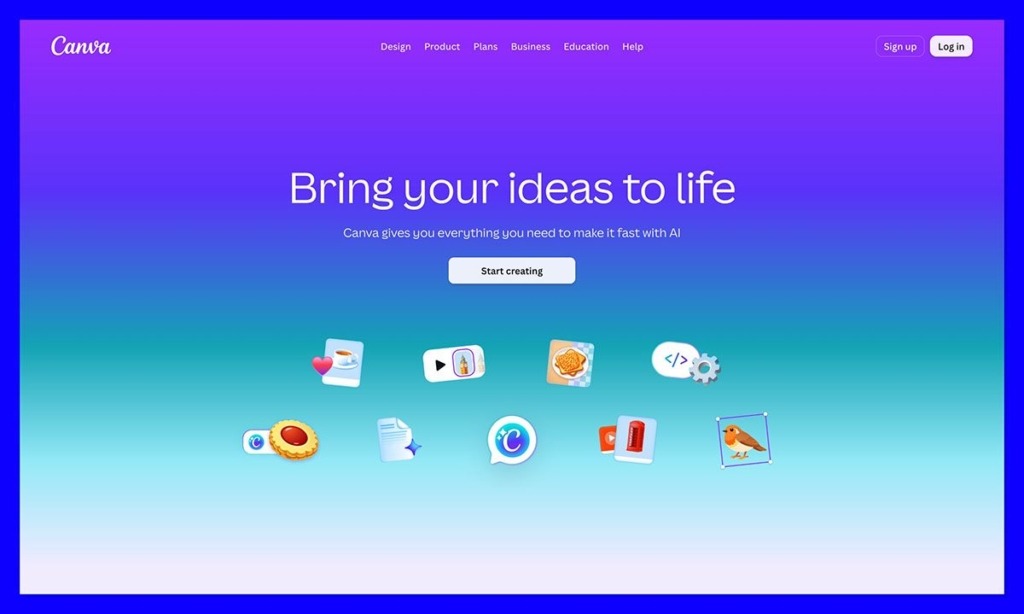
Canva isn’t just a logo maker – it’s a full design platform that happens to have a surprisingly good AI logo generator built in. If you need to create a logo and then immediately start producing ads, social posts, flyers, and presentations with that same logo, Canva is the obvious choice.
Looka makes your logo and hands you some templates. Canva makes your logo and then gives you an entire design studio.
The Magic Design feature lets you generate logo concepts from a text prompt, similar to Looka’s workflow. But here’s where it pulls ahead: once you have a concept, you can move every single pixel.
Change icon sizes, layer elements, add custom shapes, adjust opacity – there’s no layout grid locking you in. For anyone who felt frustrated by Looka’s “close but not quite right” designs, Canva’s freedom is a relief.
The catch is trademarks. Because Canva uses shared design elements across its massive user base, trademarking a logo made with common Canva assets can be legally tricky. If you’re building a brand that needs trademark protection down the line, this matters.
Looka’s output is arguably more defensible on this front, since the AI combinations tend to be more unique.
The other consideration is cost structure. Canva Pro runs $144 a year for one person, which includes SVG downloads, the full AI suite, and a background remover.
That is more than Looka’s one-time purchase. But if you’re creating content daily, the value equation flips hard in Canva’s favor. You’re not just paying for a logo; you’re paying for everything else you’d need separate tools for.
Features
- Magic Media (AI text-to-image). Generate custom icons and graphics from text prompts. Looka doesn’t offer custom image generation – you’re limited to its icon library.
- Full Brand Kit storage. Save your logo, fonts, and brand colors, then apply them across thousands of templates for presentations, ads, and videos. Looka’s brand kit is much more limited in scope.
- Magic Switch (one-click resizing). Instantly resize your logo for every social media platform. With Looka, you’d need to export and resize manually or use another tool.
- Drag-and-drop editor with full control. Move, resize, layer, and adjust every element freely. Looka’s editor restricts you to preset layouts.
Worth knowing in 2026: logos come from Canva’s dedicated AI logo generator, not from Magic Design, which handles presentations, posters, and social posts.
Free Plan | ✔ (limited AI uses, raster downloads only) |
One-Time Pricing | ✘ (subscription model) |
Vector Files (SVG/EPS) | ✔ (Pro plan, $144/yr) |
Daily Content Tools | ✔ (ads, flyers, presentations, videos) |
Starting Price | Free / $144 a year (Pro) |
Author’s Note: Canva is the best value play if your primary need extends beyond just a logo. For solopreneurs and small teams producing their own marketing materials, it eliminates the need for 3–4 separate subscriptions. |
6. Logo.com: Best Free Option for Startups on a Tight Budget
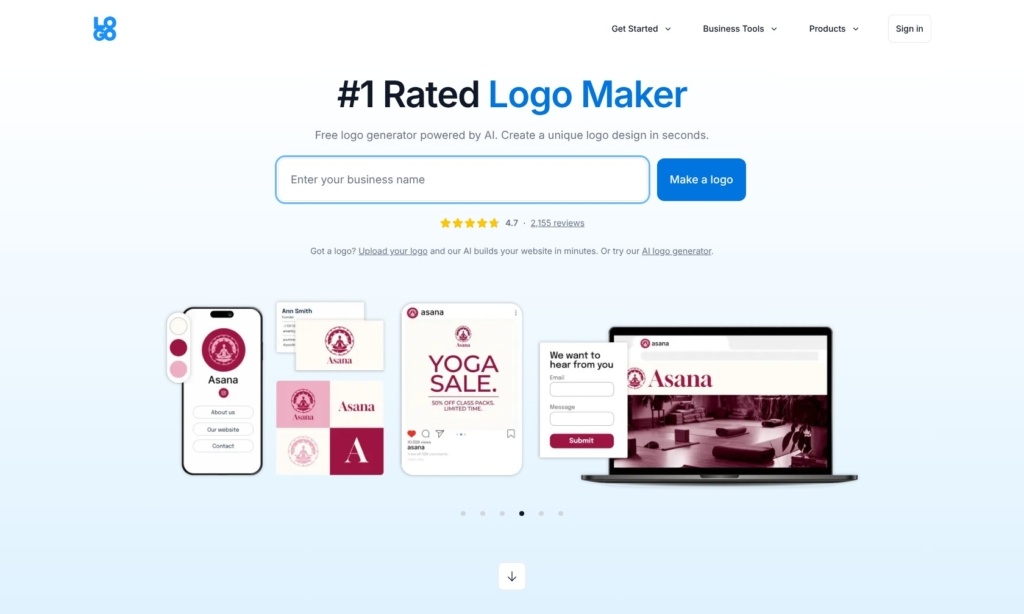
Logo.com has quietly become the go-to for startups that need professional-looking branding without an upfront investment. The free tier is legitimately useful – you get 4 high-res downloads and one saved logo, which is more than most “free” logo makers actually deliver.
Looka lets you design for free but locks everything behind a paywall the moment you try to download.
The speed of the interface stood out to me. I had a full logo and instant brand kit – including Zoom backgrounds, email signatures, and social media templates – generated in under two minutes. Looka’s process felt slower by comparison, partly because of how many customization screens you click through before seeing final results.
Where Logo.com falls short is originality. The icons lean more toward stock illustration territory than Brandmark’s generative approach or LogoAI’s tech-forward aesthetic.
If you’re in a creative field where visual distinction matters, this could be an issue. But for a local service business or an MVP landing page, the quality is more than adequate.
The Brand plan starts at $3 a month billed yearly as an introductory rate, and it unlocks unlimited logos, 1,200+ templates, and AI brand tools. That still undercuts Looka’s cheapest package by a wide margin.
Features
- Instant Brand Kit. Generates 100+ branded assets including Zoom backgrounds, email signatures, and social media templates automatically. Looka’s brand kit doesn’t cover as many asset types.
- Vector scaling for large-format printing. Provides high-fidelity files suitable for banners, signage, and merchandise. Looka charges extra for print-ready vector files.
- Generous free tier. 4 high-res downloads and 1 logo save without paying anything. Looka doesn’t offer free downloads at all.
- Clean, fast editor. Streamlined interface that gets you from name entry to finished logo faster than Looka’s multi-step process.
Worth knowing in 2026: the free tier still covers 4 high-res PNG downloads and one saved logo, with vector formats reserved for paid plans.
Free Plan | ✔ (4 high-res downloads, 1 logo save) |
One-Time Pricing | ✘ (subscription, but very affordable) |
Vector Files (SVG/EPS) | ✔ (Brand plan) |
Branded Asset Generation | ✔ (100+ assets) |
Starting Price | Free / from $3/mo (Brand, billed yearly) |
Top Tip: Logo.com’s Instant Brand Kit generates over 100 branded assets automatically. If you need Zoom backgrounds, email signatures, and social headers in addition to your logo, it’s faster than building these manually in Canva. |
7. Tailor Brands: Best for Combining Logo Design With Business Formation
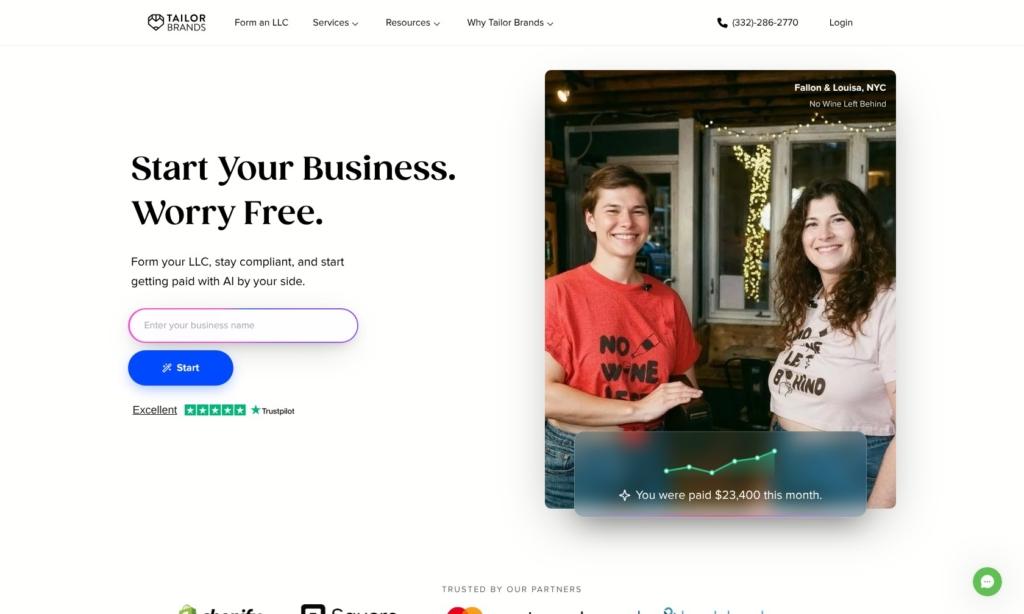
Tailor Brands isn’t really competing with Looka on logo quality alone – it’s competing on everything that comes after the logo. If you’re in the early stages of starting a business and need to register an LLC, create a brand identity, and launch a website, Tailor Brands handles all three from a single dashboard. Looka only covers the design side.
The LLC formation tool is genuinely useful. You can file your business in the US through Tailor Brands’ integrated legal service, starting at $0 plus state fees for the basic filing. Pair that with the AI logo maker and the website builder (which automatically applies your logo’s color palette to your site), and you’ve saved yourself hours of administrative juggling.
The Brand Book exports are also worth mentioning. They look polished and professional – the kind of thing you could hand to a printer or a freelance designer without feeling embarrassed. Looka’s brand kit doesn’t produce anything at this level.
The downside is that Tailor Brands is heavily subscription-focused. It’s tough to just buy a logo and walk away – the platform nudges you toward annual plans. The Essential plan runs $199/year, which includes your logo, brand kit, and annual compliance report filing. If you only need a logo, that’s overkill. But if you’re building a real business, the bundled value is hard to argue with.
Features
- Integrated LLC formation. File your business in the US directly through the platform. No other logo maker on this list offers legal filing tools.
- AI Website Builder. Automatically creates a website using your logo’s color palette and branding. Looka doesn’t include a site builder.
- Professional Brand Book exports. Generates polished brand guidelines documents that look agency-quality. Looka’s brand kit is more basic.
- Annual compliance included. The Essential and Elite plans handle ongoing business compliance requirements, saving you from tracking deadlines yourself.
Worth knowing in 2026: annual compliance filing is bundled on Essential and Elite, but not on the free Lite plan, where you pay state fees only.
Free Plan | ✘ (Lite plan: $0 + state fees for LLC only) |
One-Time Pricing | ✘ (annual subscription) |
Website Builder | ✔ (Elite plan) |
LLC Formation | ✔ |
Starting Price | $0 + state fees (Lite) / $199/yr (Essential) |
Author’s Note: Tailor Brands makes the most sense if you haven’t formed your business yet. If you already have an LLC and just want a logo, you’re paying for features you won’t use. Go with LogoAI or Brandmark instead. |
Find the Best Looka Alternative for Your Needs
Looka is a decent starting point for AI logos, but if you need better designs, more flexibility, or fairer pricing, you have real options. After testing them all, here are my recommendations based on what you’re actually trying to accomplish.
If you want the most polished, professional output, LogoAI is my top recommendation. The AI engine produces cleaner designs than Looka, and the Pro plan gives you animated logos and a full brand center for $20 a month.
If originality and one-time pricing matter most, go with Brandmark.io. Its deep learning approach creates logos that actually look unique, and you’ll never pay a recurring fee or get locked out of editing your design.
If you need a logo plus daily marketing tools, Canva is the clear winner. You’re not just getting a logo maker – you’re getting a full design suite that replaces 3–4 other subscriptions.
If you’re bootstrapping and need something free that actually works, Logo.com delivers more on its free tier than Looka offers at any price point.
And if you’re forming a business from scratch, Tailor Brands bundles logo design with LLC filing and a website builder, saving you from juggling three separate services.


