
 By Bogdan Rancea
Looking for the best Shopify page builder? Start with the one you already have. Shopify’s native editor on the Horizon theme covers most homepage, product and content layouts for $0, and it beats every app in this guide on mobile performance. If you do need an app, Instant is the one that costs you the least speed.
That is not the answer most guides give, so here is the evidence behind it. In a published comparison by Shopify CRO consultant Kaspian Fuad, native Liquid scored about 87 on mobile with zero blocking time. The page builder with the largest install base here scored about 52, adding roughly 340KB of JavaScript. A 35-point mobile gap is not a rounding error, it is the difference between a page that converts paid traffic and one that leaks it.
Our top picks at a glance
Best for most stores: Shopify’s native editor, $0
Best paid builder: Instant, from $39/mo
Best free plan: EComposer, from $25/mo
Best design control on a budget: PageFly, from $24/mo
Every rating, review count and price below comes from the live Shopify App Store listings on 29 July 2026, with merchant experience drawn from Shopify Community threads and App Store reviews. We checked the things spec sheets skip: which free plans can actually publish to a live storefront (three cannot, and a fourth contradicts itself), what survives in your theme after you uninstall, and whether the template libraries are genuinely different or just differently counted.
Below: all 11 builders ranked, with real pricing, honest free-plan limits and who each one suits.
Our top 11 picks at a glance
- Shopify’s native editor, best for most stores. About 28 sections on Horizon, the fastest result in every benchmark, $0.
- Instant, best paid pick for speed. Publishes native Liquid, not a JavaScript overlay. From $39/mo.
- EComposer, best free plan. The only pick here with Shopify’s Built for Shopify badge. From $25/mo.
- GemPages, best template design. 400+ CRO templates, unlimited pages on paid plans. From $29/mo.
- PageFly, best design control for the money. Cheapest usable paid tier at $24/mo, biggest review base in the category.
- Shogun, best for content-heavy stores. Closer to a CMS than a page tool. From $39/mo.
- Replo, best for funded DTC brands. Pulls live product data and metafields. From $119/mo.
- Foxify, best budget AI layouts. 200+ niche templates plus a Figma plugin. From $19/mo.
- Omnise (formerly Beae), best cheap AI builder. Prompt-to-page generation from $19.99/mo.
- Zipify Pages, best for direct-response funnels. Built by a nine-figure store team. From $19/mo.
- LayoutHub and Tapita, cheapest entry points. From $14.99/mo, with a sourcing caveat.
| Builder | Rating (reviews) | Free plan reality | Entry price | Templates | Best for | Main caveat |
|---|---|---|---|---|---|---|
| Shopify native | n/a | Included | $0 | ~28 Horizon sections | Most stores | No templates or A/B testing |
| Instant | 4.9 (309) | Dev stores only (disputed) | $39/mo | 800+ | Speed, Figma | Free-plan terms contradict |
| EComposer | 4.9 (3,356) | 1 live page or section | $25/mo | 400+ | Best free plan | No published benchmark |
| GemPages | 4.9 (3,932) | 1 published page | $29/mo | 400+ | Template design | $5/mo more than PageFly |
| PageFly | 4.9 (5,655) | 1 live page | $24/mo | 320+ | Design control on a budget | Lowest mobile Lighthouse score here |
| Shogun | 4.8 (1,871) | Cannot publish | $39/mo | Not disclosed | Content, CRO teams | Free tier publishes nothing |
| Replo | 4.7 (171) | Cannot publish | $119/mo | 200+ in Starter | Agencies, funded DTC | Priciest entry, pricing moving |
| Foxify | 4.9 (288) | 1 page or section | $19/mo | 200+ | Budget AI layouts | Thin review base for a general builder |
| Omnise (was Beae) | 4.9 (855) | 1 slot, watermarked | $19.99/mo | Not disclosed | Cheap AI generation | Watermark, no template count |
| Zipify Pages | 4.6 (400) | Dev stores only | $19/mo | Not disclosed | Funnels | Lowest rating here |
| LayoutHub | 5.0 (~1,321, unverified) | Free plan | $14.99/mo | Not disclosed | Cheapest entry | Listing did not resolve |
| Tapita | 4.92 (248, unverified) | Free tier | $0 to $59/mo | 100+ page templates | Budget code injection | Same sourcing caveat |
Ratings, review counts and prices come from the live Shopify App Store listings on 29 July 2026, and merchant experience from Shopify Community threads and App Store reviews. The mobile Lighthouse figures quoted later come from a published comparison by Shopify CRO consultant Kaspian Fuad, not from our own lab. One honest limitation: LayoutHub’s and Tapita’s App Store listings did not resolve for us, so their figures are triangulated from third-party directories and flagged where they appear.
1. Shopify’s Native Editor: The Best Starting Point for Most Stores
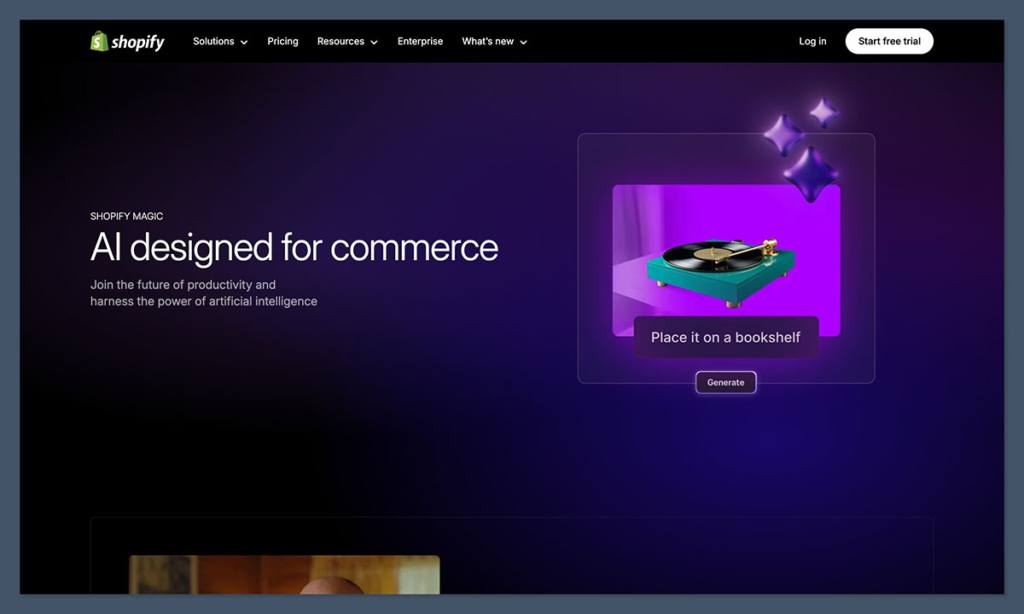
- Rating: n/a, it ships with your store.
- Pricing: $0.
- What you get: about 28 sections on Horizon against 17 on Dawn, plus a layout builder.
- Performance: the native Liquid baseline in Fuad’s test, about 87 mobile, 0ms blocking.
A meaningful share of Shopify store owners reading this guide do not need a page builder at all, which is why this ranks first. Horizon closed much of the gap: about 28 native sections and a layout builder cover most homepage, product and content layouts for nothing, with no added JavaScript and the highest mobile Lighthouse score in this guide. What you do not get is a 400-template library, prompt-to-page AI, or A/B testing. Horizon hands you more before you install anything than most merchants expect.
Fuad’s rule of thumb becomes four cases:
- Fewer than about 6 new layouts a month and speed matters: stay native.
- Paid campaigns needing a page per ad angle: custom landing pages typically lift conversion 20-40% over generic homepage traffic, so a builder pays for itself.
- Four or more A/B tests a month: you need builder-grade tooling (items 2, 5 and 6).
- One CRO layout your theme lacks: install a builder for that page, not the store.
Native sections keep you inside your theme’s design system, so pages match the store by default. That is exactly what builders break when a landing page drifts from the brand.
Dan Nunn describes building a complete, modular landing page inside the native Theme Editor in about three hours with Codex and Claude Code. Olivier Croguy argues this now competes with builders directly. Both assume comfort with code.
Best for: stores publishing a handful of layouts a month where mobile speed is the priority.
Skip if: you need template volume, AI generation, A/B testing, or a fully custom layout. Items 2 through 5 cover that.
2. Instant: Best Paid Shopify Page Builder for Speed and Figma Workflows
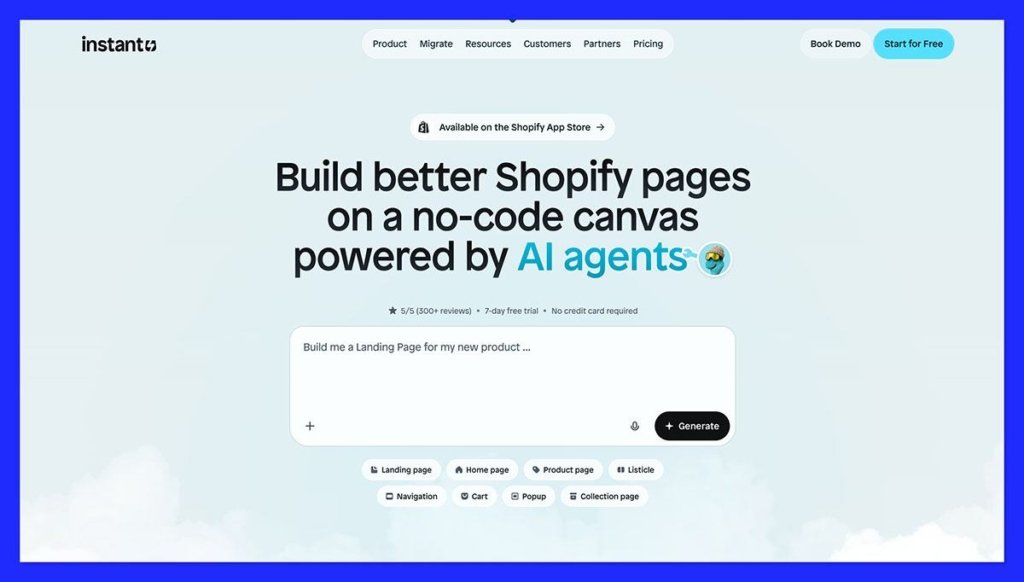
- Rating: 4.9/5, 309 reviews, 97% five-star.
- Pricing: Starter $39, Pro $99, Business $249/mo.
- Free plan: listed as development stores only, which contradicts Instant’s own marketing.
- Templates: 800+, the largest disclosed count here.
Instant is the page builder to pick if page speed is the constraint. It publishes native Shopify Liquid rather than a JavaScript overlay, so pages stay editable in the Theme Editor and add no rendering overhead. That makes it the closest paid pick to the native baseline above, and the priciest starter tier in its bracket. I pasted a Figma frame straight in, fonts intact.
Shopify CRO consultant Kaspian Fuad published the mobile Lighthouse comparison no competing article prints.
| Setup | Mobile Lighthouse | Blocking time | Added JavaScript |
|---|---|---|---|
| Native Liquid | ~87 | 0ms | 0KB |
| Shogun | ~71 | 320ms | 260-300KB |
| GemPages | ~64 | 240ms | 260-300KB |
| PageFly | ~52 | 280ms | ~340KB |
Fuad’s framing explains the odd row: payload tells you what you downloaded, not what it cost you, which is why Shogun ships less JavaScript than PageFly yet blocks longer. Real speed still depends on page weight, app count and theme.
Instant was the first Shopify page builder with a Figma-to-Shopify plugin, so a designer can build with Auto Layout and paste the frame in with fonts, images and structure intact. For a design-led store that is the difference between adapting a template and shipping your own design. You still tune text and image fills per breakpoint.
✔️ Pros
- Native Liquid output: no overlay and no rendering overhead.
- Largest disclosed library: 800+ CRO-optimised templates.
- Mature Figma plugin: the first in the category.
❌ Cons
- The free plan contradicts itself: the listing says development stores only, while Instant’s blog describes a free-forever tier with 1 page, 1 section, 1 blog post. Confirm at signup.
- Highest starter price in its bracket: $39/mo against $19 to $25.
- Small review base: 309 against PageFly’s 5,655.
Starter $39/mo (5 sections, 1,000 AI credits), Pro $99/mo (20 sections, 10K A/B sessions), Business $249/mo (50 sections, 100K sessions).
The verdict: if you push paid traffic to mobile and your Lighthouse score is borderline, Instant is the only paid pick here that does not make it worse.
3. EComposer: Best Free Plan and the Only Built for Shopify Badge Here
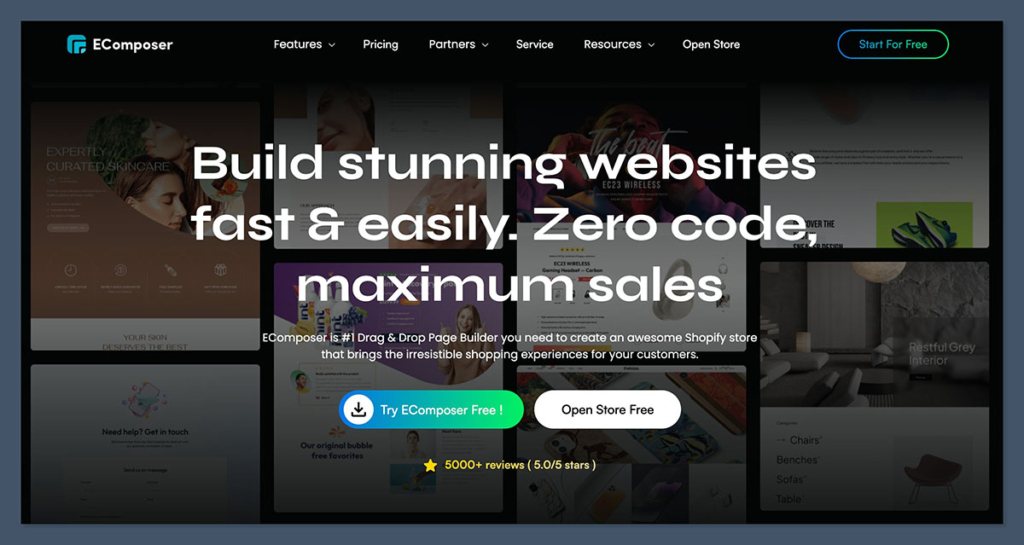
- Rating: 4.9/5, 3,356 reviews.
- Pricing: Free, then $25, $49 and $129/mo ($228/yr on Standard).
- Free plan: 1 live page or section, 5 saved templates, 50 AI credits.
- Templates: 400+.
EComposer has the best free plan in the category and is the only builder here carrying Shopify’s Built for Shopify badge, so Shopify itself has checked it against performance, design and integration standards. The free tier still caps you at one live page. The badge is the first thing I look for, and almost no page builder has it.
That badge is rare here, and it is the one place in this guide where a vendor gets credit from an outside party. It is not a Lighthouse score though.
400+ templates puts EComposer level with GemPages and ahead of PageFly, and $228/yr on Standard is the cheapest route to a library that size. The catch: it barely appears in expert CRO commentary, and nobody has benchmarked its output. Including us.
✔️ Pros
- Built for Shopify badge: the only builder here that carries it.
- Most generous free AI allowance: 50 credits, 5 saved templates.
- Cheapest large library: 400+ templates for $228/yr.
❌ Cons
- Free plan caps at one live page: enough to test, not to campaign.
- No published performance benchmark: nobody has measured its output.
- Thin expert coverage: rarely scrutinised like its rivals.
| Plan | Monthly | Annual | Who it is for |
|---|---|---|---|
| Free | $0 | Not applicable | Testing one page |
| Standard | $25 | $228 | A single store getting started |
| Pro | $49 | $468 | Growing catalogues |
| Premium | $129 | $1,236 | Heavier, multi-page use |
Want to build one real page for nothing and pay only once it works? Start here, then verify the speed impact yourself.
4. GemPages: Best Template Design Quality for CRO Pages
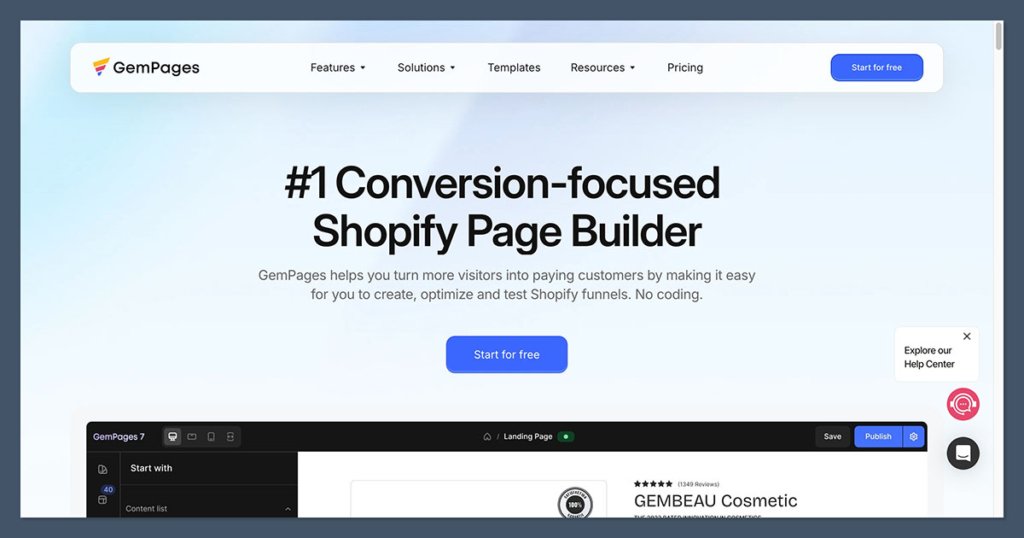
- Rating: 4.9/5, 3,932 reviews.
- Pricing: Free, then $29, $59 and $199/mo.
- Free plan: 1 published page.
- Templates: 400+, built by CRO specialists.
GemPages is the strongest pick if template design quality is what you are buying. Its 400+ templates are built around conversion patterns rather than generic layouts, and every paid tier gives unlimited pages instead of metering slots. It costs $5/mo more than PageFly. The templates are built by CRO specialists, and the defaults show it.
One correction worth making here, because it travels widely: the most-read comparison in these results states that PageFly has no A/B testing. PageFly’s live pricing table includes it from the $24/mo Builder plan up. That claim is published by GemPages, which is context you want when weighing the rest of it.
Merchants who switched from PageFly describe GemPages’ emphasis as very good design standards rather than sheer flexibility: fewer knobs, better defaults. Without a designer on hand, better defaults usually wins, though heavily CRO-patterned templates do converge on a recognisable look, so a brand-distinct store spends time pulling them away from it.
✔️ Pros
- Unlimited pages on every paid plan: no metering at any tier.
- 400+ CRO-built templates: conversion patterns, not filler.
- Lowest blocking time of the three builders tested: 240ms against PageFly’s 280ms and Shogun’s 320ms in Fuad’s test.
❌ Cons
- Still well behind native Liquid: ~64 mobile against ~87, 240ms blocking against 0ms (item 2).
- $5/mo more than PageFly: $29 against $24.
- Feature-level slowness: switchers report specific features loading slowly.
| Plan | Monthly | Published pages | Notes |
|---|---|---|---|
| Free | $0 | 1 | Entry access |
| Build | $29 | Unlimited | Core builder tier |
| Optimize | $59 | Unlimited | Conversion tooling tier |
| Enterprise | $199 | Unlimited | Top tier |
Quick comparison against PageFly: price, $29 against $24. Design, better defaults against more control. Lighthouse, about 64 against about 52. Pick GemPages for pages that look good without design work, PageFly for control over every pixel.
5. PageFly: Best Design Control for the Money
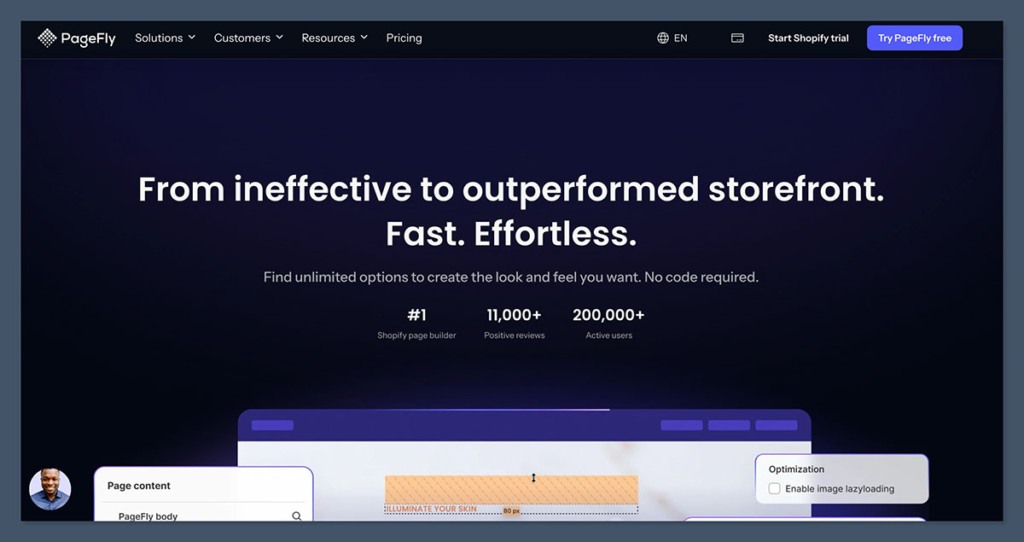
- Rating: 4.9/5, 5,655 reviews. The largest base here.
- Pricing: Free, then $24, $99 and $299/mo.
- Free plan: 1 published slot, 10 AI credits, 320+ templates.
- Templates: 320+.
PageFly gives you more pixel-level control than anything else here, at the cheapest genuinely usable paid tier, $24/mo, with A/B testing from that first paid plan and the biggest review base in the category. It ranks fifth rather than first because it is also the builder most likely to cost you page speed. Element-level control is what you are paying for.
Settle one thing early: PageFly’s live pricing table includes A/B testing from the $24/mo Builder plan up, contradicting the claim, published by GemPages, that it has none.
320+ templates is mid-pack against GemPages at 400+ and Instant at 800+, but library size is not the point. Element-level control means the output need not look like a template, which is also how inexperienced builders ship pages that clash with the rest of the store. Budget a style pass before you publish, because the editor will happily let you set fonts and button styles that exist nowhere else on your site.
✔️ Pros
- Largest review base here: 5,655 reviews at 4.9/5.
- A real free page: the free plan publishes one live page.
- Cheapest usable paid tier: $24/mo for five slots.
- A/B testing from the entry plan: not gated higher up.
❌ Cons
- Worst mobile Lighthouse result in Kaspian Fuad’s independent test: about 52, roughly 340KB of added JavaScript, 280ms blocking (item 2).
- Documented incidents: one Shopify Community merchant’s score fell into the low 20s until they disabled the PageFly homepage, and another thread is titled “I installed PageFly and my entire Shopify stopped working.”
- Uninstall is not always clean: merchants report leftover code surviving removal.
- AI credits are metered: 10 free, 80 on Builder.
| Plan | Monthly | Published slots | AI credits | Standout inclusion |
|---|---|---|---|---|
| Free | $0 | 1 | 10 | 320+ templates |
| Builder | $24 | 5, +$5 per extra 5 | 80 | A/B testing, analytics |
| Accelerate | $99 | Unlimited | 320 | Heatmaps, AI page checkup |
| Enterprise | $299 | Unlimited | 1,600/mo | Priority support |
Best for: stores wanting maximum design control on the smallest realistic budget.
Skip if: mobile performance is your primary constraint. Read items 1 and 2 first.
6. Shogun: Best for Content Heavy Stores and Serious CRO Teams
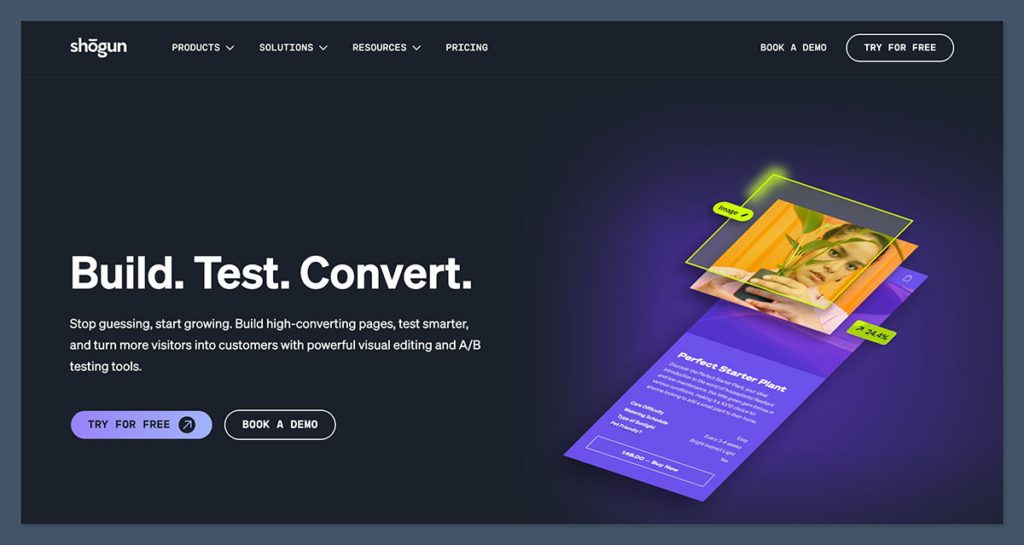
- Rating: 4.8/5, 1,871 reviews, lowest of the top four paid picks.
- Pricing: Build $39, Grow $199, Advanced $499/mo, 10-day free trial.
- Free plan: Draft Mode. It cannot publish pages at all.
- Templates: not disclosed.
Shogun is the right pick for content-heavy stores and teams running a real testing programme. It behaves like a CMS for evergreen content rather than a landing-page tool, with user permissions, multi-storefront syncing, Hydrogen compatibility and an AI SEO assistant. For a small store it is overkill. Shogun feels built for a team, not one person shipping a page.
Kaspian Fuad calls the Shogun-versus-PageFly comparison misleading: they optimise for different jobs, a CMS for evergreen content against a cheap tool for a few pages. His threshold for Shogun is four or more A/B tests a month.
Shogun publishes no template count, unusual in a category that competes on library size, which suggests it sells governance rather than design starting points. Expect less out-of-the-box design help than GemPages or EComposer.
✔️ Pros
- CMS-grade tooling: permissions, multi-storefront syncing, AI SEO assistant.
- Hydrogen compatible: rare among the builders here.
- Vendor-published results: Shogun’s Nuun case study claims a 34% conversion jump.
❌ Cons
- Worst blocking time in Fuad’s test: 320ms despite a moderate payload (item 2).
- Draft Mode cannot publish: you can build, nothing goes live.
- Steep tier jumps: $39 to $199 to $499, nothing between.
- Lowest rating of the leading paid tools: 4.8/5 across 1,871 reviews.
| Plan | Monthly | Annual | Who it is for |
|---|---|---|---|
| Draft Mode | $0 | Not applicable | Building only, cannot publish |
| Build | $39 | $372 | Single store, regular publishing |
| Grow | $199 | $1,908 | Active testing programmes |
| Advanced | $499 | $4,788 | Multi-storefront teams |
The verdict: Shogun earns its price when a team publishes and tests continuously. Build three pages and stop, and you pay for governance you never use.
7. Replo: Best for Funded DTC Brands and Agencies
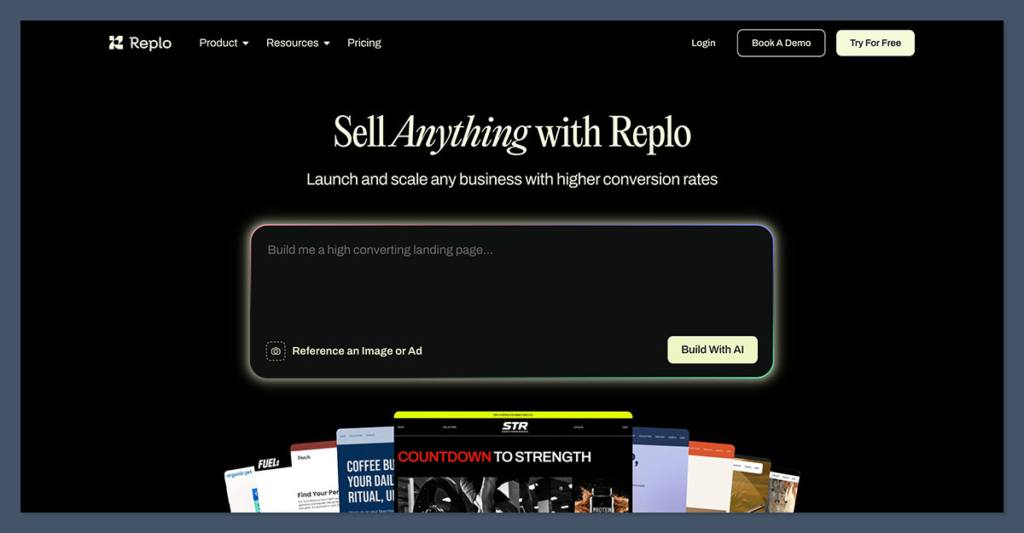
- Rating: 4.7/5, 171 reviews.
- Pricing: Starter $119/mo (15 published items, 1 store), Pro $599/mo.
- Free plan: build and preview only, no publishing.
- Templates: 200+ in Starter, 1,000+ referenced.
Replo is built for funded DTC brands and agencies shipping pages against live paid media. It ships pages without waiting on a developer by reading your product data and theme settings directly. At $119/mo it is the priciest entry here. Real product data on the canvas is where Replo justifies its price.
Replo ranks on page one for this keyword yet appears on none of the three biggest competing articles. Its slug is /alchemy rather than /replo, its free tier cannot publish, and $119 sits far above those lists’ range. Treat these as a snapshot: Replo says pricing may change again.
Pages inherit the store’s real content and settings instead of sitting on top as a design island. For an agency holding brand consistency across many campaign pages, that is the actual product.
✔️ Pros
- Live data binding: product data, metafields and theme settings.
- Built for velocity: pages ship without developer time.
- Agency-ready: the Pro plan covers up to five stores.
❌ Cons
- Most expensive entry: five times PageFly’s Builder plan.
- Free tier cannot publish: the same wall as Shogun.
- Pricing in flux: some reviews still cite $99/mo and 143 to 161 reviews.
Paid media running and a page backlog your developer cannot clear? Replo removes the bottleneck. On a starter budget, nothing justifies $119/mo.
8. Foxify: Best AI Layout Generation on a Small Budget
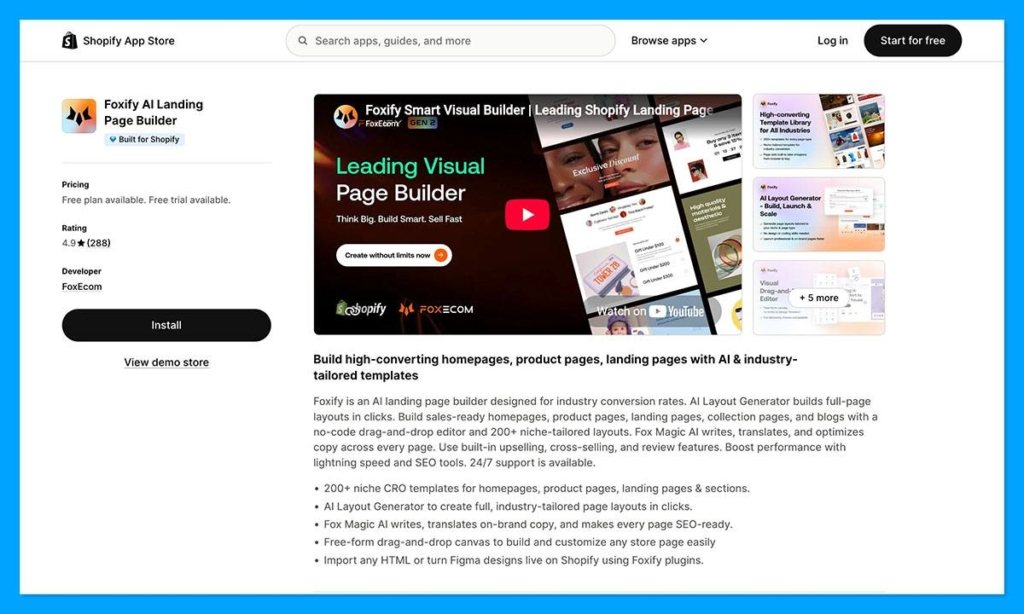
- Rating: 4.9/5, 288 reviews, a high score on a thin base.
- Pricing: Free, then $19, $39 and $99/mo.
- Free plan: 1 published page, 20 AI credits monthly.
- Templates: 200+ niche-specific CRO layouts.
Foxify is the cheapest way to get AI layout generation and a Figma workflow in one app, with an AI Layout Generator that builds full layouts from a prompt, plus HTML import. Blog features sit behind a separate $20/mo add-on. One prompt, one full page skeleton.
Figma import gets billed as an Instant and Replo differentiator, but Foxify publishes its own plugin on the Figma Community, making $19/mo the cheapest entry into that workflow.
The design bet is niche over volume: 200+ layouts built for particular product categories rather than GemPages’ 400+ general ones. They start closer to your use case but the pool is shallower, so plan on customising more.
✔️ Pros
- AI Layout Generator: a complete page layout from one prompt.
- Cheapest Figma workflow here: $19/mo.
- Free-form canvas plus HTML import: flexible for the money.
❌ Cons
- Thinnest review base of the general builders: 288 reviews.
- Blog features cost extra: a separate $20/mo add-on.
- Free plan is a trial: one page, 20 AI credits.
Quick comparison against Instant: $19 against $39, JavaScript overlay against native Liquid, 200+ niche templates against 800+ general. Take Foxify if budget decides it, Instant if speed does.
9. Omnise (Formerly Beae): Best Cheap AI Page Builder
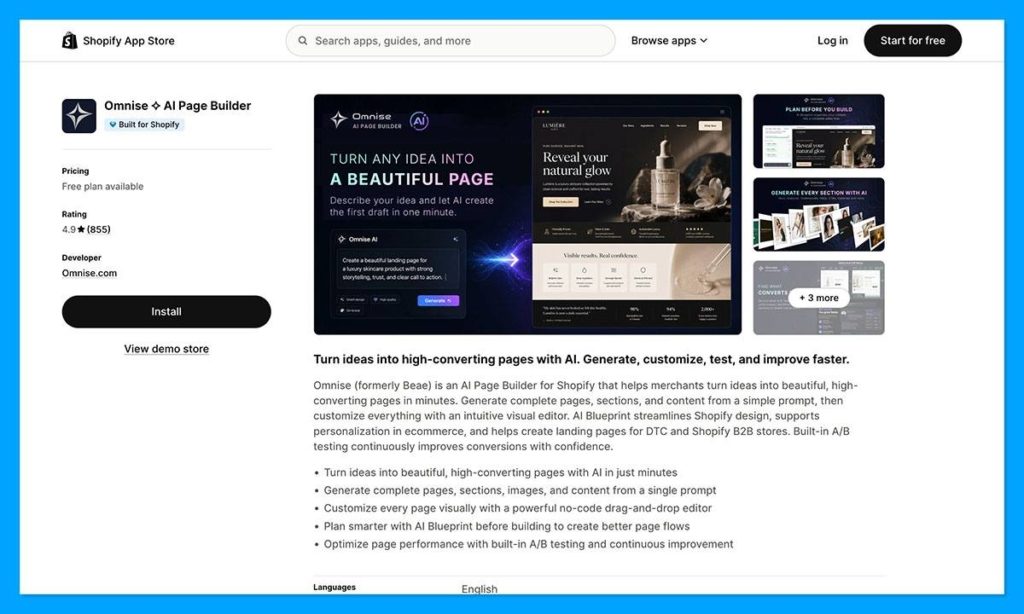
- Rating: 4.9/5, 855 reviews, 97% five-star.
- Pricing: Free, then $19.99, $39.99 and $79.99/mo.
- Free plan: 1 published slot with a watermark, 10 drafts.
- Templates: not disclosed.
Search the Shopify App Store for Beae and you will not find it. The listing is now Omnise AI Page Builder: same app, same reviews, new name. Competitor roundups still call it Beae.
Omnise is the cheapest credible AI-first page builder here at $19.99/mo, with prompt-to-page generation and 24/7 chat support even on the free plan. That free plan watermarks your page, so treat it as a trial. A prompt gets a draft; a design pass gets it publishable.
The missing template count is the design story. PageFly publishes 320+, GemPages and EComposer 400+, Instant 800+, Omnise nothing, so you buy generation rather than a library. AI layouts need a design pass or they read generic.
✔️ Pros
- Cheapest AI-first tier: $19.99/mo.
- Broad coverage: homepage, landing, product, collection, blog, pop-up.
- 24/7 chat support: free plan included, at lower priority.
❌ Cons
- The rebrand hurts discoverability: older recommendations lead elsewhere.
- Free plan is watermarked: you cannot ship from it.
- No published template count: the only general builder hiding it.
Best for: generating page variations from prompts on the smallest budget.
Skip if: you want a documented template library or shippable free tier.
10. Zipify Pages: Best for Direct Response Funnels
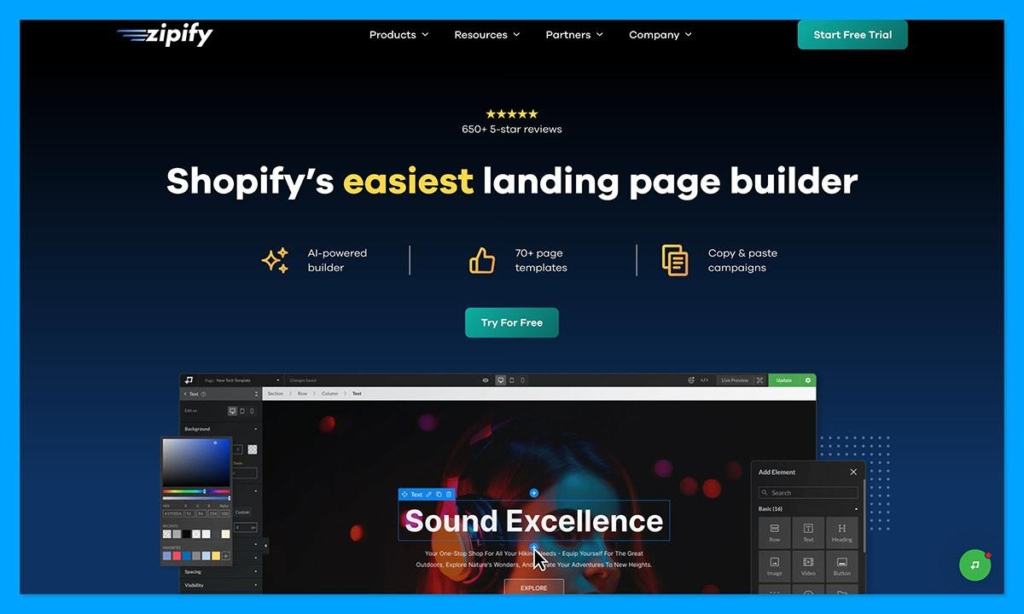
- Rating: 4.6/5, 400 reviews.
- Pricing: Starter $19, Basic $39, Advanced $99/mo, about 10% off annually.
- Free plan: development and partner stores only, but split testing included.
- Templates: no count disclosed.
Zipify Pages is the Shopify landing page builder to pick if you are building offers rather than pages, with direct-response templates from a nine-figure store team, split testing on the free tier, and Universal Product Pages serving many SKUs from one template. Its narrow funnel positioning fits offers, not general site design. The aesthetic is unapologetically direct-response, and that is the point.
Direct-response layouts look like direct-response layouts: long-form, heavy on proof blocks, calls to action repeated down the page. The design question is whether that sits alongside your brand or fights it. Universal Product Pages keep product pages consistent.
✔️ Pros
- Split testing on the free tier: rare at any price.
- Universal Product Pages: one template serving multiple SKUs.
- Direct-response pedigree: templates from a nine-figure store.
❌ Cons
- Lowest rating in this guide: 4.6/5 across 400 reviews.
- Free tier cannot touch a live storefront: dev stores only.
- Narrow positioning: built for funnels, not storefronts.
If your business is offers, upsells and split tests, Zipify’s templates are built for that. Want a whole-storefront builder? See items 2 through 5.
11. LayoutHub and Tapita: The Cheapest Entry Points, With a Data Caveat
These two are the cheapest paid entries here, and the only two whose Shopify App Store listings did not resolve when we checked on 29 July 2026. Everything below is triangulated from third-party directories (Analyzify, Spocket, DelightChat), so treat it as secondhand and verify before subscribing.
LayoutHub and Tapita are the cheapest way into a Shopify page builder, starting at $14.99/mo and $0 respectively, and both target merchants who want a working layout rather than a design system. Both are built around picking a prebuilt layout rather than composing one.
| Builder | Rating (reviews) | Entry price | Templates | What it is for |
|---|---|---|---|---|
| LayoutHub | 5.0/5, ~1,321-1,330 (unverified) | $14.99/mo, free plan available | Not disclosed | Prebuilt layout library, fastest route to a finished page |
| Tapita | 4.92/5, 248 (unverified) | $0 to $59/mo | 100+ page, 80+ element | Budget builder with HTML, CSS and JS injection |
LayoutHub is the cheapest paid tier we researched. One directory calls it the second page builder app on Shopify by installs within a year of release, with 8,000+ regular users, and credits it with Built for Shopify recognition. It barely appears in independent CRO commentary.
Tapita supports custom HTML, CSS and JavaScript injection despite its no-code positioning, making it more flexible than the price suggests. Its 248 reviews are among the thinnest bases in this guide.
Neither publishes the design signals the leaders do. LayoutHub discloses no template count anywhere we could find, and Tapita’s 100+ sit well below the 320 to 800 range of the mainstream tools. At this price you buy a working layout, not design range.
The verdict: if $14.99/mo is the difference between building the page and not building it, LayoutHub is a reasonable start. Just know you have less public information than on any other pick here, which is why these two rank last.
Frequently Asked Questions
What happens to my theme code when I uninstall a Shopify page builder?
It depends on how the app was built, and it is often not clean. Shopify began requiring apps to strip their own code on uninstall through App Embeds, but older integrations can leave snippet and section files in theme.liquid or footer.liquid still loading after the app is gone. Merchants in the Shopify Community report exactly that, and a cleanup app called Residue exists solely to find the leftovers. Run PageSpeed Insights afterwards and look for files from an app you no longer have.
Do I actually need a Shopify page builder app?
Often not. Shopify’s Horizon theme ships about 28 native sections and a layout builder, which covers most homepage, product and content layouts at $0 and with no added JavaScript. The threshold that matters is volume and testing: fewer than about six new layouts a month, stay native. A page per ad angle, or four or more A/B tests a month, and a builder starts paying for itself.
Does PageFly have A/B testing?
Yes. PageFly’s live App Store pricing table bundles A/B testing and analytics into the $24/mo Builder plan and above, and PageFly publishes a dedicated feature page for it. The claim that PageFly has no built-in A/B testing comes from comparison content published by GemPages, a direct competitor, and does not match the current listing.
Is Instant’s free plan really free forever?
We could not resolve this, and you should not take either version on faith. Instant’s live App Store listing restricts the free plan to development stores, while Instant’s own blog describes a free-forever tier with 1 page, 1 section and 1 blog post. Two primary sources from the same vendor contradict each other, so check the terms at signup.
Which Shopify page builders will not let you publish on their free plan?
Shogun, Replo and Zipify Pages, plus Instant depending on which of its two answers you believe. Shogun’s Draft Mode builds but cannot publish, Replo’s free tier is build-and-preview only, and Zipify’s works on development stores only. PageFly, GemPages, EComposer and Foxify each publish one real live page free, and Omnise publishes one watermarked.
Can I run two page builders on the same Shopify store?
Technically yes, practically avoid it. Each JavaScript-overlay builder stacks its own scripts and stylesheets on your theme, and overlay-rendered pages can push mobile LCP past 4 seconds against a recommended 2.5-second budget, on stores where 70%+ of traffic is mobile. Switching builders? Rebuild and uninstall rather than run both.
Why isn’t Replo on most best Shopify page builder lists?
Because it does not fit the shape of those lists. Its App Store slug is /alchemy rather than /replo, its free tier cannot publish so it never surfaces in free-plan roundups, and $119/mo sits far above the budget and mid-market tools those articles cover. It ranks for this keyword regardless.
Can AI coding tools replace a Shopify page builder app?
For some teams, already yes. Practitioners including Dan Nunn and Olivier Croguy report building complete, modular landing pages directly in Shopify’s native Theme Editor in a few hours using AI coding assistants, fully editable and matched to the existing design, with no subscription and no added JavaScript. The catch: it assumes comfort with code, and gives you no template library and no A/B testing.


