
 By Bogdan Rancea
Best Overall

Globo Product Options
See pricing Visit Globo Product Options →Free plan
Premium $9.90/month, Advanced $19.90/month
- Unlimited option sets on the free plan
- Add-on prices run on Shopify Functions
- Live preview on the Advanced plan
Best for engraving

Customily
See pricing Visit Customily →$49/month
plus $0.10 to $1 per order item
- Live preview on a design canvas
- Print, engrave and laser-cut file exports
- Minimum upload-size control for photos
Best budget preview

Easify
See pricing Visit Easify →Free plan
Pro $9.99/month, Premium $19.99/month
- Free conditional logic
- Live preview from $19.99/month
- Automatic theme matching
Based on our testing of 15 product customizer apps on a Shopify test store, Globo Product Options is the best Shopify product customizer app for 2026 because it offers unlimited free option sets, Functions-based add-on pricing, and an affordable live-preview upgrade.
Customily is the stronger choice for production files and a customer design canvas. Visual personalizers let shoppers design on a product image, while product options apps collect selections and charge for extras.
Key Takeaways
- Globo is our best overall pick, with free conditional logic, paid add-ons, and an upgrade for live preview
- Choose the right app type: visual personalizers for artwork, options apps for fields and extras
- Prices range from free to $299.90 monthly, sometimes with per-item or percentage fees on top
- Shopify supports 2,048 variants but only three options per product, so apps still help with custom fields and uploads
- Choose Customily for engraving and laser files, or Zakeke for 3D and AR
Our rankings prioritize customization features and storefront design, followed by pricing, production output, setup, and reliability. A polished preview can’t make up for expensive fees or missing files.
I built a small gift-shop catalog: a custom-name t-shirt, an engraved necklace, and a made-to-size vinyl sticker. Where supported, I recreated these products and placed test orders, checking the cart, checkout, order details, and files. Our full methodology is below.
Our top 10 Shopify product customizer apps:
- Globo Product Options: Best Overall
- Customily: Best for Engraving and Laser-Cut Products
- Easify: Best for Live Preview on a Budget
- Zakeke: Best for 3D and AR Product Configurators
- Kickflip: Best for Multi-Part Product Builders
- Inkybay: Best for Print Shops and Custom Sizes
- Aris Product Options: Best Free Tier for Growing Catalogs
- Hulk Product Options: Best for Formula Pricing and POS
- Infinite Options: Best Single-Plan Options App
- Teeinblue: Best for Print-on-Demand Personalization
Shopify Product Customizer Apps Comparison Table
Compare starting costs and production tools before choosing an options form or visual designer:
| App | Best for | Type | Starting price | Free plan | Print-ready files | App Store rating |
|---|---|---|---|---|---|---|
| Globo Product Options | Overall value | Options app | Free; paid $9.90/month | Yes | No | 4.9 (5,275 reviews) |
| Customily | Engraving and laser cutting | Visual personalizer | $49/month + item fees | Development only | Yes | 4.9 (281 reviews) |
| Easify | Budget live preview | Options app | Free; paid $9.99/month | Yes | No | 4.9 (3,236 reviews) |
| Zakeke | 3D and AR | Visual personalizer | $69.90/month + percentage fee | Development only | Yes | 4.5 (100 reviews) |
| Kickflip | Multi-part builders | Visual personalizer | $59/month + variable fee | No | No | 4.3 (139 reviews) |
| Inkybay | Print shops and dimensions | Visual personalizer | $19.99/month | No | Yes | 4.5 (168 reviews) |
| Aris Product Options | Growing catalogs | Options app | Free; paid $12/month | Yes | No | 4.9 (1,694 reviews) |
| Hulk Product Options | Formula pricing and POS | Options app | $10/month | Development only | No | 4.8 (1,219 reviews) |
| Infinite Options | Single-plan simplicity | Options app | $9.99/month | No | No | 4.7 (2,632 reviews) |
| Teeinblue | POD personalization | Visual personalizer | $49/month + item fees | Development only | Yes | 4.9 (394 reviews) |
1. Globo Product Options: Best Overall
- Globo Product Options pricing: Free; Premium $9.90/month; Advanced $19.90/month
- Standout capability: Shopify Functions-based add-on pricing
- Get Globo Product Options on the Shopify App Store
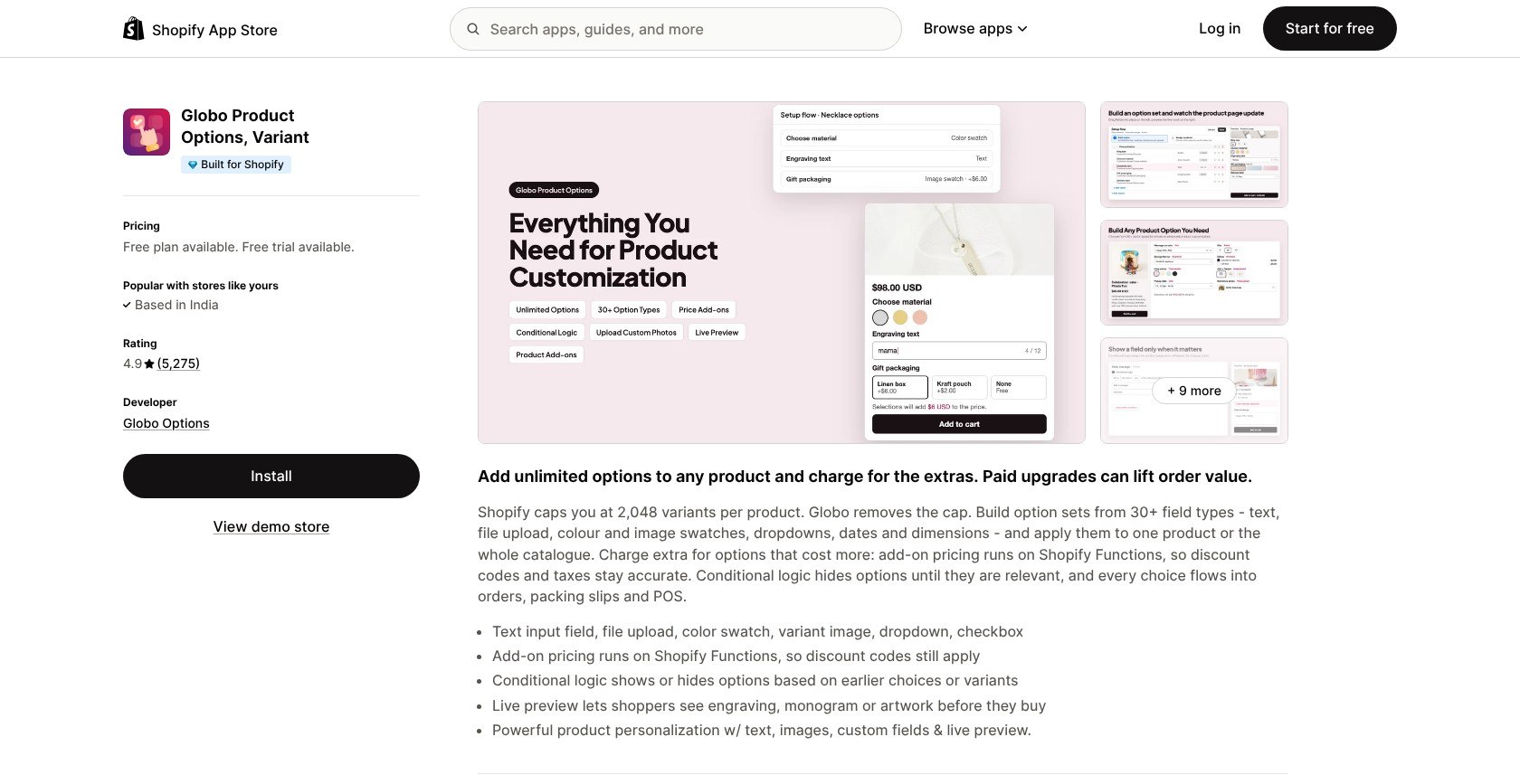
Globo is our best overall pick for everyday personalization, with free conditional logic and paid upgrades for surcharges and previews. Choose Customily instead for production files, which Globo doesn’t generate.
Pros
- Unlimited option sets on the free plan
- Built for Shopify status
- Watermark-free fields
Cons
- Paid plan required for surcharges
- No production exports
- Conditional logic failures (some merchants report)
What’s New With Globo Product Options?
Advanced adds Product Personalizer live preview and in-cart editing, so shoppers can revise choices without reopening the product page. Plus, Functions-based add-on pricing keeps discount codes and taxes accurate.
Why Use Globo Product Options in 2026?
Globo suits gift shops that need conditional fields to hide irrelevant questions. It works with PageFly and GemPages; match field spacing to your theme and keep mobile forms compact.
My Globo Product Options Testing Notes
I built the necklace’s text field and font dropdown, then added gift wrap to the product’s options. The free plan collected those selections, but charging for gift wrap required Premium, so make sure you budget for paid extras before publishing.
How Much Does Globo Product Options Cost?
These are regular prices, without introductory discounts.
| Plan | Monthly price | Annual price | Key limit |
|---|---|---|---|
| Free | $0 | Not offered | Unlimited sets; 15 option types |
| Premium | $9.90 | Not offered | Paid add-ons; 20MB uploads |
| Advanced | $19.90 | Not offered | Live preview; 20 files/100MB |
2. Customily: Best for Engraving and Laser-Cut Products
- Customily pricing: $49/month plus $0.10 to $1 per order item
- Standout capability: Print, engraving, and laser-cut exports
- Get Customily on the Shopify App Store
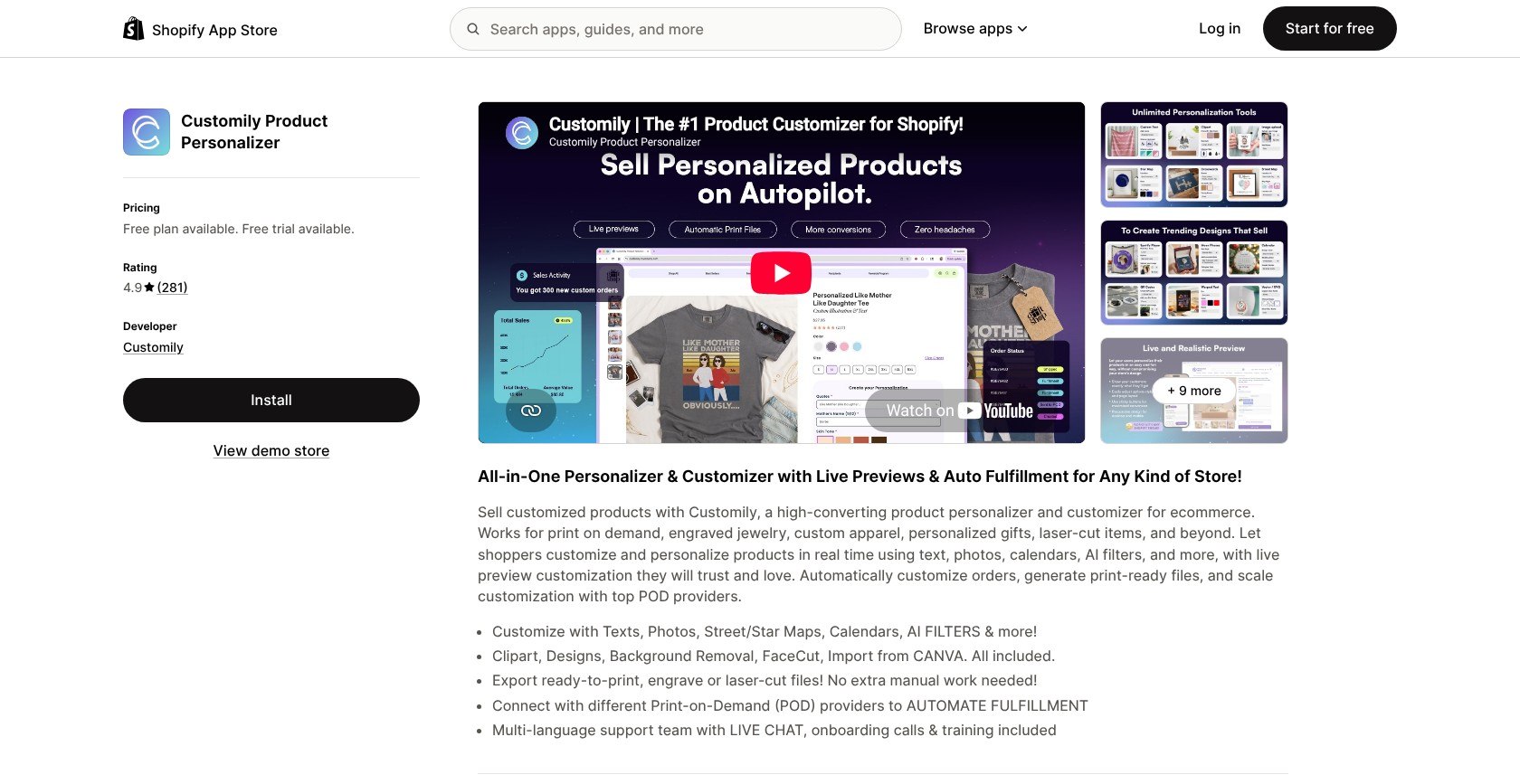
Customily wins for engraving and laser-cut products, connecting live previews to production-ready exports. Teeinblue is a better match if your priority is POD supplier automation rather than engraving.
Pros
- Unlimited production exports
- Minimum upload-size controls
- Live previews
Cons
- Per-item fees alongside the subscription
- Dense setup screens
- Rendering delays (some merchants report)
What’s New With Customily?
Customily includes FaceCut, background removal, and Canva imports for preparing designs. Minimum uploaded-image-size controls let you reject undersized artwork before a photo-gift order needs manual correction.
Why Use Customily in 2026?
Choose Customily for engraving or laser cutting when the finished file matters as much as the preview. Keep the product image central, check mobile controls, and don’t let extensive clipart choices overwhelm a simple name-personalization page.
My Customily Testing Notes
I added a name-and-date cutting board to the gift catalog and checked its exported engraving file. The setup screens felt dense beside a basic options app, so make sure you finish one reusable template before expanding.
How Much Does Customily Cost?
Unlimited exports are included, but item fees cost extra.
| Plan | Monthly price | Annual price | Key limit |
|---|---|---|---|
| Development | $0 | Not offered | Development stores only |
| Customily Plan | $49 | Not offered | Plus $0.10 to $1/order item; 9-day trial |
3. Easify: Best for Live Preview on a Budget
- Easify pricing: Free; paid plans $9.99 to $99.99/month
- Standout capability: Live preview from $19.99/month; automatic theme matching
- Get Easify on the Shopify App Store
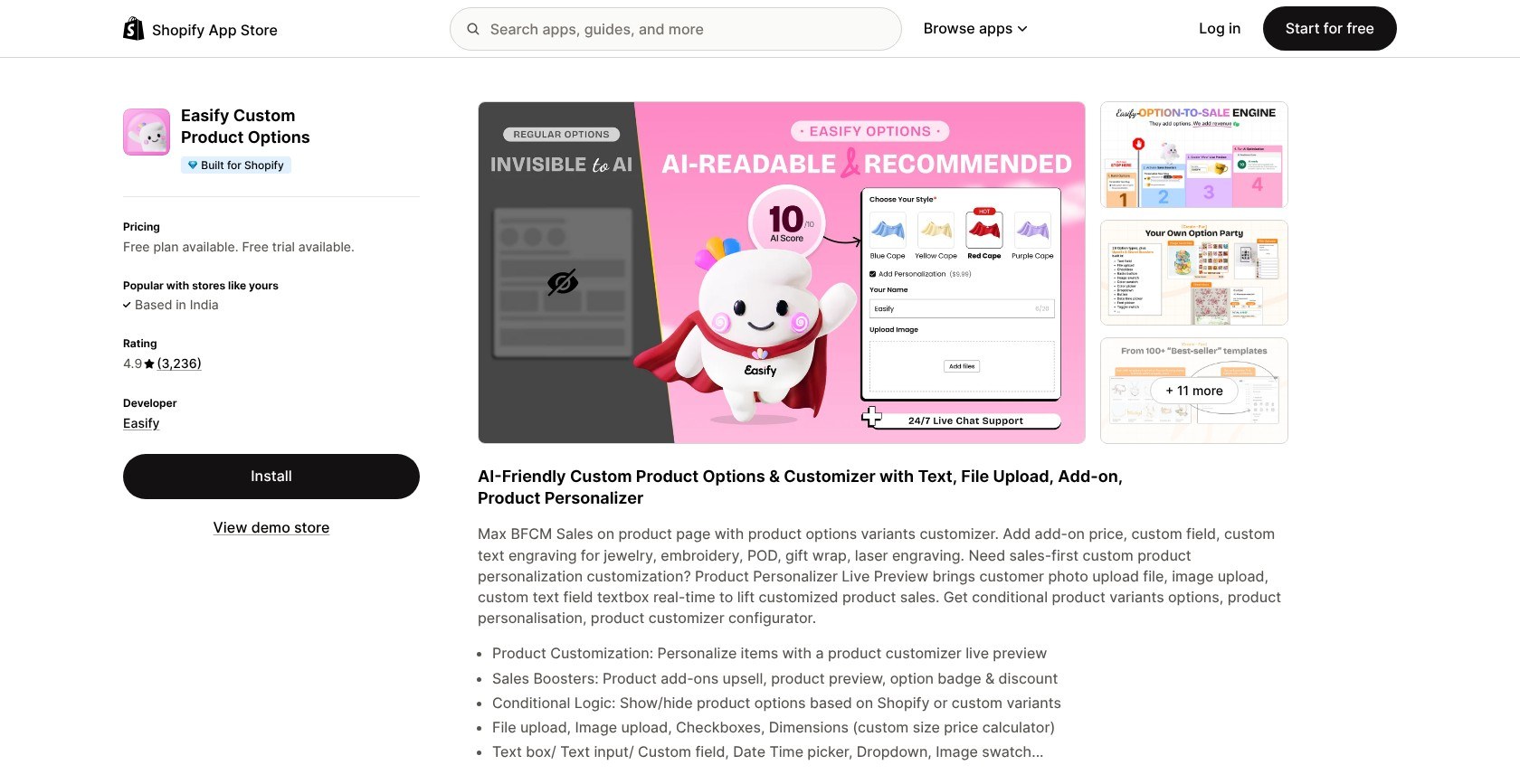
Easify is our budget live-preview pick, combining affordable personalization, theme matching, and reusable templates. That said, choose Customily when you need production artwork, not just a preview.
Pros
- Automatic theme matching
- Free conditional logic
- Built for Shopify status
Cons
- No production files
- Live preview only on Premium or above
- Pricing bugs (some merchants report)
What’s New With Easify?
Premium pairs Product Personalizer with background removal, while Enterprise adds onboarding and custom tweaks. The choice comes down to a better preview versus extra help fitting the app to your store.
Why Use Easify in 2026?
Easify suits stores that want an affordable preview and fields that match their theme automatically. Check mobile labels and upload controls, especially when combining native Shopify variants with paid selections.
My Easify Testing Notes
I rebuilt the necklace’s options and enabled the Premium text overlay, which showed the entered name on the product image. It’s still a simple overlay rather than a production file, so make sure you have a separate artwork workflow.
How Much Does Easify Cost?
You’ll need Premium for live preview, not Pro.
| Plan | Monthly price | Annual price | Key limit |
|---|---|---|---|
| Free Forever | $0 | Not offered | 15 option types |
| Pro | $9.99 | $95.90 | Add-ons; 10 files/10MB |
| Premium | $19.99 | $191.90 | Live preview; 20 files/100MB |
| Enterprise | $99.99 | $959.90 | Onboarding and custom tweaks |
4. Zakeke: Best for 3D and AR Product Configurators
- Zakeke pricing: $69.90 to $299.90/month plus 1.5% to 1.9%
- Standout capability: 3D configuration, AR, and virtual try-on
- Get Zakeke on the Shopify App Store
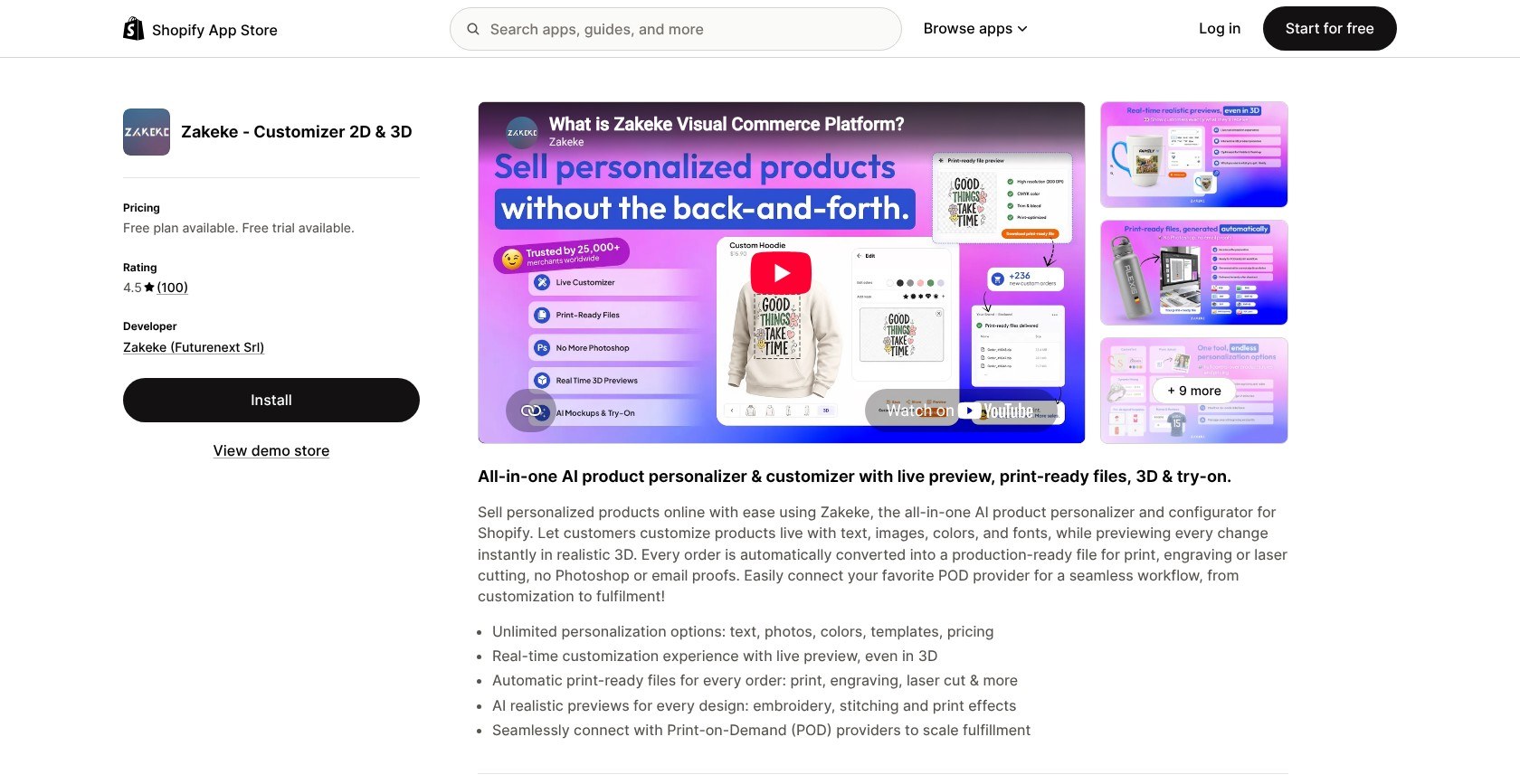
Zakeke wins for 3D and AR, letting shoppers explore products spatially while you receive production-ready files. Globo costs less if you only need names and gift-wrap selections.
Pros
- Responsive embedded viewer
- Production-ready files
- Virtual try-on
Cons
- Percentage fees on every paid tier
- Published-product caps
- Zakeke branding on Starter
What’s New With Zakeke?
Zakeke’s AI realistic previews show effects such as embroidery and stitching. They help shoppers picture the finish, but check the production export separately before committing to a print or engraving workflow.
Why Use Zakeke in 2026?
Choose Zakeke when a product’s shape needs more explanation than a flat mockup. Its responsive embedded viewer helps with that, but leave room for mobile controls and budget for white labeling to maintain your branding.
My Zakeke Testing Notes
I configured a tumbler preview alongside the gift-shop products, then opened its AR view on a phone. Starter displayed Zakeke branding, which interrupted the store’s identity, so make sure you budget for white labeling if needed.
How Much Does Zakeke Cost?
Every paid tier has transaction fees and product caps.
| Plan | Monthly price | Annual price | Key limit |
|---|---|---|---|
| Development | $0 | Not offered | Development stores only |
| Starter | $69.90 | $712.98 | 10 products; 1.9%, minimum $0.02; branding |
| Grow | $129.90 | $1,324.98 | 50 products; 1.7%; white label |
| Scale | $299.90 | $3,058.98 | 100 products; 1.5% |
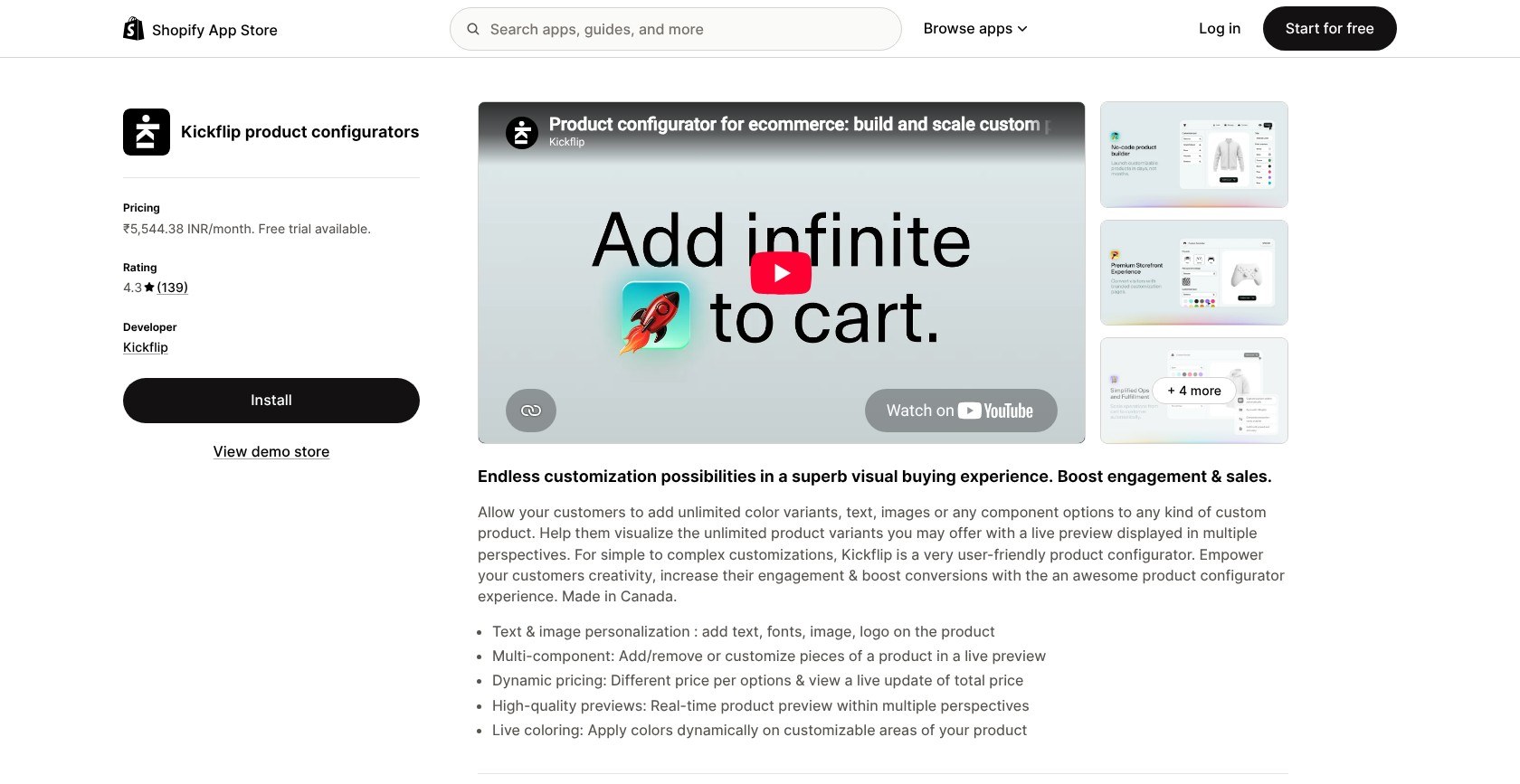
5. Kickflip: Best for Multi-Part Product Builders
- Kickflip pricing: $59/month plus 1.95% to 0% per custom-product sale
- Standout capability: Component swapping, multi-angle previews, and live totals
- Get Kickflip on the Shopify App Store
Kickflip wins for multi-part builders because shoppers can swap components and see the result with a running price. Choose Zakeke instead if AR matters more than visual assembly.
Pros
- Multi-angle previews
- Live price totals
- Unlimited products and storage
Cons
- Variable custom-product sale fees
- White labeling costs extra
- Layer-by-layer artwork preparation
What’s New With Kickflip?
Scale includes unlimited products and storage, so a larger catalog doesn’t force a product-count upgrade. White labeling and configure-price-quote remain separate paid additions, so branded quoting costs more than the base subscription.
Why Use Kickflip in 2026?
Kickflip suits products with separate parts shoppers need to see together, using multi-perspective previews. Match component imagery to your theme’s visual style and check mobile navigation before adding more choices.
My Kickflip Testing Notes
I added a skateboard-style configurator to the test store and assembled swappable parts and colors in its visual builder. Preparing each layer took more work than text fields, so make sure you organize component artwork before starting.
How Much Does Kickflip Cost?
Budget separately for branding removal and quoting.
| Plan | Monthly price | Annual price | Key limit |
|---|---|---|---|
| Scale | $59 | Not offered | Plus 1.95% to 0%/custom-product sale |
| White-label add-on | +$49 | Not offered | Removes branding |
| Configure-price-quote add-on | +$99 | Not offered | Adds quoting |
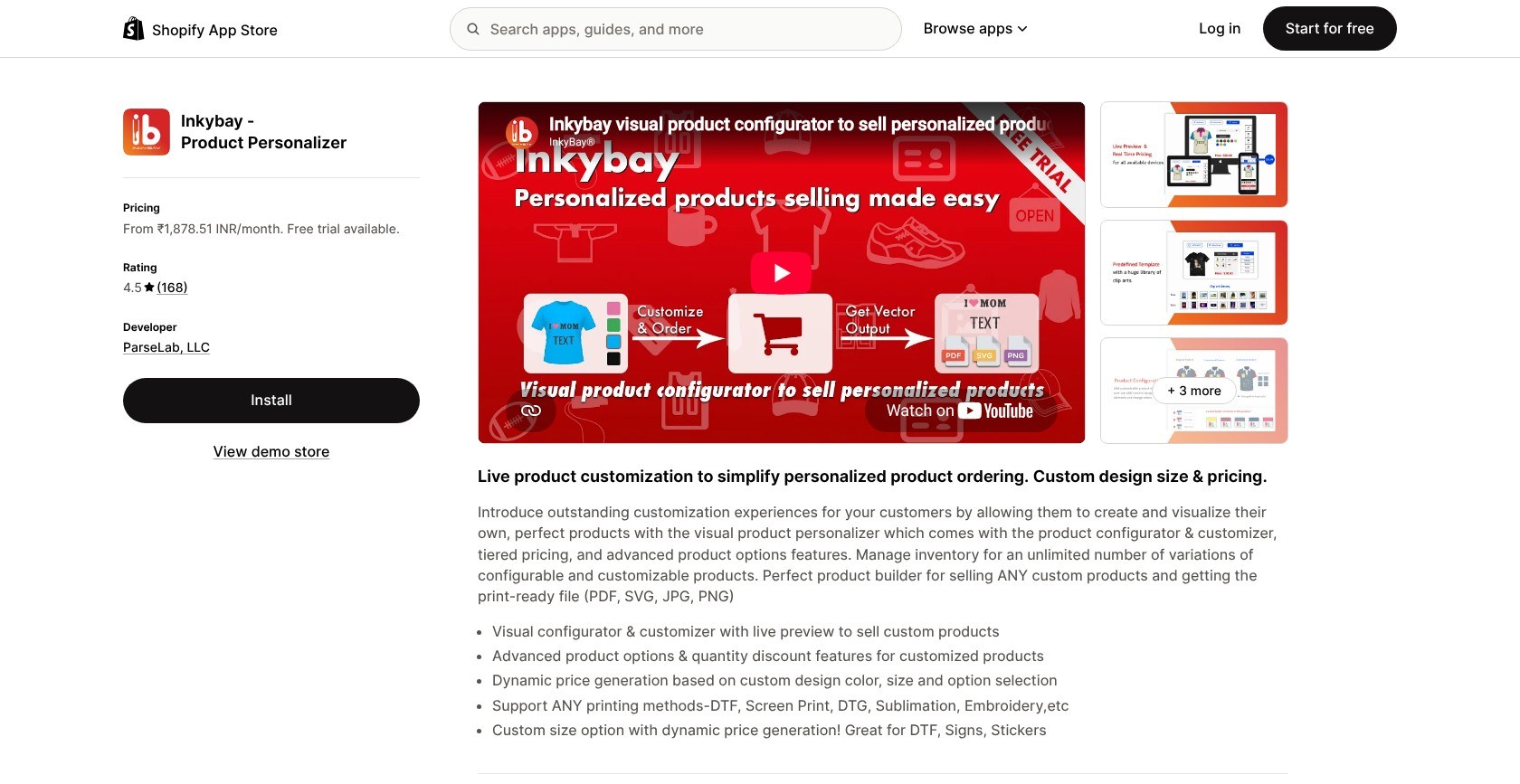
6. Inkybay: Best for Print Shops and Custom Sizes
- Inkybay pricing: $19.99 to $249.99/month; 0% commission; 21-day trial
- Standout capability: Dimension-based pricing with production exports
- Get Inkybay on the Shopify App Store
Inkybay wins for print shops and custom sizes, pairing dimension-based pricing with printable files. Hulk is a better fit for formula-priced options and POS without a design canvas.
Pros
- Commission-free plans
- Dimension-based pricing
- PDF and SVG exports
Cons
- Monthly order caps on lower tiers
- White labeling from Professional
- File download failures (some merchants report)
What’s New With Inkybay?
Inkybay combines custom-size pricing with quantity discounts. Conventional product options start on Advance, so you’ll need that tier for supporting selections alongside artwork and dimensions.
Why Use Inkybay in 2026?
Print shops selling made-to-measure stickers can use a size-aware designer instead of long lists of fixed dimensions. Keep measurement labels clear on mobile, match your theme’s typography, and allow for a higher plan to remove branding.
My Inkybay Testing Notes
I built the vinyl sticker with width-and-height pricing, replacing fixed size variants with dimension inputs. Starter’s monthly custom-order allowance felt restrictive for a growing print shop, so make sure you estimate your order volume before choosing that plan.
How Much Does Inkybay Cost?
There’s no commission, but lower tiers cap orders.
| Plan | Monthly price | Annual price | Key limit |
|---|---|---|---|
| Starter | $19.99 | Not offered | 10 products; 30 orders/month |
| Advance | $49.99 | $479.90 | 100 products; 200 orders/month |
| Professional | $99.99 | $959.90 | 2,000 products/orders; white label |
| Unlimited | $249.99 | $2,399.90 | Unlimited products, orders, storage |
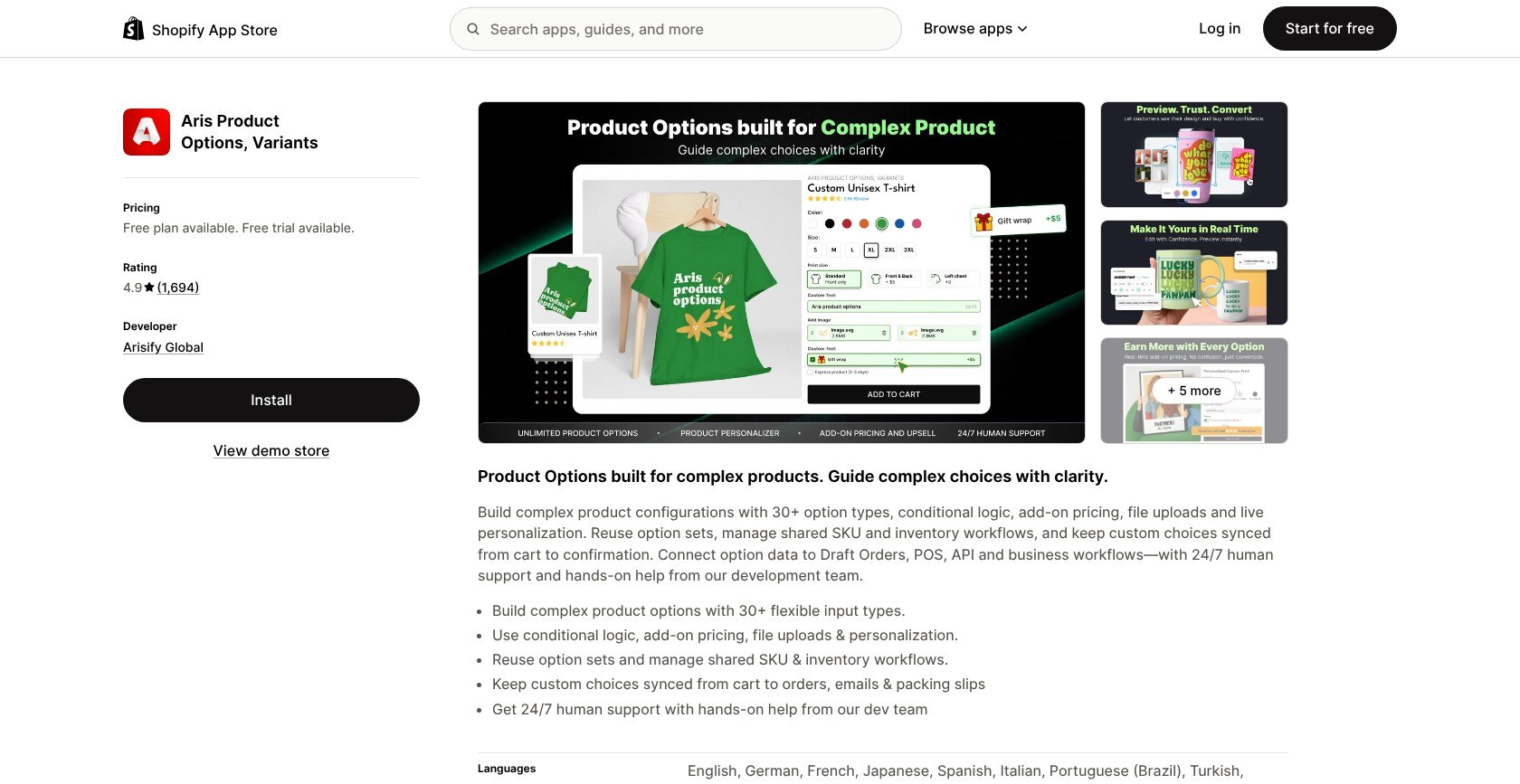
7. Aris Product Options: Best Free Tier for Growing Catalogs
- Aris Product Options pricing: Free; standard paid plans $12 to $59/month
- Standout capability: Unlimited free options, products, and orders
- Get Aris Product Options on the Shopify App Store
Aris wins for growing catalogs on a free tier, offering varied fields without product or order caps. Globo remains our overall choice thanks to cheaper upgrades and Built for Shopify status.
Pros
- Unlimited free catalog coverage
- Free conditional logic
- Import/export on paid plans
Cons
- Live preview from Advanced
- No Built for Shopify badge
- Higher Pro and Advanced prices for Plus stores
What’s New With Aris Product Options?
Previously called Avis, Aris Product Options includes an Advanced personalizer and import/export tools. Premium adds theme integration service if you need help fitting the fields into your storefront.
Why Use Aris Product Options in 2026?
Aris suits varied catalogs that need different field types without an immediate subscription. Keep layouts consistent across collections and check mobile spacing; the free tier offers fewer ready-made templates.
My Aris Product Options Testing Notes
I used Advanced import/export to reuse an option set across a collection, carrying the same fields across products instead of rebuilding them individually. That said, live preview also required Advanced, so make sure you separate free catalog coverage from paid personalization when planning your store’s costs.
How Much Does Aris Product Options Cost?
These are standard-store prices; Plus rates differ.
| Plan | Monthly price | Annual price | Key limit |
|---|---|---|---|
| Free Forever | $0 | Not offered | 23 option types; 5 templates |
| Pro | $12 | $120 | Add-ons and POS; Plus $29/month |
| Advanced | $24 | $240 | Preview and import/export; Plus $39/month |
| Premium | $59 | $590 | Theme integration service |
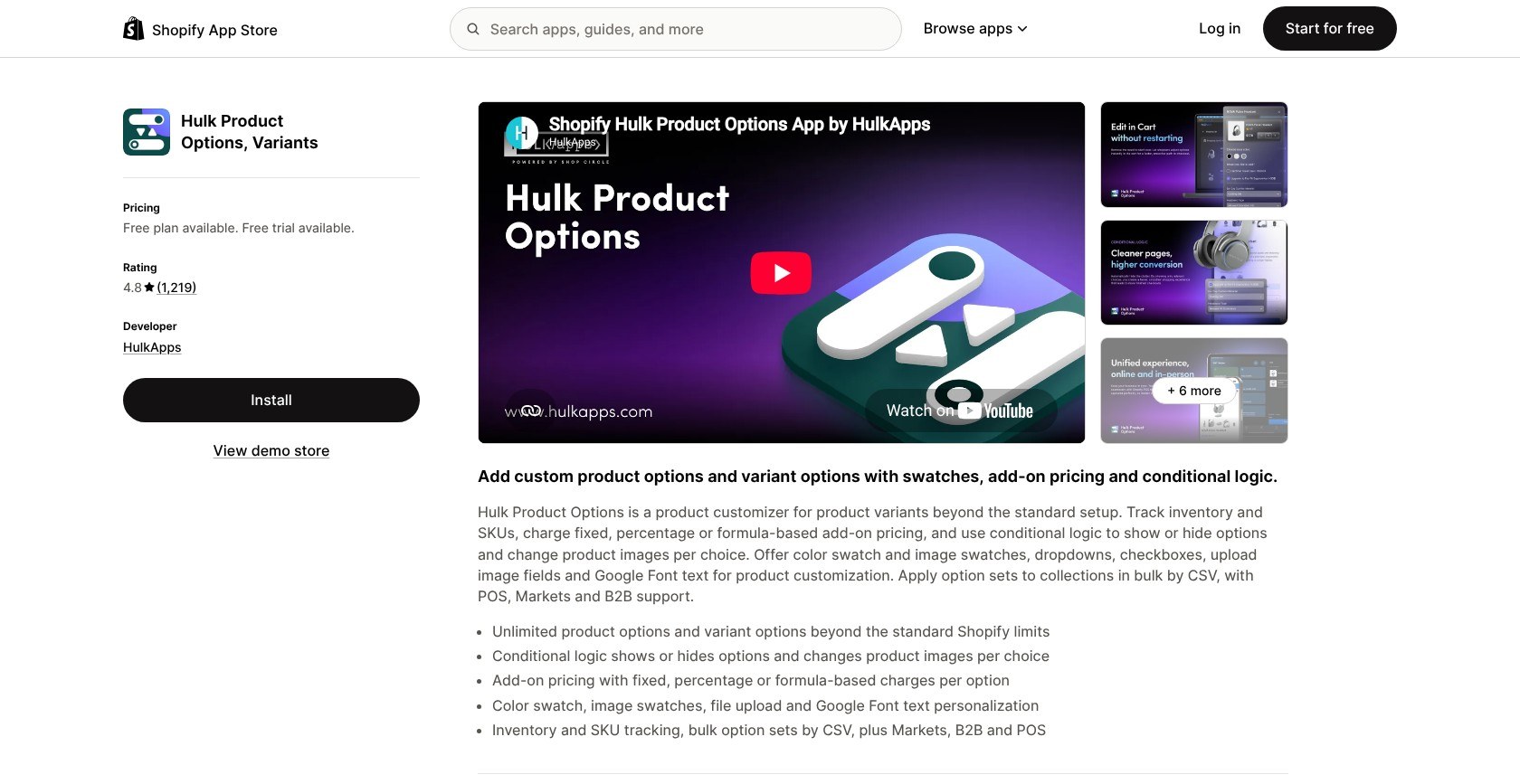
8. Hulk Product Options: Best for Formula Pricing and POS
- Hulk Product Options pricing: $10 to $49.90/month; 7-day trial
- Standout capability: Enterprise formulas, option inventory, and POS
- Get Hulk Product Options on the Shopify App Store
Hulk wins for formula pricing and POS, with calculated charges and option inventory on Enterprise. Choose Inkybay instead for customer-designed artwork and production exports.
Pros
- Formula-based charges
- Option SKU management
- Markets and B2B compatibility
Cons
- No free plan for live stores
- Formulas and POS only on Enterprise
- Duplicate cart items (some merchants report)
What’s New With Hulk Product Options?
Enterprise combines formula-based options and inventory management, plus a Google Font picker. Advanced lets selections change product images, giving shoppers visual confirmation without a live production-artwork canvas.
Why Use Hulk Product Options in 2026?
Hulk suits online and in-person sellers whose pricing rules matter more than artwork generation. Image changes help confirm choices visually; match swatches to your theme and check mobile spacing before building complex forms.
My Hulk Product Options Testing Notes
I built a custom banner with Enterprise width-based pricing, extending the made-to-size test beyond stickers. Formula setup felt fiddly compared with fixed surcharges, so make sure you validate the calculation with several dimensions before publishing the product.
How Much Does Hulk Product Options Cost?
Basic includes surcharges, but formulas require Enterprise.
| Plan | Monthly price | Annual price | Key limit |
|---|---|---|---|
| Development | $0 | Not offered | Development stores only |
| Basic | $10 | $100 | 10 option types; add-ons |
| Advanced | $20 | $200 | Conditional logic; image changes |
| Enterprise | $49.90 | $449 | Formula pricing; inventory; POS |
9. Infinite Options: Best Single-Plan Options App
- Infinite Options pricing: $9.99/month; 7-day trial
- Standout capability: Conditional logic and extras without feature tiers
- Get Infinite Options on the Shopify App Store
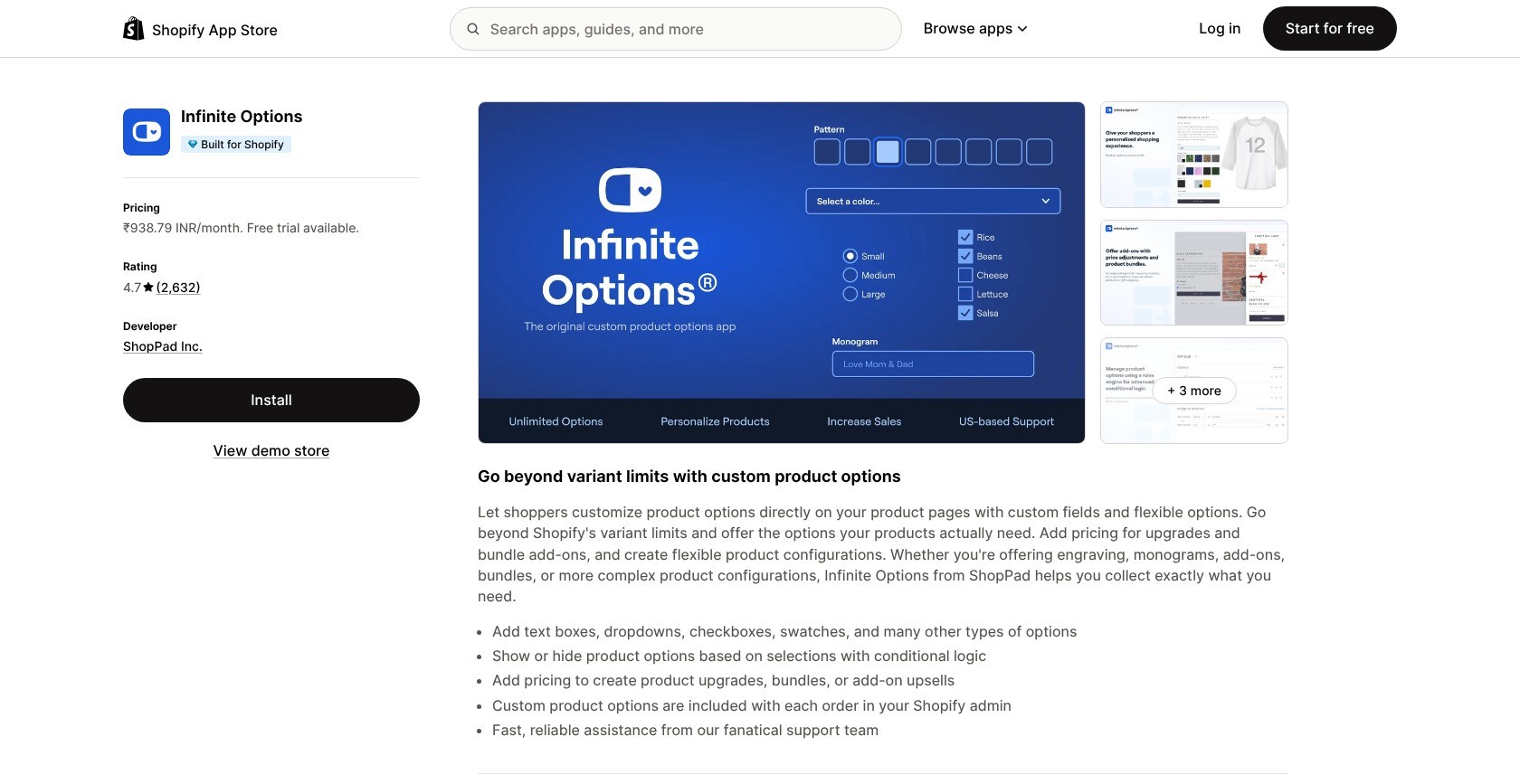
Infinite Options wins for single-plan simplicity, putting conditional logic and paid extras in one subscription. Globo offers a free starting point and a paid live-preview upgrade.
Pros
- Single subscription without feature tiers
- Built for Shopify status
- Live chat and VIP email support
Cons
- No permanent free plan
- No artwork preview
- More complicated redesigned dashboard (some merchants report)
What’s New With Infinite Options?
Infinite Options has a redesigned dashboard, but some merchants report that it’s more complicated than the previous interface. The Essential Plan still combines conditional logic and add-on products without separate feature tiers.
Why Use Infinite Options in 2026?
For simple personalization, fields and swatches can replace a design canvas. GemPages compatibility helps page-builder users, but check theme styling and mobile labels; shoppers can’t preview a monogram on the product image.
My Infinite Options Testing Notes
I added a tote to the gift catalog with a monogram field and gift-wrap add-on. The form collected personalization, but the entered initials didn’t appear on the product image, so make sure you provide clear examples before customers personalize their own tote.
How Much Does Infinite Options Cost?
The single paid plan includes logic and add-on products.
| Plan | Monthly price | Annual price | Key limit |
|---|---|---|---|
| The Essential Plan | $9.99 | Not offered | No live preview; 7-day trial |
10. Teeinblue: Best for Print-on-Demand Personalization
- Teeinblue pricing: $49/month; $0.10 to $0.40/item after 100 fee-free monthly items; 14-day trial
- Standout capability: Automatic print files; 11 POD integrations
- Get Teeinblue on the Shopify App Store
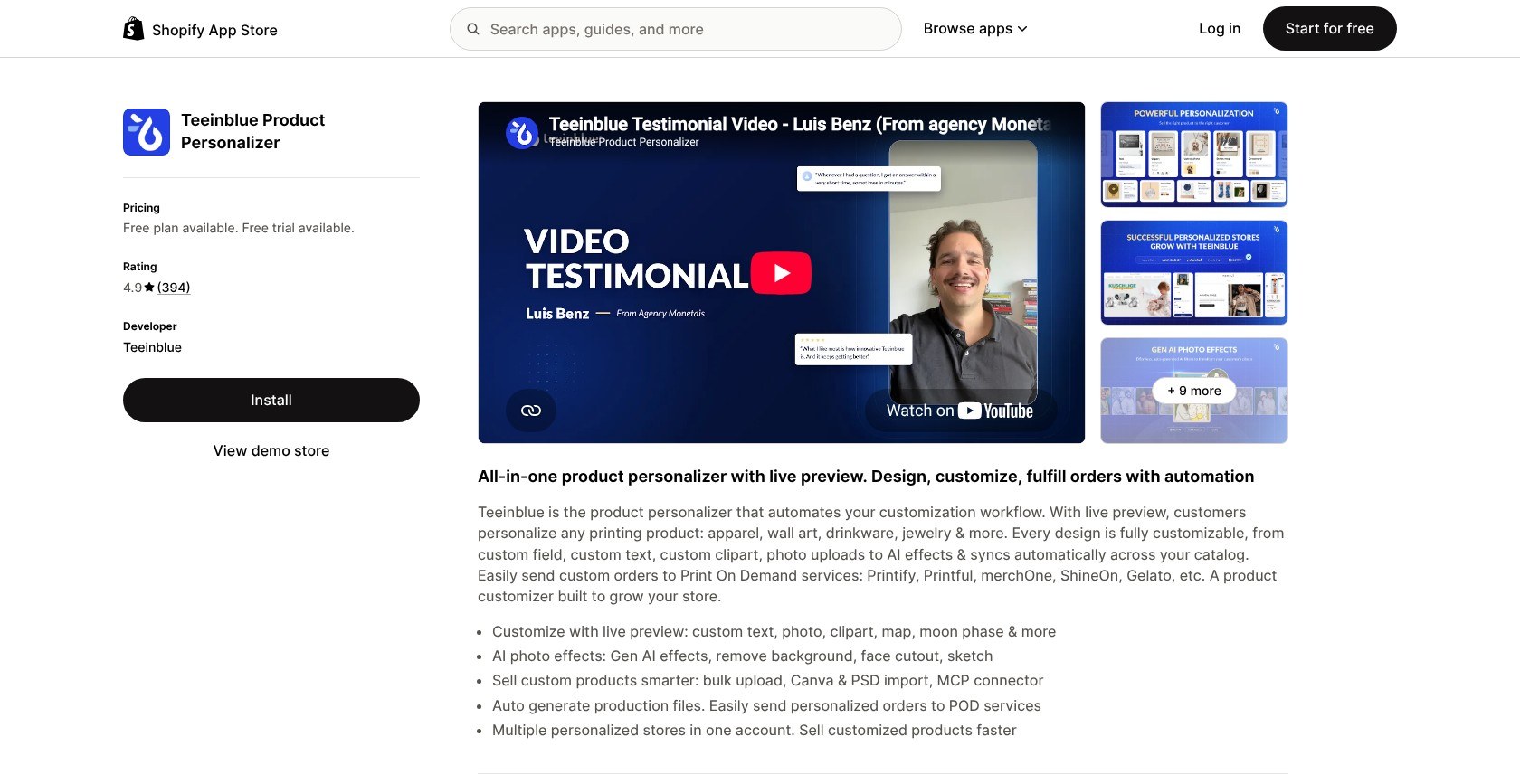
Teeinblue wins for POD personalization, connecting live previews to automatic print files and supplier integrations. Customily remains our engraving choice, while Globo costs less for basic fields.
Pros
- Product-image previews
- Automatic print files
- POD supplier connections
Cons
- Per-item fees beyond the monthly allowance
- English-only admin
- Text-dropdown workarounds (some merchants report)
What’s New With Teeinblue?
Teeinblue includes AI image effects and an MCP connector, plus Canva and PSD imports. These add creative tools, but its main strength is turning customer personalization into artwork for a POD supplier.
Why Use Teeinblue in 2026?
Teeinblue suits personalized POD stores because the preview sits on the product image, showing shoppers their intended t-shirt. Match surrounding controls to your theme, check mobile text placement, and allow more preparation for elaborate templates.
My Teeinblue Testing Notes
I built the custom-name t-shirt with a live preview on the product image and pushed a test order to Printify. The template editor took time to learn, so make sure you complete one design-to-order workflow before adding more products.
How Much Does Teeinblue Cost?
Blue includes a monthly fee-free item allowance.
| Plan | Monthly price | Annual price | Key limit |
|---|---|---|---|
| Development | $0 | Not offered | Development stores only |
| Blue | $49 | Not offered | First 100 items fee-free; then $0.10 to $0.40/item |
How Do I Choose the Right Shopify Product Customizer?
Don’t pay for a design canvas when you only need gift wrap. Choose a visual personalizer for artwork and production files, or an options app for fields and paid extras.
- Preview or fields? Globo covers everyday options; Customily turns visual personalization into production artwork.
- POD files? Teeinblue connects to Printify and Printful. Check your supplier and required export format.
- How are extras charged? Non-Plus apps can use separate products or Functions-based expansion. Globo uses Shopify Functions, but don’t assume every app produces one checkout line.
- Total cost at your volume? Add Customily or Teeinblue item charges, or Zakeke and Kickflip percentage fees, to the subscription.
- Mobile and theme fit? Check label wrapping, preview visibility, and whether customers can reach Add to cart without an overwhelming form.
- POS or B2B? Hulk supports these workflows. Confirm the tier and test each order path rather than assuming storefront compatibility covers every channel.
Will a Product Customizer Slow Down My Store?
A customizer can add storefront work, so test on a duplicate theme. Disable embeds individually and rerun PageSpeed to isolate their impact. After uninstalling, check for leftover theme code instead of assuming removal cleaned up everything.
How We Test and Rank Shopify Product Customizer Apps
We installed 15 apps on one Shopify test store and recreated the gift-shop products wherever supported. We placed test orders and checked checkout, order details, and available production files.
- Customization features (25%): Fields, uploads, conditional logic, and pricing controls.
- Storefront design and preview (20%): Theme fit, mobile layouts, and personalization.
- Pricing and fees (20%): Subscriptions, usage charges, and feature limits.
- Production output (15%): Exports and fulfillment connections.
- Ease of setup (10%): Reusable configurations and editor complexity.
- Support and reliability (10%): Support access and recurring problems some merchants report.
Prices are current as of November 2026.
I also considered these alternatives, but prioritized the use-case matches above:
- Angle 3D Configurator: Strong 3D tools, but tight product caps from $39/month
- OPTIS: Free option sets are capped
- Qstomizer: Budget visual designer from $9.99/month
- SC Product Options: No live-store free plan; conditional logic requires Premium
Customify and Zepto Product Personalizer are no longer available on the Shopify App Store.
Final Verdict: Which Shopify Product Customizer Do I Recommend?
For me, Globo Product Options is the choice for most stores: free everyday personalization, Functions-based extras, and live preview on Advanced. Built for Shopify status adds to its appeal, but choose Customily for engraving and production files.
Choose Zakeke for 3D and AR, Inkybay for custom dimensions, or Teeinblue for POD fulfillment. Every pick offers a free plan, trial, or development-store option, so build one product and place a test order. Check the final charge and production output, not just the preview.
FAQs
Can Shopify customize products without an app?
Yes, Shopify supports 2,048 variants and three options per product for standard combinations. Theme code can collect custom text through line item properties, but these don’t change the price. Apps add paid extras and visual personalization beyond native variants.
Is there a free Shopify product customizer?
Yes, Globo, Easify, and Aris have permanent free options plans for live stores. Paid extras and live previews require upgrades; Globo is our overall pick. Customily and Teeinblue offer free development-store access, not permanent free service for live stores.
Do I need Shopify Plus to charge for custom options?
No, paid extras don’t require Shopify Plus when using add-on products or supported Functions-based approaches. Direct price overrides through Cart Transform’s lineUpdate require Plus or development stores. Test a surcharge with a discount code, then check checkout and order details.
Which customizer creates print-ready files?
Customily, Teeinblue, Zakeke, and Inkybay generate production files. Customily suits engraving and laser cutting; Inkybay suits custom-size print work. A preview isn’t necessarily printable artwork, so check export dimensions and formats against your supplier’s requirements before accepting orders.
What happened to Customify and Zepto?
Customify and Zepto Product Personalizer are no longer available on the Shopify App Store as of November 2026. That doesn’t explain their removal or what happens to existing installations. Contact the developer about support and preserve your settings before planning a replacement.


