
 By Bogdan Rancea

After testing six Rebuy alternatives on the same Shopify store, I still consider Rebuy one of Shopify’s most complete personalization engines. Its Smart Cart and AI recommendations work alongside post-purchase offers and flows in one dashboard.
That said, order-based package pricing, a learning curve, and its absence from the Shopify App Store since mid-October 2026 give you reasons to reconsider. New installs go through Rebuy’s own site. But which app should take over each job?
Key Takeaways
- Rebuy: Broadest coverage, but unavailable on the App Store and priced per package by monthly orders.
- Upsell.com: My all-round replacement for offers across the purchase journey, starting free.
- UpCart: My Smart Cart replacement for cart design control.
- Zipify OCU: Charges on upsell revenue, not store order volume.
- Migration: No app imports Rebuy settings; rebuild one job at a time.
What Changed With Rebuy in 2026
As of November 10, Rebuy remains unavailable on the App Store, but existing installs keep running. Shopify Scripts stopped June 30, so Script-based discounts need rebuilding. Script tags stop running March 1, 2027; enable the Rebuy Connector app embed if you stay.
How We Test the Best Rebuy Alternatives
We installed every app on one Shopify test store and rebuilt Rebuy’s jobs, ranking features and design alongside pricing, setup, support, and reputation.
- Comparing Rebuy Alternatives
- 1. Upsell.com: For an All-in-One Rebuy Replacement
- 2. UpCart: For Replacing Rebuy’s Smart Cart
- 3. Aftersell: For Post-Purchase Upsells
- 4. LimeSpot: For AI Product Recommendations
- 5. Zipify OCU: For Pricing Based on Upsell Revenue
- 6. Frequently Bought Together: For Product Bundles on a Budget
- How Do I Choose the Right Rebuy Alternative for My Store?
- How Do I Migrate From Rebuy to an Alternative?
- How We Test Rebuy Alternatives
- Final Verdict: Which Rebuy Alternative Should You Pick?
- FAQs
Comparing Rebuy Alternatives
See how the top Rebuy alternatives compare, and pick by the job you need replaced, since no single app covers everything Rebuy does:
| Attribute | Upsell.com | UpCart | Aftersell | LimeSpot | Zipify OCU | Frequently Bought Together |
|---|---|---|---|---|---|---|
| App Store rating | 4.8 | 4.8 | 4.9 | 4.7 | 4.6 | 4.9 |
| Starting price | Free | $29.99/mo | $34.99/mo | Free | $9.95/mo | Free |
| Pricing based on | Orders or upsell revenue | Store orders | Selected plan | Turbo orders; Max revenue | Upsell revenue | Store orders |
| Rebuy job it replaces | Whole upselling funnel | Smart Cart | Post-purchase and cart | AI recommendations | Upsell funnels | Dynamic Bundles |
| Better than Rebuy for | Affordable funnel coverage | Focused cart design | Dedicated post-purchase funnels | Low-cost recommendation entry | Revenue-based billing | Budget product bundles |
| Areas to improve | Billing clarity | Translation and theme compatibility | Billing and payment limitations | Plus access; Max costs | Scaling costs; cancellation | Layout flexibility; narrow scope |
Which Rebuy Alternative Is Best for My Specific Business Needs?
Upsell.com suits you if Rebuy handles offers across several pages and you want those placements in one subscription.
UpCart is my choice for replacing the slide cart itself, not just adding recommendations inside your existing drawer.
Aftersell suits stores focused on offers after payment, with dedicated funnel testing rather than a broader personalization engine.
LimeSpot fits recommendation-led stores that need audience segmentation, especially when personalized browsing matters more than cart design.
Zipify OCU makes sense if order-based billing frustrates you, although its upsell-revenue tiers can still produce a substantial bill.
Frequently Bought Together suits product pairings and bundle discounts when you want to keep your existing cart.
1. Upsell.com: For an All-in-One Rebuy Replacement
Upsell.com is my best all-round Rebuy alternative because it covers offers from the product page through to the order status page.
Unlike Rebuy’s separate packages, every tier includes the full feature set, making it my starting point for rebuilding several upselling jobs together.
What I Like
- Broad coverage: I could build product-page and cart offers alongside post-purchase funnels, rather than relying on a cart-only app.
- Theme-conscious editing: The drag-and-drop editor let me style widgets around our storefront and check offer pages on mobile.
- Testing included: A/B testing and segmentation don’t require an upgrade, unlike Rebuy’s separate Flows & A/B Testing package.
- Accessible support: Round-the-clock live chat accompanies the free plan, so you can get setup help before committing to a subscription.
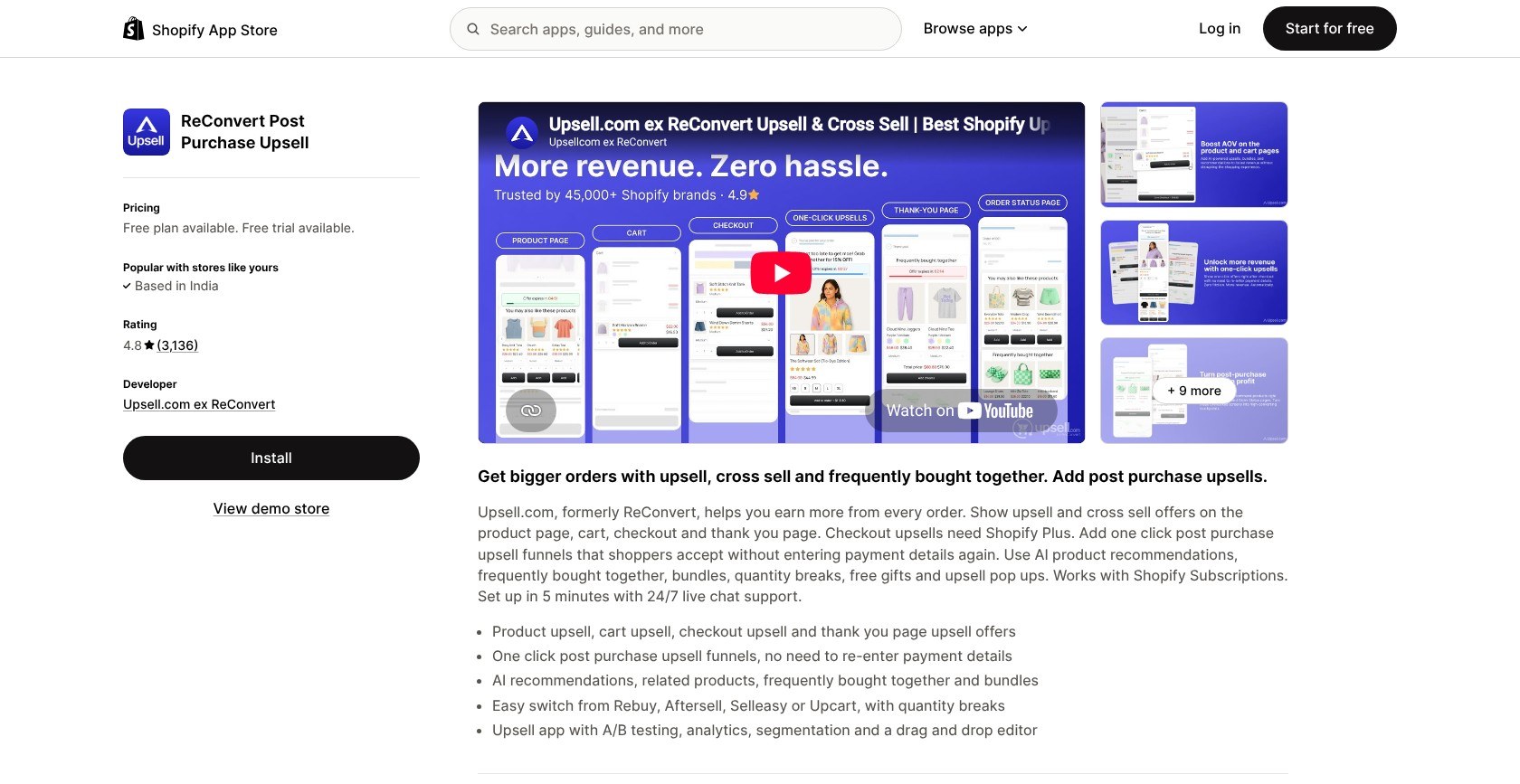
What’s new in 2026: ReConvert became Upsell.com on April 27, with no pricing change or required action for existing users.
What I Dislike
- Missing discovery tools: It doesn’t replace Rebuy’s Smart Search or landing pages; checkout placements still require Shopify Plus.
- Billing thresholds: Store orders or upsell revenue determine charges, and some merchants report unexpected plan increases.
- Partner offers: Some merchants report unwanted checkout partner offers in early 2026. Check these settings before launch.
How Much Does Upsell.com Cost?
Plans run from free to $39.99 monthly through 500 orders, with a 14-day paid-plan trial. I recommend Free while eligible: up to 50 orders or $50 upsell revenue. Growth 201 to 500 covers cart and post-purchase offers together, versus Rebuy’s $45 and $25 packages, respectively, before package discounts.
How Does Upsell.com Compare to Rebuy?
- Better consolidated value: Offer placements and testing share one subscription.
- Rebuy stays broader: Keep it for search and more extensive storefront personalization.
- Best switcher: Choose Upsell.com for cross-selling throughout the purchase journey, not a complete discovery-system replacement.
Should you use Upsell.com instead of Rebuy?
I recommend Upsell.com if you mainly need product recommendations and upsell funnels, rather than Rebuy’s search tools. Before launch, check billing thresholds and partner-offer settings, then test an eligible card order. Shopify excludes wallet and installment payments from post-purchase offers, so this placement won’t reach every customer.
2. UpCart: For Replacing Rebuy’s Smart Cart
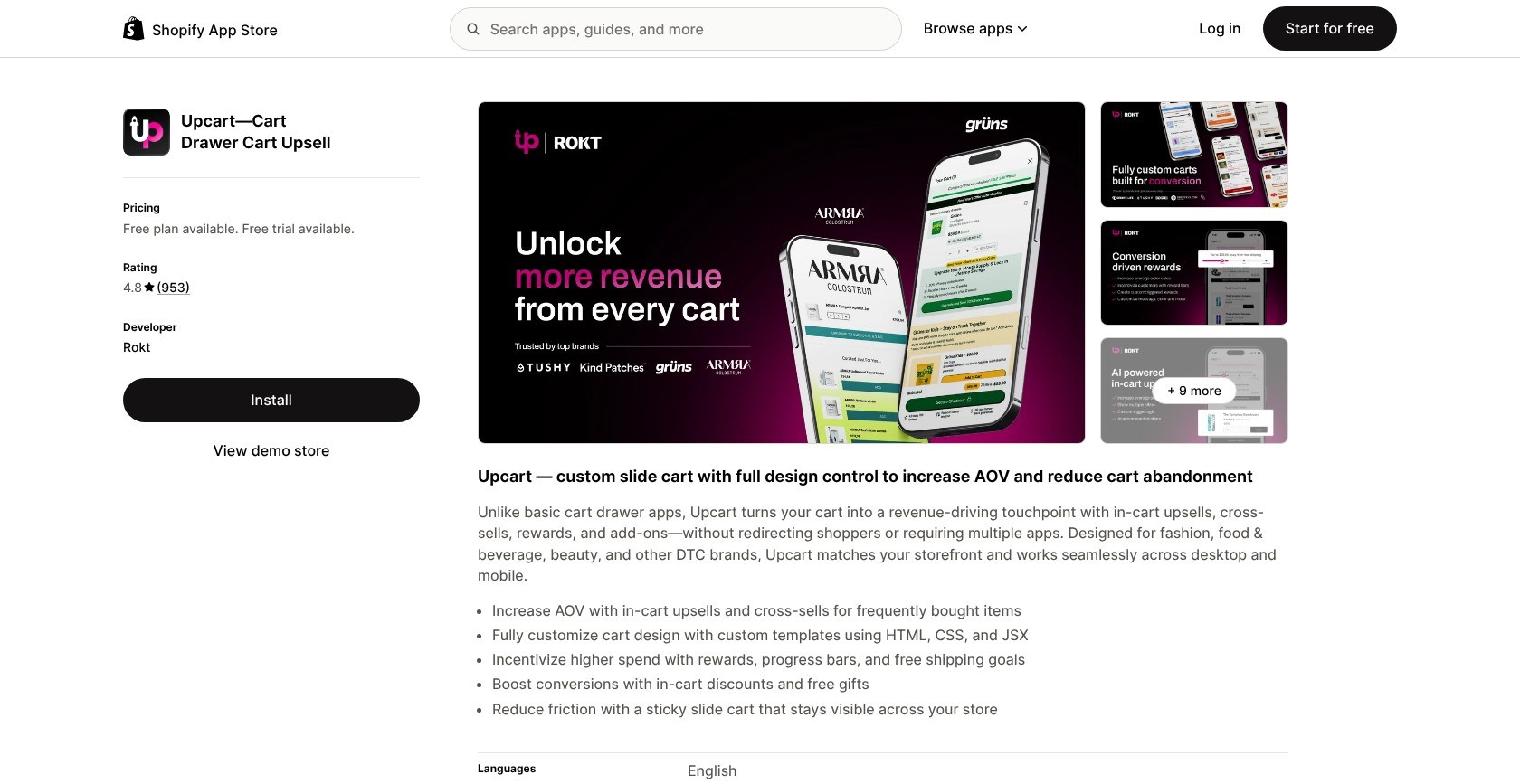
UpCart is my best Rebuy Smart Cart alternative because its design controls focus on rebuilding the slide cart itself.
Where Rebuy combines the cart with broader merchandising, UpCart keeps things narrower. I could work on theme-matched styling without buying features elsewhere in the funnel.
What I Like
- On-brand defaults: The cart inherited our theme’s fonts and sizing, so I didn’t need to restyle every element from scratch.
- Deeper design control: Custom HTML, CSS, and JSX templates extend the Design settings. Rebuy also supports custom code, but excludes it from support.
- Flexible rewards: I configured a free-shipping bar within a system supporting four reward tiers, preserving a familiar Smart Cart incentive.
- Useful modules: Announcements and add-ons complement AI-related upsells and variant matching, offering more cart control than a bundle-only widget.
What I Dislike
- Cart-only scope: There’s no post-purchase funnel, and recommendations are basic beside Rebuy’s engine. Add Aftersell if you need that placement.
- Theme and mobile quirks: Some merchants report Horizon compatibility issues, iOS zoom, or duplicated gifts. Test your theme and reward rules.
- Translation gaps: Some merchants report missing translations in multilingual stores, so check every cart message before switching.
How Much Does UpCart Cost?
UpCart costs $29.99 to $54.99 monthly through 1,000 orders, with a 14-day trial and no free live-store plan. Choose the tier matching your orders: 201 to 500 costs $34.99, versus Rebuy’s $45 Cart & Merchandising package. Higher tiers don’t unlock extra design features.
How Does UpCart Compare to Rebuy?
- Better focused value: You pay for a customizable drawer, not broader merchandising.
- Rebuy goes further: Its personalization engine extends well beyond cart offers.
- Best switcher: Choose UpCart when drawer design matters more than rebuilding the whole funnel.
Should you use UpCart instead of Rebuy?
I recommend UpCart when cart design is the job you’re replacing. I published the cart and enabled its app embed separately, so remember both steps during migration. If your theme’s drawer still opens, set its cart type to Page. Check the mobile checkout button and reward messages before launch, and only add a post-purchase app if that placement earns its place in your setup.
3. Aftersell: For Post-Purchase Upsells
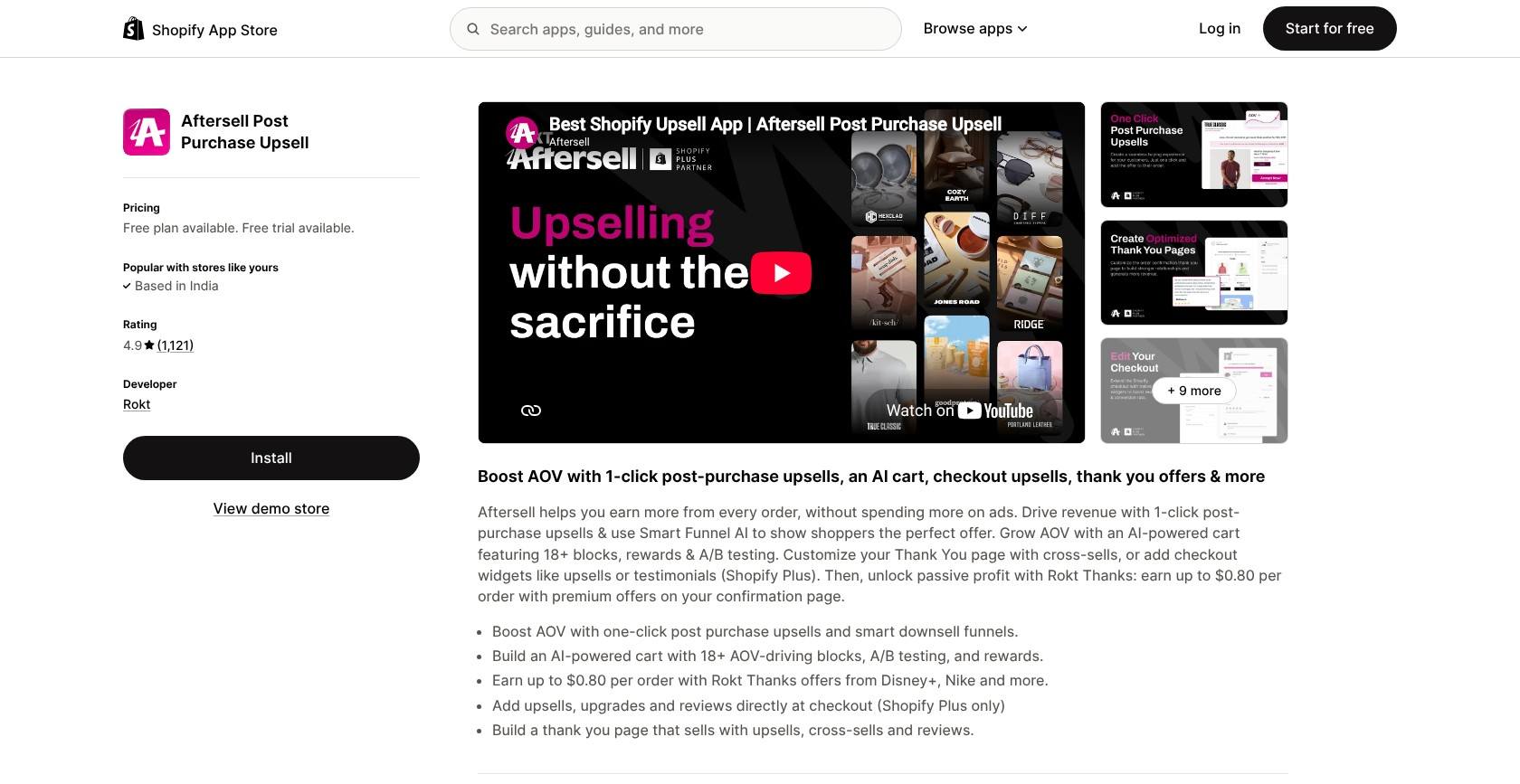
Aftersell is my post-purchase specialist because it combines one-click offers with Smart Funnel AI and multivariate testing.
It directly replaces Rebuy’s Checkout & Post-Purchase package. Plus, Rokt Thanks provides a counterpart to Rebuy Monetize for confirmation-page partner offers.
What I Like
- Dedicated funnels: I could build post-purchase offers with downsells and subscription upgrades, going beyond UpCart’s pre-checkout focus.
- Presentation controls: Custom CSS and HTML support theme-matched offer pages. I checked mobile layouts alongside the rest of the post-purchase journey.
- Room to expand: Pre-Purchase adds an AI cart with over 18 drag-and-drop blocks, giving you another drawer option besides UpCart.
- Confirmation-page earnings: Rokt Thanks offers potential earnings up to $0.80 per order from partner offers, making it relevant to Rebuy Monetize users.
What I Dislike
- No free live-store plan: Free access is restricted to development stores, unlike Upsell.com’s entry tier.
- Billing surprises: Some merchants report charges that grew with their total orders, so confirm how your plan is billed before the trial ends.
- Payment exclusions: Shopify’s wallet restrictions prevent some post-purchase offers from appearing, but that doesn’t suspend your subscription.
How Much Does Aftersell Cost?
Aftersell costs $34.99 to $79.99 monthly, with a 30-day trial. I recommend Post-Purchase at $34.99 for this job; Pre-Purchase costs $59.99, while Complete combines both and adds recommendations. Rebuy’s equivalent post-purchase package costs $25 through 500 orders, so Aftersell isn’t automatically cheaper.
How Does Aftersell Compare to Rebuy?
- Better specialist focus: Funnel testing and subscription upgrades suit dedicated post-purchase work.
- Rebuy remains broader: Aftersell doesn’t replace Smart Search or Rebuy’s full collection and flow tools.
- Best switcher: Choose it when post-purchase optimization and confirmation-page monetization are your priorities.
Should you use Aftersell instead of Rebuy?
I recommend Aftersell if post-purchase offers need a dedicated tool, while the rest of your storefront already works well. Start with Post-Purchase rather than paying for Complete unless you also need its cart features. Shopify allows only one selected post-purchase app, so replace Rebuy in checkout settings and test the new funnel with a card payment before treating the switch as complete.
4. LimeSpot: For AI Product Recommendations
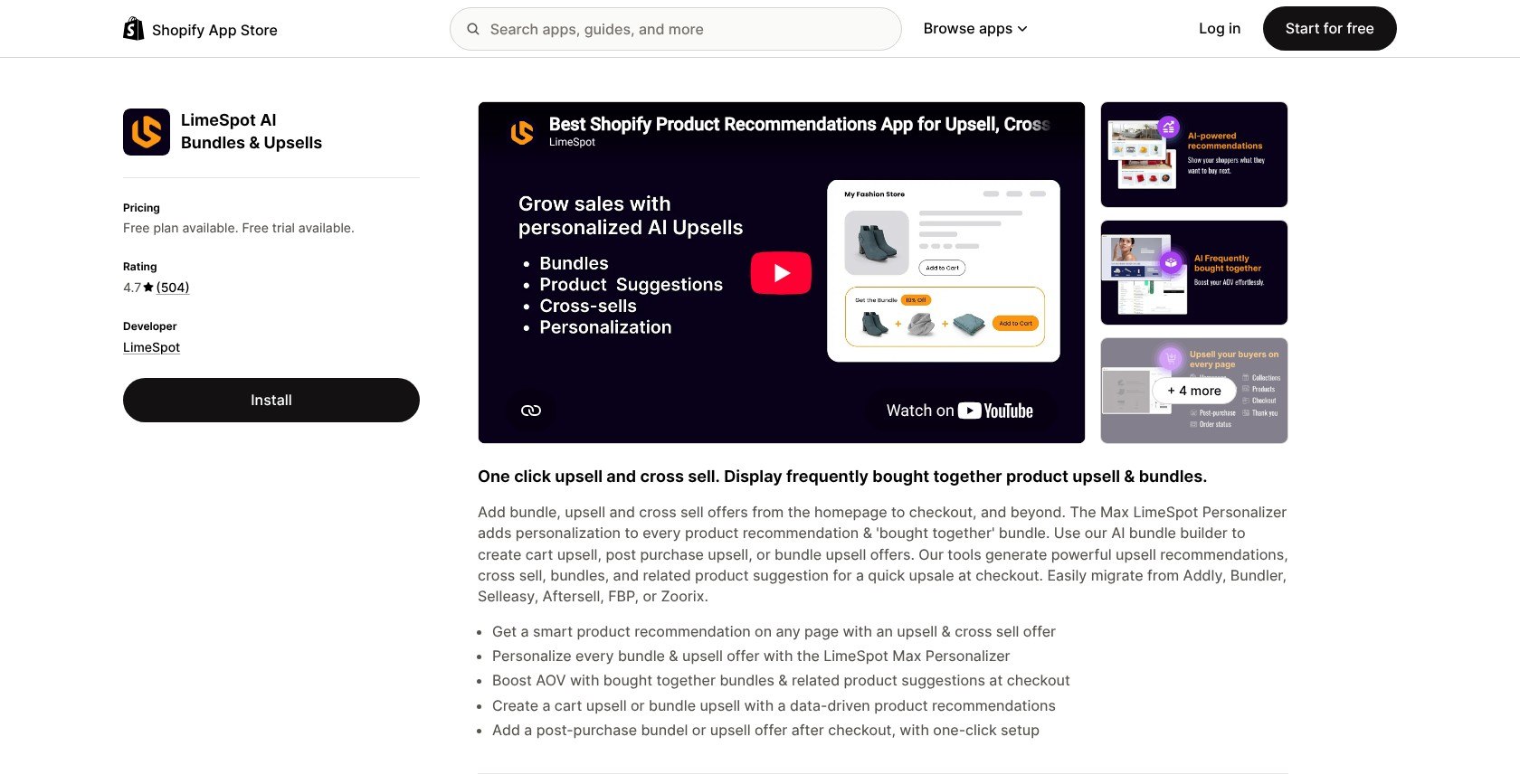
LimeSpot is my closest recommendation-engine alternative because it extends product suggestions into audience segmentation and personalized shopping journeys.
Unlike UpCart’s cart-first approach, LimeSpot focuses on which products shoppers see. Max gets closer to Rebuy’s collection and flow capabilities than most picks here.
What I Like
- Storewide recommendations: Turbo includes unlimited recommendations across pages, giving it a broader merchandising role than Frequently Bought Together.
- Manual and automatic choices: I could combine selected product pairings with automated recommendations, rather than relying entirely on AI suggestions.
- Theme-level styling: The Designer controls recommendation boxes, while CSS classes let you adjust prices and buttons beyond basic widget customization.
- Advanced personalization: Max adds audience segmentation and smart collections, making it a closer Rebuy competitor than cart-only apps for tailored browsing.
What I Dislike
- Turbo excludes Shopify Plus: Plus stores need Max, even when their recommendation requirements are simple.
- Revenue-based scaling: Max grows with store revenue. Some merchants also dispute how sales get attributed to the app, so watch your first few invoices.
- No replacement drawer: LimeSpot can recommend products in the cart, but it doesn’t replace Smart Cart itself.
How Much Does LimeSpot Cost?
Turbo is free through 10 monthly orders, then starts at $9.99 with order-based increases; I recommend it for non-Plus stores needing recommendations. Max starts at $50 monthly, scaling with store revenue, and both paid plans offer 15-day trials. Rebuy’s Search & Collections and Flows & A/B Testing packages each cost $35 through 500 orders.
How Does LimeSpot Compare to Rebuy?
- Better entry point: Turbo offers low-cost recommendations without a broader merchandising package.
- Rebuy keeps the integrated cart: LimeSpot leaves a gap if Smart Cart is essential.
- Best switcher: Choose Max when segmentation and personalized collections matter more than drawer design.
Should you use LimeSpot instead of Rebuy?
I recommend LimeSpot when personalized product discovery matters more than rebuilding your cart. Its Designer gave me control over how recommendations sat beside our products, but check mobile layouts again after CSS changes. Start with Turbo if your Shopify plan permits it; choose Max for segmentation or smart collections, not simply as the next upgrade. Keep any separate cart subscription in your cost comparison.
5. Zipify OCU: For Pricing Based on Upsell Revenue
Zipify OCU is my choice for upsell-revenue-based billing because its subscription doesn’t rise simply when store order volume increases.
Unlike Rebuy’s order-based packages, OCU ties pricing to upsell revenue, with all features included as you move between tiers.
What I Like
- Different billing logic: OCU charges on upsell revenue rather than orders, addressing a common reason to leave Rebuy.
- Broad coverage: Product-page offers and a cart drawer accompany post-purchase funnels, covering more placements than UpCart alone.
- Theme-matched widgets: I could use inherited store typography and adjustable colors to connect product-page offers with the surrounding design.
- Testing included: AI upsells and A/B testing come with every paid tier, unlike Rebuy’s separate testing package.
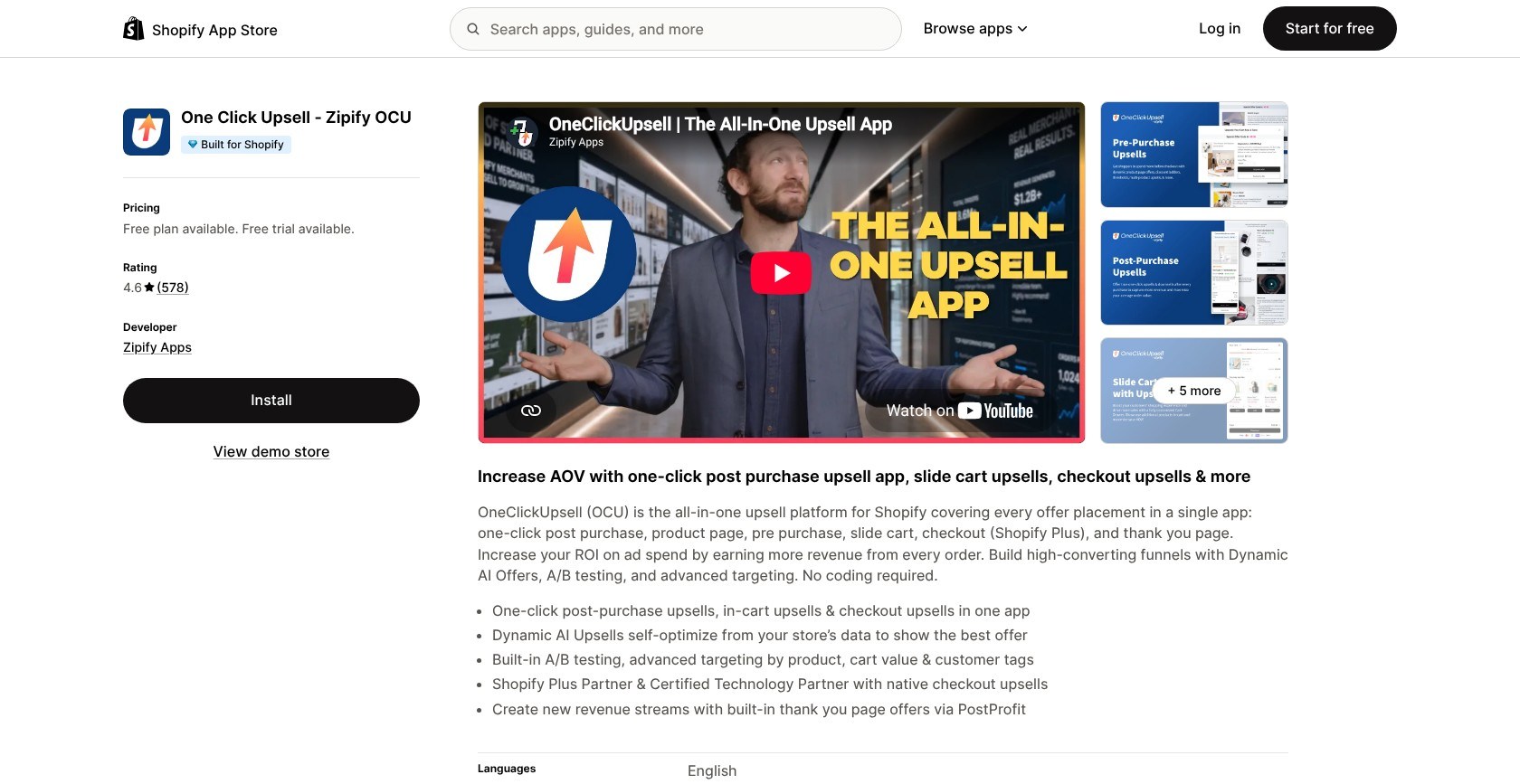
What’s new in 2026: April’s update added post-purchase headline banners and countdown blocks, plus product-page styling that inherits store fonts and supports color matching.
What I Dislike
- Success increases costs: Higher upsell revenue raises your subscription, so a successful funnel won’t necessarily be cheaper here.
- Payment compatibility: Some merchants report offers failing with alternative processors. Test your payment setup during the trial.
- Cancellation friction: Some merchants report difficulty finding cancellation controls. Establish the process before committing.
How Much Does Zipify OCU Cost?
OCU costs $9.95 to $999 monthly, with a 30-day trial. I recommend the starting tier below $200 in monthly upsell revenue; tiers then cost $25 to $99 through $2,500, and start at $149 above that. Unlike Rebuy’s $25 entry package, OCU includes all placements and testing.
How Does Zipify OCU Compare to Rebuy?
- Better billing fit: Ordinary order growth doesn’t independently move you into a higher tier.
- Rebuy retains discovery tools: OCU doesn’t replace Smart Search, smart collections, or landing pages.
- Best switcher: Choose OCU for broad upselling coverage when order-based billing is your main objection.
Should you use Zipify OCU instead of Rebuy?
I recommend OCU if you want subscription costs tied to upsell revenue, but calculate your likely tier before switching. Revenue-based pricing isn’t a promise of savings, especially when offers perform well. Its typography controls helped connect the widget to our theme; preview mobile offers after styling, too. Choose Rebuy instead if search and collections are central to the setup you’re trying to replace.
6. Frequently Bought Together: For Product Bundles on a Budget
Frequently Bought Together is my budget bundle replacement because it handles complementary product offers without a broader upselling system.
It replaces Rebuy’s Dynamic Bundles, rather than the cart or post-purchase journey.
What I Like
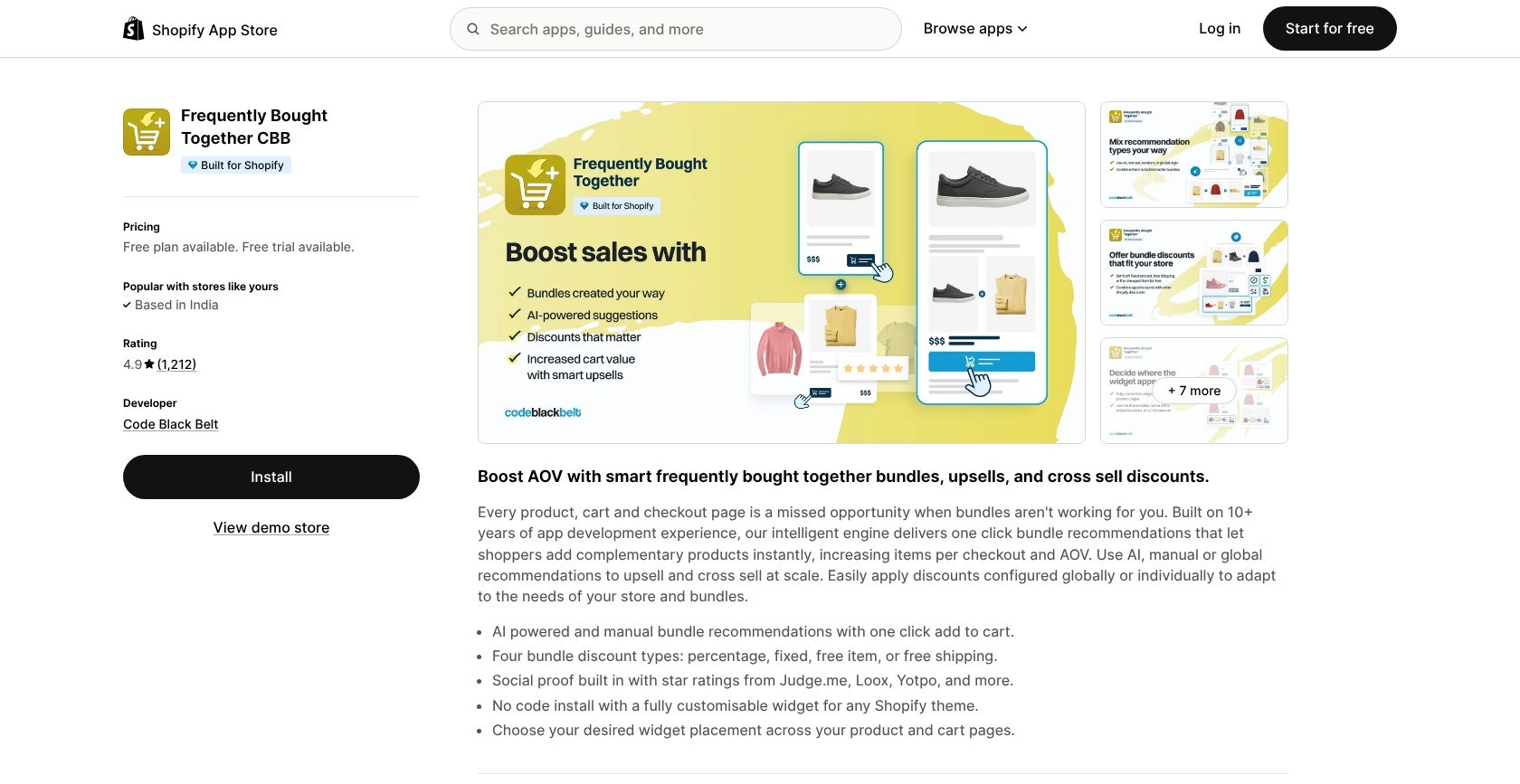
- Focused pairings: I could build manual bundles or use automatic recommendations without navigating a broader personalization system.
- Bundle discounts: Four discount types support offers without buying Rebuy’s full Cart & Merchandising package.
- Familiar presentation: The Amazon-style widget keeps the layout recognizable, without a full page-building workflow.
- Reviews within offers: Review-app integrations bring star ratings into bundle widgets, adding context alongside recommended products.
What I Dislike
- One replacement job: There’s no slide cart or post-purchase funnel.
- Limited free plan: Starter permits three manual bundles and basic customization, without automatic recommendations.
- Conventional layout: Widget customization offers less freedom than a full builder. Check product rows and selectors on mobile.
How Much Does Frequently Bought Together Cost?
Plans range from free to $39.99 monthly, with a 14-day paid-plan trial. Professional I costs $9.99 through 50 orders; I recommend Professional II at $24.99 through 500 orders for growing stores. That’s below Rebuy’s $45 Cart & Merchandising package, but replaces only its bundle function.
How Does Frequently Bought Together Compare to Rebuy?
- Better narrow-budget fit: You don’t need a full cart package just to offer bundles.
- Rebuy offers more: Its Bundle Builder and merchandising tools cover more complex requirements.
- Best switcher: Choose this for complementary products while keeping your existing cart.
Should you use Frequently Bought Together instead of Rebuy?
I recommend Frequently Bought Together when bundles are the only Rebuy feature you need. For an apparel store pairing a main item with accessories, its focused widget is a sensible starting point. Keep the styling restrained and test mobile selectors before publishing. Choose a broader app if you also need funnel testing, because separate subscriptions for missing features can erase the savings.
How Do I Choose the Right Rebuy Alternative for My Store?
Start by listing the Rebuy features you actually used, not everything its dashboard offered. A store using Dynamic Bundles needs a different replacement from one relying on Smart Cart and Smart Flows.
Aim for one app per job, two apps at most, because every extra app adds code to your storefront.
- Does it replace the job I used Rebuy for? Check whether it replaces the drawer or only adds recommendations.
- How does the price grow as my orders grow? Compare order-based tiers with revenue-based billing.
- Can I style it to match my theme on desktop and mobile? Preview real product names and variants.
- Does it need Shopify Plus for the placement I want? Separate checkout offers from post-purchase offers.
- Is the developer on the App Store and responsive? Ask a specific setup question during your trial.
Security also matters: we left Selleasy out after its October 2026 security incident, when a malicious script was added to some stores through the app’s settings.
How Do I Migrate From Rebuy to an Alternative?
Nothing exports from Rebuy into another app, so you’ll rebuild offers by hand. Keep replacements in draft while Rebuy remains live, then switch one job at a time.
- Cart drawer: Publish the replacement, turn off Rebuy’s Smart Cart, then enable the new drawer. Never run two live drawers together.
- Post-purchase: Record products and triggers, then turn off Rebuy’s offers individually. Select the replacement under Settings > Checkout > Post-purchase page.
- Widgets and bundles: Rebuild on a duplicate theme. Check desktop and mobile placements, including variant selectors and overlapping offers, before publishing.
- Discounts: Shopify Scripts stopped June 30, 2026. Recreate affected rules as supported automatic discounts in the new app.
- Clean-up: Uninstall Rebuy before the next billing cycle; disabling it doesn’t stop billing. Annual-contract customers must contact their account manager first. Remove leftover code from older, vintage themes.
Place a test order after each switch, using a card payment for eligible post-purchase offers. Compare average order value over several weeks, rather than judging one week in isolation, and retain your original offer details in case you miss a rule.
How We Test Rebuy Alternatives
We installed every app on the same Shopify test store, a small apparel and accessories brand with about 40 products and a Dawn-based theme. Using supported features, we rebuilt Rebuy’s slide cart with a free-shipping bar, product recommendations, a bundle, and a one-click post-purchase offer.
We checked desktop and mobile, then placed test orders. I ranked the Rebuy alternatives across six weighted areas:
- Upsell and personalization features: 30%, covering the Rebuy jobs each app replaces.
- Design and customization: 20%, including theme matching and mobile presentation.
- Pricing and value as you grow: 20%.
- Ease of setup: 15%.
- Help and support: 10%.
- Reputation: 5%.
Prices reflect November 2026 plans. We recheck listings when apps change, so recommendations don’t carry forward outdated plan names or limits.
Final Verdict: Which Rebuy Alternative Should You Pick?
Rebuy still offers broad personalization, but package pricing and App Store availability make these alternatives worth considering.
- Upsell.com: My best all-round replacement.
- UpCart: Best for replacing Smart Cart.
- Aftersell: Best for dedicated post-purchase funnels.
- LimeSpot: Best for AI product recommendations.
- Zipify OCU: Best for upsell-revenue-based pricing.
- Frequently Bought Together: Best for budget product bundles.
All six offer a free plan or trial. Rebuild your main offer first, test desktop and mobile, and decide before your next Rebuy billing cycle.
FAQs
Is Rebuy still on the Shopify App Store?
No, Rebuy has been unavailable on the Shopify App Store since mid-October 2026, and that remained its status on November 10. New installations go through Rebuy’s own site. No reason for its removal has been published.
Will my Rebuy setup keep working if I don’t switch?
Yes, existing Rebuy installs keep running, but enable the Rebuy Connector app embed before Shopify stops script tags on March 1, 2027. Enable it on your live theme and activate “Enable Rebuy JS via Rebuy Connector” in Rebuy’s app settings. Repeat the theme check whenever you publish a replacement theme.
Can I move my Rebuy settings to another app?
No, these alternatives have no direct import for Rebuy settings. Rebuild your cart and offer rules manually, using the existing configuration as a reference. An advertised “easy switch” means setup assistance, not an import. Follow the migration sequence above and retain your original settings until you’ve tested each replacement.
Do I need Shopify Plus for checkout upsells?
Yes, offers inside Shopify’s checkout require Shopify Plus. One-click post-purchase and thank-you page offers are separate placements available on other plans. Payment eligibility still matters: Shopify excludes wallet and installment payments from post-purchase offers, even when your plan and app otherwise support the placement.


