
 By Bogdan Rancea
Ecommerce has gotten seriously weird lately. A lot of store owners think their success still depends on creating the best online shopping journey for people. Truthfully, that does still matter, but what also matters is whether you’re prepared for the next generation of shoppers.
Bots are starting to handle a good chunk of the buying journey for a lot of people. In fact, by 2030, execs expect about 21% of their revenue will come from intelligent assistants buying on behalf of real consumers. Companies are also using these tools to automate things like product updates and catalog changes. The problem is that a lot of ecommerce platforms still don’t account for that.
They might have their own AI tools, but they don’t always play well with the other LLMs that come into the equation. So if you’re preparing for buyers that might not be human, or even if you want to use AI agents to help you manage parts of your store, you need to start considering platforms with a new perspective.
The Best Ecommerce Platforms for LLMs
This was an odd process for me. I usually compare platforms based on how they feel for humans to use. It’s a whole new thing to try and think of them from the perspective of an a company using AI agents, or a customer using AI shopping tools. Mainly, what I focused on was accessibility, whether these platforms have the systems in place to allow AI tools to navigate them cleanly.
Usually, that means access to a Model Context Protocol (MCP) solutions that allow AI applications to access specific functions and tools.
Most ecommerce platforms haven’t quite gotten there yet. These are the four I’ve found that seem to be making the most progress.
1. Fourthwall: Best For Machine Customers

I’ve recommended Fourthwall a lot in the past because of how easy it makes things for smaller sellers and creators. It’s an all-in-one platform that gives you a custom storefront, built in print-on-demand, and options for selling subscriptions and memberships, all without having to use extra apps.
The company also acts as the merchant of record for sellers, so you’re not dealing with tax manually, and even handles customer service tasks for issues related to products in its catalog.
That’s what makes it good for humans, what makes it great for LLMs is the ability to use a custom “MCP” server. Basically, that connects AI assistants to your store, so you can manage your shop more or less autonomously. Once your model’s connected, you can ask it to show you your best-selling products, highlight unfulfilled orders, calculate how your conversion rate’s changed, or track sales by country. You might just ask it to find orders from a specific customer.
It works with Claude Desktop, Claude Code, VS Code, Gemini CLI and other channels, and comes with built-in OAuth 2.0 authentication.
Pros:
- Custom MCP server access available
- Comprehensive system for managing multiple selling options
- Included print on demand (premium products)
- No monthly fees (unless you want the Pro plan)
- Tax and some customer service handled for you
Cons:
- Slightly less flexibility than some ecommerce platforms
- MCP integration isn’t native
2. WooCommerce: Best Native MCP Integration
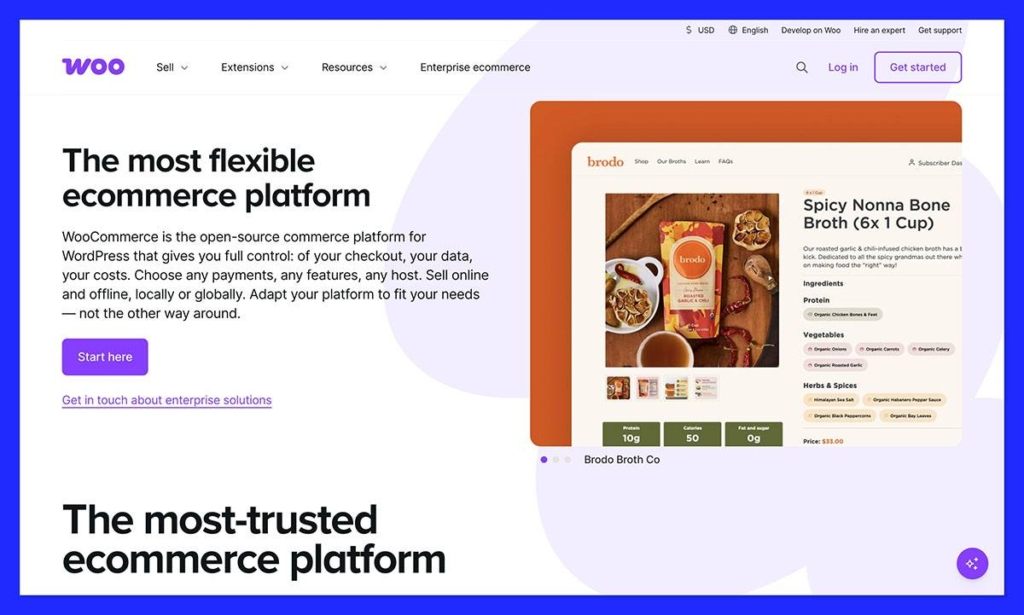
I would have recommended WooCommerce first for the fact that it has a native MCP integration alone, if it weren’t for a few things. WooCommerce does make it easy for AI assistants and tools to interact directly with an online store. The MCP integration gives you the option to use AI to handle everything from product management (like product listing and updates), to order management.
AI assistants can even retrieve detailed order information for you, or place orders on behalf of customers. That’s all great, but it does add to WooCommerce’s already significant complexity.
Most WooCommerce stores are already tricky, packed with dozens of plugins and add-ons that companies need just to make the system function properly. There’s a lot to manage. You have one thing for subscriptions, something else for taxes, and something else for shipping rules.
None of that makes WooCommerce bad, if you’re comfortable managing all of that technical stuff yourself. You just need to be clear about how much work you’re taking on.
Pros:
- Native MCP integration
- Exceptional flexibility with plugins and integrations
- Easy to adapt to any seller use case
- Plenty of ways to use AI to enhance your store
- Can be quite cost-effective
Cons:
- Heavy technical responsibility (even with the integration)
- Performance can suffer with too many plugins
- No real support team to help you out
3. Commercetools: Best for Enterprise AI Commerce

This is the one I’d probably recommend if you have a lot of developer skills, a lot of big plans for AI, and plenty of time. Unlike most platforms, Commercetools doesn’t really give you a “store” in the traditional sense. It’s more like a bunch of Lego blocks you assemble into whatever you need.
Catalogs, carts, pricing, orders, and AI tools are all separate systems you control programmatically. That gives you a lot of freedom. The Commerce MCP lets AI agents securely perform all kinds of tasks, from order processing, to pricing adjustments without an issue.
Tools like Claude Desktop and LangChain can plug into the MCP and work directly with the underlying resources, without running into confusion. Flows are explicit, data models are consistent, and if something changes, you know where and why.
The only real downside is how much work this all takes. You’re building a system more than setting up a store. That means you need developers, you need to design the architecture, and make sure everything keeps working. You get full control, but also all the headaches that come with that.
Pros:
- API-first structure makes everything customizable
- Excellent for direct AI interaction with commerce tasks
- Highly governable on a system level
- Lot’s of potential to adjust how your store works
- Transparent and predictable pricing
Cons:
- Serious developer skills are necessary
- Setup takes a long time
- Often overkill for smaller businesses
4. Shopify: Increasingly Powerful for AI-First Companies

Shopify is the platform I’ve probably spent the most time in over the years, and it still does a lot right. It’s still extremely flexible, customizable and scalable. It also gives you plenty of AI tools already built into the ecosystem if you like that sort of thing.
The Shopify Dev MCP server makes connecting LLMs simple. It immediately enables AI assistants to search docs, explore APIs, build functions, and gather data. LLMs and assistants can also send queries to Shopify, place orders, and move buyer journeys forward.
Shopify’s guides even show you how to build a custom server that standardizes agent access to catalogs and checkout flows, and ties into Shopify’s ACP for agent-led transactions.
It’s all excellent, but it’s still complex. If you want to build something robust with Shopify, most of the time you’ll end up with at least six or seven apps doing critical work, and not all of those will work perfectly with LLMs. That’s really the problem with a lot of these platforms, you get a lot of control and flexibility, you need to figure out how to use it.
Pros:
- Mature API ecosystem for developers
- Excellent MCP server control for stnadardized agent access
- Enables agent-led transactions
- Highly customizable across the entire platform
- Can be cost-effective
Cons
- Heavy reliance on third-party apps for core functionality
- Sometimes causes fragmented logic across integrations
- Still very API-centric
5. Composio MCP: Best Integration Layer for LLMs
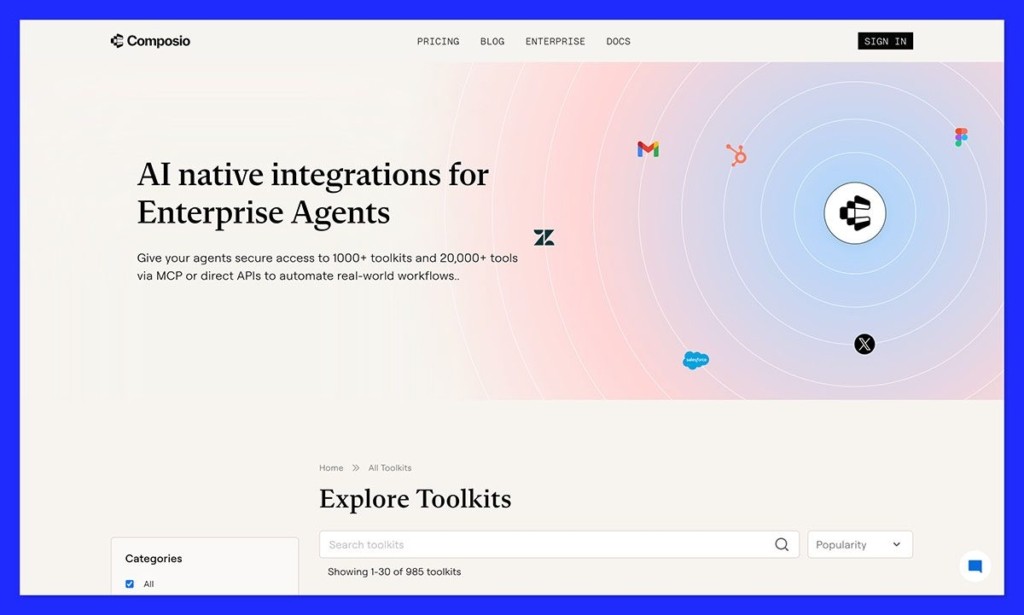
Composio isn’t a storefront, so I actually debated whether I should be including it on this list. Still, it’s definitely worth looking at if you’re worrying about how LLM access is going to affect ecommerce going forward.
What it does is give companies access to a hub of more than 100 managed MCP servers, which can connect AI agents to over 300 SaaS applications (including ecommerce kits). It’s particularly useful if you’re dealing with connecting multiple systems at once, like a lot of ecommerce leaders are these days. You even get built-in authorization.
Composio has a good reputation for being reliable (with high connection success rates), compatible with various LLM frameworks, and suitable for use with hundreds of tools. The problem is, it’s still complicated. Composio doesn’t simplify underlying platforms, or help you smooth out any issues, it just makes those tools easier to connect.
Many of the tools are also proprietary, so they can’t really be modified if they don’t fit your real needs to begin with. Also, the pricing structure is complicated, costs scale based on premium tool calls, so your fees can add up pretty quickly.
Pros
- Access to over 100 managed MCP servers and thousands of tools
- Excellent reliability for API calls
- Can be easier to set up than some other tools
- Extensive framework support
- Built-in standardization and authentication
Cons:
- Not the most customizable solution
- The learning curve can be high if you’re used to APIs
- Costs can scale very fast
How to Use an MCP Server: How Fourthwall’s Server Works
This is where Fourthwall starts to make a lot more sense.
A lot of platforms are talking about AI support right now, but that can mean basically anything. Sometimes it means there’s a chatbot somewhere. Sometimes it means you need to build half the system yourself before an assistant can do anything useful. Fourthwall’s setup is a lot more concrete. It gives you a hosted MCP server at https://mcp.fourthwall.com that works with Claude Desktop, Claude Code, Cursor, VS Code, Gemini CLI, and other MCP-compatible clients. You connect your client, log in with your normal Fourthwall account through OAuth 2.0, pick the shop you want to use, and that’s it.
Once it’s connected, the assistant can start pulling information directly from your store. You can ask it to:
- show your top-selling products
- list unfulfilled orders
- compare conversion rates over time
- break down sales by country, source, or UTM campaign
- check memberships, promotions, payouts, or shipping settings
- search Fourthwall’s help docs when you need an answer fast
That’s the real benefit. It turns your store into something you can ask questions about naturally, instead of something you have to keep digging through manually. Most ecommerce work is not one big decision. It’s a pile of small checks that eat up your time. What’s selling. What still hasn’t shipped. Whether a promotion is doing anything. Which channels are actually converting. Whether memberships are growing or quietly slowing down.
That’s also why the read-only setup matters. Fourthwall is giving assistants visibility, not control. For a lot of sellers, especially smaller teams and creators, that’s probably the sweet spot. You get faster answers and easier analysis without worrying about a bot messing with the store itself.
There are still a couple of limits. Your client needs to support Streamable HTTP, you need dashboard access to a Fourthwall account, and some tools depend on your permissions inside the shop. But compared with a lot of AI-commerce setups right now, this feels less like a developer project and more like something a normal business could actually use.
The Best Ecommerce Platforms for LLMs
We’re still not quite at a point where every ecommerce platform is really designed for the “LLM-driven future”, but a lot of companies are moving in that direction.
All of these platforms support AI agents in their own way, the difference between them comes down to how hard they are to set up and manage.
For me, Fourthwall feels like the easiest one to make sense of as a complete system. You can create your custom MCP, and still have a comprehensive store environment where everything sits in the same place, and you’re not relying on too many extra layers. You also get extra support where it counts with taxes and customer support.
If your goal is to make this next step in your ecommerce journey as simple as possible, I think Fourthwall is the way to go.


