
 By Bogdan Rancea
Selling digital products changed my business. No stock. No shipping. No support headaches.
Just great margins, global reach, and total scalability. But it only works if you’re using the right platform.
Over the last 10+ years building ecommerce stores, testing tools, and coaching clients, I’ve used or audited almost every digital product platform out there. Some were amazing.
Others were overpriced, clunky, or a complete waste of time.
If you’re wondering where to sell digital products, I’ll walk you through what’s actually worth using — based on your product, your skill level, and what kind of business you want to run.
TL;DR – Best Platforms to Sell Digital Products (Quick Comparison)
If you’re wondering where to sell digital products, here’s the short version:
✅ Choose the platform based on what you’re selling, how much control you want, and your budget.
| Platform | Start Cost | Fees | Best For | Custom Branding | Built-in Marketing |
|---|---|---|---|---|---|
| Payhip | Free | 5% per sale | All in one digital products platform | ✔ Yes | ✔ Built-in |
| Shopify | $29/mo | 0% (via app) | Full ecommerce store | ✔ Yes | ✔ Via apps |
| Fourthwall | Free | 0% | Selling digital + merch | ✔ Yes | ✔ Built-in |
| Teachable | Free/$39 | Transaction fees | Online courses | ✔ Good | ✔ Course-focused |
| Gumroad | Free | 10% per sale | Creators and indie sellers | ❌ Limited | ✔ Basic |
| Sellfy | $29/mo | 0% | Printables + digital + POD | ✔ Yes | ✔ Built-in |
| Podia | $39/mo | 0% | Courses, memberships, downloads | ✔ Yes | ✔ Strong |
| Etsy | $0.20/item | 6.5% | Templates, design assets | ❌ Limited | ✔ Marketplace reach |
| Kajabi | $149/mo | 0% | Full-scale info business | ✔ Full control | ✔ Advanced |
| ThriveCart | One-time | 0% | Funnel-based selling + courses | ✔ Yes | ✔ Strong |
| WooCommerce | Free | Add-ons vary | WordPress users | ✔ Full control | ✔ If configured |
| SendOwl | $9/mo | 0% | Simple delivery & subscriptions | ✔ Basic | ✔ Add-ons |
| Lemon Squeezy | Free | 5% | SaaS, licenses, dev products | ✔ Clean UI | ✔ Built-in |
| Creative Market | Free | Commission | Digital assets for designers | ❌ No control | ✔ Huge traffic |
| PayLoadz | $14.95/mo | 0% | Ebooks, music, media | ✔ Old school | ✔ Basic tools |
Why Sell Digital Products?
Let’s get this out the way — digital products aren’t “easy money.” They take real effort to create, brand, and market. But when done right, they scale in a way physical products simply can’t.
Here’s why I recommend digital products to almost every ecommerce client I work with:
✔ Low Overheads
There’s no stock to hold, no warehouse costs, and no delivery fees. Once it’s created, it’s done. You can sell the same file 100 times or 100,000.
✔ High Profit Margins
Because there’s no cost of goods sold, your margins are often 80–95%. That means more cash in the business and less stress on volume.
✔ Passive Income Potential
Automate your funnel and you can wake up to sales. It’s not instant, but with the right platform and traffic strategy, it builds over time.
✔ Global Reach
Your audience isn’t limited by borders. Sell worldwide without changing your ops. Just make sure your platform handles taxes like EU VAT.
Common digital products to sell:
- Templates (Notion, Canva, Figma, etc.)
- Online courses and mini-workshops
- Ebooks and guides
- Memberships and paid communities
- Stock photos, music, icons, or illustrations
- Software, code, or plugins
- Printables, planners, worksheets
What to Look for in a Platform
Choosing a platform isn’t about features. It’s about fit.
Here’s what I advise clients to look at when picking where to sell digital goods:
1. Pricing and Fees
You’ve got two types of cost models:
- Transaction-based: Free to start, but they take a % of every sale (e.g. Gumroad, Payhip).
- Subscription-based: Flat monthly fee with no (or lower) per-sale cut (e.g. Podia, Kajabi, Shopify).
2. Customisation and Branding
Do you want full control over how your store looks and feels? Or are you happy with a plug-and-play product page?
3. Ease of Use
Some platforms let you launch in 15 minutes. Others need dev support or multiple plugins. Choose based on your technical confidence.
4. Marketing Tools
Look for built-in email tools, affiliate programs, coupon support, SEO features, and upsell capabilities.
5. Payment Handling + Compliance
Can it take payments globally? Does it handle EU VAT, digital delivery, and refunds easily?
The 15 Best Platforms to Sell Digital Products
1. Payhip
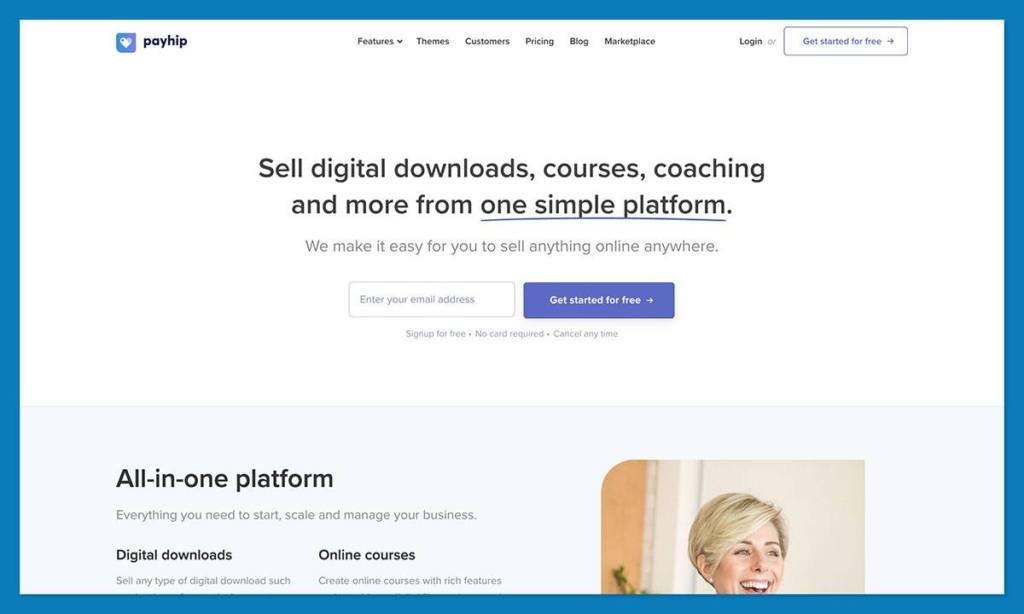
Payhip is honestly one of the easiest platforms to recommend to a first-time digital product seller. It’s one of the only companies that focused on digital sales first, even before it started offering physical product options.
What makes Payhip great is the fact that it understands most sellers just want to get setup quickly, without taking on a bunch of upfront costs (the free plan is extremely generous) or dealing with complicated software.
That’s been enough to attract more than 130,000 active sellers to the platform in the last ten years, but lately Payhip has been growing even more impressive. For instance, the company has handled EU and UK VAT for a while, but now it’s expanding into global tax management.
Payhip has also added a marketplace for sellers who want to find traffic quickly, introduced a more customizable checkout interface, added Apple Pay and over 100 different payment methods, and improved collaboration features with automatic revenue splitting when you work with other sellers.
You’ve also got more default languages to choose from, options for selling pre-generated license keys, an enhanced content editor, and cross-selling on all product types.
Payhip might not give you as much freedom with storefront customization as some other platforms, but it’s still brilliant for sellers who want to make digital products their “main event”.
Pros:
- One of the best free plans in the category
- Very low-friction way to start selling
- Built specifically for digital products
- Strong built-in features without extra apps
- Marketplace gives smaller sellers added visibility
- Great fit for courses, downloads, memberships, coaching, and software
Cons:
- Storefront customization is still fairly limited
- Better for digital products than physical ecommerce
- Not ideal for highly design-led brands
Pricing:
- Free plan: 5% transaction fee
- Plus: $29/month + 2% fee
- Pro: $99/month with no transaction fees
Best for: Beginners and small digital-first businesses that want to start selling without upfront costs or unnecessary complexity.
2. Fourthwall

Fourthwall has turned into one of my favorite “brand platforms” in the last couple of years. It doesn’t focus on big brands like Shopify, but it does make it much easier for smaller sellers, nonprofits, startups, and beginners to jump in.
I usually recommend it to people who already have an audience, like artists, YouTubers, and streamers. It doesn’t feel much like a traditional ecommerce platform at first, more like a convenient toolkit for people who want to sell everything from digital products and memberships to premium merch, without having to handle a bunch of different apps.
You can sell just about anything on this platform, and you don’t waste endless time on back-end admin work. You’re not piecing together a store, a membership tool, a print-on-demand partner, a checkout flow, and a payment system from scratch. It’s all much more packaged, which makes it easier to launch quickly and keep things moving.
Fourthwall also acts as your merchant of record, so you’re not handling the tax stuff yourself. Plus, it deals with customer support for any products purchased from it’s print on demand library. Again, that’s just less work on your plate.
It’s not the platform you’d probably pick for “cheaper” print on demand, or super complex sales strategies, but it’s great for momentum.
Pros:
- Built with creator, startup, and smaller businesses in mind
- Combines digital products, memberships, and merch well
- Premium print-on-demand products
- Easier to launch than most ecommerce platforms
- Handles tax, payments, and some customer service
- No apps or integrations needed
- Strong fit for audience-driven selling
Cons:
- Less useful for traditional ecommerce brands
- Not the most flexible platform on this list
- Works better for creator businesses than standalone stores
Pricing:
Free to start
5% fee on digital product sales
Pro plan from $19/month with no digital product fee
Best for: Creators or smaller businesses who want to sell digital products without dealing with extra tools or admin work.
3. Shopify
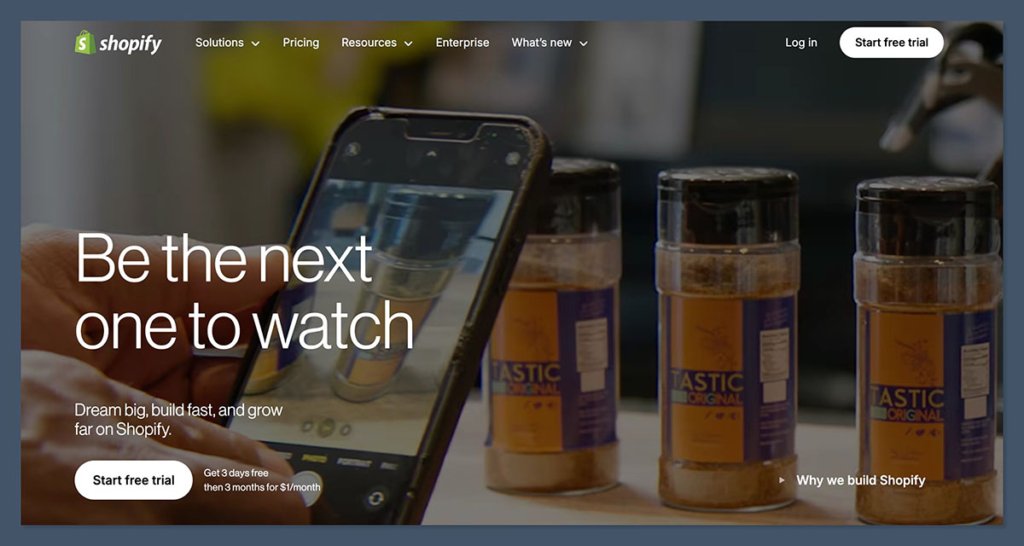
If you’re serious about building a full brand, Shopify is my go-to recommendation.
I know Shopify tends to feel like more of an appealing platform for companies selling “physical” products, but if you’re serious about building a full brand, it’s still one of the best systems out there.
A lot of the tools on this list are fantastic for getting started, maybe even easier to dive into than Shopify, but they don’t give you nearly as much control.
With Shopify, you get to choose your store’s design, access an entire ecosystem of apps for subscriptions, upsells, email marketing, and anything else you can think of, and there’s already a fantastic checkout experience built in.
You do need an app to sell digital products, like Digital Downloads, SendOwl, or Sky Pilot, but those are still pretty easy to manage.
Plus, you get the extra benefit of knowing you can expand however you like. You might start with selling templates and eBooks, then move on to memberships, courses, and physical merch later. Shopify doesn’t stop you from doing any of that.
I also love how easy it is to weave in other channels, connecting to social media channels for sales or marketplaces, or even adding offline sales with Shopify POS.
Plus, Shopify usually runs great trial offers for beginners. Right now, you can start with a 3-day free trial, then pay just $1/month for your first three months.
Pros:
- Best option here for building a full brand
- Complete control over your store, domain, and customer data
- Excellent design control and storefront flexibility
- Easy to mix digital and physical products
- Works perfectly with AI, SEO, and automation tools
- Huge app ecosystem
- Strong long-term growth option
Cons:
- Not especially beginner-friendly
- Digital selling often depends on third-party apps, which can be expensive
Pricing:
- 3-day free trial + $1/month for first 3 months
- Basic plan after: $29/month
- Popular digital product apps: Free–$20/month
- Shopify Payments: 2.9% + 30¢ per transaction
Keep in mind that you will need to think about the cost of any premium apps you want to use for selling digital products, marketing, or anything else, too.
Best for: Sellers who want more control, more flexibility, and a platform they won’t outgrow quickly.
4. Teachable (for digital courses)
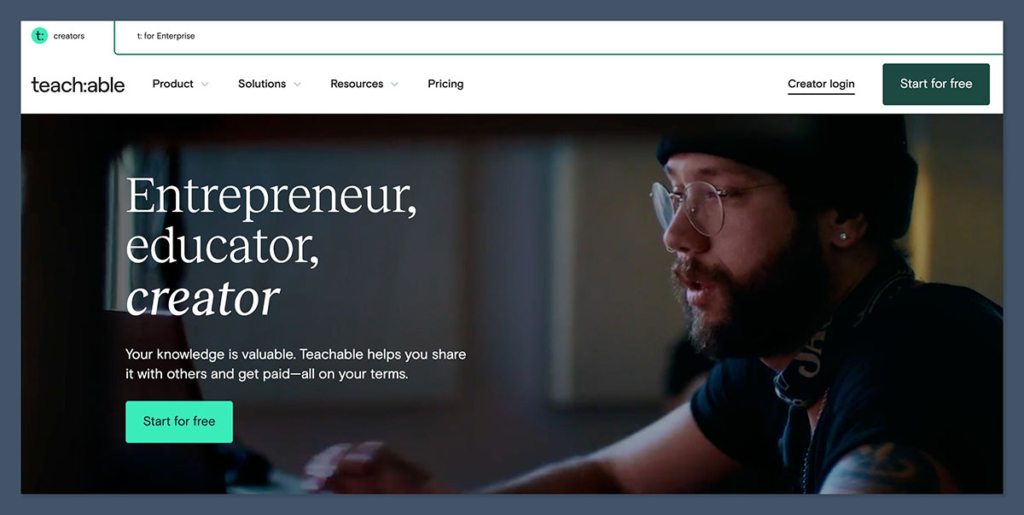
Teachable is purpose-built for online education.
You get a course builder, quizzes, video hosting, and a student dashboard — all without needing external tools.
They also allow product bundles, affiliate programs, and private communities.
It’s great for turning your knowledge into a product you can sell at scale.
Pros:
- Easy-to-use course builder
- Supports quizzes, drip content, and certificates
- Handles tax and payments globally
Cons:
- Branding is limited on lower plans
- High fees on free plan
Best for: Online educators and workshop creators
Pricing:
- Free plan: $1 + 10% per transaction
- Basic: $39/month
- Pro: $119/month
5. Gumroad
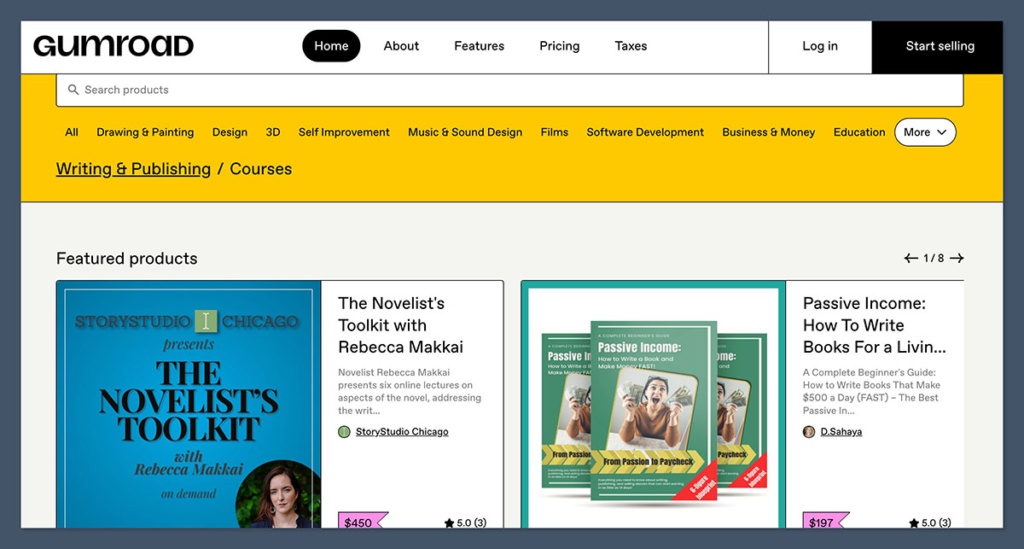
This platform is ideal if you’re just starting and want something fast.
Gumroad is super beginner-friendly and lets you list products, accept payments, and start making sales with zero upfront cost.
It’s built for creators — especially writers, artists, indie devs, and freelancers.
You can collect emails, offer pay-what-you-want pricing, and handle multiple file types. Great for side hustlers or solo creators.
Pros:
- Free to start
- Instant product pages with no setup
- Collect buyer emails and send updates
- Built-in analytics
Cons:
- 10% fee on every sale (plus Stripe/PayPal fees)
- No deep customisation or full storefront
Best for: Indie creators, freelancers, and first-time sellers
Pricing:
- Free to use
- 10% fee per transaction
- No monthly plan needed
6. Sellfy
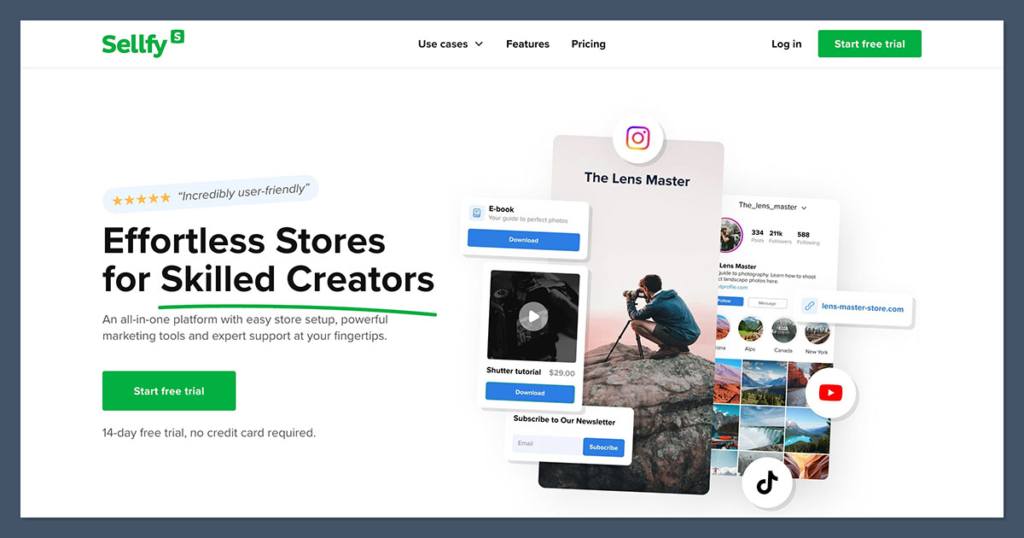
Sellfy is an underrated gem for creators who want to sell digital products, subscriptions, or print-on-demand — without needing a separate website.
The interface is clean, and the storefronts are mobile-friendly.
You also get built-in email marketing, product embedding, and upsells. I’ve seen it work great for selling printables, fonts, and even video content.
Pros:
- All-in-one storefront solution
- Offers POD + digital + physical products
- Built-in marketing tools and analytics
- Supports subscriptions and pay-what-you-want
Cons:
- Design customisation is limited
- Limited app integrations
Best for: Creators who want to get up and running fast with all tools in one place
Pricing:
- Starter: $29/month
- Business: $79/month
- No extra fees on sales
7. Podia
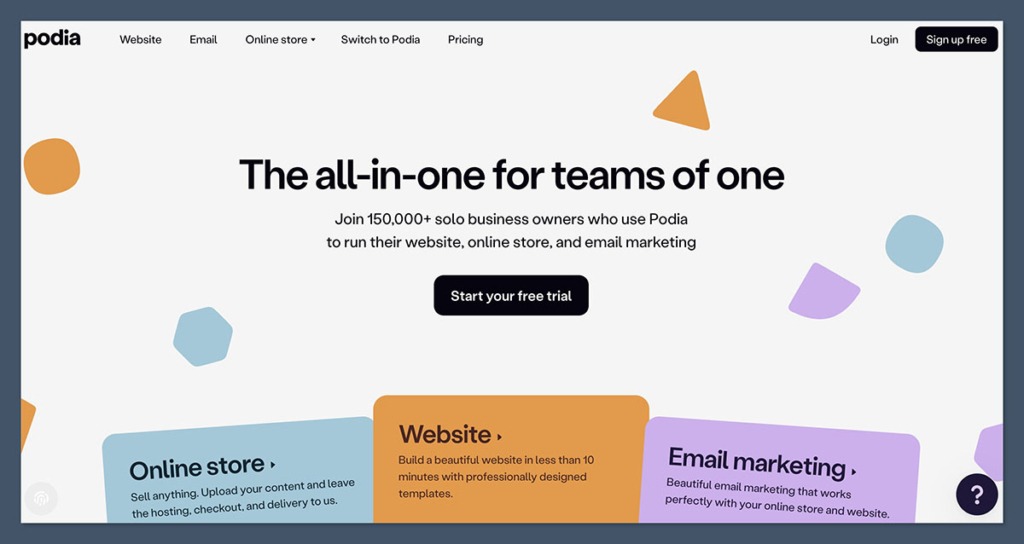
Podia is a clean, powerful platform designed for course creators, coaches, and digital product sellers.
What I like is how everything’s in one place — your website, email list, community, checkout, and content delivery.
If you’re teaching something or want to build a recurring income from memberships, Podia is hard to beat.
Pros:
- No transaction fees
- Sell courses, downloads, webinars, and memberships
- Email marketing and product bundles included
- Offers free migration from other platforms
Cons:
- Not ideal for physical products
- Checkout design is simple and not as flexible
Best for: Coaches, educators, and course creators
Pricing:
- Mover: $39/month
- Shaker: $89/month
- No transaction fees on paid plans
8. Etsy (for digital downloads)
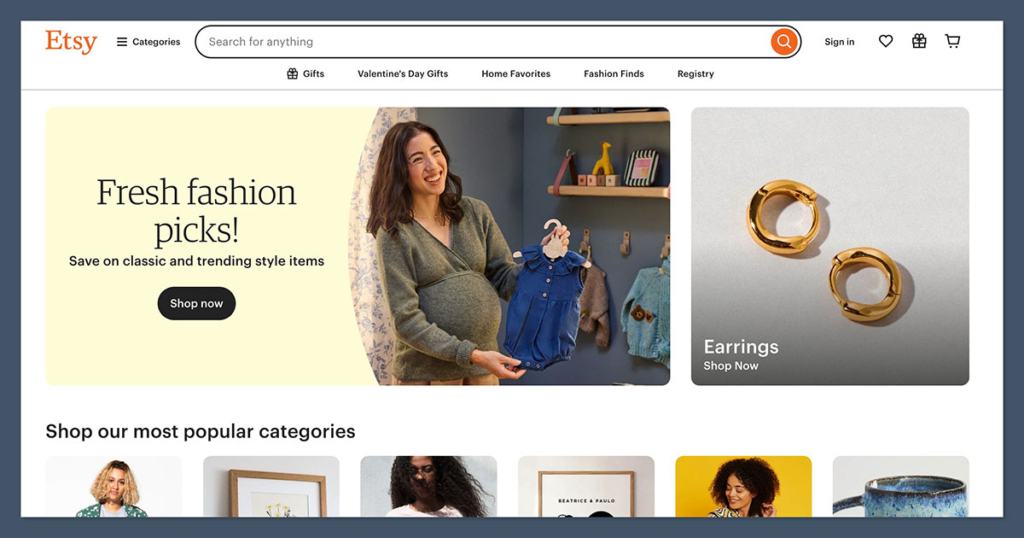
If your digital product has a handcrafted or design-focused vibe — think planners, templates, illustrations, fonts — Etsy is still a strong option.
The search traffic is there, and Etsy shoppers are used to paying for creative assets.
You’ll compete on price and visuals, but if you understand Etsy SEO, you can still win.
Pros:
- Huge marketplace with built-in traffic
- SEO tools + tagging
- Trust factor with shoppers
Cons:
- 6.5% fee + listing and payment fees
- Limited store branding
- Competitive and saturated
Best for: Designers and artists selling creative digital assets
Pricing:
- $0.20 per listing
- 6.5% transaction fee
- 3% + 25¢ payment processing
9. Kajabi
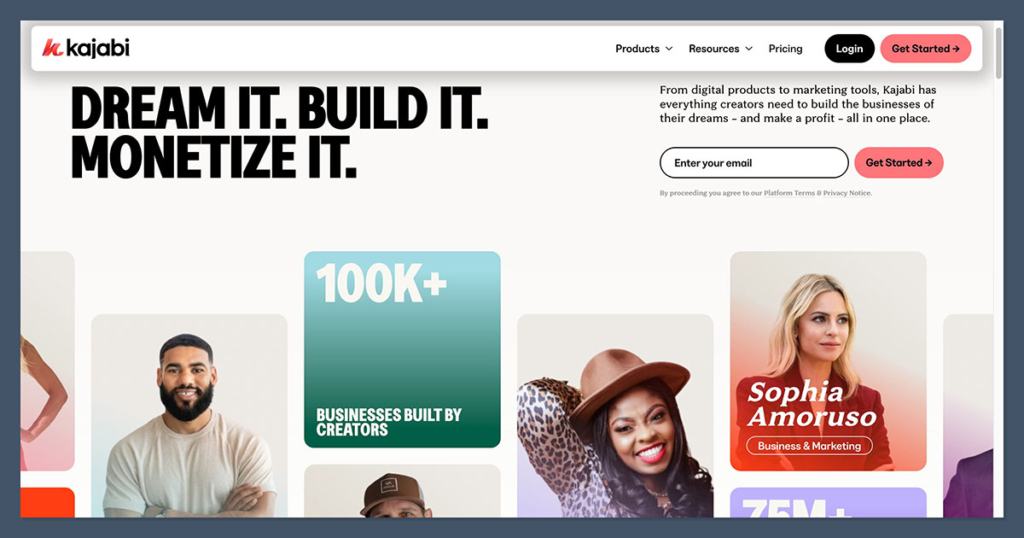
Kajabi is more than just a platform — it’s an entire ecosystem for high-ticket digital product businesses.
If you’re selling premium courses, coaching, or memberships, this is the best all-in-one solution.
You get full control over funnels, emails, CRM, webinars, and automation — without needing a developer.
Pros:
- High-end design and branding
- Advanced email and automation flows
- Strong analytics and lead tracking
Cons:
- Expensive entry point
- Might be overkill for beginners
Best for: Serious creators and digital businesses scaling past £5k/month
Pricing:
- Basic: $149/month
- Growth: $199/month
- Pro: $399/month
10. ThriveCart (with Learn+)
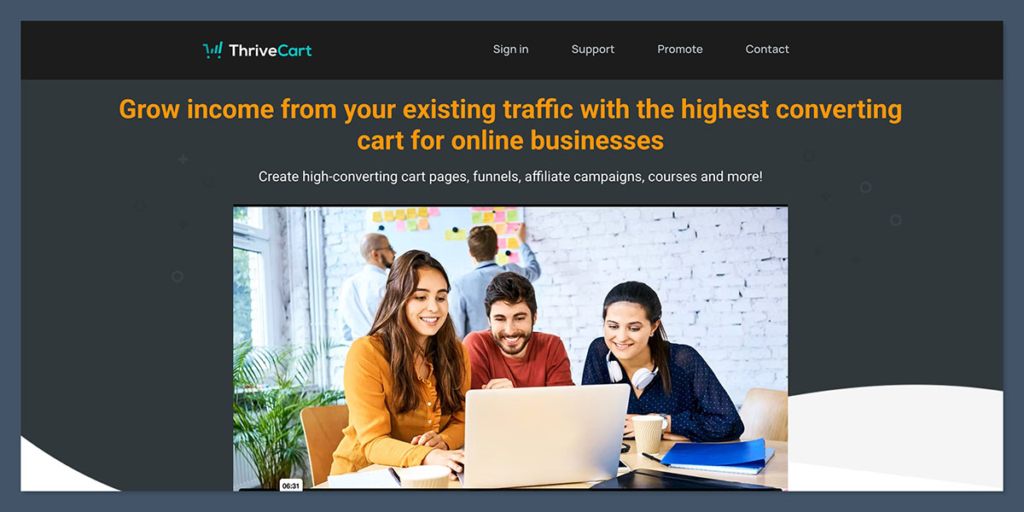
ThriveCart is a one-time payment tool that gives you high-converting checkout pages, upsells, order bumps, and now even a course platform with Learn+.
Great for marketers and info product sellers who want full ownership and don’t want monthly subscriptions.
Pros:
- Lifetime license, no ongoing cost
- Powerful checkout flows
- Learn+ is solid for digital course delivery
Cons:
- No built-in storefront
- Limited storefront customisation
Best for: Marketers, funnel builders, and high-volume product sellers
Pricing:
- $495 one-time
- Learn+ add-on: +$195 (one-time)
11. WooCommerce (with extensions)
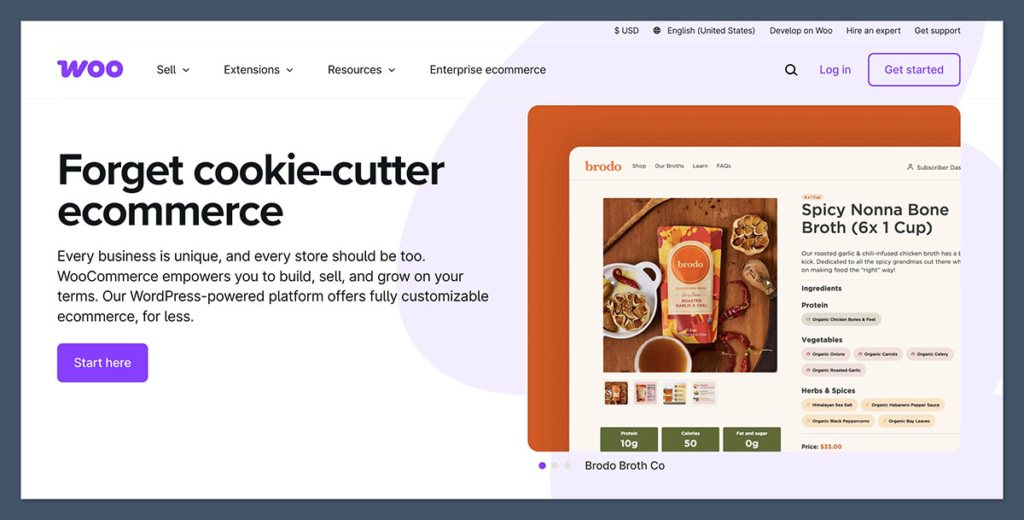
If you’re on WordPress, WooCommerce gives you total freedom.
Combine it with extensions like WooCommerce Downloads, Memberships, or Subscriptions, and you can build anything.
You’ll need to manage plugins, hosting, and updates — but you get unlimited flexibility.
Pros:
- Total control over everything
- Large library of add-ons and themes
- Great for SEO
Cons:
- Needs ongoing maintenance
- Can get complex
Best for: Developers, bloggers, and businesses that want full ownership
Pricing:
- Core plugin: Free
- Hosting: from $10–$30/month
- Extensions: $50–$200/year each
12. SendOwl
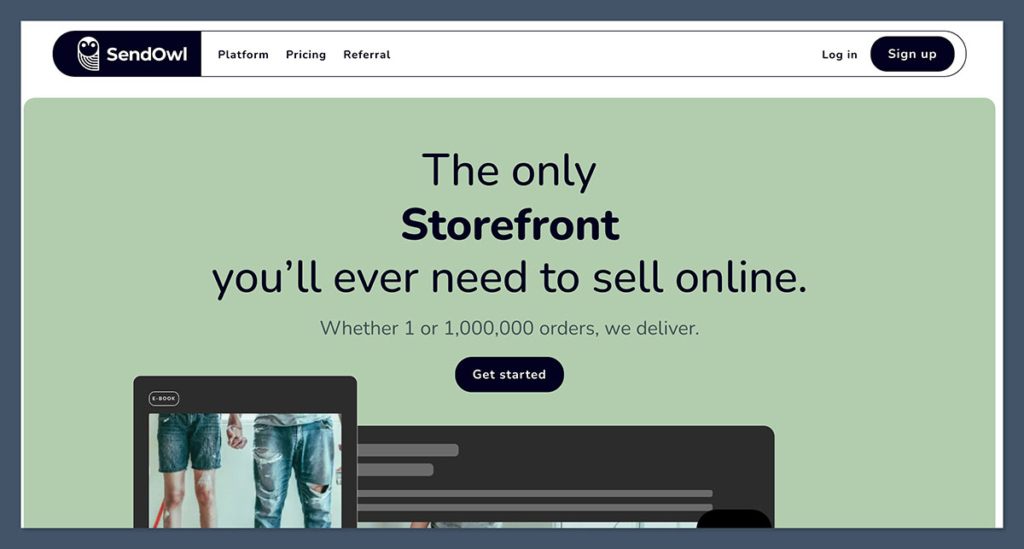
SendOwl focuses purely on selling and delivering digital products.
It’s a great add-on for an existing site, blog, or landing page.
It supports bundles, subscriptions, pay-what-you-want, and even affiliate programs. Clean interface, no bloat.
Pros:
- Works with your own site or blog
- Handles subscriptions and bundles
- Simple UI
Cons:
- Not an all-in-one platform
- Lacks storefront design tools
Best for: Sellers who already have traffic and just need a backend system
Pricing:
- Basic: $9/month
- Standard: $15/month
- Premium: $39/month
13. Lemon Squeezy
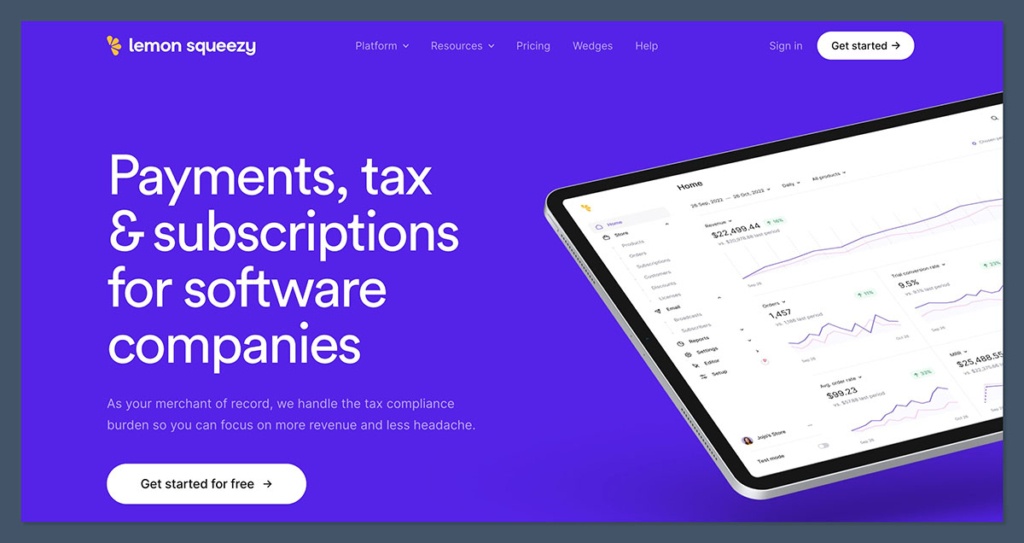
Designed with SaaS founders and developers in mind, Lemon Squeezy makes it easy to sell licenses, subscriptions, and digital tools.
It handles taxes globally and has a slick UI.
It’s newer, but growing fast. Great for niche technical products and indie hackers.
Pros:
- Handles EU VAT, tax reports, and invoices
- Clean dashboard and analytics
- Supports subscriptions and licensing
Cons:
- Still building integrations
- Limited for design-heavy storefronts
Best for: SaaS tools, devs, indie software creators
Pricing:
- Free plan
- 5% transaction fee
14. Creative Market
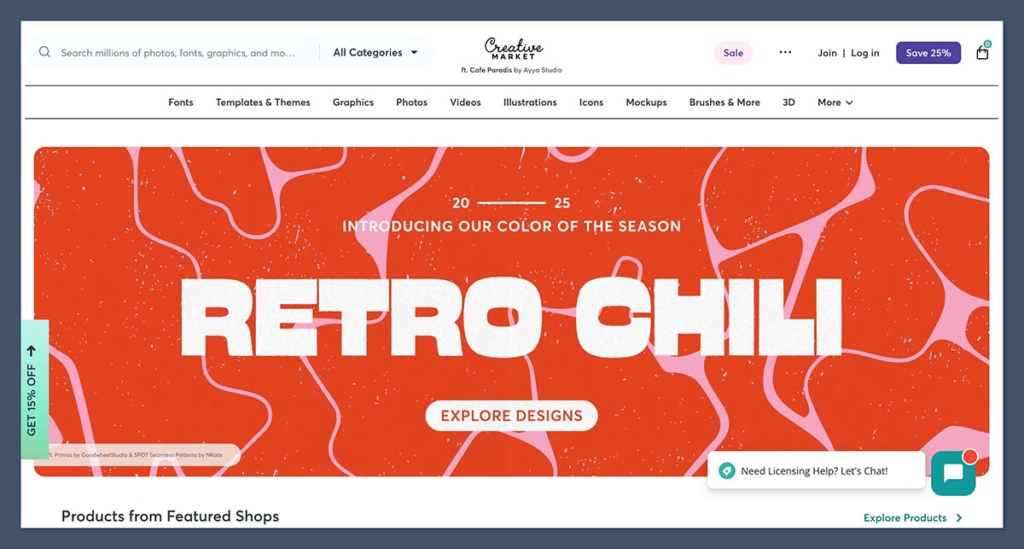
This platform is perfect if you’re a graphic designer, font creator, or selling templates.
The audience is full of other creators looking for polished design assets.
No upfront cost — but it’s a competitive marketplace and you’ll need to apply to sell.
Pros:
- High-intent buyer traffic
- No monthly fees
- You keep up to 70% of sales
Cons:
- Must apply and be accepted
- No full storefront customisation
Best for: Designers selling visual products
Pricing:
- Free to join
- Revenue split: 30%–70% in your favour
15. PayLoadz
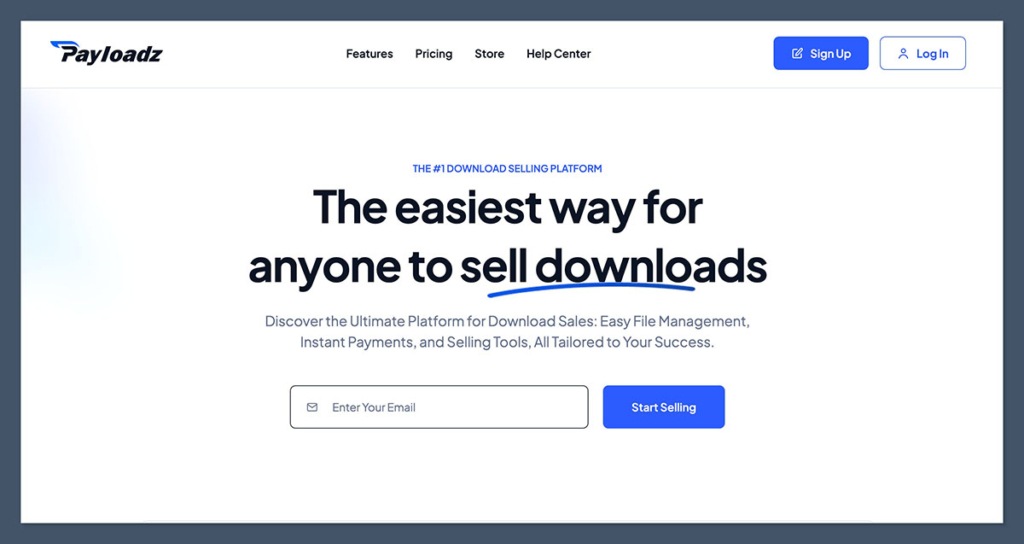
One of the oldest platforms around — and still useful if you want a no-fuss way to sell files, music, or PDFs. It’s not flashy, but it works.
You upload your file, set your price, and it handles delivery and payment processing.
Pros:
- Simple file delivery
- Works with PayPal
- Supports affiliate setup
Cons:
- Outdated interface
- Limited design or store control
Best for: Ebook sellers, musicians, small digital product creators
Pricing:
- Starts at $14.95/month
- No transaction fee beyond PayPal/Stripe
Final Thoughts
There’s no “perfect” platform. But there’s definitely a best-fit platform for where you are right now.
If you want control: Shopify, WooCommerce, or Podia.
If you want speed: Gumroad, Payhip, or Lemon Squeezy.
If you’re selling design assets: Etsy, Creative Market, or Notion marketplaces.
If you’re building a full info product business: Kajabi, ThriveCart, or Teachable.
My advice?
Start simple. Launch fast. Then scale into the platform that matches your growth.
Don’t let “perfect” stop you from shipping the product.


