
 By Bogdan Rancea
Best Overall

Squarespace
See pricing Visit Squarespace →From $19 per month
billed annually, 0% fee from Core
- Most polished templates
- Store, blog and portfolio in one
- Nothing to install or update
Best for growth

BigCommerce
See pricing Visit BigCommerce →From $29 per month
billed annually ($39 monthly)
- More selling tools built in
- Free Shopify migration app
- 15-day free trial
Best free plan

Square Online
See pricing Visit Square Online →Free plan
paid plans from $49 per month
- Sell online with no subscription
- Inventory shared with Square POS
- 0% platform fee
After testing these Shopify alternatives, I still recommend Shopify as the strongest all-round ecommerce platform. Its selling tools give you room to grow, as I explain in my Shopify review.
That said, it isn’t automatically the right first store. There’s no free plan, apps add costs, and its theme editor can feel restrictive. Check Shopify pricing before paying for features a small shop won’t use. So which platform should you start on?
Key Takeaways
- Shopify is the most complete platform, but there’s no free plan, and apps add costs.
- Squarespace suits design-led brands that want a premium look.
- BigCommerce gives a fast-growing catalog more built-in selling tools.
- Square Online and Big Cartel let you start selling for free.
- Wix is the best all-in-one alternative, with free-form drag-and-drop design.
- Hostinger offers the cheapest paid store setup, with hosting and a domain.
- The remaining picks cover specialist needs, from adding a store to an existing site to full ownership.
How I tested the best Shopify alternatives
I set up a store on each platform with the same small catalog of physical products with variants and a digital download, designed homepage and product-page layouts, and ran test checkouts. I compared sales features, design, total cost, beginner-friendliness, and support.
Top 3
- Squarespace for design-led brands.
- BigCommerce for stores that plan to grow fast.
- Square Online for selling for free and in person.
On this page
- Comparing Shopify Alternatives
- 1. Squarespace
- 2. BigCommerce
- 3. Square Online
- 4. Wix
- 5. WooCommerce
- 6. Ecwid
- 7. Big Cartel
- 8. GoDaddy
- 9. Hostinger
- How Do I Choose the Right Shopify Alternative?
- How Do I Migrate From Shopify?
- How We Test
- Final Verdict
- FAQs
Comparing Shopify Alternatives
See how the top Shopify alternatives compare in all the key areas, with Shopify as the baseline, in this side-by-side table:
| Platform | Starting price | Free plan or trial | Transaction fee | Product limit | Best for |
|---|---|---|---|---|---|
| Shopify | $29/mo billed yearly ($39 monthly) | 3-day trial, then $1/mo for 3 months | 0% with Shopify Payments; 2% with other gateways on Basic | No cap | Stores that want every selling tool |
| Squarespace | $19/mo billed yearly | Free trial | 2% on Basic, 0% from Core | No cap | Design-led brands |
| BigCommerce | $29/mo billed yearly ($39 monthly) | 15-day trial | 0% on built-in gateways; 2% on others (Core) | No cap; yearly sales limits by plan | Fast-growing catalogs |
| Square Online | Free | Free plan | 0% platform fee (3.3% + 30c card rate on Free) | No cap | Selling online and in person |
| Wix | $29/mo billed yearly (Core) | Free plan, can’t sell | 0% | Up to 50,000 | All-in-one small businesses |
| WooCommerce | Free plugin, plus hosting and extensions | Free plugin | 0% (WooPayments 2.9% + 30c) | No cap | Full control on WordPress |
| Ecwid | $5/mo | No free plan | 0% | 10 on Starter, 100 on Venture | Adding a store to an existing site |
| Big Cartel | Free (5 products); Platinum $15/mo | Free plan | 0% | 5 / 50 / 500 by plan | Artists and makers |
| GoDaddy | $24.99/mo billed yearly to sell products | Free plan, can’t publish | GoDaddy Payments about 2.7% + 30c | Small catalogs | AI-built small stores |
| Hostinger | A few dollars a month on a long prepay ($18.99 monthly) | 30-day money-back guarantee | 0% | About 1,000 | Tight budgets |
Which Shopify Alternative Is Best for My Specific Business Needs?
For your first store with room to add services: I recommend Wix for its bookings and flexible website tools.
For a brand that lives on its looks: Choose Squarespace. Its included templates provide a polished starting point without a premium-theme purchase.
For the smallest budget: Choose Hostinger if you can prepay, or Square Online and Big Cartel to avoid a subscription.
For a catalog you expect to grow fast: Shortlist BigCommerce for built-in selling tools, or WooCommerce for ownership and customization.
For a website you already have: Ecwid adds a store without requiring a complete redesign.
1. Squarespace: For Design-Led Brands
Squarespace is my best Shopify alternative for design-led brands. I recommend it when product photography and brand presentation need to carry your store, but you don’t want to commission a custom design.
Shopify offers attractive themes, but a premium look can mean buying one separately. Squarespace includes its templates, and its content tools suit a shop with a portfolio or editorial pages alongside the catalog.
What I Like
- Squarespace has the most polished starting designs here. Its roughly 200 included templates provide a cohesive foundation. Fluid Engine’s snapping grid offers more layout control than Shopify’s sections without Wix’s completely free placement.
- Your store can sit naturally beside your other work. Blogging and portfolios are part of the platform, with scheduling in the same ecosystem. I recommend it for a photographer selling prints or a brand with an editorial focus.
- You don’t have to manage software updates. Squarespace handles the platform, so you don’t maintain a WordPress installation. Compared with WooCommerce, there’s less technical housekeeping between creating product pages and keeping the store running.
- Core removes the standard store commission. You don’t need the highest plan to avoid a platform charge on ordinary store sales. Digital products have a separate fee structure, so check it before selling downloads.
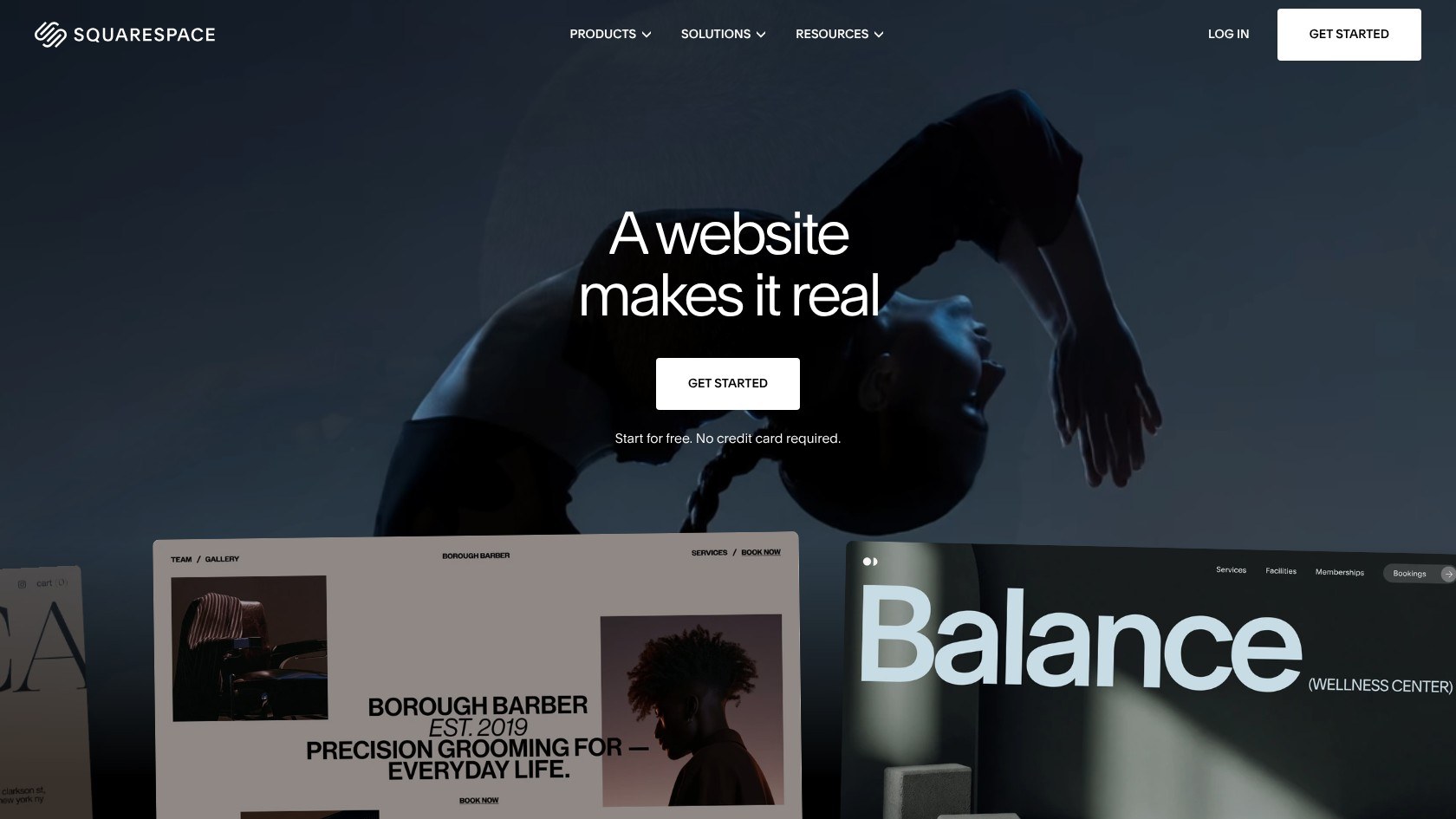
What’s new in 2026: Squarespace raised Basic, Core, and Plus prices on July 13. Advanced stayed at its existing price.
What I Dislike
- Basic adds a platform charge to sales. Its lower subscription isn’t the whole cost of running a shop. I recommend comparing Core if you expect regular orders.
- Some useful selling tools require higher plans. Abandoned cart tools and advanced discounts aren’t entry-level strengths, and integrations are fewer than Shopify’s. Unlimited listings don’t remove those limits.
- There’s no phone support. Squarespace offers email and live chat, while some users describe slow responses. Test support during the trial if you expect help setting up your first checkout.
How Much Does Squarespace Cost?
Squarespace pricing ranges from $19 to $99 per month (billed annually). I recommend Core at $29, matching Shopify Basic. There’s a free trial, not a free plan. Store fees are 2% on Basic and zero from Core; digital fees are 7% and 5%, respectively. Basic/Core card processing costs 2.9% + 30c.
How Does Squarespace Compare to Shopify?
- Squarespace wins on included design quality and content tools, making it my choice for a visually led first store.
- Shopify offers deeper sales features and more payment options. See Shopify vs Squarespace before choosing on appearance alone.
- Unlike Wix, Squarespace’s grid provides design boundaries, which I prefer if unrestricted placement feels overwhelming.
2. BigCommerce: For Stores That Plan to Grow Fast
BigCommerce is my best Shopify alternative for a first store with ambitious catalog plans. I recommend it when built-in commerce tools matter more than the easiest website editor.
Shopify is friendlier to beginners but leans more heavily on apps. BigCommerce includes more selling tools upfront, although sales-based plan limits mean growth can raise your subscription.
What I Like
- More catalog tools are built into the platform. Product options and multichannel selling sit alongside support for many currencies and staff accounts. I like this when your requirements would otherwise become a growing Shopify app bill.
- Built-in payment gateways avoid the platform commission. Stripe and PayPal are on its embedded gateway list. Check your preferred provider because the same treatment doesn’t apply to every integration.
- A free migration app offers an import route. It brings across products, customers, and orders, with SEO URLs and redirects. See the migration section below for the checks that still matter.
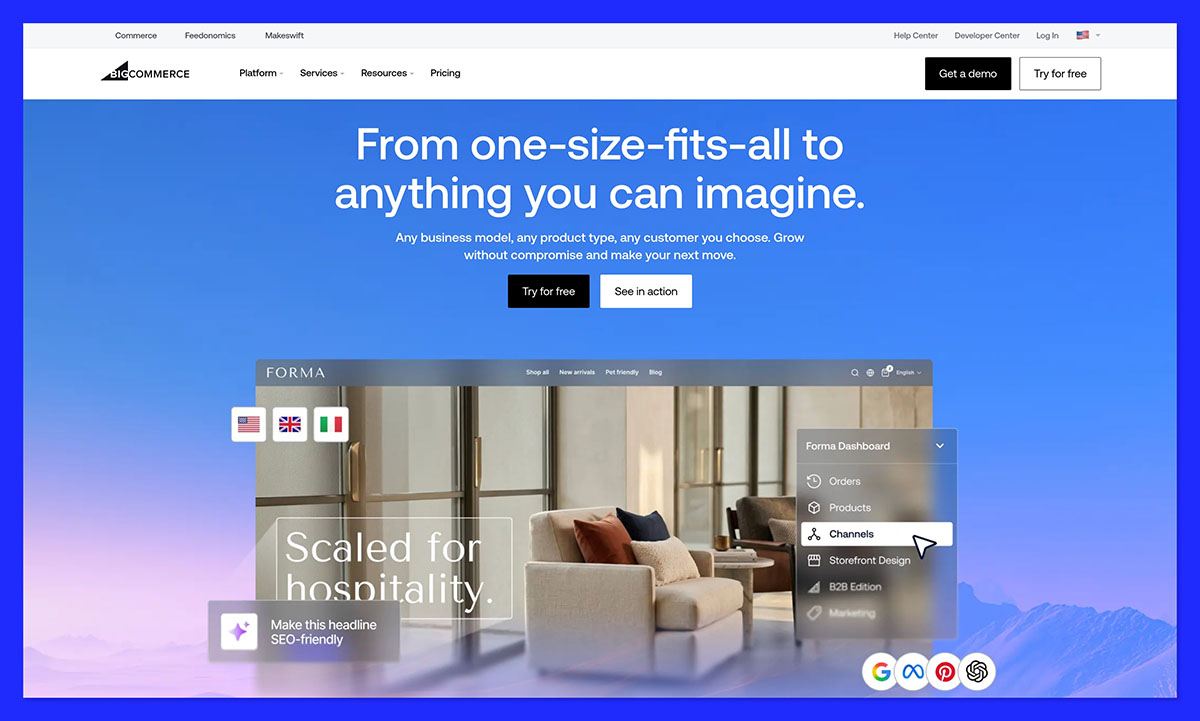
What’s new in 2026: On June 1, Standard became Core, Plus became Growth, and Pro became Scale. BigCommerce also lowered yearly sales limits and added fees for gateways outside its built-in list.
What I Dislike
- Sales growth can trigger an automatic upgrade. Core covers up to $30,000 in yearly sales, while Growth covers up to $100,000. Budget for the next tier before you reach the limit.
- The editor is less welcoming than Wix or Squarespace. Page Builder drops widgets into set areas, and free themes are fewer. Expect a more template-bound storefront unless you invest in its design.
- Gateway choice can add another charge. Providers outside the embedded list bring an Open Payment Provider fee. The blanket claim that BigCommerce has no transaction fees no longer fits.
How Much Does BigCommerce Cost?
BigCommerce pricing for Core through Scale ranges from $29 to $299 per month (billed annually). I recommend Core at $29, matching Shopify Basic, with a 15-day trial. Embedded gateways have no platform fee. Other gateways add 2% on Core, 1% on Growth, or 0.6% on Scale, plus processing.
How Does BigCommerce Compare to Shopify?
- BigCommerce wins on built-in catalog and multichannel functionality, reducing your potential reliance on add-ons.
- Shopify wins on beginner usability and app choice. Read Shopify vs BigCommerce if both make your shortlist.
3. Square Online: For Selling for Free and In Person
Square Online is my best Shopify alternative for starting free and selling in person. I recommend it if your website will support a market stall or physical counter.
Shopify has no free store plan, while Square Online accepts orders without a subscription. Shared inventory with Square POS is the bigger advantage if customers buy online and face to face.
What I Like
- The free plan actually lets you sell. Unlike Wix’s free website plan, Square Online takes payments. I recommend it for testing demand before taking on a subscription, provided you accept its branding.
- Online and in-person sales share inventory. Square POS and your website work from one inventory and customer list. That suits a maker selling the same products at markets and online.
- Local selling tools are built in. Pickup and local delivery work alongside QR ordering, with Tap to Pay on iPhone and Android. For a neighborhood seller, these matter more than a large app collection.
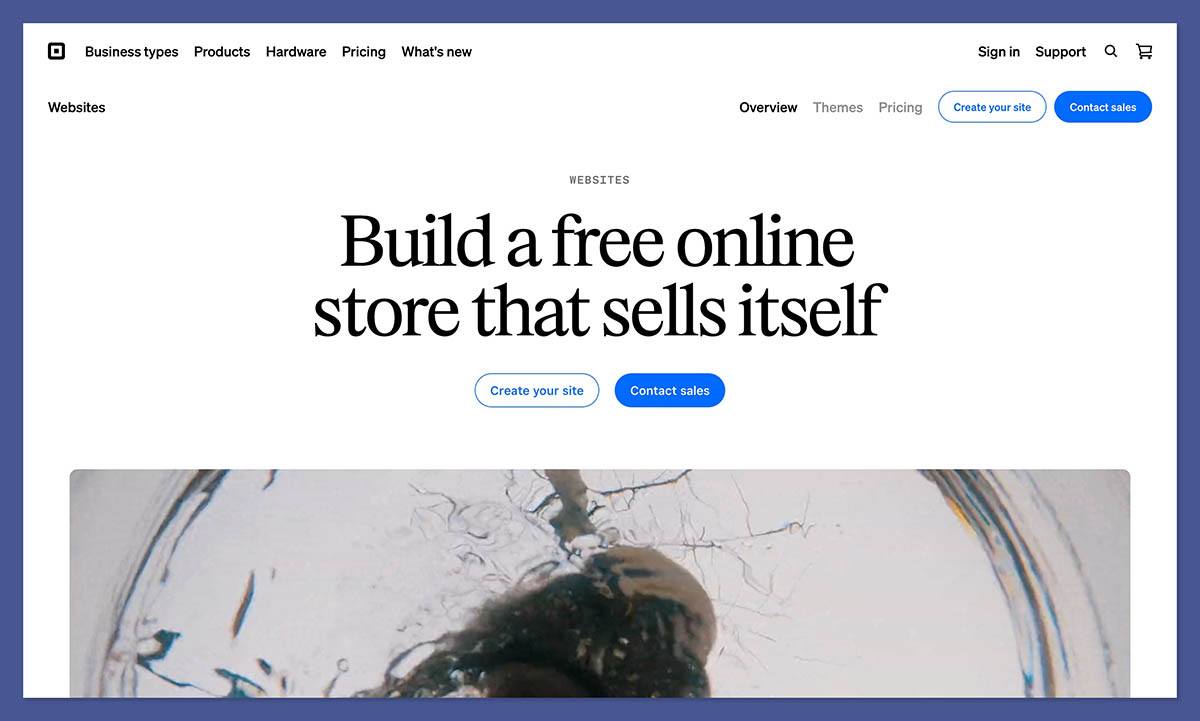
What’s new in 2026: Square is winding down Weebly in 67 countries and directing sellers toward Square Online. Weebly remains available in the US.
What I Dislike
- Free comes with branding and higher online processing costs. Your store uses a square.site address and displays Square branding. Squarespace is more appealing if an independent brand identity comes first.
- The storefront design is fairly plain. Its section-based editor and limited themes leave less room for distinctive layouts than Wix. I recommend Square for the selling workflow, not the creative canvas.
- The first paid upgrade is a big jump. You need Plus for a custom domain and abandoned cart emails. Compare the whole package with Shopify before assuming Square stays cheaper.
How Much Does Square Online Cost?
Square Online has a Free plan and paid plans ranging from $49 to $149 per month, per location. I recommend Free to start, avoiding Shopify Basic’s subscription. There’s no platform commission. Online card processing costs 3.3% + 30c on Free and 2.9% + 30c on paid plans. Plus adds a custom domain and subscriptions.
How Does Square Online Compare to Shopify?
- Square wins on cost to start and connected local selling, particularly at a counter or market.
- Shopify wins on online selling depth and design options. My Shopify vs Square Online guide covers that trade-off.
4. Wix: For an All-in-One Business Solution
Wix is my best all-in-one Shopify alternative for a first store. I recommend it when you want control over your storefront’s appearance without learning theme code, especially if products are only part of your business.
In comparison, Shopify puts selling first, with a section-based editor and apps for other business needs. Wix combines a flexible website builder with business tools, making it a better fit for a shop that also offers appointments or events.
What I Like
- Wix gives you free-form control over your pages. You can drag elements into position instead of working within Shopify’s predefined theme sections. I prefer this for beginners with a clear visual idea who don’t want to edit code.
- Its free templates cover a wide range of businesses. Hundreds are available, including about 120 designed for stores. You can start with a finished-looking layout without buying a premium Shopify theme.
- Business tools extend beyond the checkout. Bookings and events sit alongside a blog and email marketing in the same dashboard. That makes Wix appealing when your store supports a service business.
- Wix doesn’t add a commission to store sales. Payment processing still applies, but there’s no separate Wix transaction charge on product orders. Keep that distinction in mind when comparing subscription prices.
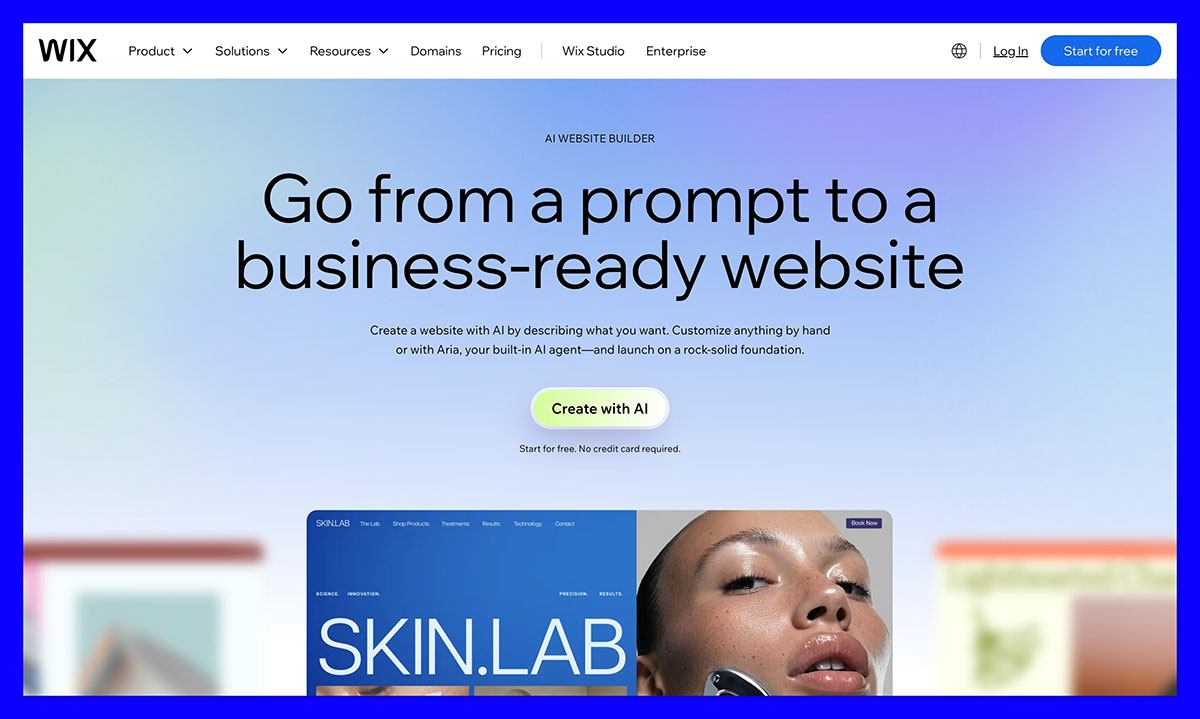
What’s new in 2026: Wix launched Harmony in January, combining an AI builder with its drag-and-drop editor. It can add store and booking features alongside design changes.
What I Dislike
- The free plan isn’t a free online store. You can build without paying, but accepting payments requires Core or above. Choose Square Online if selling without a subscription is your priority.
- Your pages and design stay on Wix. You can export products, contacts, and orders, but not the complete website. Weigh that limitation before investing heavily in custom page design.
- Design freedom stops at checkout. The checkout design is fixed, and catalog management is lighter than Shopify’s. A generous product allowance doesn’t make the selling tools equally deep.
How Much Does Wix Cost?
Wix selling plans range from $29 to $159 per month (billed annually). I recommend Core at $29, the same annual-billing price as Shopify Basic. The free plan and Light can’t accept payments. Wix charges no store transaction fee, while Wix Payments processing costs 2.9% + 30c.
How Does Wix Compare to Shopify?
- Wix wins on design freedom and all-in-one business tools, especially for a store alongside services.
- Shopify wins on selling depth and app choice. My Shopify vs Wix comparison explains which limitations matter as you grow.
5. WooCommerce: For Full Control and Ownership
WooCommerce is my best Shopify alternative for full ownership and customization. I recommend it if you want control over your store’s code and data, and you’re comfortable handling its upkeep.
Shopify bundles the technical platform into a managed service. WooCommerce is a WordPress plugin, so you choose the hosting and build around your own setup.
What I Like
- You own the store’s code and data. You can move hosts without abandoning the underlying WooCommerce website. Unlike Wix, your pages and design aren’t tied to one website provider.
- Design freedom extends beyond a theme customizer. Thousands of WordPress themes work with the block editor or page builders such as Elementor. Full code access allows an individual design, but takes more work than Squarespace.
- WordPress suits content-led stores. Its blogging and SEO tools appeal when articles are central to your business. I recommend it for a shop built around tutorials or editorial content.
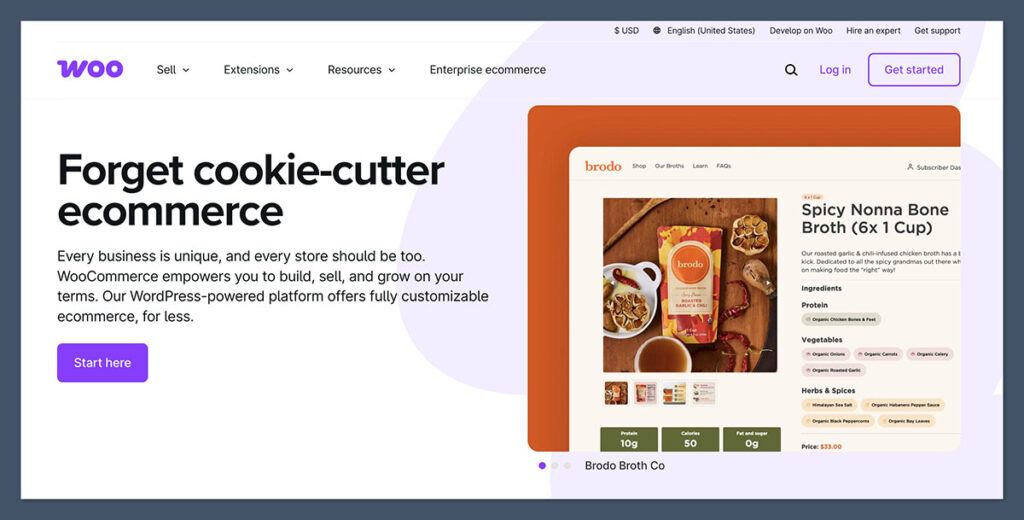
What’s new in 2026: Woo Express hosted plans have been discontinued. You now pair the free WooCommerce plugin with a WordPress host of your choice.
What I Dislike
- Maintenance is your responsibility. Hosting and updates sit alongside security and backups on your task list. Plugin conflicts can affect checkout, adding work while you’re still learning ecommerce.
- Free software doesn’t mean a free store. Premium extensions and hosting can turn a small starting budget into a larger ongoing bill. List every required extension before deciding WooCommerce is cheaper than Shopify.
- There isn’t one support team for everything. A checkout problem could involve your host, plugin, or theme. Shopify’s single platform and round-the-clock chat offer beginners a simpler route to help.
How Much Does WooCommerce Cost?
WooCommerce is a free plugin, not a hosted subscription or trial. Budget for hosting and a domain, plus optional themes and extensions. Premium themes cost roughly $50 to $150, but I recommend starting free. WooPayments charges 2.9% + 30c on US domestic cards, with no WooCommerce transaction fee. Compare the complete bill with Shopify Basic.
How Does WooCommerce Compare to Shopify?
- WooCommerce wins on ownership and flexibility, especially when WordPress content is central to the store.
- Shopify wins on managed upkeep and beginner support. Consider these WooCommerce alternatives if maintenance already sounds like a distraction.
6. Ecwid: For Adding a Store to a Site You Already Have
Ecwid is my best Shopify alternative for adding products to an existing website. I recommend it when you already like your site and want a shop inside it.
Shopify’s Buy Button offers a lighter version of embedded selling, but Ecwid is designed around a store widget. It works with website builders such as WordPress, Wix, and Squarespace, or any site that accepts HTML.
What I Like
- You can keep the website you’ve already built. Ecwid adds the shop instead of replacing the site. I like this for a portfolio owner whose next step is selling, not another homepage redesign.
- The entry subscription is unusually affordable. Starter gives a tiny catalog a paid route without a long promotional prepayment. Unlike Hostinger’s lowest rate, you don’t need to commit for several years.
- Sales channels share one dashboard. Ecwid supports social channels and marketplaces alongside your website. Venture adds Instagram and Facebook selling, so don’t assume every channel comes with Starter.
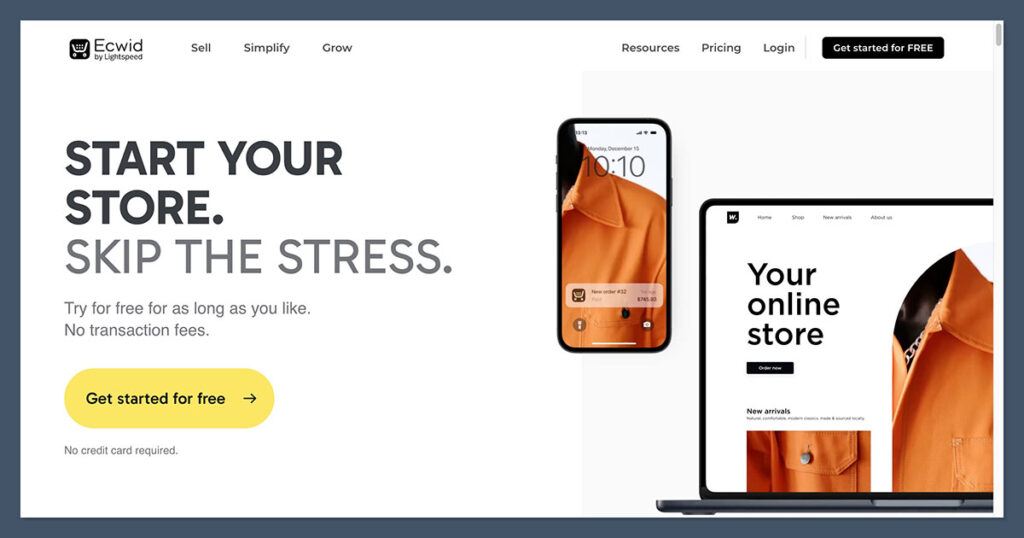
What’s new in 2026: Ecwid entered the year without its old free plan, which ended around December 2025. Starter is now its paid entry tier.
What I Dislike
- The cheaper plans have small product allowances. Starter holds 10 products, while Venture holds 100. Count your intended listings before choosing on entry price alone.
- There’s no longer a free selling option. Store owners have complained about the free plan ending and prices rising. Choose Square Online or Big Cartel if avoiding a subscription is essential.
- Instant Site isn’t a design-first website builder. Its simple one-page store and basic SEO controls are more limited than a full standalone platform. Embedded stores rely on the surrounding website for much of their brand presentation.
How Much Does Ecwid Cost?
Ecwid’s monthly plans range from $5 to $149, with annual discounts above Starter. I recommend Starter at $5 per month for a tiny existing-site catalog, or Venture at $29 per month billed annually for more room. Venture matches Shopify Basic’s annual-billing price. There’s no free plan or Ecwid transaction fee, but payment processing applies.
How Does Ecwid Compare to Shopify?
- Ecwid wins when you want selling added to an existing site without rebuilding it.
- Shopify is stronger as a standalone store. See Shopify vs Ecwid or my Ecwid review before choosing Instant Site as your main website.
7. Big Cartel: For Artists and Makers
Big Cartel is my best Shopify alternative for artists with a small catalog. I recommend it for a focused collection of prints or handmade goods, with fewer settings between your work and a functioning shop.
Compared with Shopify, Big Cartel favors simplicity over expansion. That’s a sensible first-store trade-off if you don’t expect your art catalog to become a large retail operation.
What I Like
- The store setup stays focused on the essentials. Big Cartel is the simplest option I recommend for a small art shop, without WooCommerce’s maintenance responsibilities. Advanced commerce tools would add decisions you don’t need yet.
- Even the free plan avoids a platform commission. Big Cartel doesn’t take its own cut of orders, although the payment processor still charges. A maker can test selling without adding a subscription first.
- The free themes put products and artwork first. All 12 themes are included, with layouts suited to creative businesses. You don’t get Wix’s placement freedom, but a restrained storefront lets the artwork lead.

What I Dislike
- Product caps limit the growth path. Gold allows five products and Platinum allows 50. See the comparison table for the full plan limits before committing to an expanding catalog.
- SEO controls are limited. You can’t edit meta descriptions, and there’s no built-in blog. I recommend WooCommerce or Squarespace if searchable articles are central to attracting customers.
- Payment-provider choice stops at Stripe and PayPal. That keeps setup straightforward but rules out other processors. Check that either works for your business before customizing a Big Cartel theme.
How Much Does Big Cartel Cost?
Big Cartel‘s paid plans range from $15 to $30 per month, alongside free Gold. I recommend Platinum at $15 for a custom domain and more images, below Shopify Basic’s price. Platinum has a seven-day trial. Gold lacks inventory tracking, while Diamond caps listings at 500. There are no Big Cartel transaction fees, just Stripe or PayPal processing.
How Does Big Cartel Compare to Shopify?
- Big Cartel wins on simplicity and starting cost for a focused art catalog.
- Shopify wins on growing-store capabilities, especially when product limits or content needs become restrictive.
- My Shopify vs Big Cartel comparison explains when those limits outweigh the simpler setup.
8. GoDaddy: For Building a Store With AI in Minutes
GoDaddy is my best Shopify alternative for an AI-led first website with a small store. I recommend Airo when describing your business feels easier than assembling a website design.
Shopify is the more complete platform for running an online retail business. GoDaddy’s appeal is the route to an initial site, not an equivalent set of tools for managing a growing store.
What I Like
- A text description gives you a first website draft. Airo starts from your business description, then lets you refine the result through chat or direct edits. I like this if the blank page is stopping you from starting.
- Website services can stay with one company. GoDaddy offers domains and email alongside the builder. Check separate charges before assuming every service comes with the store subscription.
- Products and bookings sit in the Professional plan. That suits a service business with a small catalog. Wix remains my broader all-in-one recommendation, but GoDaddy offers a simpler AI-led route.
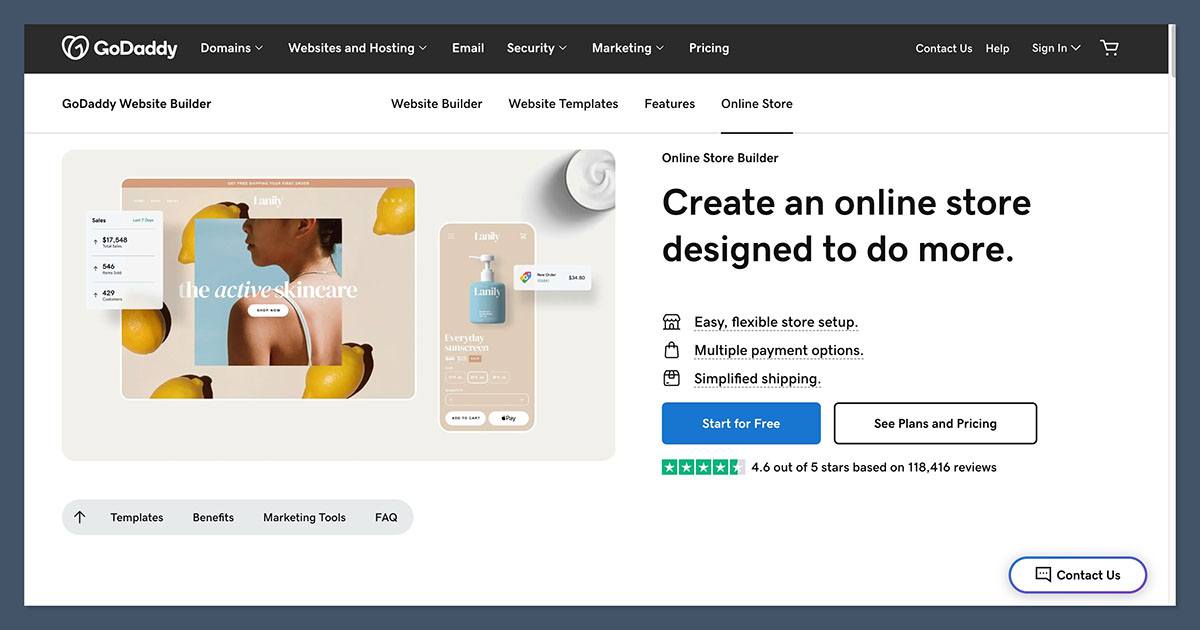
What’s new in 2026: GoDaddy now sells its website builder as Airo. Describe your business, then edit the generated result through chat or direct changes.
What I Dislike
- AI-generated designs can look generic. You start with a prompt instead of browsing a template gallery for a visual direction. I recommend Squarespace if your brand’s appearance matters more than generating an initial draft.
- The store tools are much thinner than Shopify’s. Airo lacks real-time carrier rates and shipping labels. Those gaps matter more once fulfilling orders becomes part of your daily routine.
- Renewals and upsells need careful checking. Users flag price jumps and additional purchases as frustrations. Monthly AI credits don’t roll over, so choose around the editing you’ll actually do.
How Much Does GoDaddy Cost?
Airo’s paid plans range from $9.99 to $99.99 per month (billed annually). I recommend Professional at $24.99 for a product catalog, below Shopify Basic’s annual-billing price. Free can’t publish, and Starter only offers pay links and QR payments. GoDaddy Payments processing costs about 2.7% + 30c, with Stripe also supported.
How Does GoDaddy Compare to Shopify?
- GoDaddy wins for AI-led setup of a simple website, especially when a tiny store supports a service business.
- Shopify wins for ongoing store operations, with more room to develop the business beyond the initial website.
9. Hostinger: For the Budget-Conscious
Hostinger is my best budget Shopify alternative for a small first store. Its introductory long-term pricing suits a straightforward shop that doesn’t need Shopify’s selling tools or a collection of paid apps.
That said, Hostinger trades selling depth for simplicity. I recommend it for a modest catalog with uncomplicated needs, not a business that already requires subscriptions or specialized integrations.
What I Like
- Hosting and store building come in one package. The domain and website builder sit alongside the store, giving you fewer separate services to manage. Compared with Shopify plus paid additions, the starting budget is easier to understand.
- AI tools help you create the initial content. The site builder generates a starting website, while the product description writer drafts listing copy. Check every description against the real product before publishing generated claims.
- The templates suit clean, uncomplicated storefronts. You get hundreds of designs and a drag-and-drop editor with a grid to guide placement. I prefer this to Shopify’s sections for a small branded website with a shop attached.
- Hostinger doesn’t take a platform commission on orders. You still pay your chosen payment provider, but Hostinger doesn’t add a sales percentage. Its payment-method choice gives a small shop options without an app marketplace.
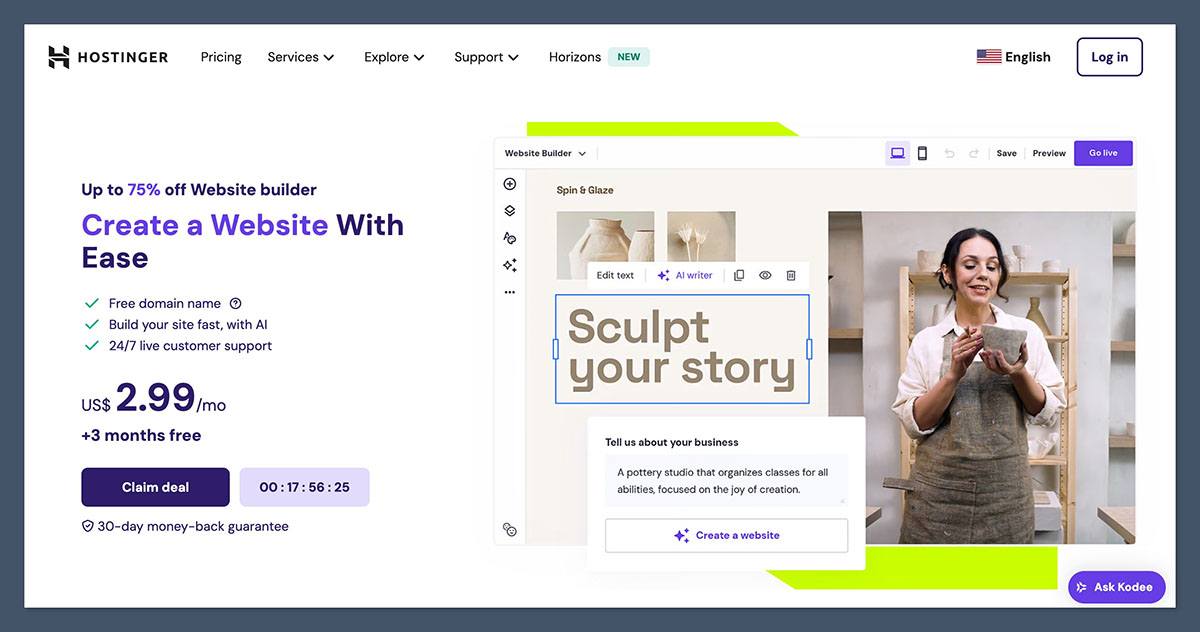
What’s new in 2026: Hostinger renamed Business Website Builder to Unlimited in July. Unlimited is the plan to choose for an online store.
What I Dislike
- The cheapest rate requires a long upfront commitment. The monthly equivalent isn’t a month-to-month offer, and renewal costs more. Check the total payable before choosing it over a free Square Online store.
- There’s no app marketplace to fill feature gaps. Subscriptions and product bundles aren’t supported, so you can’t install your way around those limits. Shopify is stronger if either feature is central to your business.
- The catalog has a ceiling. Treat about 1,000 products as the guide, despite the Unlimited plan name. Abandoned cart recovery and shipping zones are built in, but the growth path remains narrower than Shopify’s.
How Much Does Hostinger Cost?
I recommend Hostinger‘s Unlimited plan at $2.79 per month on a 48-month prepayment during its Black Friday promotion. It’s $18.99 month to month and renews at $16.99 monthly, still below Shopify Basic. There’s no free plan, but a 30-day money-back guarantee applies. Hostinger charges no transaction fee; payment-provider fees remain separate.
How Does Hostinger Compare to Shopify?
- Hostinger wins on entry cost and simplicity, provided the long prepayment suits your budget.
- Shopify wins on apps and selling depth, especially when you need capabilities Hostinger lacks.
- My Shopify vs Hostinger comparison weighs saving money now against adding features later.
How Do I Choose the Right Shopify Alternative for My Business?
Test your most complicated product first: a print collection needs different tools from a subscription business or a shop with a physical counter. Choosing the right platform is about matching it to the store you’re actually going to run, not the one you might run in five years. I recommend building that product page before spending time on the homepage.
Compare the real first-year cost, not the advertised monthly equivalent. Shopify Basic plus paid apps can cost noticeably more than the subscription, while Square Online or Big Cartel can cost nothing until you sell. Payment processing still applies, so include it when comparing the full bill.
Check the upfront commitment and renewal terms, too. Hostinger’s long prepayment differs from a monthly plan, and WooCommerce’s free plugin still needs hosting. Neither headline tells you the complete cost of opening and maintaining the shop.
Of course, there are some universal questions to ask before you choose:
- What will I really pay in the first year once apps and fees are in?
- Can it handle my products, variants and product types?
- Can I make it look like my brand without a designer?
- Do I need to sell in person as well as online?
- Can I take my products and customers with me if I move later?
For a beginner-focused shortlist and launch checklist, use my guides to the best ecommerce platforms for beginners and how to start an online store.
How Do I Migrate My Store From Shopify to an Alternative?
To move your store from Shopify to another platform, you have three options: using the new platform’s import tool, moving your products with a CSV file, or hiring a migration service.
- Import tools: BigCommerce’s free migration app moves Shopify products, customers, and orders, including SEO URLs and redirects. Big Cartel imports products from Shopify, but don’t assume a product importer transfers every part of your business.
- CSV file: In Shopify, open Products > Export, then map the data into Wix’s or Squarespace’s CSV template. Images depend on the old store remaining accessible, and SEO titles and descriptions often need re-adding. Check imported variants before designing pages.
- Migration services: Use Cart2Cart, LitExtension, or a developer for a more involved transfer. I recommend this route for larger catalogs or when customer accounts and order history need to move alongside products.
Keep your Shopify store open until the new one is live, and set up 301 redirects from each changed URL to its true match. Shopify’s /products/ and /collections/ paths may change on the destination platform, so don’t send all old links to the homepage.
Customer passwords don’t transfer, so plan a reset email. Place test orders before moving your domain, checking that the correct variant reaches checkout with the expected shipping charge.
How We Test Ecommerce Website Builders
Our team tested every Shopify alternative here using the same small catalog, rather than judging platforms by their homepages. We built homepage and product-page layouts and ran test checkouts, comparing the tools a new seller needs with the work required to use them.
We weighted our assessment across these areas:
- Sales features: 25%
- Design features: 20%
- Pricing and value: 20%
- Ease of use for beginners: 20%
- Help and support: 10%
- Reputation: 5%
I focused on what the entry selling plan includes. A free website that can’t accept orders isn’t a free store, and a flexible homepage editor doesn’t necessarily let you redesign checkout.
Adobe Commerce didn’t make this list because it targets enterprise budgets and developer-led projects. See our Magento alternatives for that comparison. I don’t recommend Shift4Shop or Volusion for this beginner shortlist, while Weebly is winding down outside the US.
Square Online is my recommendation for a new seller considering the Weebly ecosystem, particularly when connecting online orders with in-person sales matters.
Prices current as of November 2026.
Final Verdict: Which Shopify Alternative Should You Pick?
Shopify remains the most complete platform for selling online, but a free start or included premium-looking design may matter more to your first store. I recommend these Shopify alternatives for the following needs:
- Squarespace is best for design-led brands.
- BigCommerce is best for stores that plan to grow fast.
- Square Online is best for selling for free and in person.
- Wix is the best all-in-one alternative for a first store.
- WooCommerce is best for full control and ownership.
- Ecwid is best for adding a store to a site you already have.
- Big Cartel is best for artists and makers.
- GoDaddy is best for building a simple store with AI in minutes.
- Hostinger is best for the budget-conscious.
Most offer a free plan, trial, or money-back guarantee, although those aren’t interchangeable. Build a couple of real product pages and run a test checkout before committing to a long subscription.
FAQs
What is the best free alternative to Shopify?
Square Online and Big Cartel are the best free selling options here. Square Online’s Free plan accepts orders, while Big Cartel’s Gold plan supports five products. Both charge processing fees instead of a subscription. Wix’s free plan can’t take payments, Ecwid no longer has one, and WooCommerce’s free software still needs paid hosting.
Which Shopify alternative is cheapest?
Hostinger is the cheapest paid full-store option on a long prepayment, while Square Online and Big Cartel avoid subscription costs entirely. Ecwid Starter is another low-cost route for a tiny catalog on an existing site. Compare the upfront payment and renewal terms, not just the monthly equivalent. Card fees remain part of your selling costs.
Is Wix or Squarespace better than Shopify for beginners?
Wix and Squarespace can be better for beginners who prioritize design and straightforward website building. Both include hosting and templates, with drag-and-drop editing instead of Shopify’s section-based approach. I recommend Shopify when selling is the whole business and you need deeper catalog tools or specialized apps. See the individual comparisons above for the main trade-offs.
Do Shopify alternatives charge transaction fees?
Many alternatives charge no platform commission, but payment processing still applies. Wix and Hostinger are examples, alongside Square Online and Ecwid. Big Cartel also avoids standard commissions. Squarespace Basic charges a store fee, while BigCommerce and Shopify charge extra for certain outside gateways. Check the comparison table for rates.
Can I move from a Shopify alternative to Shopify later?
Yes, you can move to Shopify later, using CSV imports for supported data, Shopify’s Store Migration app, or a service such as Cart2Cart. Choose the route based on whether you’re moving products alone or also customers and order history. Expect design work: Wix can’t export your complete website design, so you’ll need to rebuild pages.


