By Bogdan Rancea
Digital and email

Beacons
Compare details Read section →Free; Creator Plus $30/month or $300/year. Free/Creator: 9% platform fee; Plus/Max: 0%. Payment processing extra.
- Digital product store
- Email marketing on Creator Plus
- Courses and memberships on Plus
Small shops

Lnk.Bio
Compare details Read section →$24.99 one-time Unique plan; 5% platform fee. Payment processing extra.
- Digital and physical products
- Variants and stock tracking
- Shipping rates and coupons
Flexible sales pages

Taplink
Compare details Read section →Business plan required; minimum 3 months. 0% platform commission; confirm checkout price. Payment processing extra.
- Customizable sales pages
- Automatic digital delivery
- File or URL delivery
Existing link pages

Linktree
Compare details Read section →Pro or Premium required; 0% platform commission. Confirm regional subscription price. Payment processing extra.
- Native digital checkout
- Automatic file delivery
- One course per Linktree
Merch storefront

Fourthwall
Compare details Read section →Free storefront; catalog product costs apply. Digital products: 5% on Free, 0% on Pro. Memberships: 5%. Payment processing extra.
- Catalog merchandise fulfillment
- Customizable shop
- Downloads and memberships
Course storefront

Stan
Compare details Read section →Creator $29/month or $300/year; 0% platform commission. Payment processing extra.
- Course builder
- Bookings and subscriptions
- Creator storefront
A bio page can do more than send visitors onward to a separate store. Beacons is our first pick for digital-first creators, particularly if you want selling and email marketing together. Its free plan carries a substantial sales commission, though, so the right plan matters as much as the platform.
Our picks for the best link-in-bio platforms with a built-in store are Beacons, Lnk.Bio, Taplink, and Linktree. We also cover Fourthwall and Stan as storefront alternatives you can use as your bio destination. The main differences are what you can sell, how buyers receive it, and what you pay beyond the subscription.
Compare the built-in stores
Beacons offers the strongest combination here for digital products and email marketing. Lnk.Bio is more appealing for a small physical-product shop, while Taplink suits a sales-page approach and Linktree makes sense if you already use it.
| Platform | Selling-enabled plan | Platform commission | Best product fit | Main restriction |
|---|---|---|---|---|
| 1. Beacons | Free, $0; Creator Plus, $30 monthly or $300 annually | 9% on Free and Creator; 0% on Creator Plus and Max | Digital products, with courses and memberships on Creator Plus | Lower tiers retain the 9% fee; selling eligibility varies |
| 2. Lnk.Bio | Unique, $24.99 one-time | 5% | Downloads, physical products, services | The one-time payment does not remove selling fees |
| 3. Taplink | Business; confirm checkout price for your billing term | 0% | Digital products presented through a customizable sales page | Minimum 3-month subscription; 256 MB upload limit |
| 4. Linktree | Pro or Premium; confirm regional checkout price | 0% on Pro and Premium | Downloads and a single course | Eligible countries only; paid selling requires Pro or Premium |
Payment processing fees are additional. These pay the payment provider for handling the transaction and are separate from the platform’s commission.
For this comparison, a built-in store means a native product-and-payment workflow with delivery or order management. A button pointing to an unrelated external shop does not qualify.
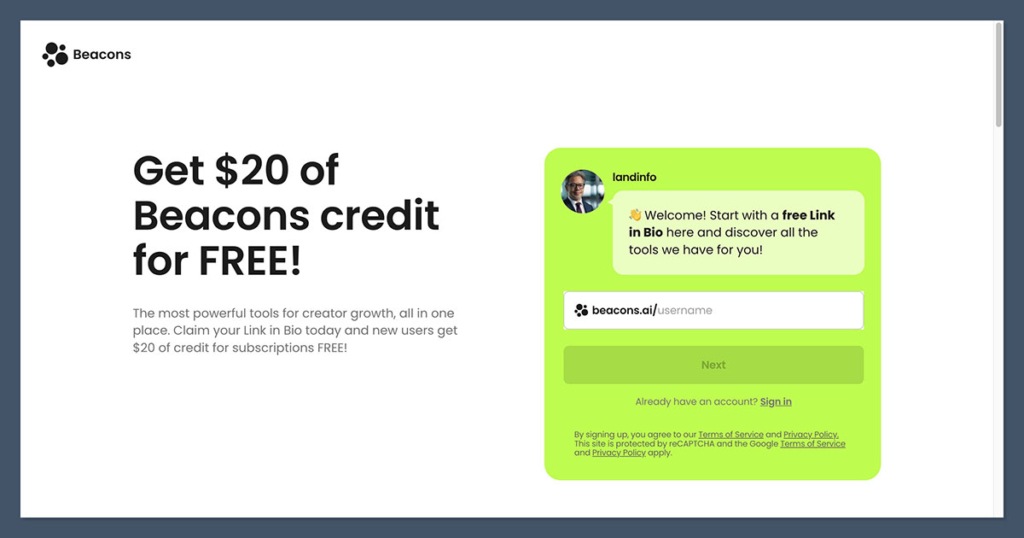
1. Beacons: Best for digital products and email marketing
Quick verdict
Beacons combines a link page, native store, and a useful upgrade path for digital creators. The main tradeoff is its 9% platform fee on the lower tiers.
Pros
- Sell digital products directly from your bio page without paying a monthly subscription on Free
- Promote your products with unlimited marketing emails on Creator Plus
- Creator Plus and Max remove platform commission as your sales grow
Cons
- Free and Creator both charge 9% on sales, with payment processing fees added separately
- Selling depends on your country and payment-provider eligibility, even with a paid plan
| Detail | What you get |
|---|---|
| Entry selling plan | Free, $0 |
| Creator Plus | $30 monthly or $300 annually |
| Platform commission | 9% on Free/Creator; 0% on Plus/Max |
| Plus features | Courses, memberships, order bumps, unlimited marketing emails |
Beacons is the best starting point here if your bio page needs to support a digital business rather than simply display products. Its appeal is the combination of selling and follow-up marketing, not just checkout. If you are weighing it against a dedicated creator storefront, our Stan Store vs Beacons comparison explores both approaches.
What do we like about Beacons?
A free route to selling. You can start on Free without a subscription bill. That is useful for an uncertain launch, although the 9% commission becomes more expensive as sales grow.
Email alongside the store. Creator Plus includes unlimited marketing emails. For a creator promoting downloads and subsequent releases, that makes Beacons a stronger recommendation than choosing Lnk.Bio purely for its low upfront price.
More ways to package an offer. Creator Plus includes courses, memberships, and order bumps. An order bump is an additional offer presented during checkout, useful if you have a related product rather than a larger catalog.
Who is Beacons for?
Choose Beacons if you sell digital resources and expect email marketing to be part of your business. If you are a fitness creator selling a guide, then adding a course or membership, this setup fits well.
For physical products needing stock tracking and shipping rates, Lnk.Bio is the more relevant option in this shortlist. Beacons’ digital-first strengths should not distract you from those operational requirements.
What makes Beacons stand out from the competition?
The upgrade decision is unusually easy to calculate. Comparing Free with the $30 monthly Creator Plus plan, $30 ÷ 0.09 puts the platform-fee break-even point at approximately $333.33 in monthly gross sales.
Above that level, Creator Plus costs less than Free’s 9% commission alone. This assumes the same eligible sales on both plans and excludes processor fees and feature differences. It is not the calculation for annual billing.
What are the downsides of Beacons?
Paying does not automatically remove commission. Creator costs $10 monthly or $100 annually but still charges 9%. If eliminating commission is your goal, Creator Plus is the relevant upgrade.
Eligibility comes before features. Country and payment-processor restrictions can affect selling. Confirm that you can accept payments before building your product page or committing to an annual subscription.
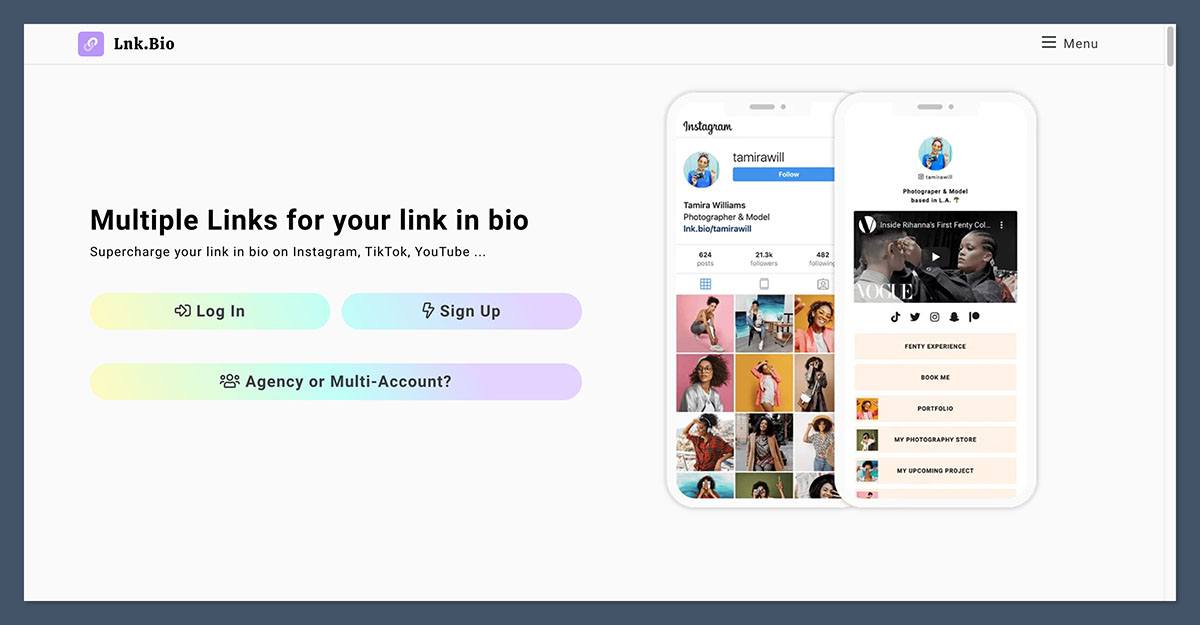
2. Lnk.Bio: Best for a small shop without a recurring page subscription
Quick verdict
Lnk.Bio gives you a native Shop through a one-time plan purchase, with useful tools for physical products. It still takes 5% of sales, so it is not a fee-free store.
Pros
- Pay $24.99 once for the Unique plan instead of a recurring page subscription
- Manage product sizes, colors, and stock levels within your shop
- Sell downloads, physical products, and services from the same bio page
Cons
- The 5% sales commission continues after your one-time payment, with processing fees on top
- You still need to pack and ship physical orders or arrange your own fulfillment
| Detail | What you get |
|---|---|
| Selling plan | Unique, $24.99 one-time |
| Platform commission | 5%, plus processor fees |
| Product types | Downloads, physical products, services |
| Shop tools | Variants, stock, shipping rates, coupons; Stripe/PayPal |
Lnk.Bio is the most appealing choice here if you dislike recurring page subscriptions and have a modest shop to run. Its practical product controls matter more than the low entry price alone.
What do we like about Lnk.Bio?
Physical-product controls. Variants and stock tracking help when products come in different versions. If you sell art prints in several sizes, those controls make Lnk.Bio a better fit than a download-focused setup.
Shipping rates. You can account for delivery charges within the shop. That supports physical selling, but it does not mean Lnk.Bio packs or ships your orders.
Mixed product types. Downloads, physical goods, and services can sit within the same Shop. Coupons and support for Stripe and PayPal add useful selling options without changing the one-time plan structure.
Who is Lnk.Bio for?
Choose Lnk.Bio for a small catalog where inventory and shipping settings are more important than a broader creator-marketing bundle. It is also worth considering if your sales are occasional and a recurring subscription feels hard to justify.
Beacons remains our stronger recommendation for a digital-first business built around email, courses, and memberships. Lnk.Bio wins on the specific combination of one-time access and practical shop controls.
What makes Lnk.Bio stand out from the competition?
The $24.99 one-time Unique plan separates Lnk.Bio from Taplink’s subscription requirement and Linktree’s paid selling plans. The free link page is not the selling-enabled option.
That pricing model shifts more of your ongoing platform cost toward sales commission. It can suit a small shop, but you should compare projected fees rather than treating the absence of a monthly subscription as an automatic saving.
What are the downsides of Lnk.Bio?
The 5% fee continues after purchase. If you make $1,000 in eligible sales, the platform commission is $50, before processor charges. The one-time plan payment does not cover that.
Shop management is not fulfillment. Stock tracking and shipping rates help you organize orders; you still need a way to fulfill them. If your priority is selling creator merchandise with catalog fulfillment included, consider Fourthwall below instead.
3. Taplink: Best for a customizable sales page
Quick verdict
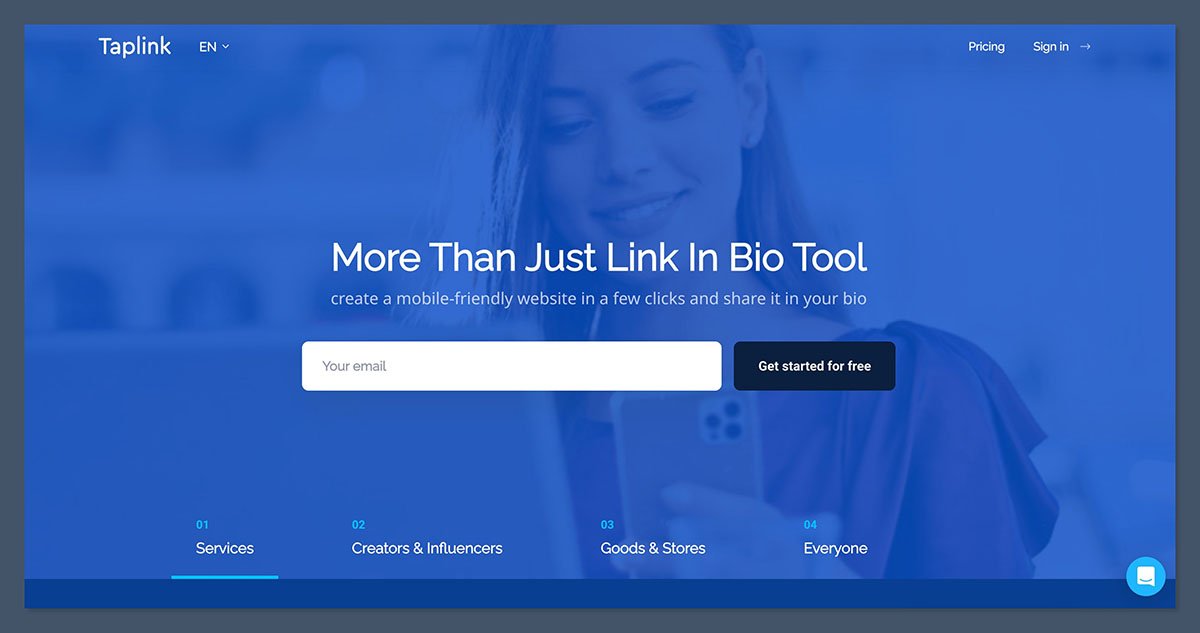
Taplink suits sellers who want a sales-page-style bio destination with native digital delivery. You need Business to sell digital products, and the minimum subscription commitment is 3 months.
Pros
- Build a sales page with enough detail to explain your offer before visitors buy
- Automatically deliver digital purchases through an uploaded file or a delivery URL
- Keep platform commission at 0%, with only your subscription and payment processing to budget for
Cons
- Digital selling requires Business and a minimum 3-month subscription commitment
- The 256 MB upload limit can mean using external hosting for larger downloads
| Detail | What you get |
|---|---|
| Selling plan | Business; confirm checkout price |
| Billing commitment | Minimum 3 months |
| Platform commission | 0%; processor fees additional |
| Digital delivery | File or URL; 256 MB maximum upload |
Taplink is worth considering when you want to explain an offer before asking someone to buy. Its sales-page approach suits an offer that needs more explanation than a product title and price. For a wider selection of page builders, see our guide to Linktree alternatives.
What do we like about Taplink?
Room to explain the purchase. A customizable sales page can suit an offer that needs context. For example, if you sell templates, you could explain what the files contain and who they suit before presenting the purchase option.
Native digital delivery. Taplink supports delivery through a file or URL. Automatic delivery saves you from manually sending each buyer their purchase.
No platform sales commission. Taplink does not take a percentage of sales. Unlike Beacons Free’s 9% charge, your Taplink subscription is separate from sales volume, although processing costs remain.
Who is Taplink for?
Choose Taplink if your priority is presenting a focused digital offer on a customizable page. It makes sense to shortlist it when product explanation matters more to you than Beacons’ combined store-and-email offering.
Do not choose it solely because it accepts payments. If you sell physical items, establish how you will manage orders, shipping, and fulfillment before subscribing. Digital delivery does not answer those questions.
What makes Taplink stand out from the competition?
Taplink pairs its sales-page format with a 0% platform commission. That is a different proposition from Lnk.Bio’s one-time access payment plus 5% ongoing commission.
Business requires a minimum 3-month subscription. The 6-month and 12-month terms carry discounts of 30% and 50%, respectively. Confirm the Business checkout price and total commitment for your chosen term before comparing it with a monthly rival.
What are the downsides of Taplink?
The upload limit needs checking early. The maximum upload is 256 MB. If your intended download exceeds that, assess whether URL delivery suits the product and how you will manage the linked resource.
You cannot budget for a single month. The minimum 3-month commitment matters when validating a new offer. Beacons Free is a lower-commitment starting point, even though its commission may eventually make it more expensive.
4. Linktree: Best for adding sales to an existing link page
Quick verdict
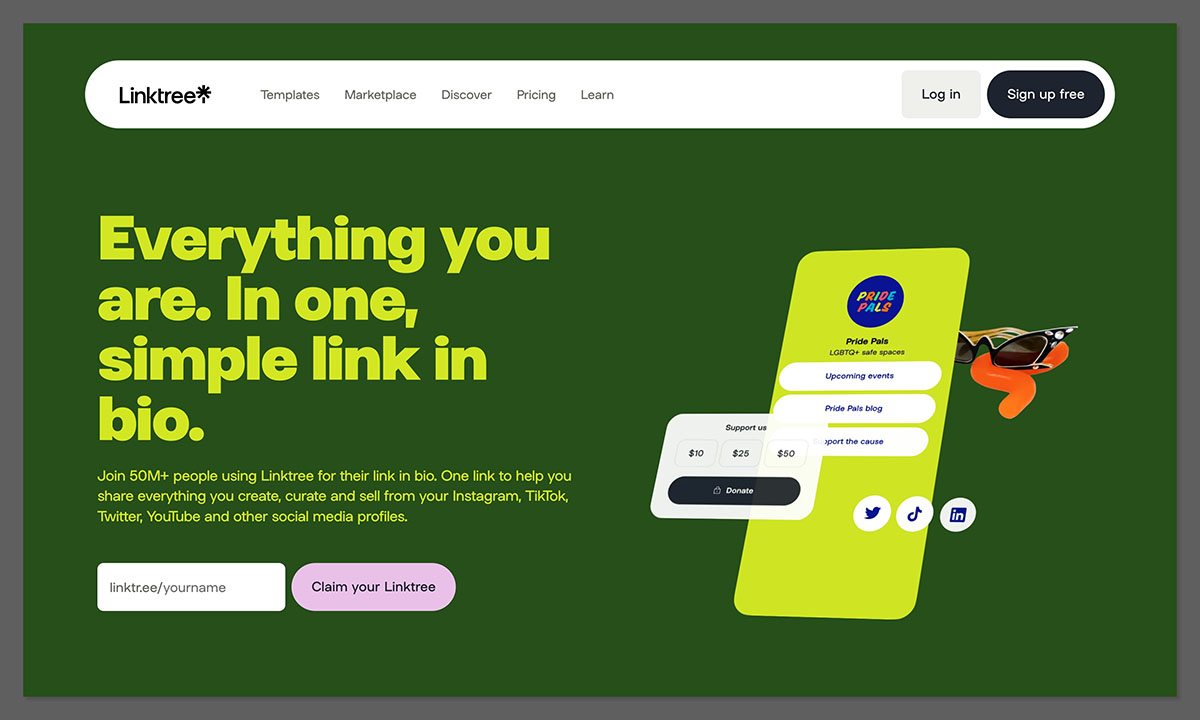
Linktree is a sensible option for adding paid downloads or a course to an existing Linktree presence. Selling depends on your country and subscription, and affiliate Shops is a separate feature.
Pros
- Add paid downloads to your existing Linktree with built-in Stripe checkout
- Deliver purchased files automatically instead of emailing each buyer manually
- Create a course with Kajabi-powered tools without paying for a separate Kajabi account
Cons
- Paid digital products and courses require Pro or Premium; the free link page is not enough
- Seller-country restrictions and a 100 MB limit per uploaded file can rule out some offers
| Detail | What you get |
|---|---|
| Selling plan | Pro or Premium; confirm regional checkout price |
| Platform commission | 0% on Pro/Premium; processing extra |
| Download limits | 100 MB/file; 24 files and 1 GB per product |
| Courses | 1 course per Linktree; paid courses require Pro/Premium |
Linktree makes most sense if you already use it and want to add digital selling to your existing bio destination.
What do we like about Linktree?
Checkout and delivery belong together. Paid digital products use Stripe checkout with automatic delivery. The platform handles the sale and delivery rather than simply linking to a separate shop.
A course option. Linktree includes Kajabi-powered course technology without requiring a separate Kajabi account. You can create 1 course per Linktree, with Pro or Premium required to charge for it.
An addition to an existing page. Native products add a buying option to the page your audience already visits. For integrated email marketing, Beacons remains our first pick.
Who is Linktree for?
Choose Linktree if you already have a page there and want to sell downloads or a single course, provided you meet the country and payment requirements.
If you are planning several distinct courses, the single-course limit is a reason to look elsewhere.
What makes Linktree stand out from the competition?
Linktree combines a link-page format with native checkout and course technology. Pro and Premium charge 0% platform commission on selling, with processor charges additional.
Keep 3 different activities separate:
- Your digital products: your own paid downloads with native checkout and delivery.
- Affiliate Shops: a separate affiliate feature that is US-only.
- External product links: links sending visitors to another store, not a built-in selling workflow.
What are the downsides of Linktree?
Plan and country requirements come first. Budget for Pro or Premium for paid digital products and courses, then confirm your regional subscription price at checkout. Do not assume a free link page includes paid selling.
File limits can rule out a product. Each file is limited to 100 MB, with up to 24 files and 1 GB total per product. Check both the individual file sizes and the complete bundle before preparing your listings.
Storefront alternatives: Fourthwall and Stan
Fourthwall and Stan can both be used as your bio destination. We treat them as storefront alternatives in this guide because their main appeal is the creator shop itself, rather than a traditional list of links.
Fourthwall: A merch-focused creator storefront alternative
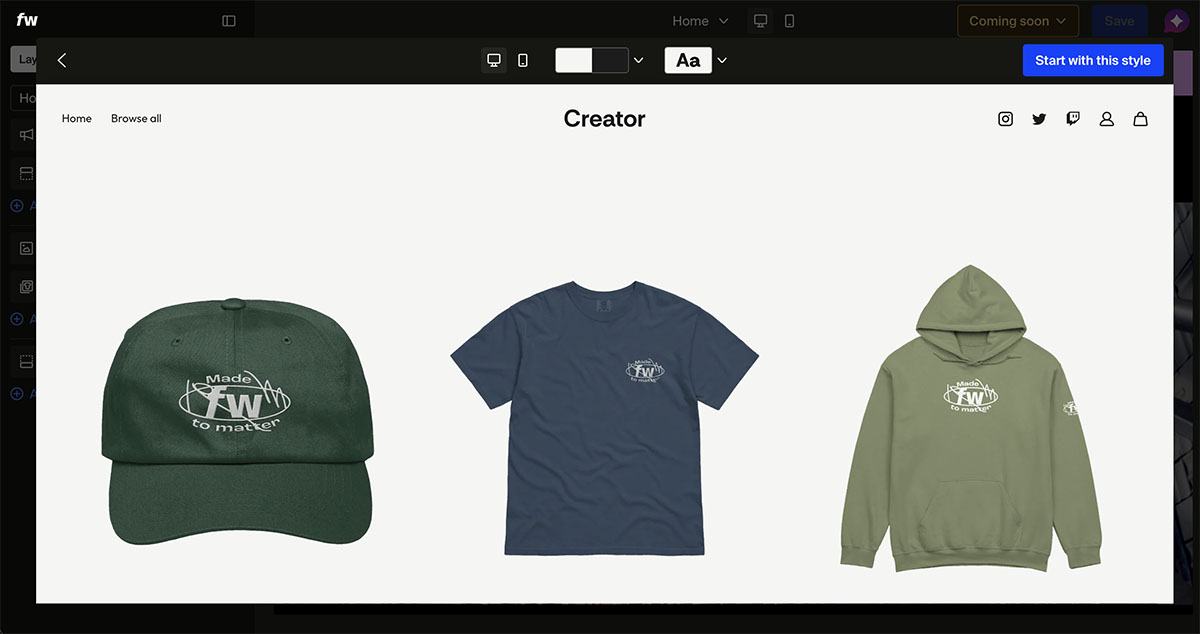
Fourthwall is our recommendation here for creators prioritizing merchandise and catalog fulfillment. You can put the storefront address in your social bio, but that does not make it a traditional link-list tool.
Its free storefront tier lets you build a customizable shop. Our Fourthwall review takes a closer look at the store builder and selling tools. For catalog products, manufacturing costs are deducted from the selling price, and Fourthwall provides fulfillment for those catalog items. This is a different proposition from Lnk.Bio’s stock and shipping controls, where you still need to arrange fulfillment.
Keep the costs separate:
- Catalog merchandise: product manufacturing costs are deducted from the selling price.
- Digital products: 5% platform fee on Free, or 0% on Pro.
- Memberships: 5% platform fee.
- Payment processing: US card processing is typically 2.9% plus $0.30 per transaction; other payment circumstances can differ.
The free storefront is enough to consider for a merch-led launch. If you want Pro specifically to remove digital-product commission, confirm its checkout price before deciding whether the subscription is justified.
Fourthwall can also suit a creator combining merchandise with downloads or paid memberships. That broader shop is its advantage, but catalog fulfillment should not be read as fulfillment for anything you choose to sell.
Choose it when you want help turning creator merchandise into fulfilled orders. Browse these Fourthwall store examples for ideas on presenting your own merchandise. Choose Lnk.Bio instead when you want a compact bio page with shop controls for products you manage yourself. Manufacturing costs, processing charges, and the relevant platform fees still need to leave enough margin at your chosen selling price.
Stan: A digital creator storefront alternative
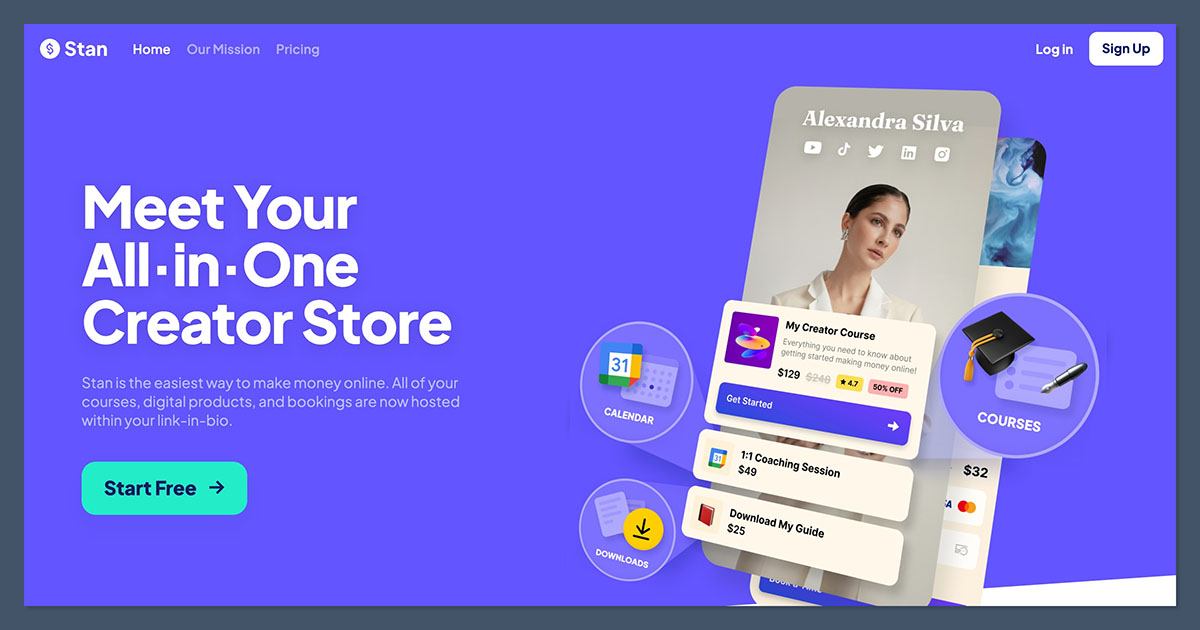
Stan is worth considering if bookings, courses, and subscriptions are the main reason people visit your bio. It is a more storefront-focused choice here, but its subscription starts before you make a sale. Our Stan Store overview covers its core features in more detail.
| Plan | Monthly billing | Annual billing | Main fit |
|---|---|---|---|
| Creator | $29/month | $300/year | Storefront, bookings, courses, subscriptions |
| Creator Pro | $99/month | $948/year | Adds funnels, discounts, order bumps, email, affiliate management |
Stan takes 0% platform commission. That does not exclude payment-processor, payout, international, or currency-related charges.
Choose Creator if its core selling tools cover your offer. Creator Pro needs a clearer justification: identify which added feature you will actually use before accepting the larger subscription. If coaching is your main offer, our Pensight vs Stan Store comparison is also worth reading.
Compared with Beacons Free, Stan requires more upfront commitment. Compared with a basic link-list page, it is a more relevant shortlist option when selling creator services and learning products is the central job.
How to choose a link-in-bio store
Start with your product and payment eligibility, not the page design. A polished storefront is little use if you cannot receive payouts or deliver what the buyer purchases.
Use these checks in order:
- Match the selling workflow. Downloads need reliable delivery and suitable file limits. Physical products need stock, shipping, and fulfillment arrangements. Courses and memberships need the corresponding selling features.
- Confirm payment access. Check your country, payment-provider eligibility, and payout requirements before paying for a plan. A page being accessible worldwide does not establish worldwide seller eligibility.
- Separate the costs. Subscription charges, platform commission, processor fees, and merchandise manufacturing costs are different expenses. A 0% platform fee removes only one of them.
- Identify the work left to you. File delivery, order management, and physical fulfillment are not interchangeable. Decide who handles each part of the purchase.
Compare costs using realistic sales assumptions
Suppose you are choosing between Beacons Free and Creator Plus billed monthly, with hypothetical eligible sales of $500 per month.
| Cost | Beacons Free | Creator Plus, monthly billing |
|---|---|---|
| Subscription | $0 | $30 |
| Platform commission | $500 × 9% = $45 | $500 × 0% = $0 |
| Subscription plus platform commission | $45 | $30 |
Creator Plus is $15 cheaper for that month on those costs alone. Processor charges are excluded from both columns, and the comparison assumes identical eligible sales.
Do not use this calculation as a sales forecast. If sales remain low, Free avoids a fixed subscription; if they increase, the commission-free plan becomes more attractive.
For your own shortlist, write down the actual product, expected sales, delivery requirements, and checkout price. Choose the least expensive suitable workflow, not simply the lowest advertised subscription. If you are still planning your first download, our guide to selling digital products covers product selection, setup, and promotion.
How we selected these platforms
This is a documentation-based comparison, not a hands-on performance test. The ranking prioritizes native selling, product fit, delivery or order management, subscription requirements, platform commission, and payment restrictions.
The 4 ranked picks combine link-in-bio functionality with native selling. Fourthwall and Stan appear separately to help readers whose needs point toward a creator storefront instead. This separates the options by their main use in your business.
The recommendations reflect product fit and operating costs; they do not predict sales or conversion rates.
Prices current as of October 2026.
Frequently asked questions
Does a link to an external shop count as a built-in store?
Not for this guide. A built-in store needs a native product-and-payment workflow, plus delivery or order management. Linking your bio page to an external store may still work well, but the bio platform is not providing the selling workflow.
Are free link-in-bio stores completely fee-free?
No. Free can mean no subscription, while commissions and processing costs still apply. Beacons Free charges a 9% platform fee plus processing. Fourthwall’s free storefront also has product-specific costs and fees. Compare the full cost of a sale, not just the monthly price.
Is Fourthwall a link-in-bio tool?
You can use Fourthwall as your bio destination, but we recommend it here as a creator-storefront alternative rather than a traditional link-list tool. Its strongest fit is merchandise with fulfillment for catalog products, alongside options for downloads and memberships. If you mainly want links with a small shop attached, start with the ranked picks.